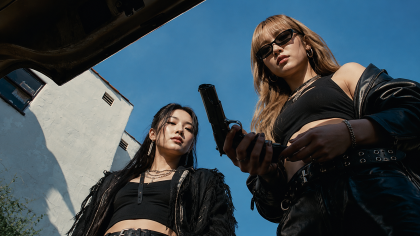
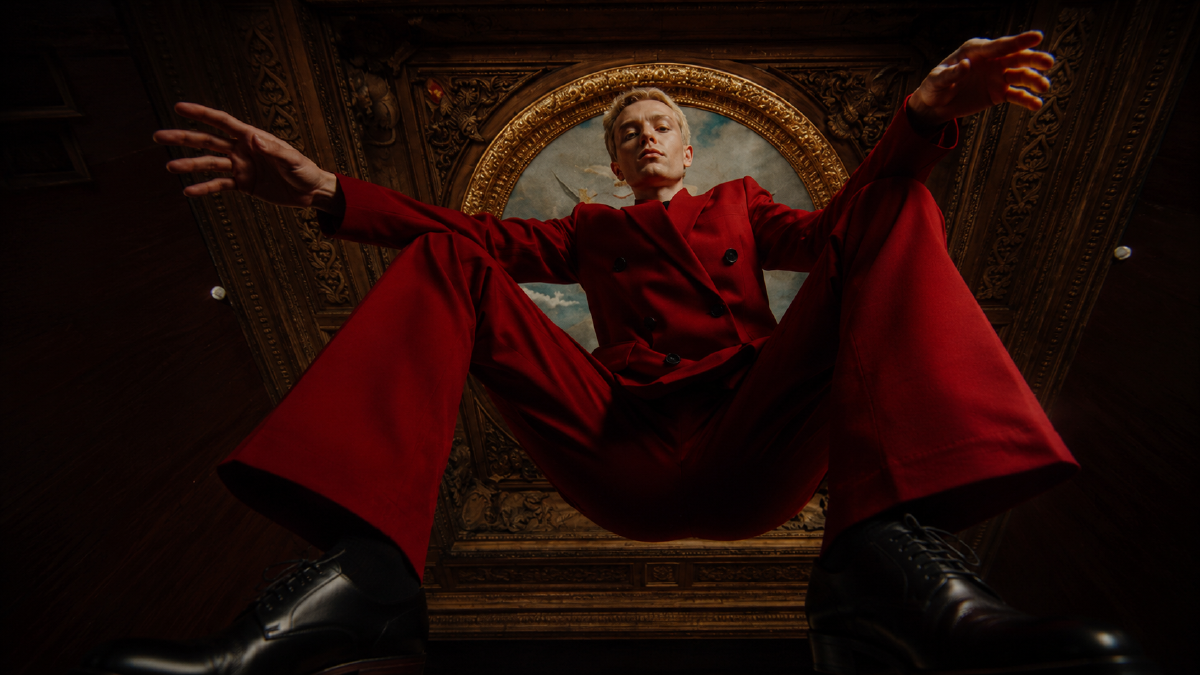
AI camera movement prompts are useful for learning cinematic language. They teach creators the difference between a slow push-in, a pullback, an orbit, a rack focus, a whip pan, a POV shot, and a tracking shot.
But prompt libraries are not the production system.
If a creator has to hand-write camera movement, scene setup, subject action, timing, continuity, and negative constraints for every clip, the product is asking the creator to do the orchestration layer manually. That is not a prompting problem. It is a product layer problem.
A real AI video agent needs a harness: the structured layer around the model that understands the story, plans the shots, preserves continuity, and turns creative intent into executable generation steps.
Quick answer
AI camera movement prompts are not the main product layer for AI video. They are training material for a harness that reads story intent, keeps shot logic and continuity, and turns a scene into executable generation steps. The creator should approve and revise the plan, not manually rebuild the production system with longer prompts.
What is an AI video agent harness?
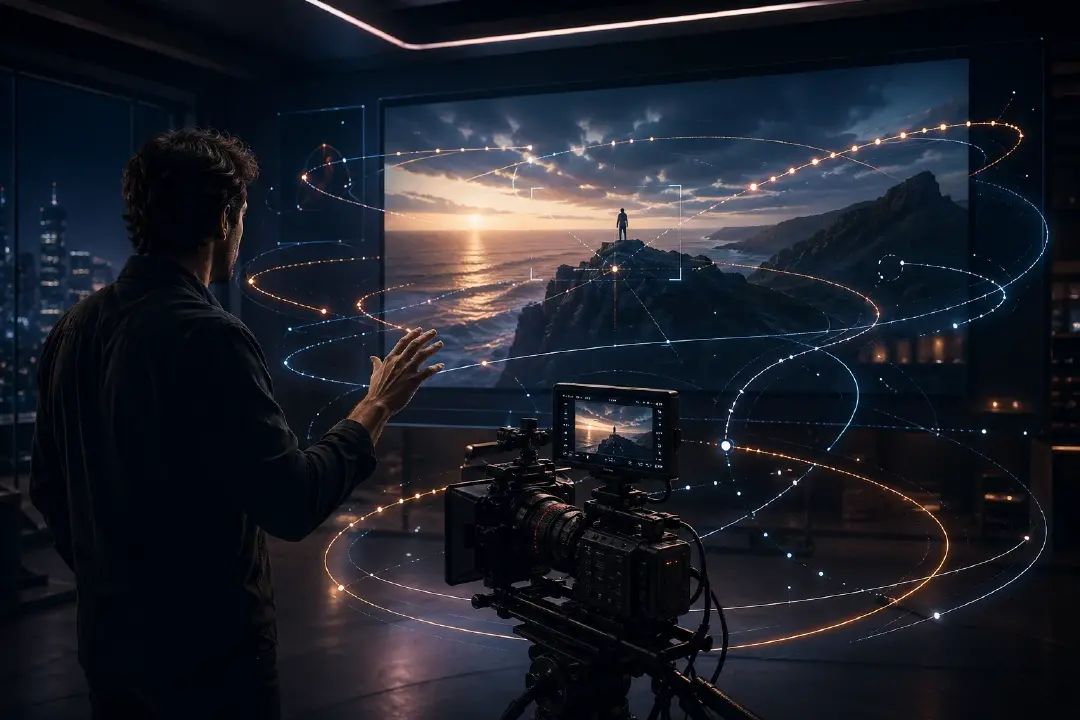
An AI video agent harness is the system layer that sits between the creator's story and the video model. It converts story intent into structured production decisions: scene context, shot order, camera movement, subject focus, continuity rules, generation prompts, and review criteria.
The model still generates the image or video. The harness decides what the model should be asked to make, why that shot exists, how it connects to the surrounding scene, and what must not drift.
For AI video, the harness is not a decorative wrapper around a prompt box. It is the production control layer.
Camera movement prompts solved the first problem
Camera movement prompt guides exist because they are genuinely useful. Runway's Gen-4 prompting documentation treats camera motion as a promptable part of the scene, including locked camera, handheld, dolly, pan, tracking, focus shifts, and independent movement through environments. Runway also maintains a camera terminology reference with shot sizes, angles, focus terms, and prompt examples.
Sources: Runway Gen-4 Video Prompting Guide, Runway Camera Terms, Prompts, and Examples
That is a good baseline. A creator should know what a camera move does.
The issue starts when the prompt library becomes the production interface. A prompt can describe a shot, but it does not know the scene. It does not know that the necklace matters later, that the lead has a wound on the left hand, that this shot is supposed to hide the antagonist until the reveal, or that the next shot needs to preserve screen direction.
A camera prompt gives the model an instruction. A harness gives the production a memory.
The failure mode is specific: the clip may look cinematic but still be unusable. The camera pushes in on the wrong emotional beat, the clue leaves the frame, the actor switches screen direction, or the shot cannot cut to the next panel. That is not a lack of prompt adjectives. It is missing production context.
Why prompt libraries hit a ceiling
A camera movement prompt usually works at the clip level:
Slow dolly forward toward the protagonist's face, stable cinematic camera, shallow depth of field, soft backlight, 10 seconds.
That can produce a pleasing shot. It does not answer the production questions:
- Why is the camera moving in?
- What emotion is the shot supposed to intensify?
- Which subject must stay locked?
- What prop or clue has to remain visible?
- What shot came before this?
- What shot must come after this?
- Should the camera reveal information or conceal it?
- Does this movement match the pacing of the scene?
That is where a video agent harness becomes necessary.
| Prompt library | Agent harness |
|---|---|
| Lists camera moves | Chooses camera moves from scene intent |
| Optimizes one clip | Plans a sequence of connected shots |
| Describes visible motion | Preserves story, subject, prop, and continuity constraints |
| Depends on creator recall | Makes shot logic repeatable inside the product |
| Helps testing | Supports production |
Prompt libraries are excellent for learning and experimentation. They are weak as the main interface for a creator making scenes, episodes, or interactive story worlds.
The harness turns story intent into shot logic
The useful unit is not the prompt. The useful unit is the shot plan.
A shot plan can carry:
- the scene beat
- the subject and action
- the emotional purpose
- the framing choice
- the camera movement
- the timing
- the continuity constraints
- the model-ready prompt
- the review checklist
That structure matters because video generation is not just image quality with motion added. It is time, direction, rhythm, and continuity.
For example, a creator might write:
The white-clad swordsman realizes the jade pendant belongs to the enemy clan.
A prompt box needs the creator to translate that into cinematography.
A harness should be able to propose the shot logic:
| Beat | Shot decision | Camera logic | Continuity constraint |
|---|---|---|---|
| The clue is noticed | Insert shot of pendant | Slow push-in | Dragon carving must be readable |
| The character processes it | Close-up on eyes | Rack focus from pendant to face | Pendant stays in foreground blur |
| The threat enters the scene | Over-the-shoulder reveal | Lateral move past foreground obstruction | Antagonist revealed only after movement |
| The decision lands | Hero medium shot | Slow orbit ending in frontal frame | Sword remains in right hand |
The creator should still be able to edit the plan. But the agent should do the first translation from story to camera language.
The five layers of a video agent harness
A useful video agent harness needs at least five layers.
1. Story memory
The harness needs to know what has happened, who is present, what objects matter, and what emotional turn the scene carries.
For drama production, this means scene maps, cast presence, relationship states, prop trails, reveals, callbacks, and continuity flags. Without story memory, every shot request is isolated.
2. Continuity constraints
The harness needs persistent rules for identity, wardrobe, props, injury states, location, time of day, and scene direction.
This is where a video agent differs from a prompt helper. A prompt helper can produce a beautiful one-off shot. A harness should keep the shot from breaking the story.
3. Shot planning
The harness needs to split the scene into visual beats before generation.
A fight scene, confession scene, reveal scene, chase scene, and product demo should not use the same camera logic. The shot planner decides whether the moment needs a wide setup, insert detail, POV, push-in, orbit, tracking shot, or transition.
4. Camera grammar
The harness needs a camera vocabulary: push, pull, pan, tilt, orbit, crane, handheld, locked, rack focus, match cut, obstruction reveal, POV, aerial reveal, speed ramp, and other movement patterns.
This is where a 104-move prompt library is still useful. It becomes training material for the harness and an editable vocabulary for the creator, not the thing the creator has to manually paste every time.
5. Execution and review
The harness needs to turn the shot plan into model-ready instructions, run generation, then check the output against the plan.
Review cannot only ask whether the clip looks good. It has to ask whether the clip preserved the intended beat, subject, prop, camera move, and continuity rule.
A 12-move camera vocabulary is enough for the first product layer
You do not need to ship 104 camera moves as the first interface. A focused set of representative moves is enough to cover most storytelling jobs:
| Camera move | Best for | Harness-level use |
|---|---|---|
| Slow push-in | Emotional focus | Intensify realization, fear, desire, or recognition |
| Slow pullback | Context reveal | Move from clue or face to the larger situation |
| Locked camera | Tension or evidence | Hold still while action enters or exits the frame |
| Lateral tracking | Movement continuity | Follow a subject without losing geography |
| Orbit | Character emphasis | Show importance, power, isolation, or transformation |
| Rack focus | Attention shift | Move viewer focus from clue to person or person to threat |
| Over-the-shoulder | Dialogue and confrontation | Tie one character's view to another character's reaction |
| Obstruction reveal | Suspense | Reveal the subject by sliding past a wall, shelf, curtain, or door |
| POV | Subjective experience | Show what the character sees rather than what the scene objectively contains |
| High-angle reveal | Vulnerability or scale | Reduce the subject inside a larger space |
| Low-angle push | Power or threat | Make a subject feel dominant, dangerous, or heroic |
| Match transition | Scene change | Use shape, motion, color, or light to carry one scene into another |
The long tail still matters. Fight scenes, fantasy sequences, product shots, dream states, and surreal transitions need more specialized camera logic. But the product interface should start with the camera moves that map cleanly to story functions.
How this changes the creator path
The prompt-first path looks like this:
- Think of the scene.
- Search for camera movement prompts.
- Copy a prompt.
- Rewrite the subject, background, duration, and constraints.
- Generate a clip.
- Realize the shot does not match the story.
- Rewrite the prompt again.
The harness path should look like this:
- Provide the scene or script.
- Let the agent extract beats, subjects, emotional turns, and continuity rules.
- Review the proposed storyboard or shot plan.
- Edit the camera choices if needed.
- Generate from the approved plan.
- Review against the same plan.
The second path is slower at the planning step and faster everywhere else. That is the correct tradeoff for real production.
Where Arcloop fits
Arcloop is a screenplay-first AI video agent. The product direction is not to make creators memorize more prompt formulas. The direction is to give the video agent enough structure to understand the story before it asks a model to render the shot.
In practical terms, the agent needs a harness good enough to understand what the creator means by a scene. It should maintain story intent, shot logic, continuity rules, and executable steps as product artifacts. The creator should not have to repeat that context in every prompt.
In Arcloop, the storyboard agent should absorb the manual prompt work:
- read the scene
- identify the visual beats
- propose the shot order
- choose camera movement from story purpose
- preserve characters, props, and location rules
- turn the plan into generation-ready instructions
- keep the creator in the loop for review and revision
That is why camera movement prompts are still valuable, but only as a layer inside the production system. They should become reusable camera grammar inside the agent harness, not a daily copy-paste burden for the creator.
For the broader production path, read How to Create Your First Episode on Arcloop. For the storyboard layer, read How to Turn a Script Into a Storyboard Grid for AI Video.
What to do with a 104-prompt camera library
A large camera movement library should not be the headline product experience. It should become three things:
- A learning reference for creators who want to understand cinematic language.
- A test set for evaluating how different video models respond to motion instructions.
- A camera grammar layer inside the agent harness, where the product can choose or combine moves based on scene intent.
This is the difference between a prompt pack and a production system.
A prompt pack says: here are 104 things you can paste.
A video agent harness says: here is the shot logic your story needs, and here is how the system will execute it.
Practical checklist for evaluating a video agent harness
If you are evaluating an AI video product, do not only ask whether it can generate a cinematic clip. Ask whether it can carry production logic.
A serious video agent harness should answer:
- Can it read the scene before choosing a shot?
- Can it produce a storyboard or shot plan before generation?
- Can it preserve character identity and prop continuity?
- Can it explain why a camera move fits the beat?
- Can the creator edit the plan before rendering?
- Can the review step compare the output against the intended shot?
- Can the same story memory support covers, promo images, storyboards, and video shots?
If the answer is no, the product may still be useful. But it is probably a video generation interface, not a video agent system.
FAQ
Are camera movement prompts still useful?
Yes. Camera movement prompts are useful for learning cinematography, testing models, and giving the harness a camera vocabulary. They are not enough as the main interface for scene or episode production.
What is the difference between a prompt and a shot plan?
A prompt tells the model what to generate. A shot plan explains why the shot exists, what beat it serves, how the camera should move, what continuity rules apply, and how the output should be reviewed.
Why call this an agent harness?
Because the important work sits around the model. The harness gives the agent memory, structure, constraints, tools, and review criteria so it can turn story intent into executable video steps.
Does Arcloop replace the creator's directing decisions?
No. Arcloop should make the first shot plan easier to reach and easier to revise. The creator still chooses taste, pacing, performance, and final approval.
Should an AI video agent support manual prompts?
Yes. Manual prompting should remain available for expert control. The difference is that manual prompts should be one control surface inside a larger story-aware agent system, not the only way to direct the system.
What should a creator do before generating AI video?
Start from the scene. Extract the beat, subject, emotional purpose, continuity rules, and shot order before generating. A good harness makes that planning step explicit instead of hiding it inside a long prompt.