
Screenplay-first agent guides for script breakdown, character systems, storyboard grids, covers, promo assets, and video-ready planning.
From your first generated outline to a complete video, master the basics of Arcloop.
Build your story universe with a name, premise, and cover image before creation.
Start from characters, an existing script, or a new idea in Story Creation.
Organize storylines, add episodes, and attach characters for production.
Use prompts and toolbars to create, edit, regenerate, and review shot outputs.
Assemble clips on the timeline, refine pacing, and export or publish your cut.
Screenplay-first agent guides for script breakdown, character systems, storyboards, covers, and promo assets.
A screenplay-first AI video agent that turns scripts into world material, character systems, visual boards, covers, promo assets, and video plans.
A screenplay-first agent system for turning scripts into story memory, character systems, visual plans, and video-ready assets.
Prompt libraries teach camera moves. A video agent harness turns story intent into shot plans, camera grammar, continuity, and review.
A human-readable script breakdown guide for testing DeepSeek V4 as long-context story memory.
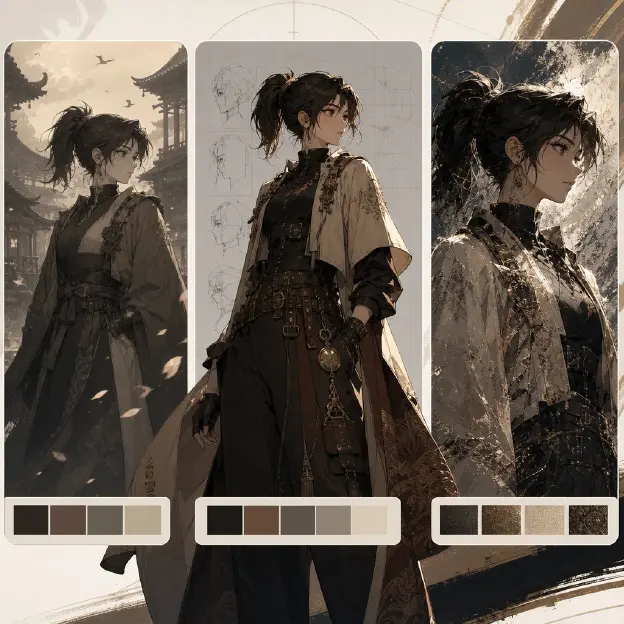
Render approved drama briefs into character sheets, scene setting boards, 3x3 storyboard contact sheets, and shot references.
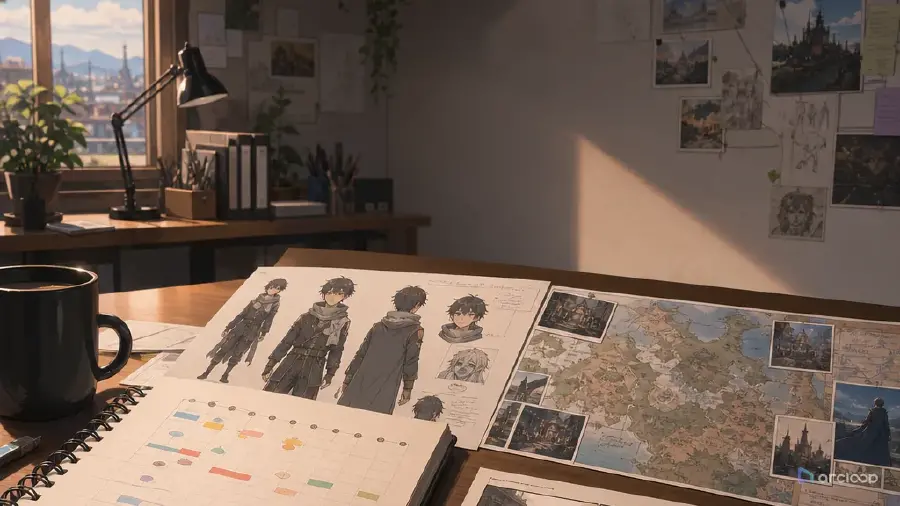
A visual guide to how Hollywood-format scripts become scene lists, cast maps, prop trackers, storyboards, covers, and video-ready agent inputs.

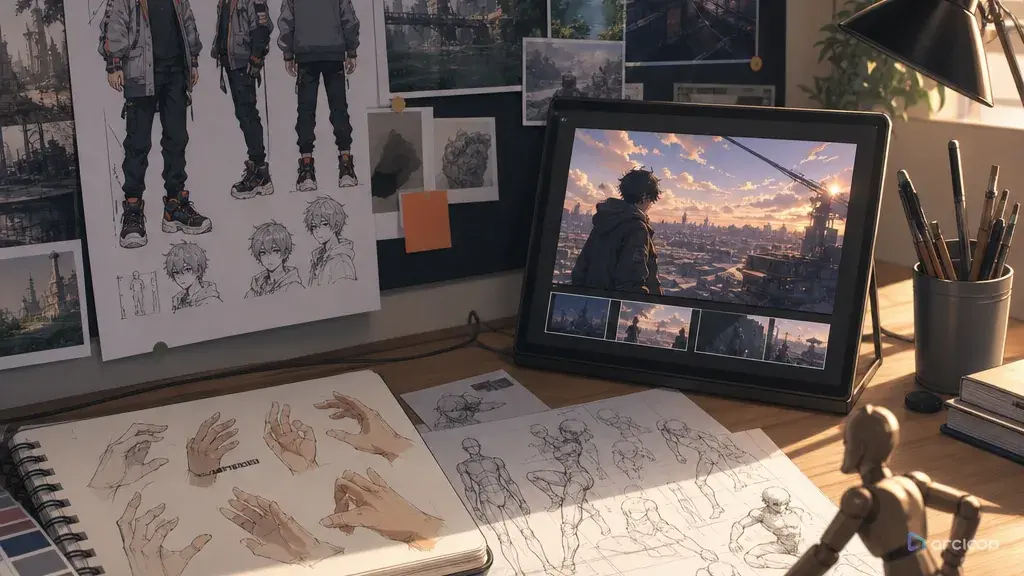
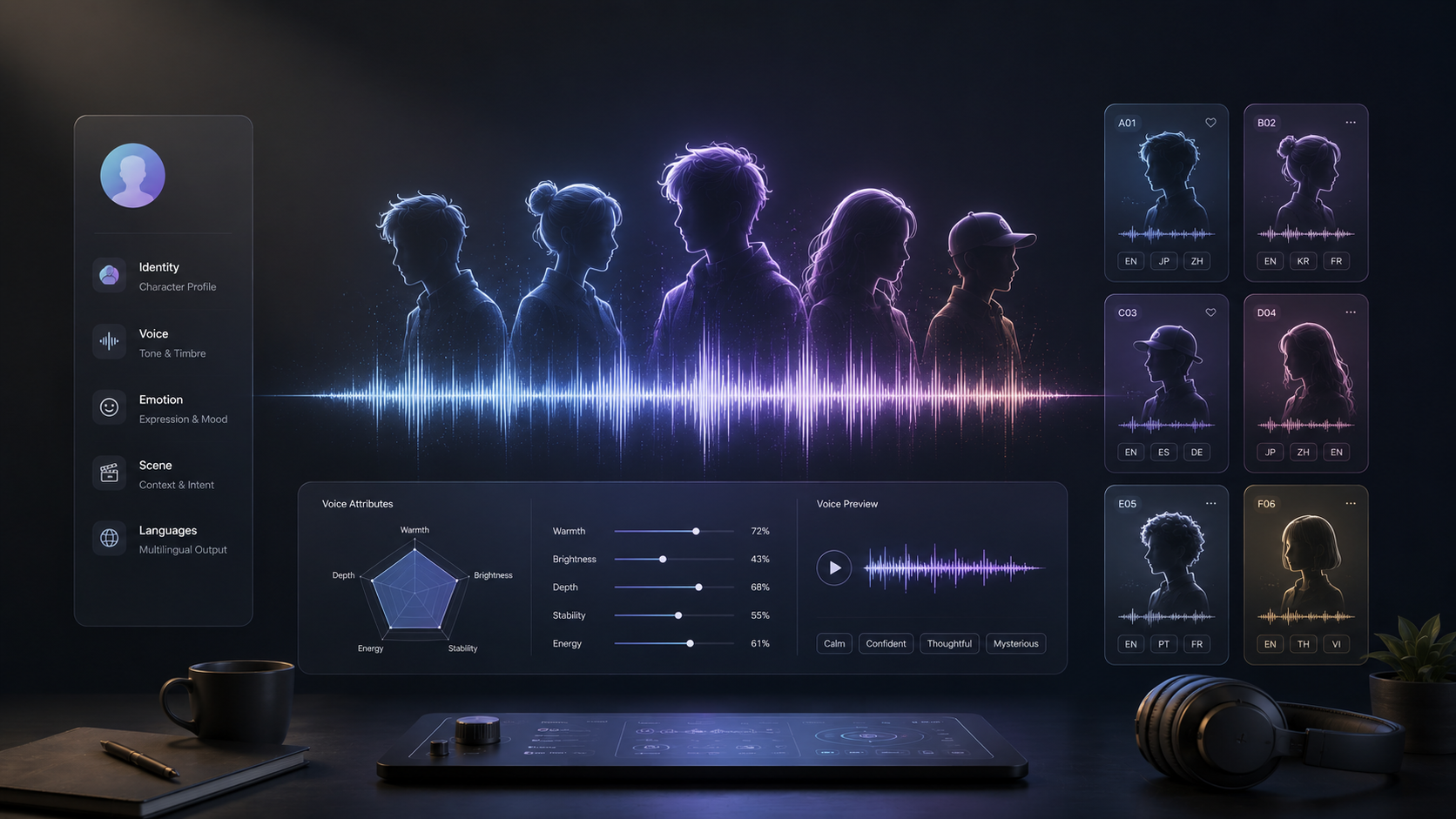
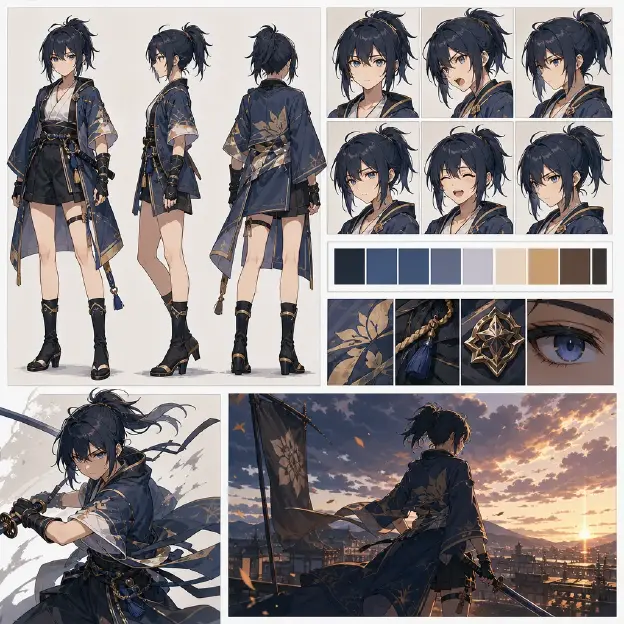
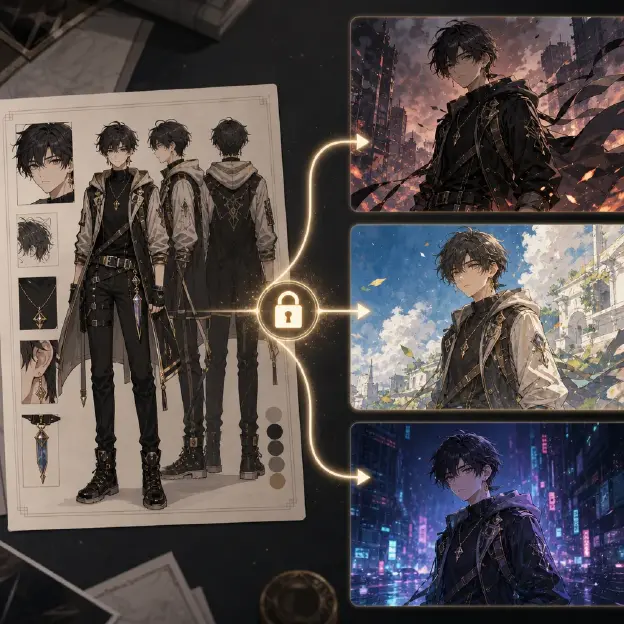
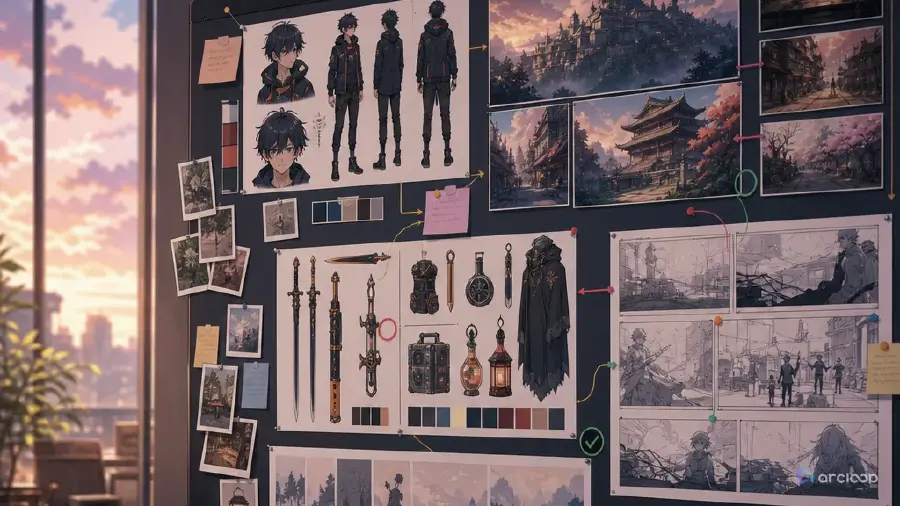
A practical character bible for identity, visual rules, dialogue patterns, continuity, and relationships across screenplay-based drama production.
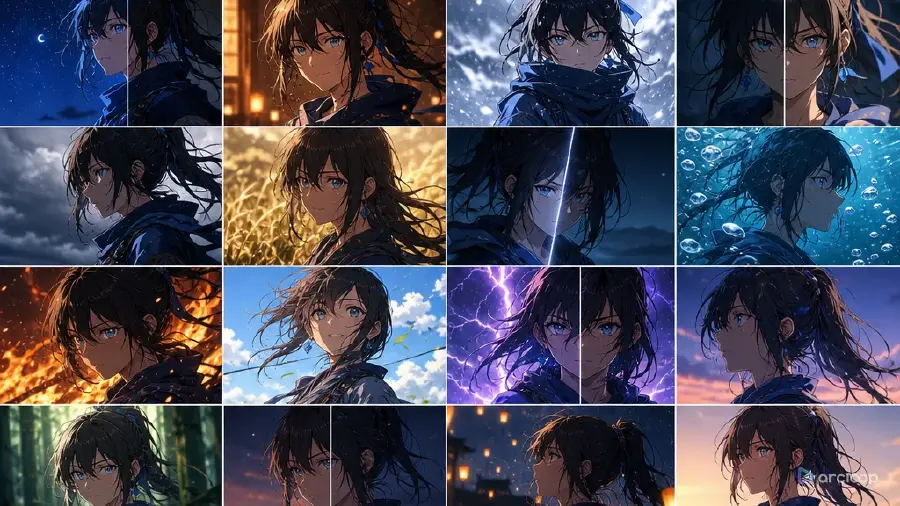
A series cover system for keeping long drama covers visually consistent across many episodes.
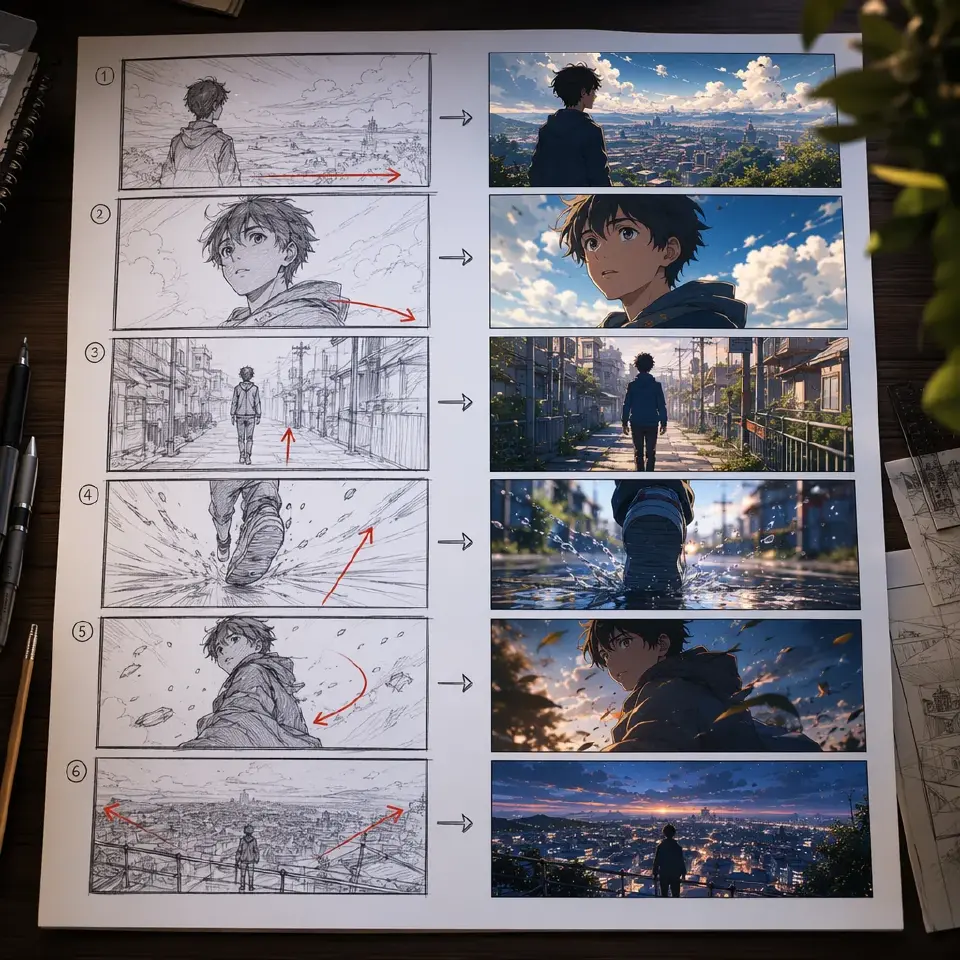
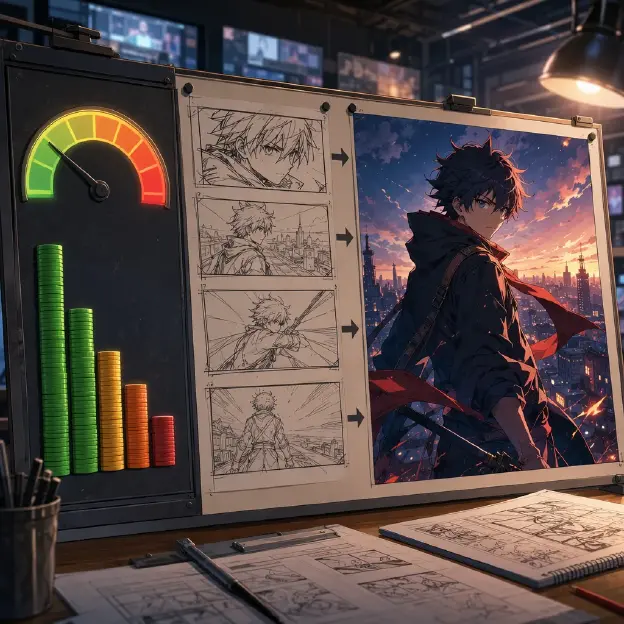
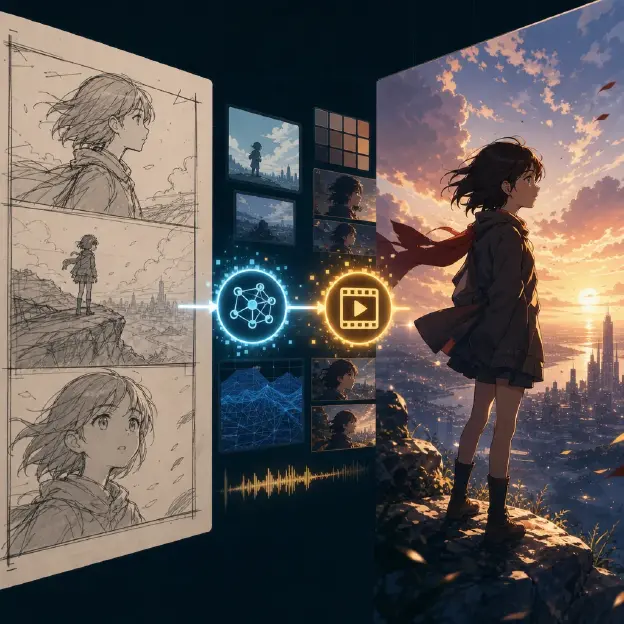
A storyboard grid turns a script into visual beats, framing notes, continuity cues, and reviewable shot order before AI video generation.
Turn drama script hooks into cover briefs, promo images, thumbnails, and teaser assets before generation.
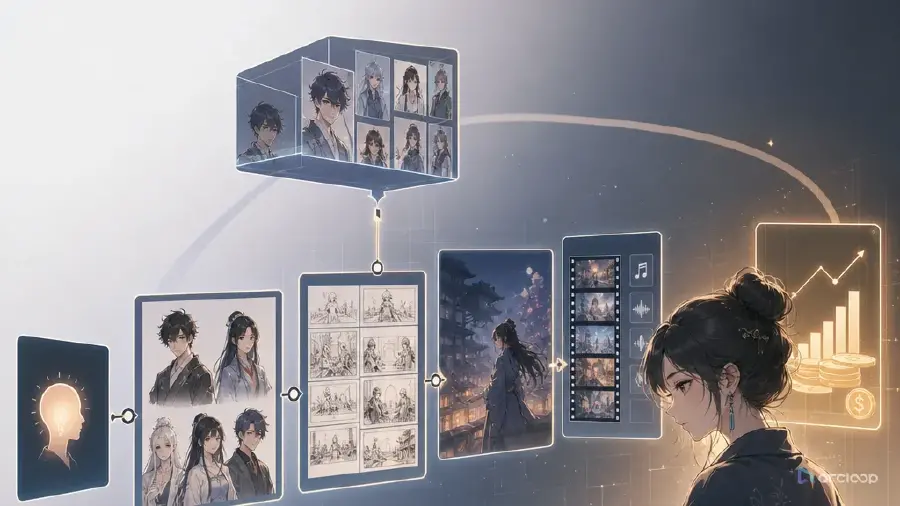
It explains a screenplay-first production path for AI drama: script breakdown, story memory, character bibles, storyboard grids, covers, promo assets, and video-ready planning.
The screenplay carries the scene order, character stakes, props, reveals, and emotional turns. Starting there helps every visual asset stay tied to the story instead of becoming generic AI imagery.
Script breakdown extracts story memory, the character bible locks identity and continuity rules, and the storyboard grid turns scene beats into reviewable shot order before image or video generation.
Yes. The handbook separates cover planning from image rendering: first choose the hook, character conflict, title-safe area, and series rules, then render the approved brief.
No. It is especially useful for anime shorts, manga drama, comic video, and vertical episodic formats, but the same screenplay-first logic can support other visual drama workflows.