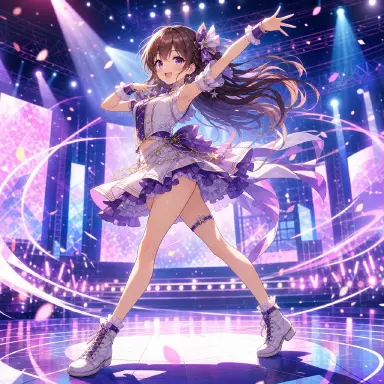
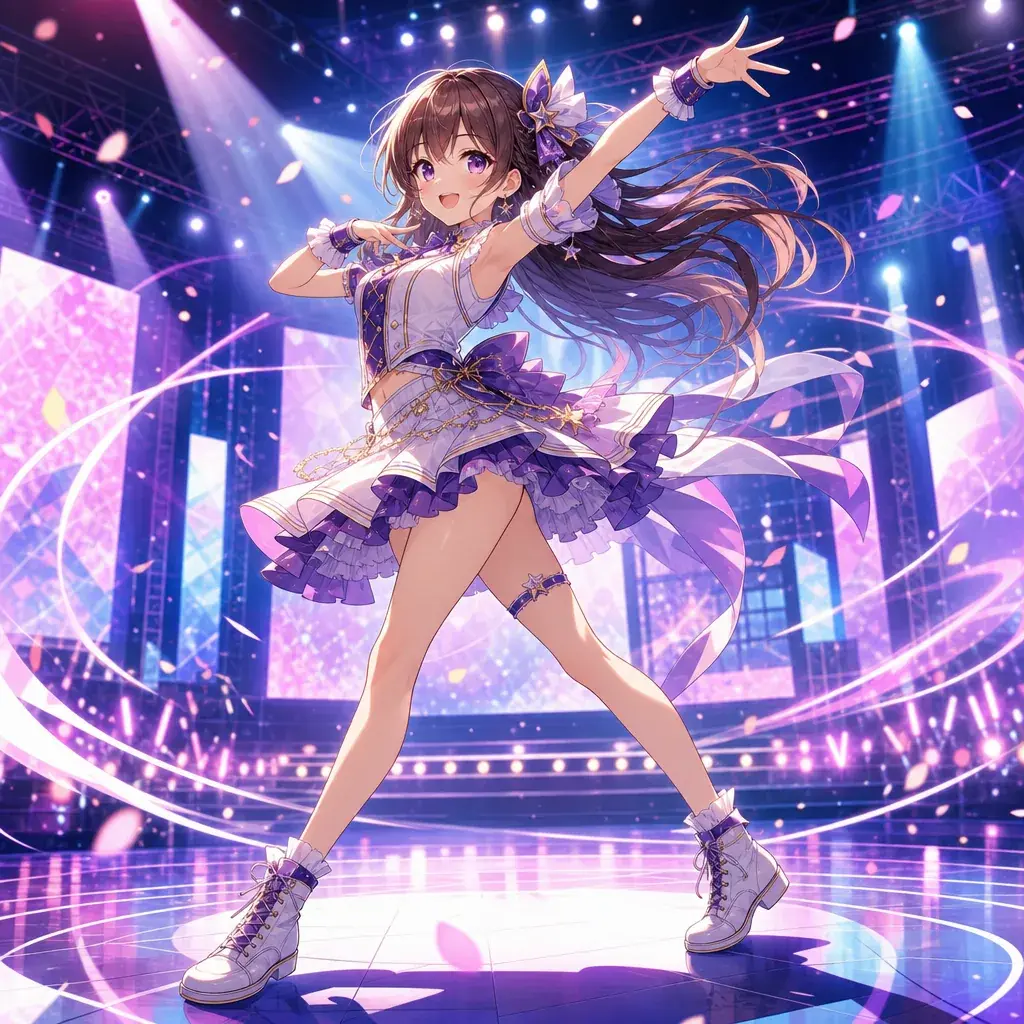
Why 'Anime Girl Dancing' Isn't Enough
Anime dance videos are some of the most rewarding AI video clips to make, but they are also easy to break. Dance requires full-body consistency, readable poses, rhythm, camera discipline, and clothing motion. If the prompt only says "anime girl dancing on stage," the result may look energetic for a second, then drift into unstable limbs, random camera movement, or choreography that has no beat structure.
A good dance prompt works like a tiny choreography brief. It identifies the performer, the stage, the music mood, the sequence of moves, the camera framing, and the style of animation. It also protects the output with boundaries: keep the full body visible, preserve the outfit, avoid extra limbs, avoid sudden costume changes, and avoid camera cuts that hide the motion.
Use this guide when you are making idol clips, music video choruses, dance challenges, fantasy festival scenes, street dance battles, or short character showcases. It explains the core principles, a step-by-step writing method, three complete copy-ready prompts, common mistakes, and FAQ answers. For a controlled motion template, use Single Action Dance Clip.
Rules for Every Dance Prompt
The first principle is full-body readability. Dance prompts should often specify a full-body or knees-up shot because the pose matters. Close-ups can be beautiful, but they hide footwork and arm coordination.
The second principle is beat-based movement. Instead of "dances energetically," describe a short sequence: two steps forward, right-hand point, hip turn, spin, final pose. AI video models respond better to visible actions than abstract rhythm words.
The third principle is camera restraint. If the camera spins while the dancer spins, the result can become unreadable. Use locked camera, gentle push-in, side tracking, or a single clean orbit. Do not ask for constant cuts unless you are generating separate clips.
The fourth principle is silhouette control. Anime dance depends on poses the viewer can read instantly. Wide sleeves, twin tails, skirts, ribbons, jackets, and capes can create beautiful motion, but they should not cover the hands, feet, or face.
The fifth principle is stable identity. Dance clips put stress on character consistency because the body moves a lot. Repeat key anchors: hair color, outfit colors, signature accessory, shoe type, and face style.
The sixth principle is stage context. A dance clip feels stronger when the environment supports rhythm: concert lights, rooftop sunset, arcade floor, festival lanterns, classroom mirror, rain-slick street, or fantasy plaza.
How to Build a Dance Prompt: From Character to Constraints
Start with the performer. Define character type, outfit, hairstyle, and one or two identity anchors. For example: "an original anime idol with pink twin tails, star hair clips, a white-and-blue stage dress, and silver ankle boots."
Add the dance style. Idol chorus, hip-hop, jazz, para para, street battle, festival folk dance, magical girl transformation dance, or upbeat TikTok-style challenge all imply different movement.
Write the movement in counts. For a 5 to 8 second clip, four to six actions are enough. You can write "on beats 1-2," "on beat 3," and "end on beat 8" if rhythm matters.
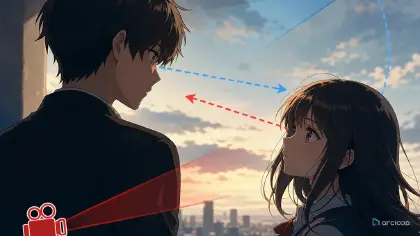
Set camera framing. Use "full-body frontal shot," "knees-up medium shot," "locked camera," "slow push-in," or "side tracking shot." If the dancer must stay centered, say so.
Describe secondary motion. Hair, skirt, jacket, ribbons, stage lights, confetti, dust, or rain can move with the beat. Keep these secondary so they do not overwhelm the choreography.
Add visual style. Mention 2D anime, clean cel shading, music video lighting, crisp key poses, limited animation, or smooth dance motion depending on the desired feel.
End with constraints. For dance, useful constraints include full body visible, no extra arms or legs, no warped hands, no sudden outfit change, no camera cropping feet, no text, no watermark, no photorealism.
After the examples, test the same structure with Single Action Dance Clip before adding more choreography.
Why Pipeline Beats One Big Prompt
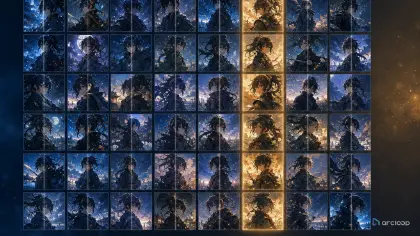
Dance clips are easiest to control when the workflow is split in order: character sheet → storyboard → shot prompt → video. The character sheet protects the dancer's identity, outfit, and silhouette. The storyboard chooses the beat count and the pose changes. The shot prompt turns those beats into a small camera plan. The final video prompt only needs to describe the exact action path, not invent the whole scene at once.
This matters for cost and retry budget. If you ask for a long, high-detail dance clip before the choreography is settled, you spend retries on clips that fail for the wrong reason. A better workflow is to start with a cheap draft: one dancer, one stage, one clean move sequence, one locked camera. Once the motion reads, you can raise polish with better lighting, stronger costume detail, or a more complex background.
Reference choice matters more than stuffing extra adjectives into the prompt. Use the right anchor for the right job. A character sheet keeps the face and costume stable. A pose reference keeps the body language readable. A storyboard keeps the beat order intact. If all three are forced into one vague line, the model has too many competing instructions and the dance often drifts.
Action drift is the other failure to watch. A dance prompt should still behave like a choreography brief, not a list of random moves. One main move, plus two smaller secondary motions, is usually enough for a short clip. If the prompt asks for spins, jumps, hand gestures, hair flips, crowd interaction, and camera orbit all at once, the result usually gets messy. Keep the central action clean and let the clothing, hair, and lighting carry the energy.
Example 1: Idol Chorus Dance
Create a 7-second 2D anime idol dance video in a bright concert stage style. Performer: an original anime idol with pink twin tails, blue star hair clips, a white-and-blue stage dress, fingerless gloves, and silver ankle boots. Use a full-body frontal shot with the dancer centered and visible from head to feet. Choreography: beats 1-2, she steps forward twice while raising both hands from waist to shoulder height; beat 3, she points her right hand toward the camera and winks; beats 4-5, she spins once to the left, twin tails and skirt following the motion; beats 6-7, she lands in a stable final pose with one hand over her heart and the other extended outward. Camera stays mostly locked with a very subtle push-in. Bright cyan and pink stage lights sweep behind her, confetti falls slowly. Clean cel-shaded anime style, crisp key poses, cheerful idol energy. Keep outfit, hair clips, face, and body proportions consistent. No extra limbs, no cropped feet, no text, no watermark, no 3D render.
This prompt works because the dance has a countable structure. The model knows when to step, point, spin, and land.
Example 2: Street Dance Battle
Generate a 6-second anime street dance battle clip with bold 2D cel shading. Performer: a confident teenage dancer with short silver hair, red bomber jacket, black crop top, loose navy pants, white sneakers, and a small lightning patch on the jacket. Setting: neon-lit arcade plaza at night, reflective floor, spectators blurred in the background. Camera: low full-body three-quarter view, locked position, dancer remains centered. Choreography: she starts in a crouched pose, pops her shoulders twice, slides one foot to the side, swings her right arm across her chest, then snaps into a sharp freeze pose facing camera. Add jacket fabric bounce, sneaker slide marks, neon reflections, and subtle crowd light movement. Style should feel like an anime music video with crisp silhouettes and readable limbs. Keep the same jacket, patch, hairstyle, and sneakers throughout. Avoid camera shake, avoid motion blur hiding hands, avoid extra arms or legs, avoid photorealism, avoid text.
This example uses a locked camera because street dance needs readable body mechanics. The environment moves through lights and reflections instead of camera chaos.
Example 3: Fantasy Festival Dance
Create an 8-second 2D anime fantasy festival dance scene. Performer: a young shrine dancer with long black hair tied with red ribbons, amber eyes, a red-and-white festival kimono with shortened sleeves for movement, and simple wooden sandals. Setting: night festival courtyard with lanterns, paper charms, and a small crowd watching softly in the background. Camera: medium full-body shot from the front, slight slow push-in, keep both hands and feet visible. Choreography: she raises a folded fan above her head, turns gracefully to the right, opens the fan as her sleeve trails behind, takes two small steps forward, then lowers the fan in front of her face and reveals a gentle smile. Hair ribbons, kimono sleeves, lantern flames, and paper charms move with the rhythm. Use elegant 2D anime line art, warm lantern lighting, soft painted background, graceful timing. Keep her kimono pattern simple and consistent. No extra fingers, no hidden hands, no modern stage lights, no 3D render, no text, no watermark.
The prompt keeps the dance culturally inspired without overloading details. It asks for a simplified kimono pattern because complex patterns often drift during motion.
Ways Dance Clips Break
The biggest mistake is leaving choreography undefined. "Dancing beautifully" can produce motion, but it rarely creates a clip that feels editable or repeatable. Give the model a move sequence.
Another mistake is cropping the body. Many dance outputs become waist-up clips unless you request full-body framing. If footwork matters, say "head to feet visible" and "no cropped feet."
Creators also ask for too much camera movement. A dance clip already has motion. Let the body carry the energy, then use lighting, stage effects, and subtle camera movement as support.
A fourth mistake is making costumes too complicated. Long capes, layered chains, giant sleeves, and detailed patterns can become unstable during spins. Use one dramatic moving element and keep the rest readable.
Finally, do not combine unrelated dance styles in one short clip. Idol point choreography, breakdance floorwork, ballet turns, and festival fan dance all have different body language. Pick one.
FAQ
How do I make an AI dance video match music?
Write choreography in beats or counts, then edit the generated clip to the track. If exact sync is critical, generate shorter clips with clear start and end poses so they can be timed more easily.
Should I use full-body framing for every dance prompt?
Use full-body framing when choreography or footwork matters. For emotional music video moments, a knees-up or close-up shot can work, but it should be a separate shot rather than the main dance prompt.
How can I reduce warped hands and extra limbs?
Use simpler poses, keep hands visible, avoid multiple dancers unless necessary, and describe one clear movement at a time. Add constraints such as no extra arms, no warped hands, and no motion blur hiding fingers.
Can you use AI to make anime dance videos?
Yes. The best results usually come from a structured pipeline rather than one giant prompt. Lock the dancer with a character sheet, sketch the beat sequence in a storyboard, convert that into a shot prompt, and keep the motion to one main move with two supporting movements.
How do I make an AI dance video feel professional?
Start with a short draft that is cheap to rerun. Keep the body fully readable, reduce camera movement, and keep the choreography simple enough to survive generation. Once the clip works, improve the outfit, lighting, and background instead of adding more movement.