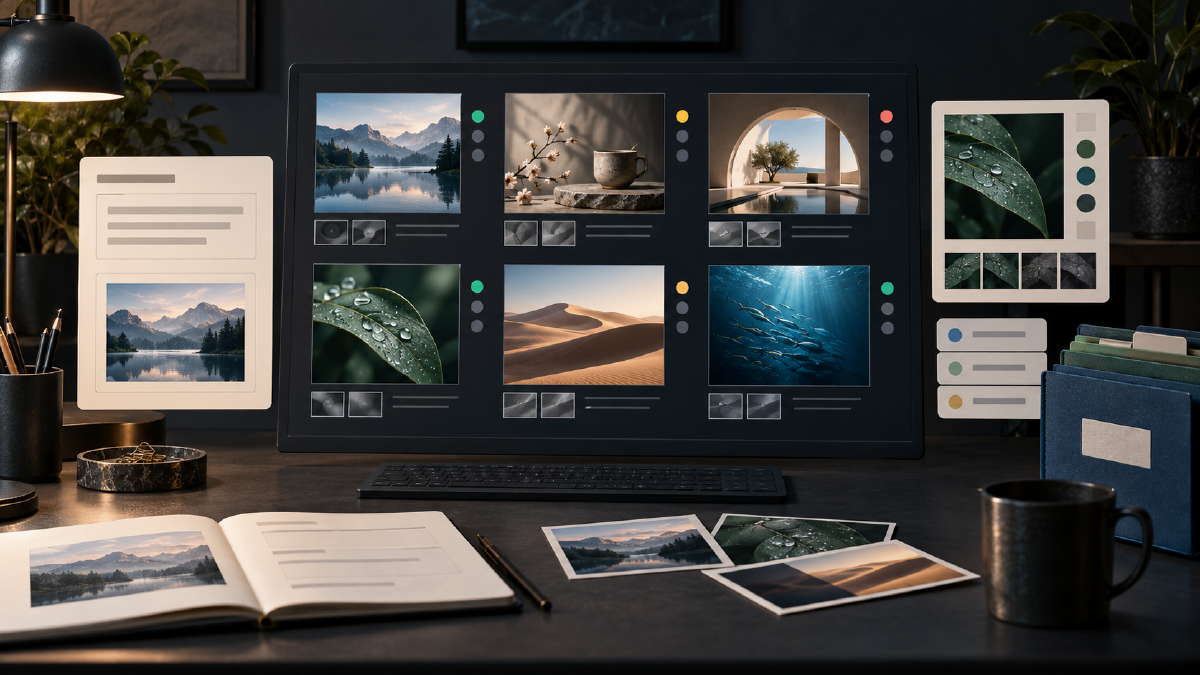
Core idea: control, reproducibility and review. Save the reference, instruction, output and review result for every delivery. That record becomes the starting point when you later change a title, scene or product color.
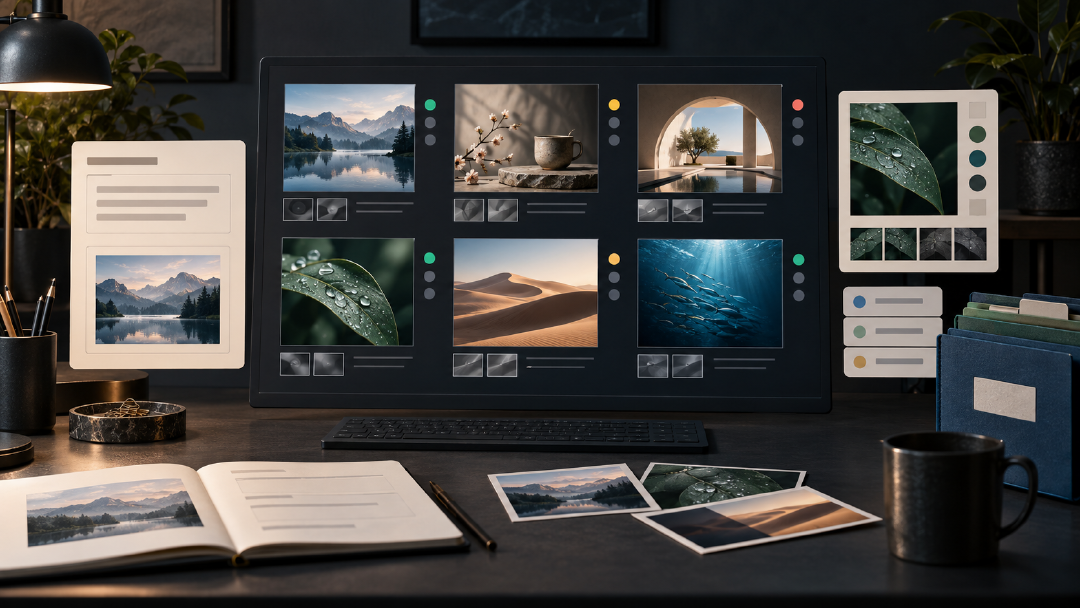
Compare with fixed tasks
Choose three tasks close to your business and run each one three times as a small-sample check. Keep every output and mark which image entered delivery rather than storing only the best result.
| Test | Preserve | Pass condition |
|---|---|---|
| Move a character | Face, hair, clothing | Identity remains recognizable; clothing does not drift |
| Recolor a product | Silhouette, mark, position | Only the requested color changes |
| Two-line title | Characters, hierarchy | Exact copy and readable thumbnail |
| Sketch-led layout | Position, depth order | Subject and negative space follow the sketch |
| Transparent object | Structure, edge | Real transparency works on several backgrounds |
Record the model you actually used
Save the model name shown in the interface, the date and visible parameters. If no precise version is displayed, write “not shown in interface.” Sharpness and file size are not reliable model identifiers.
A prompt archive preserves the task structure
Task: travel mug / desk scene / version 1
Reference: product-master-v1.png
Interface model: enter the model shown for this run
Goal: create a desk-use lifestyle image
Preserve: body proportion, lid, handle, coating and badge position
Change: background, ambient light and supporting objects
Output: enter the actual aspect ratio and dimensions
Review: product complete; badge correct; unobstructed; coherent light and shadow
Result: pass / repair / reject, with the reason
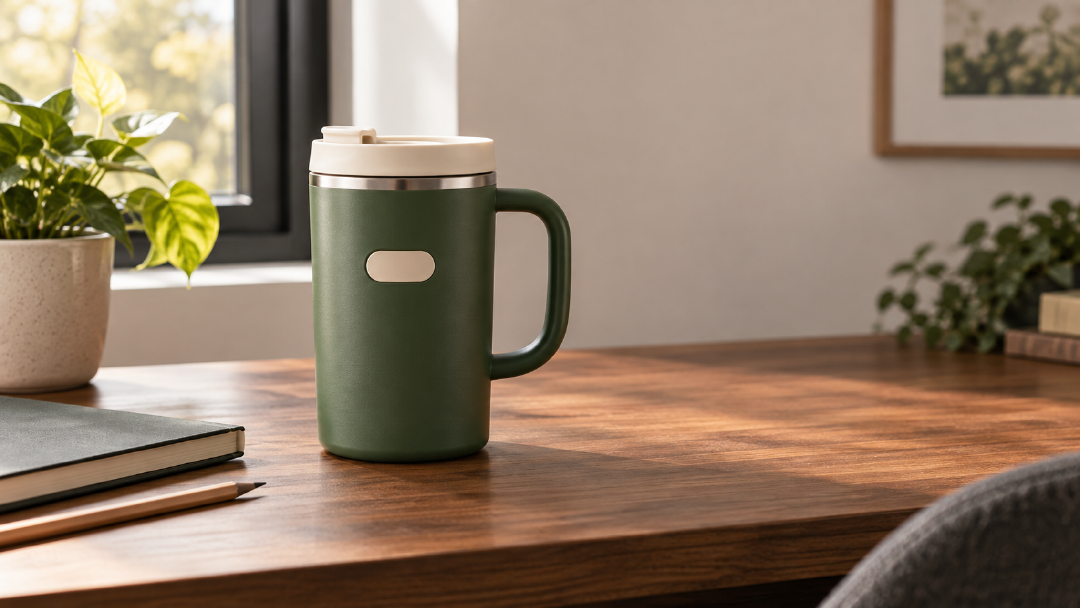
Save images and assets in Arcloop and keep the task fields in a document or table. The connection between a reference and its output is more useful than repeatedly adding “final” to filenames.
Change only the failed part
If the subject is correct and the copy is wrong, repair the copy. If identity fails, return to the character master. If composition fails, provide a layout reference. If transparency fails, inspect the background step and file format.
Fix only one issue in this round: the second title line contains extra characters.
The second line must contain only “Episode Three,” with no extra spaces, punctuation or words.
Keep the person, background, main title, composition, color and title-block position unchanged.
If the person cannot be preserved, prefer an output with no second title line.
Build a team task library
Keep one passing task for character, editing, product, typography, sketch, sequence and transparent-asset work. Every record should name the input reference, allowed changes, locked elements and pass conditions. A complete package includes passing images, failed images, references and prompts; failed outputs tell the next operator what to repair.
Separate hard requirements from preferences
The value of a fixed test is that two runs change only one variable. When comparing models, keep the reference, prompt, aspect ratio and quality constant. When comparing prompts, keep the model and reference constant. If model, reference and layout all change at once, the cause of any improvement is unknowable.
Before review, define hard requirements and acceptable variation. Product images usually treat silhouette, badge position and color as hard requirements. An atmosphere poster may allow background variation while keeping character identity and title exact. One failed hard requirement returns the image; preferences only rank candidates. Write observable failure notes such as “lid became taller” or “title gained one character,” rather than “it feels wrong.”
For every test, store an input checksum, full prompt, model and visible settings, start time, output filename, decision and reviewer note. In a team, add operator and reviewer. A simple table with stable columns is sufficient.
Review one image in a fixed order
- Task completion: confirm subject, scene and action.
- Locked elements: compare identity, proportion, badge and structural details with the reference.
- Copy: inspect every character, number, mark and capital letter.
- Structure at full size: check fingers, handles, edges, reflections and occlusion.
- Readability at delivery size: reduce the image to the actual card or feed size.
- File delivery: verify ratio, pixels, color mode, alpha and naming.
This order maps each failure to the next action. Stop aesthetic debate once a hard condition has failed, and never let an attractive style hide incorrect copy or file format.
Protect an approved baseline
Split every archived task into locked and variable fields. Locked fields include product proportions, character identity, brand colors and exact copy. Variable fields include background, action, time and supporting objects. For a reuse, change only variable fields and repeat the locks in the prompt. If the new job changes a locked field, duplicate the task as a new baseline instead of overwriting the approved one.
When a repair introduces another defect, save it as a failed version and return to the latest known-good image. Repeated edits on a failed output accumulate identity, proportion and color drift. Record which version started the round, what single item changed and whether it passed.
| Failure | Return to | Next action |
|---|---|---|
| Character identity drift | Character master | Restate face, hair and clothing locks |
| Product structure drift | Approved product image | Lock silhouette, lid, handle and badge |
| Copy error | Latest structurally correct image | Repair only the specified copy |
| Layout drift | Layout sketch | Mark subject box, title zone and negative space |
| Edge or transparency failure | Clear object before cutout | Repeat background processing and multi-color review |
Maintain and hand off the task library
Retest a focused set when a model entry, key parameter or business rule changes: one identity task, one product edit, one typography task, one layout and one transparent asset. Expand only after the core set passes.
A final package should contain references, outputs-pass, outputs-fail and prompts, plus a manifest connecting task IDs to filenames. Failed images define the boundaries of the workflow and should not be discarded. Ask someone who did not operate the generation to perform a final spot check; they are less likely to see the expected prompt instead of the pixels actually present.