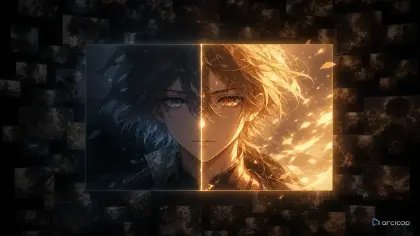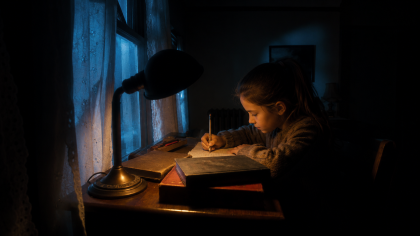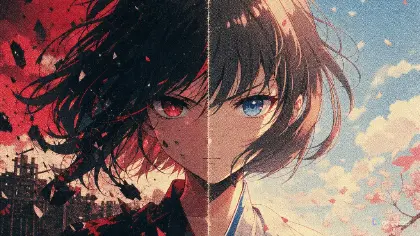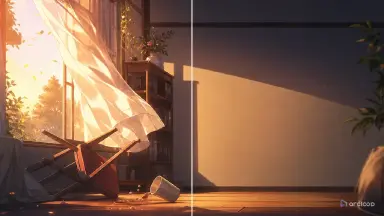
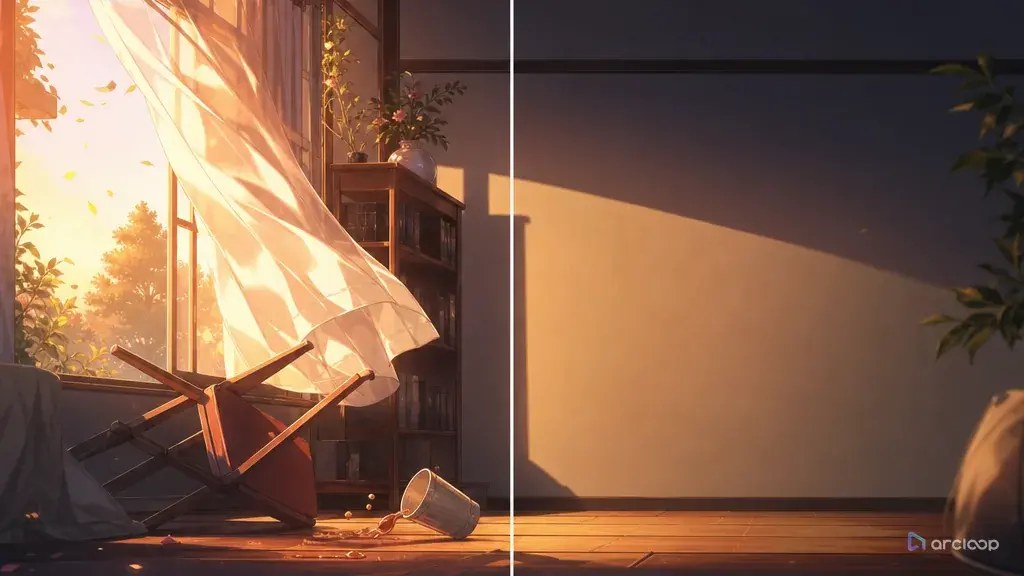
Omission That Intrigues, Not Confuses
Omission fails when the audience cannot tell the difference between mystery and missing information. A creator cuts the villain's face, removes dialogue, hides the location, and asks for a quiet anime scene. The result looks moody for three seconds, then the viewer has no idea what changed, why the character froze, or what they are supposed to wonder about.
Good omission is more precise. It withholds one piece of information while giving the audience enough evidence to feel the gap. A closed door matters because we hear the latch. A missing family photo matters because the dust outline remains on the shelf. A character's apology matters more when the shot never shows the person receiving it.
AI anime prompts need that precision because generative systems tend to fill empty space. If you simply say "leave it ambiguous," the output may invent extra symbols, add explanatory text, or show the secret too early. Decide up front what the shot description will show, what it will only imply, and what it must never invent — write the boundary into the shot itself, not just your head.
Use ArcLoop Worlds when the withheld detail belongs to a larger setting, Storyboard Continuity when the reveal is spread across multiple shots, and three-shot continuity template when you need a visible plan for clue, pause, and payoff.
Rules for Deciding What to Withhold
Omit one important answer at a time. If the scene hides who spoke, where the character is, what object matters, and why the character reacts, the audience does not participate; they detach. Choose the missing answer and support everything around it.
Replace explanation with evidence. A prompt should not say, "The heroine has a tragic past" and then hide all proof. Show the cracked nameplate, the unused second teacup, the practiced smile, or the hand stopping before a doorbell.
Keep the character's action readable. Omission can hide backstory, motive, identity, or consequence, but the visible action still needs to make sense. The character must pick up, avoid, cover, pause, return, or misdirect something on screen.
Use framing as a story tool. A cropped face, blocked doorway, off-screen voice, reflection, foreground object, or empty chair can all withhold information. Name the camera choice clearly so the model does not "help" by showing the secret.
Control the reveal schedule. Decide whether the withheld information returns in the next shot, the next episode, or never, and note that decision in the Story Outline so later shot descriptions across episodes don't accidentally give away what this scene is protecting.
Avoid false minimalism. Removing color, movement, dialogue, and props at the same time often makes a shot dull rather than subtle. Keep one active clue and let the rest of the frame stay quiet.
How to Plan an Omission: From Hidden Truth to Shot
Start by writing the full truth into the Story Outline, even if no shot will show it directly. You cannot omit what you haven't defined — the outline should know the answer even when the current shot doesn't.
Choose the audience question. Good omission creates a focused question: "Who left the cup?" "Why did he stop before the gate?" "What did the letter say?" Write that question on the shot card.
List what the shot must show. Include the character, location, action, emotional shift, clue, and continuity anchors. These are the visible supports that keep the omission fair.
List what the shot must not show. Be blunt: do not show the letter text, do not reveal the sender's face, do not show the monster, do not display the missing photo, do not add explanatory captions. Negative boundaries are useful here because omission is easy to break.
Build the clue chain. A single withheld detail may need three beats: an establishing clue, a reaction, and a delayed consequence. Use storyboard cards so each beat has a job and the secret does not leak early.
Generate a small batch of variants and review for fair curiosity. Reject shots that reveal the answer too soon. Also reject shots that hide so much the audience cannot form the intended question.
After approval, mark the withheld detail in the Story Outline. The next shot prompt should know whether it may continue hiding the answer, hint harder, or reveal it.
Here is how the omission workflow maps to ArcLoop's actual steps.
Open your IP Project and go to Story Outline. Write the full hidden truth as a private story note inside the relevant episode paragraph — double-click to edit, and it saves automatically. This is where the project knows the answer even when the shots don't.
Go to My Assets and confirm your character exists as a character asset with at least one bound Main image. If @Haru Nelas doesn't have a reference image yet, upload the image to Library, open the asset, and bind it. Now every shot that uses @Haru pulls that visual identity without you re-describing his hair or cardigan.
Open the Episode and click Generate Shots. In each shot card, write only what this shot adds: camera position, the single action, the visible clue, and the negative constraints (what must not appear). Use @Haru Nelas in the description rather than a physical description — the asset handles continuity, the shot description handles the omission rule.
Generate the image first to check framing, clue placement, and whether anything in the frame accidentally reveals the withheld answer. If a generated take adds an unwanted prop — a framed photo, a name on a cup — write the correction directly in that shot card and regenerate. Use AI Chat Panel for batch work: "Generate videos for Shots 1, 2, and 3." once the images are approved.
In Edit, review the sequence in order: visible action, intended audience question, clue fairness, withheld detail. Export only after confirming no frame leaks the answer ahead of schedule.
Keep the Answer in the Outline, the Clue in the Shot
Omission is a continuity problem: the missing information has to stay known to the project even while it's invisible to the viewer. Put the full truth in the Story Outline, then put the visible clue — and when it gets revealed — in the shot description for that shot card.
Use Storyboard Prompt Guide to split a secret into beats instead of forcing the entire mystery into one prompt. Use continuity checklist when a hidden prop, off-screen person, or delayed reveal must stay consistent across several generated clips.
The story outline, character assets, and shot descriptions for a scene all live in the same project as the generated takes, so you're not cross-referencing separate documents. That matters for omission because a voice line, a prop placement, or a final-frame crop can accidentally reveal the answer — checking the shot against its own description catches that before it goes out.
Review omission shots in this order: visible action, intended question, clue fairness, withheld detail, continuity, then polish. A beautiful silent shot fails if viewers cannot tell what they are meant to wonder about.
Example 1: Omission Plan for the Empty Teacup
Shot card — Episode 1, Scene 3: Omission setup for the empty teacup.

@Haru Nelas stands at the counter of a cliffside kitchen at sunrise. Lock camera at medium distance from the kitchen doorway, table centered in frame. Two cups on the table: one steaming beside him, one untouched across from the empty chair. A faded blue ribbon is tied to the chair back, swaying in sea wind from the north window. Haru's expression is practiced and quiet. Do not show the sister's face, any written text, a flashback, or a photograph. The clue is the second cup and the ribbon — nothing else explains the absence. Reveal timing: question only, no answer this shot.
The plan defines the hidden truth but keeps the generated scene focused on one fair question.
Example 2: Shot Generation With a Withheld Answer
Shot card — Episode 1, Scene 3: Generate a 7-second clip.

@Haru Nelas pours tea into his own cup at the kitchen counter, pauses, then turns and pours a smaller amount into the untouched cup across the table without looking at it. His smile surfaces for half a second, then fades as the curtain lifts in sea wind. Locked medium shot from the doorway, table centered, @Haru on the left, empty chair on the right. Clean cel-shaded style, pale sunrise palette, soft kitchen shadows, gentle steam from both cups. The faded blue ribbon on the chair moves slightly. No text, no flashback, no additional figure, no memorial shrine, no camera cut to a photograph.
This prompt gives the audience evidence while protecting the withheld answer.
Example 3: Controlled Revision When the Secret Leaks Too Early
Shot card — Episode 1, Scene 3: Revise take TO-03.

Keep: @Haru Nelas character design, kitchen layout, two cups, blue ribbon on chair, sunrise palette, locked doorway camera, quiet steam, tea-pouring action, duration, and lighting. Single change: remove the framed photo of a girl from the table. Replace it with a dust-free rectangular outline on the wall where a frame used to hang — same visual weight, no explanation. Do not add any new prop, written note, face in reflection, or text overlay. Review test: the viewer should ask who the second cup is for, not immediately know the answer.
The revision does not make the shot emptier. It swaps an answer for a clue.
Ways Omission Breaks
The biggest mistake is confusing hidden with absent. If the prompt hides the secret but gives no clue, viewers cannot participate. They can only wait.
Another mistake is letting the model invent the reveal. If the story says not to show the sender, photograph, monster, or culprit, the prompt needs direct boundaries.
Creators also overload quiet scenes with symbols. A cup, ribbon, rain, broken mirror, clock, flower, and locked box in the same shot create noise. Pick the clue that carries the intended question.
A fourth mistake is hiding the character's action. Omission works best when the visible action is simple and readable: pouring tea, folding a letter, returning a key, stepping around a doorway.
Finally, do not withhold stakes forever. Even if the full answer remains delayed, the audience needs some consequence: the character lies, leaves, hesitates, protects, or loses time because of the missing information.
FAQ
What should an omission plan include?
Include the full truth for internal planning, the audience question, visible clues, forbidden reveals, character anchors, reveal timing, and review test. The shot can hide the answer while the project still knows it.
How do I know if a scene is too vague?
Ask what question the viewer should form. If several unrelated questions compete or no question appears, the scene is too vague. Add one stronger visible clue or clearer character action.
Can omission work in short AI anime clips?
Yes, but the missing answer must be focused. A 6 to 8 second clip can raise one question through a prop, gesture, crop, or reaction. Larger mysteries need storyboard continuity.
How does ArcLoop help with delayed reveals?
Write the full truth into the Story Outline and keep the character assets and shot descriptions in the same project as the generated takes. The hidden detail stays tracked there even when the current shot doesn't show it, so later shots can reference it consistently.
Should I use dialogue in an omission scene?
Use dialogue only if it adds pressure without explaining the secret. A line like "You still make two cups" may be stronger than a full backstory, but the visual clue should carry the scene first.