Introduction
A short drama can survive a rough background longer than it can survive confusing voices. Three characters share a scene, but their voices were never set on the character assets, so two roles end up sounding alike, the heroine's face and age drift between cuts because she was never built as one persistent asset, and nobody can tell which take was approved. The edit starts to feel pasted together even if the images look good.
Multi-character text to speech needs a script-first plan before final video. Open a creative world, use AI Short Drama guides to keep dialogue tied to shot cards, and connect recurring roles with Character Sheet References so the same face carries the same voice logic.
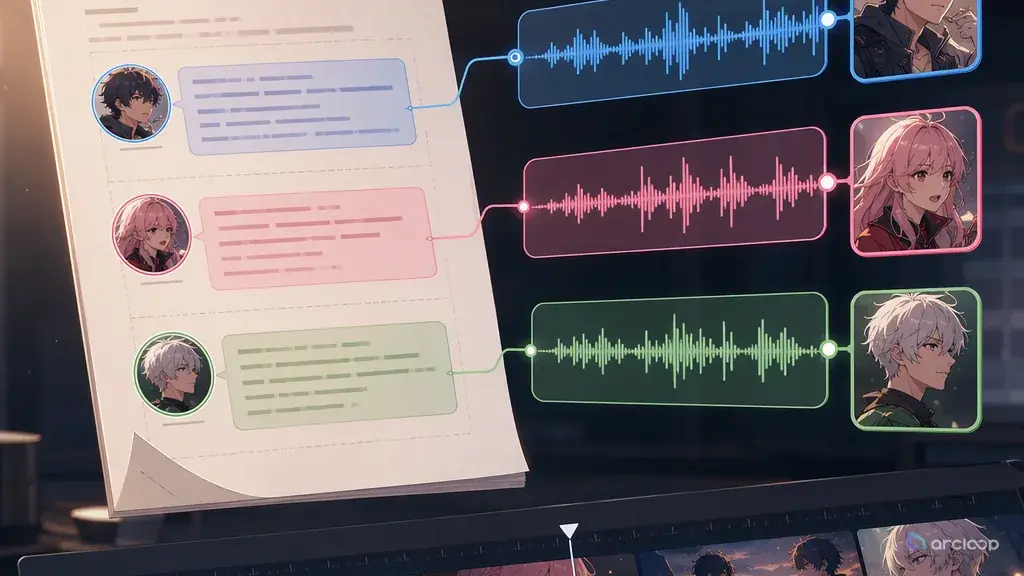
Each role gets a voice lane: speaker ID, age impression, texture, pace, emotional range, pronunciation notes, and continuity warnings. Then the shot list can decide which lines need lips, which lines sit over reactions, and where silence should hold the beat.
Why Voice Needs Its Own Lane
Voice is not just audio decoration. It tells the audience who has power, who is lying, who is hiding pain, and who changes. In short drama, where scenes move quickly, voice may carry more context than exposition.
A voice lane keeps performance stable. It defines how a character sounds when neutral, angry, afraid, joking, whispering, or breaking down. It also defines what should not change: age impression, accent choice, speaking speed, breathiness, pitch range, and emotional ceiling.
Voice lanes also prevent speaker confusion. If the script has three women in one room, the generator needs speaker IDs and distinct performance notes. "Female voice 1" and "female voice 2" are not enough. Each voice should match the character's role, status, and emotional function.
Dialogue placement matters too. Some lines should be on camera. Some are stronger over a reaction shot. Some should start off screen before the character enters. If TTS is created after video, the edit may not have enough silence or face time to hold the performance.
Script-First TTS Workflow
Start by extracting all dialogue from the script. Keep speaker names, parentheticals, pauses, interruptions, and emotional context. Do not flatten the lines into narration.
Create voice lanes for recurring characters. For each lane, write speaker ID, base voice, pace, emotional range, stress behavior, pronunciation notes, and forbidden drift. Tie the voice lane to the same character ID used by the visual reference library.
Mark line placement. Decide whether each line is on-camera, off-camera, voiceover, phone audio, memory audio, or under a reaction shot. This affects shot duration and camera.
Generate draft voices before final video. A rough voice pass can reveal that the scene needs longer pauses, fewer lines, or a different shot order. It is cheaper to fix timing before polished render.
Review voices across scenes. Listen for continuity. Does the lead still sound like the same person in scene three? Does the villain's public voice differ from private voice intentionally? Do emotional peaks happen at the right moments?
Approve voice before final cut. The final video should support the approved performance instead of forcing the voice to fit random clip timing.
Match Voice to Shot Coverage
The same line can need different video coverage depending on its function. A confession may belong on the speaker's face because the mouth, eyes, and breath matter. A lie may work better over the listener's reaction because the audience needs to watch doubt form. A threatening line may start off screen so the entrance feels heavier.
Plan this before TTS finalization. If a line is on camera, the shot needs enough stable face time and mouth-friendly framing. If a line is off screen, the shot can focus on hands, props, or reaction. If a line comes through a phone, the voice lane should include compression or distance notes without changing the speaker identity. Voice planning is therefore also camera planning.
This is why multi-character TTS belongs inside the production workflow rather than after it. The voice tells the cut where to breathe.
Example 1: Voice Lane Spec
Create multi-character TTS voice lanes for this short drama episode.

Characters:
MAYA, 27, courier, controlled under pressure, hiding grief.
LEO, 30, husband, warm when defensive, avoids direct answers.
AVA, 26, sister, bright public tone, sharp private anger.

For each character, output:
- Speaker ID
- Base voice description
- Pace and pause rules
- Emotional range
- Line delivery risks
- Pronunciation notes
- Forbidden drift
- Example delivery for one neutral line and one emotional line

Rule:
Keep each voice lane stable across scenes unless the script explicitly calls for disguise, phone distortion, or memory audio.
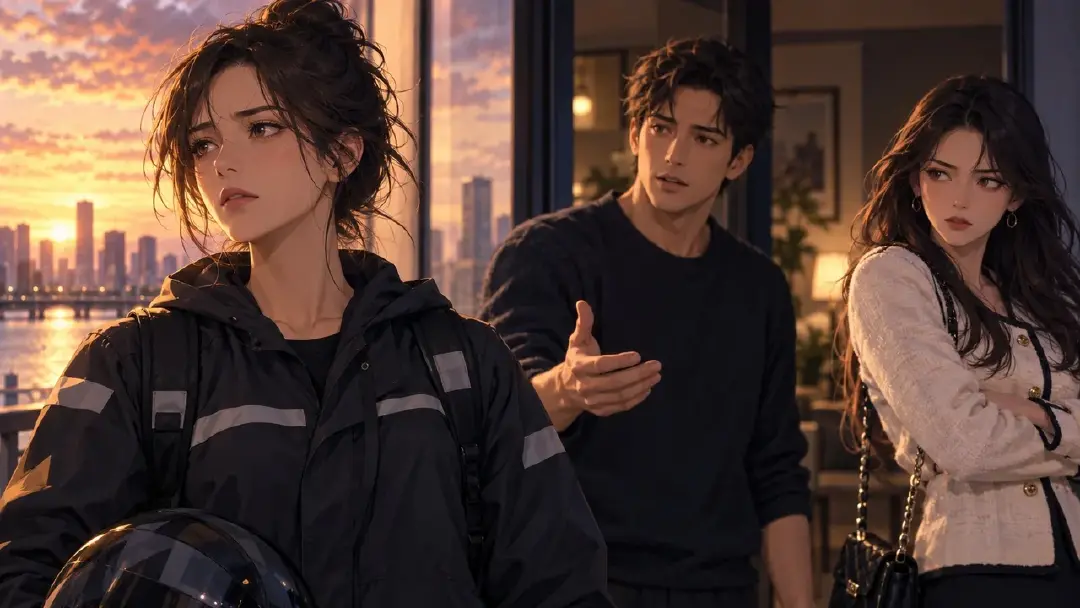
This creates voice continuity before the episode is cut.
Example 2: Dialogue Timing Plan
Scene: elevator confrontation

Line plan:
LEO, off camera, low defensive pace:
"You were not supposed to see that."
Placement: start over close-up of Maya's hand holding the contract. Do not show Leo yet.

MAYA, on camera, quiet controlled voice:
"That is the first honest thing you said tonight."
Placement: tight close-up, 0.4 second pause before "honest."

AVA, phone speaker, bright tone turning cold:
"Maya, are you with him right now?"
Placement: phone audio under Maya reaction shot. Slight compression to signal phone source.

Cut rule:
Hold silence for 0.7 seconds after Ava's line before the elevator doors open.
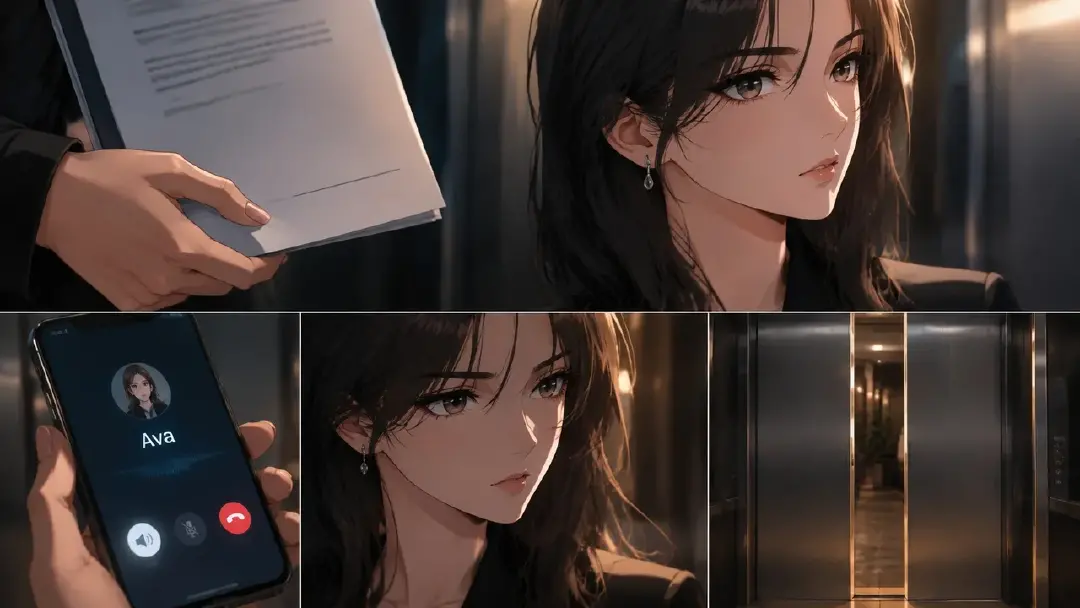
This plan links voice, camera, and edit timing.
Example 3: Voice Continuity Review
Review the draft TTS pass for multi-character continuity.

Scenes:
S01 apartment discovery
S02 elevator confrontation
S03 rooftop decision

Check:
1. MAYA keeps the same low, controlled voice across all scenes.
2. MAYA's emotional break appears only in S03, not in S01.
3. LEO's defensive pace speeds up in S02 but does not change age or pitch identity.
4. AVA's phone voice remains recognizable after compression.
5. No speaker lane swaps between reaction shots.
6. Pauses leave enough room for the planned close-ups.
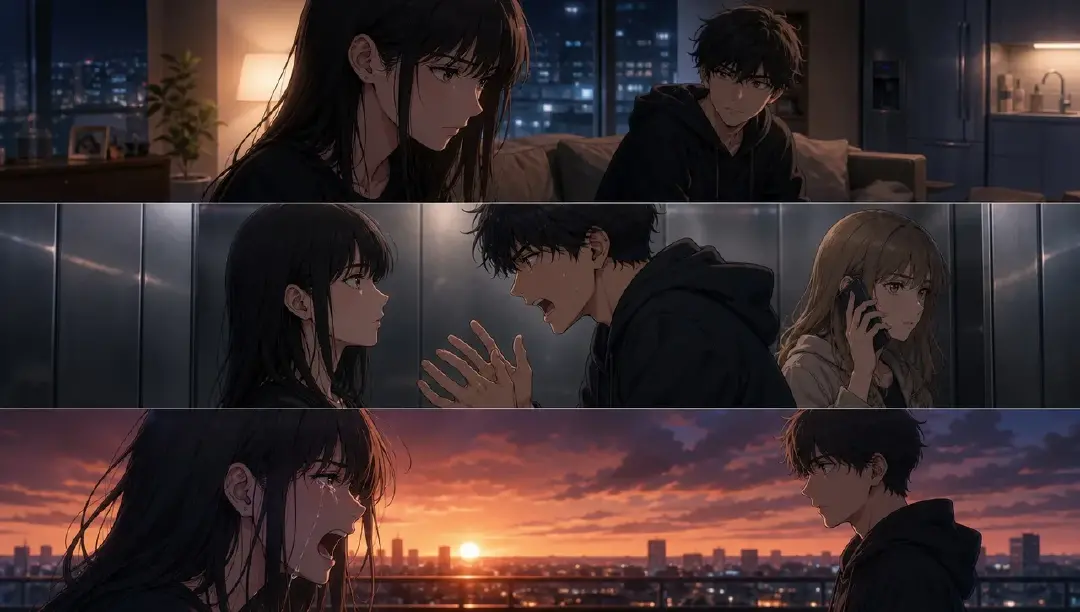
This review catches voice drift before final assembly.
Common Mistakes
The biggest mistake is generating voices after the edit is locked. Dialogue timing should shape the edit, not fight it.
Another mistake is using similar voices for similar characters. A cast needs contrast in pace, texture, rhythm, and emotional behavior.
Creators also forget off-screen lines. Off-screen voice can create tension, but it must still be tied to a speaker ID.
Finally, do not overact every line. Short drama needs peaks and restraint. If every line sounds like a climax, the real climax has nowhere to go.
FAQ
How many voice lanes does a short drama need?
Create one lane for every recurring speaking role, plus separate lanes for narrator, phone audio, memory audio, or disguised voice if the script needs them.
Should I generate voice before or after video?
Generate a draft voice pass before final video. It helps set shot duration, reaction timing, pauses, and cut points.
How do I keep voices consistent across episodes?
Reuse speaker IDs, voice descriptions, pace rules, pronunciation notes, and emotional limits. Review new lines against the approved voice lane before final mix.