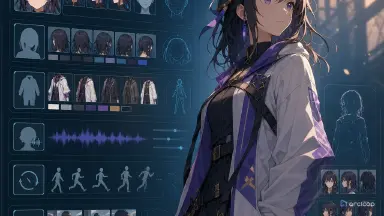
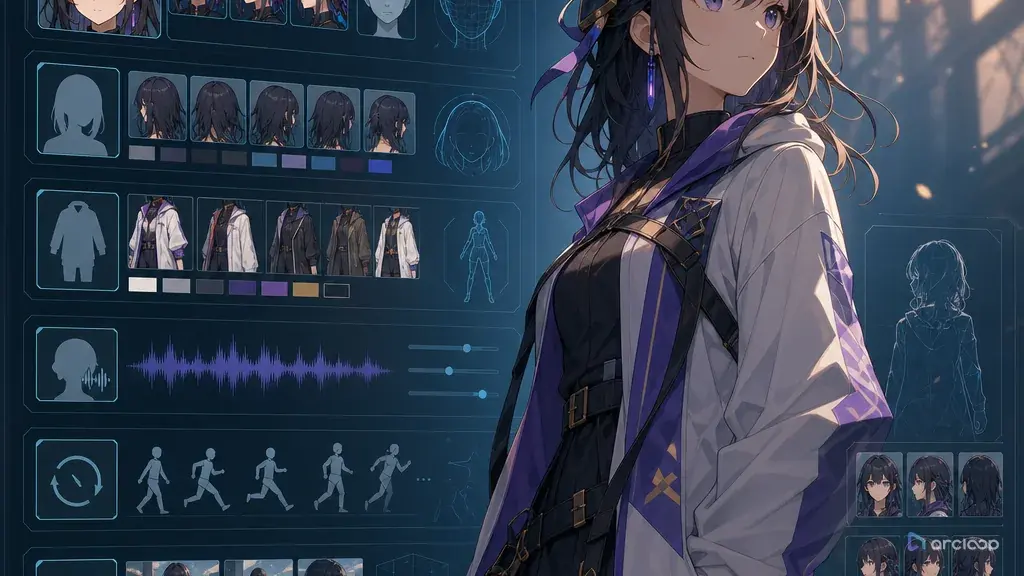
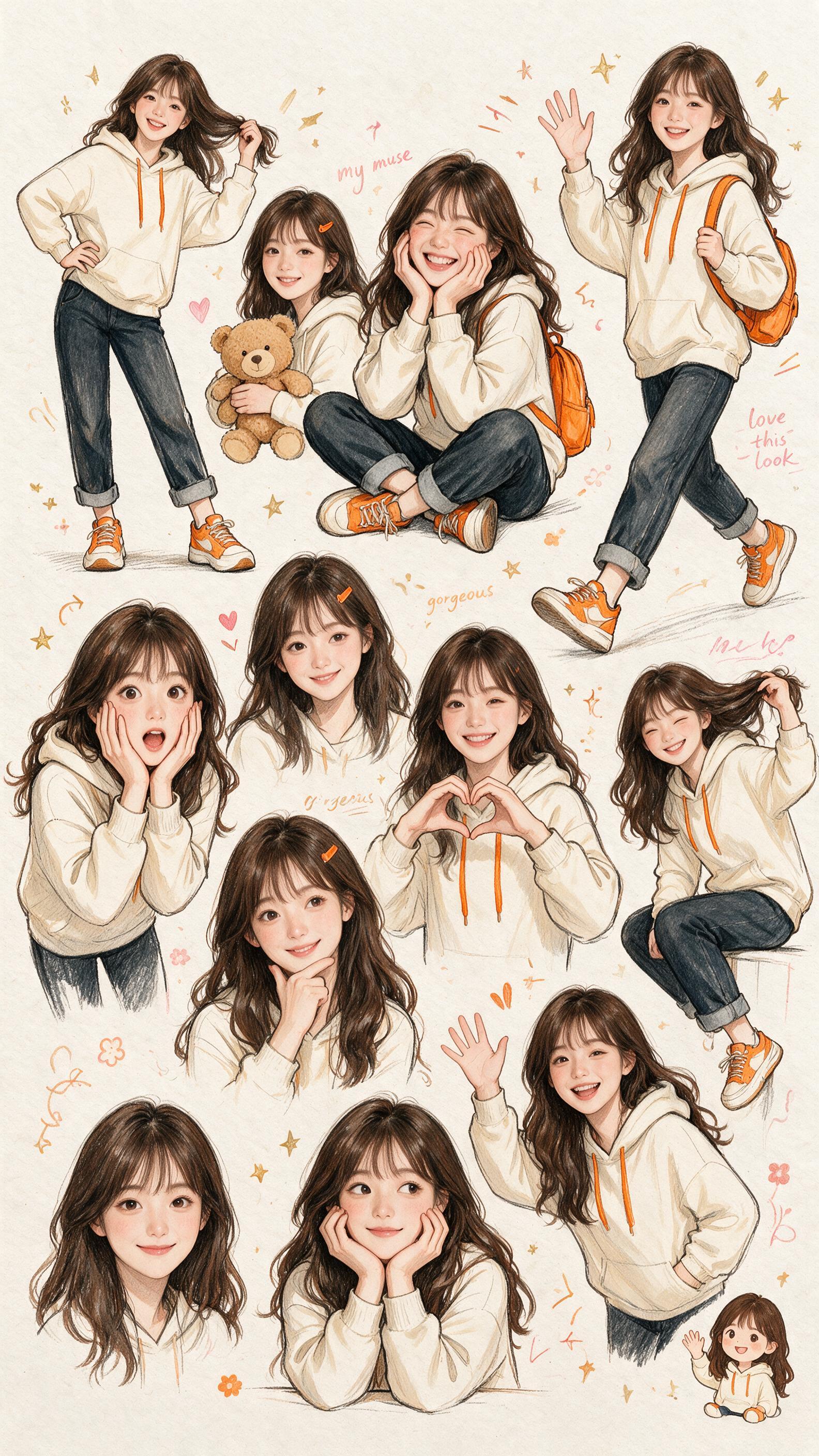
Introdução
Um perfil de personagem não é um documento de lore. É um objeto de produção. Se ele diz apenas "garota corajosa com cabelo azul, estilo fantasia", pode inspirar uma imagem, mas não vai proteger o personagem ao longo de um Storyboard, troca de roupa, linha de voz, close, cena em grupo e passagem de revisão.
A descrição estruturada de personagem está se tornando uma conversa prática porque os criadores continuam esbarrando no mesmo limite: fragmentos de prompt são difíceis de reutilizar. Uma nota de corpo fica em um lugar, uma nota de rosto em outro, o figurino é reescrito a cada cena e a direção de voz não tem conexão estável com o personagem visual. O resultado é um personagem que parece redesenhado cada vez que a câmera se move.
A solução não é um perfil gigante com todos os campos possíveis. Isso seria burocracia. A versão útil é um conjunto compacto de campos de perfil de personagem que separa o que precisa ficar fixo do que pode mudar por Shot. Identidade, rosto, cabelo, corpo, guarda-roupa, voz, hábitos de movimento, regras de bloqueio, referências e condições de rejeição devem ter, cada um, uma função.
Este guia explica quais campos importam para a produção de anime com IA e como mantê-los pequenos o suficiente para usar. Ele se encaixa naturalmente com referências de character asset, Guia de planejamento de elenco e Creative Worlds quando você precisa de uma biblioteca de projeto reutilizável em vez de prompts avulsos.
Princípios fundamentais
Cada campo deve responder a uma pergunta de produção. Se nenhum Shot, linha de voz, revisão ou busca de asset usará o campo, deixe-o de fora. Um perfil que parece completo mas não guia o trabalho é entulho.
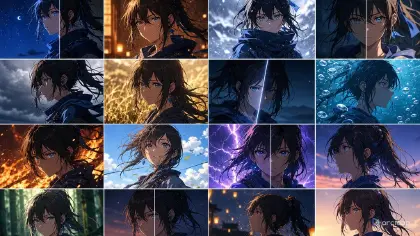
Separe âncoras fixas de traços flexíveis. As âncoras fixas incluem formato do rosto, silhueta do cabelo, acessório característico, proporção do corpo, roupa padrão e faixa vocal. Os traços flexíveis incluem expressão, pose, iluminação, sujeira, humor e estado temporário de cena.
Use campos em vez de textos longos quando o mesmo personagem se repete. Um campo pode ser escaneado, copiado, comparado e revisado. Uma biografia longa esconde os detalhes que a geração e a edição realmente precisam.
Inclua regras de identidade negativa. "Não remover o argolão de cobre na orelha" pode ser tão importante quanto "usa argolão de cobre na orelha". Regras de rejeição evitam a deriva gradual.
Conecte a voz ao personagem, não apenas ao diálogo. Um personagem recorrente precisa de qualidade vocal, ritmo, hábitos emocionais e limites. Caso contrário, o personagem visual e a performance falada podem se tornar dois designs sem relação.
Registre o estado de cena separadamente da identidade padrão. Roupa molhada, braço ferido, luva faltando, cabelo disfarçado, expressão cansada ou adereço danificado não devem sobrescrever o perfil base. Eles pertencem ao estado do Episode ou do Shot.
Mantenha o esquema legível para humanos. Se um criador não consegue usar o perfil durante a revisão, é porque ele está elaborado demais. Tabelas, rótulos curtos e bullets compactos são melhores do que metadados profundamente aninhados para a maioria dos fluxos de rascunho.
Design de campos do perfil de personagem: passo a passo
Comece pelos campos de identidade: nome, função, faixa etária se relevante, função na história e personalidade em uma frase. Mantenha isso curto. O objetivo é guiar a performance e o design, não escrever um romance.
Adicione âncoras visuais. Inclua formato do rosto, comportamento dos olhos, silhueta do penteado, proporção do corpo, hábito de postura e um ou dois identificadores inconfundíveis. "Presilha triangular âmbar acima da orelha esquerda" é mais forte do que "acessório marcante".
Defina os campos de guarda-roupa. Liste a roupa padrão, posicionamento das cores por peça, material, sapatos, acessórios e alternativas permitidas. Use entradas separadas para roupa escolar, roupa de viagem, roupa de cerimônia ou estado danificado, se a história precisar.
Adicione campos de voz. Inclua qualidade vocal, ritmo, emoção padrão, comportamento sob pressão, notas de pronúncia e limites de entrega. Por exemplo, um personagem pode ficar mais quieto sob pressão em vez de mais alto.
Adicione hábitos de movimento. Alguns personagens se movem com gestos econômicos e precisos; outros perdem o equilíbrio, ficam inquietos, hesitam ou lideram com um adereço. Esses hábitos evitam que a animação fique genérica.
Adicione notas de bloqueio e relacionamento. O personagem evita o centro do quadro? Fica perto demais quando está com raiva? Permanece perto das saídas? Assume uma posição protetora ao lado de outro personagem? Essas regras fazem as cenas parecerem autorais.
Anexe campos de referência. Vincule o character asset aprovado, planilha de expressões, referências de guarda-roupa, notas de voz, referências de adereços e shots de exemplo. As referências devem ter funções definidas para que uma referência de estilo não reescreva acidentalmente a identidade.
Escreva condições de rejeição. Nomeie as mudanças que significam que um Shot não pode ser usado: comprimento de cabelo errado, cicatriz faltando, lado do acessório alterado, roupa emprestada, voz cômica demais, postura tímida demais ou troca de dono de adereço.
Mantenha o histórico de atualizações pequeno. Quando o personagem evoluir, adicione uma nota de estado com data em vez de reescrever todo o perfil base. Isso ajuda a equipe a saber qual Episode introduziu uma mudança.
Onde os campos do perfil de personagem ficam: em My Assets, não no prompt
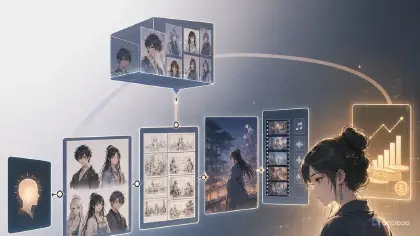
Um perfil de personagem pertence a um character asset, não a um texto que você redigita para cada Shot. Preencha identidade, âncoras visuais, performance e guarda-roupa em Creative Worlds, depois vincule imagens de referência ao asset para que elas sejam carregadas junto — veja o detalhamento dos campos. Quando um Shot precisar de algo diferente, escreva essa mudança na descrição do Shot em vez de editar o asset, para que o perfil base permaneça intacto.
A estrutura prática mínima é um perfil de personagem com cinco seções: identidade, âncoras visuais, performance, guarda-roupa e regras de rejeição. Adicione campos de movimento, bloqueio e estado somente quando o projeto realmente usar cenas repetidas. Isso evita que o perfil se torne um banco de dados por si mesmo.
Para trabalhos em série, faça do perfil do personagem a fonte de verdade. Os prompts de Shot devem referenciar o perfil e adicionar apenas a ação atual, câmera, localização e estado. Os prompts de voz devem referenciar o mesmo personagem e adicionar apenas o diálogo e o beat emocional. As notas de revisão devem comparar o output gerado com os campos do perfil.
Quando um campo parar de ajudar, exclua-o ou mescle-o. Um perfil de produção deve ficar mais claro com o tempo, não mais longo após cada geração malsucedida.
Exemplo de prompt 1: perfil da mecânica da balsa aérea
Create a structured AI anime character profile for an original character.

Character concept:
Yunie, sky ferry mechanic who maintains old engines above a coastal city. She is practical, impatient with ceremony, and quietly protective of younger crew members.

Output fields:
1. Identity: name, role, story function, personality in one sentence.
2. Visual anchors: face shape, eyes, hairstyle, body proportion, posture, signature marks.
3. Default wardrobe: silhouette, colors by garment, material, shoes, accessories.
4. Voice: tone, pace, emotional default, stress behavior, delivery boundaries.
5. Motion habits: how she reaches, stands, turns, and handles tools.
6. Blocking habits: where she stands during conflict and what space she protects.
7. References needed: character sheet, expression set, tool belt prop, engine-room lighting.
8. Flexible state fields: grease level, rolled sleeves, rain-wet hair, temporary injury.
9. Reject rules: list changes that break identity.

Design anchors to include:
Square jaw, short ash-brown hair clipped on right side, olive mechanic jacket with copper snaps, black tool belt, red thread bracelet on left wrist, heavy brown boots.
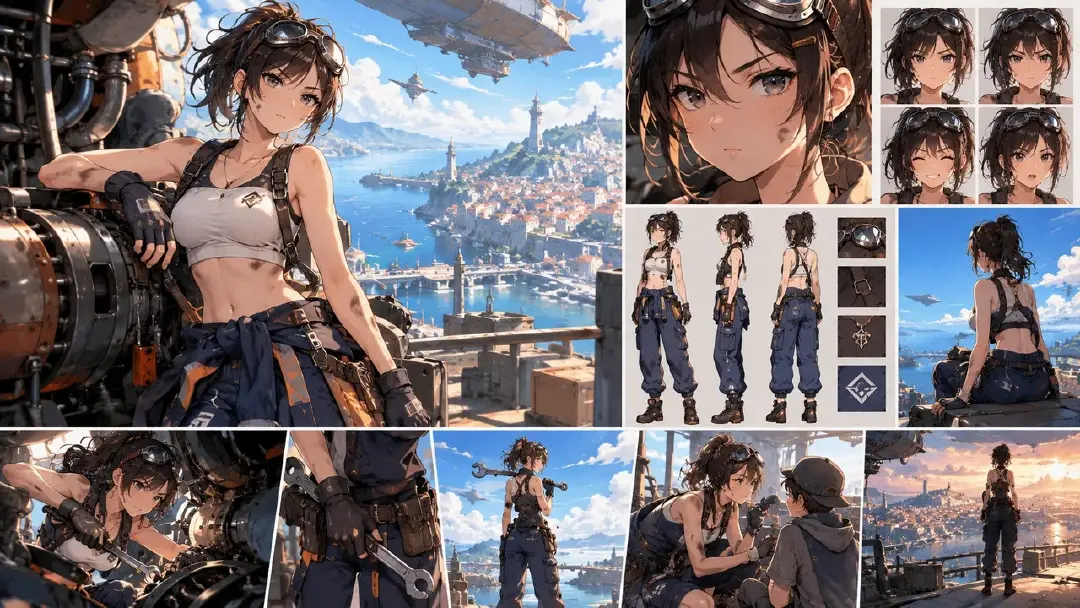
Este prompt solicita campos que a produção pode reutilizar. Ele evita transformar o personagem em uma biografia vaga.
Exemplo de prompt 2: card do ensemble da clínica da lua
Build compact character profile fields for three original AI anime clinic characters.

Project:
Quiet fantasy clinic on a moonlit canal. The scene includes repeated patient visits, soft comedy, and small mysteries.

Characters:
Dr. Selvan, calm night doctor, tall, silver undercut, charcoal robe coat, jade thermometer pin.
Miriu, apprentice pharmacist, round cheeks, pink headscarf, mustard apron, always carrying labeled herb tins.
Osk, retired boat pilot, broad shoulders, blue knitted vest, wooden cane with brass duck head.

For each character, output:
Identity anchor, visual anchor, default wardrobe, signature prop, voice habit, motion habit, blocking habit, flexible scene states, and reject rules.

Constraint:
Make the three profiles distinct enough that wardrobe, body shape, voice, and posture cannot merge. Do not use famous character references, brand names, or named-artist imitation.

Este exemplo é para design de elenco. A estrutura de campos impede que três personagens agradáveis colapsem no mesmo design.
Exemplo de prompt 3: atualização do explorador de rádio do deserto
Update an existing AI anime character profile without overwriting the base identity.

Base character:
Ravel, desert radio scout, copper skin tone, close-cropped black hair, pale green goggles on forehead, sand-colored scarf, rust-red jacket, canvas radio pack, quiet dry humor.

New episode state:
After a tower climb, Ravel has a bandaged right palm, dust across the lower jacket, and a cracked left goggle lens. He is more tired than usual but still speaks in short, dry lines.

Task:
Output an updated profile with separate fields for base identity and episode state. Preserve base face, hair, goggles, scarf, jacket, radio pack, voice habit, and posture. Add temporary state fields for bandaged right palm, dust, cracked left lens, and tired delivery. Include reject rules that prevent the temporary injury from switching hands or becoming a permanent redesign.

Este prompt mostra por que os campos de estado importam. O personagem pode mudar sem perder o perfil base.
Erros comuns
O primeiro erro é escrever um perfil apenas como lore. A história de fundo pode ajudar, mas a produção precisa de rosto, roupa, voz, movimento, referências e regras de rejeição.
Outro erro é misturar estado temporário com identidade permanente. Se um personagem se machuca no terceiro Episode, esse ferimento não deve silenciosamente se tornar parte de todo prompt padrão futuro.
Os criadores costumam manter campos desnecessários em excesso. Comida favorita, memória de infância ou tipo sanguíneo podem importar para a escrita da história, mas não pertencem ao perfil de produção a menos que afetem o output visual ou falado.
O quarto erro é esquecer os traços flexíveis. Se tudo está travado, o personagem fica rígido. Deixe expressões, pose, iluminação e comportamento menor de tecido variarem por Shot.
Alguns perfis falham por falta de regras negativas. Sem condições de rejeição, pequenas mudanças podem se acumular até que o personagem não corresponda mais ao design aprovado.
Por fim, não torne a estrutura de campos tão complexa que ninguém a atualize. O melhor perfil é aquele que um criador realmente usa durante a produção.
Perguntas frequentes
O que são campos de perfil de personagem?
São entradas estruturadas que descrevem um personagem para a produção: identidade, âncoras visuais, guarda-roupa, voz, movimento, referências, estado de cena e regras de rejeição.
Como isso é diferente de uma bio de personagem?
Uma bio explica quem é o personagem. Um perfil de produção explica o que deve permanecer consistente ao gerar, dublar, animar e revisar o personagem.
Quantos campos eu preciso?
Comece com identidade, âncoras visuais, guarda-roupa, voz e regras de rejeição. Adicione campos de movimento, bloqueio e estado quando o personagem aparecer em múltiplos Shots ou Episodes.
Devo incluir referências?
Sim. Anexe character assets aprovados, planilhas de expressão, referências de guarda-roupa, adereços e shots de exemplo. Dê a cada referência uma função para que ela não sobrescreva a camada errada.
Onde os campos do personagem ficam para poderem ser reutilizados?
Eles ficam no character asset: crie-o uma vez em My Assets com identidade, âncoras visuais, guarda-roupa e voz, e então carregue o perfil completo em qualquer novo Shot com uma única referência @ em vez de reconstruí-lo a cada vez.