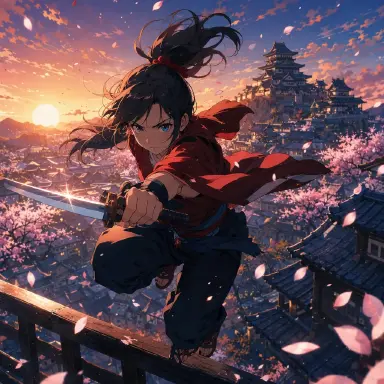
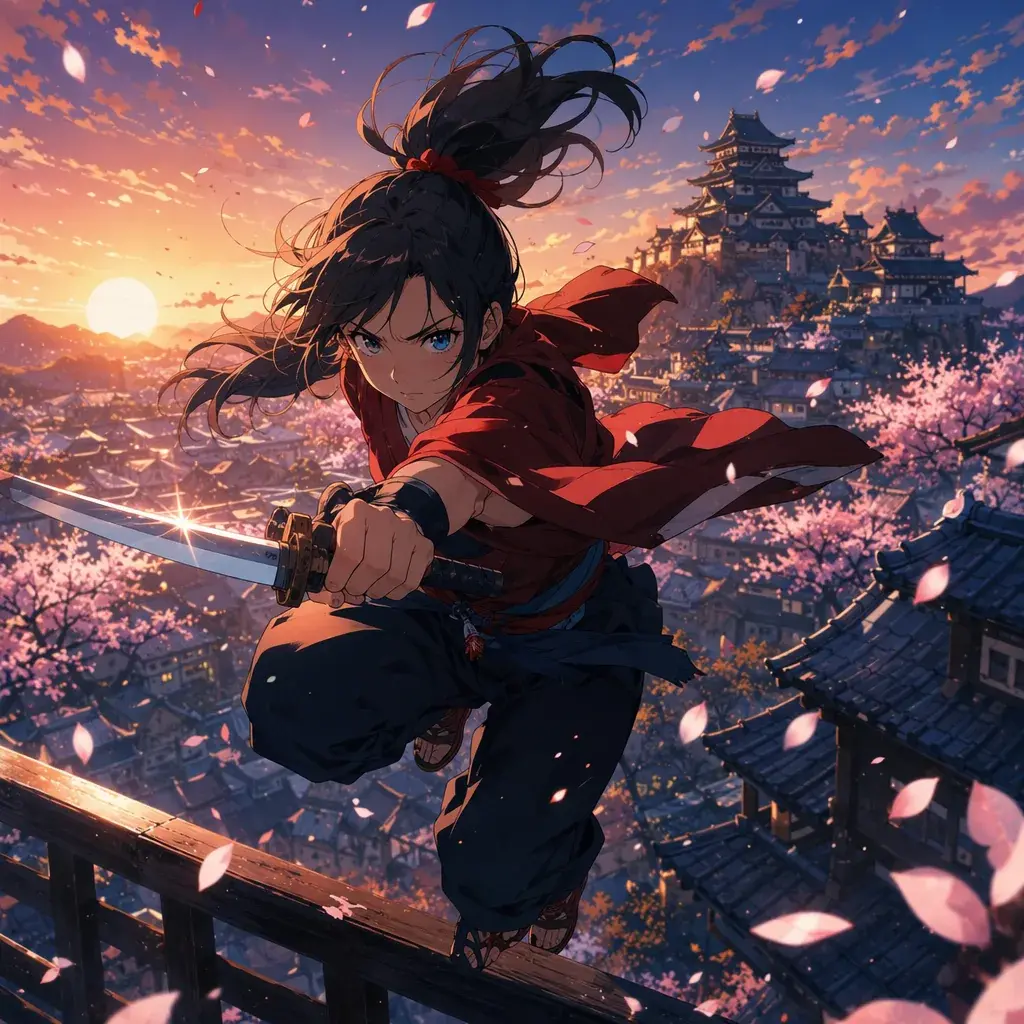
Por que prompts de animação são diferentes dos de imagem
Escrever um bom prompt de animação anime 2D é mais parecido com dirigir uma cena curta do que pedir uma imagem bonita. Um prompt de imagem estática sobrevive com a descrição de um personagem, uma palavra de estilo e alguns detalhes de iluminação. A animação precisa de mais. O modelo precisa entender o que muda ao longo do tempo: quem se move, com que velocidade, o que a câmera faz, o que deve permanecer consistente e qual linguagem visual faz o resultado parecer anime em vez de um clipe ilustrado genérico.
Quando você cria anime, isso importa porque a diferença entre um Shot aproveitável e um Shot descartável costuma ser uma única frase. "Garota anime na chuva" pode gerar algo atraente, mas não diz ao sistema se ela está caminhando, virando, chorando, alcançando um guarda-chuva ou parada enquanto a cidade se move ao redor dela. Um prompt melhor oferece ao modelo um storyboard em miniatura.
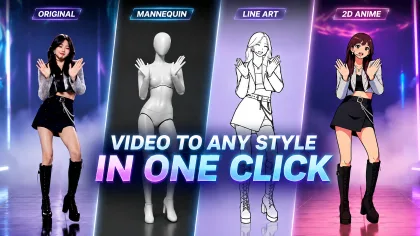
Este guia foca em prompts para geração de vídeo e animação em estilo anime 2D. Use-o quando você se importar com clareza de cena, apelo visual do personagem e resultados repetíveis. Use-o ao construir momentos de personagens originais, shots de abertura, batidas emocionais, clipes de videoclipe ou sequências curtas de história. Explore os templates de animação 2D com IA quando quiser um ponto de partida pronto.
Princípios para dirigir um plano
O primeiro princípio é escrever o Shot antes da decoração. Um Shot limpo responde a quatro perguntas: quem está na tela, onde está, o que está fazendo e como a câmera o vê. Estilo, brilho, partículas e gradação de cor só são úteis depois que o Shot é compreensível.
O segundo princípio é tornar o movimento específico. "Movimento dinâmico" não é específico. "O lenço dela chicoteia para a esquerda enquanto ela gira em direção à câmera" é específico. A animação anime valoriza arcos claros: cabelo balança, mangas tremem, poeira se levanta, olhos se abrem, luz passa por um rosto, uma arma traça um caminho curvo pelo quadro.
O terceiro princípio é controlar a quantidade de mudança. Muitos vídeos anime malsucedidos tentam animar design do personagem, cenário, câmera, expressão e efeitos ao mesmo tempo. Se cada parte do quadro mudar agressivamente, a identidade pode se perder. Para clipes curtos, escolha uma ação principal e dois movimentos de apoio.
O quarto princípio é descrever a técnica anime, não apenas rótulos de anime. Palavras como "anime 2D", "cel-shaded", "linha limpa", "animação limitada", "ação inspirada em sakuga", "cenário pintado", "pose-chave" e "composição suave" dão uma direção mais útil do que acumular adjetivos no estilo de franquias.
O quinto princípio é incluir limites negativos quando necessário. Se a saída tende a ficar em 3D, plástica ou semirealista, diga o que evitar: sem render 3D, sem poros de pele realistas, sem textura de live-action, sem rosto excessivamente detalhado, sem dedos extras, sem redesenho do personagem.
Como montar um prompt camada por camada
Comece com o sujeito. Nomeie o tipo de personagem, o figurino, a silhueta e uma âncora de identidade. Em vez de escrever "guerreiro anime", escreva "uma guardiã adolescente de santuário com cabelo preto curto, haori vermelho e branco e um grampo de máscara de raposa". O grampo se torna uma âncora de consistência entre os quadros.
Adicione o cenário. Mantenha-o visual e relevante para a ação. "À noite em um beco estreito de Kyoto após a chuva, lanternas de papel refletindo nas pedras molhadas" fornece iluminação, comportamento de superfície e atmosfera em uma única linha.
Defina a ação no tempo. Use verbos que impliquem animação: vira, dá um passo, alcança, gira, se inclina, pisca, exala, saca, abaixa, pega, tropeça. Evite uma lista de ações sem relação entre si. Um clipe curto geralmente deve ter uma ação principal: "Ela vira da parede de lanternas em direção à câmera e levanta uma mão para pegar um amuleto de papel que cai."
Adicione movimento de apoio. O anime muitas vezes parece vivo por causa da animação secundária. Cabelo, tecido, fumaça, chuva, pétalas, poeira, reflexos na tela e raios de luz podem se mover enquanto a ação do personagem permanece simples.
Defina a câmera. Use linguagem cinematográfica simples: close-up, plano médio, plano aberto, travelling lento de aproximação, travelling lateral, ângulo baixo, por cima do ombro, câmera estática. Se quiser estabilidade, diga "câmera estática" ou "sem tremor de câmera". Se quiser energia, descreva o movimento com clareza.
Escolha o estilo visual. Mencione anime 2D, linha limpa, cel shading, cenário pintado à mão, animação em frames limitados ou poses-chave de alta ação. O estilo deve apoiar a cena. Um Shot emocional e tranquilo pode precisar de composição suave e trabalho de linha sutil. Um Shot de luta pode precisar de smears nítidos e frames de impacto exagerados.
Termine com restrições. É aqui que você protege o resultado do drift mais comum do modelo: rosto consistente, figurino consistente, sem membros extras, sem texto, sem marca d'água, sem render 3D, sem fotorrealismo, sem mudança repentina de figurino.
Para um exemplo concreto de shot único, compare seu prompt com o Single Action Dance Clip.
Transforme a cena em um pipeline repetível
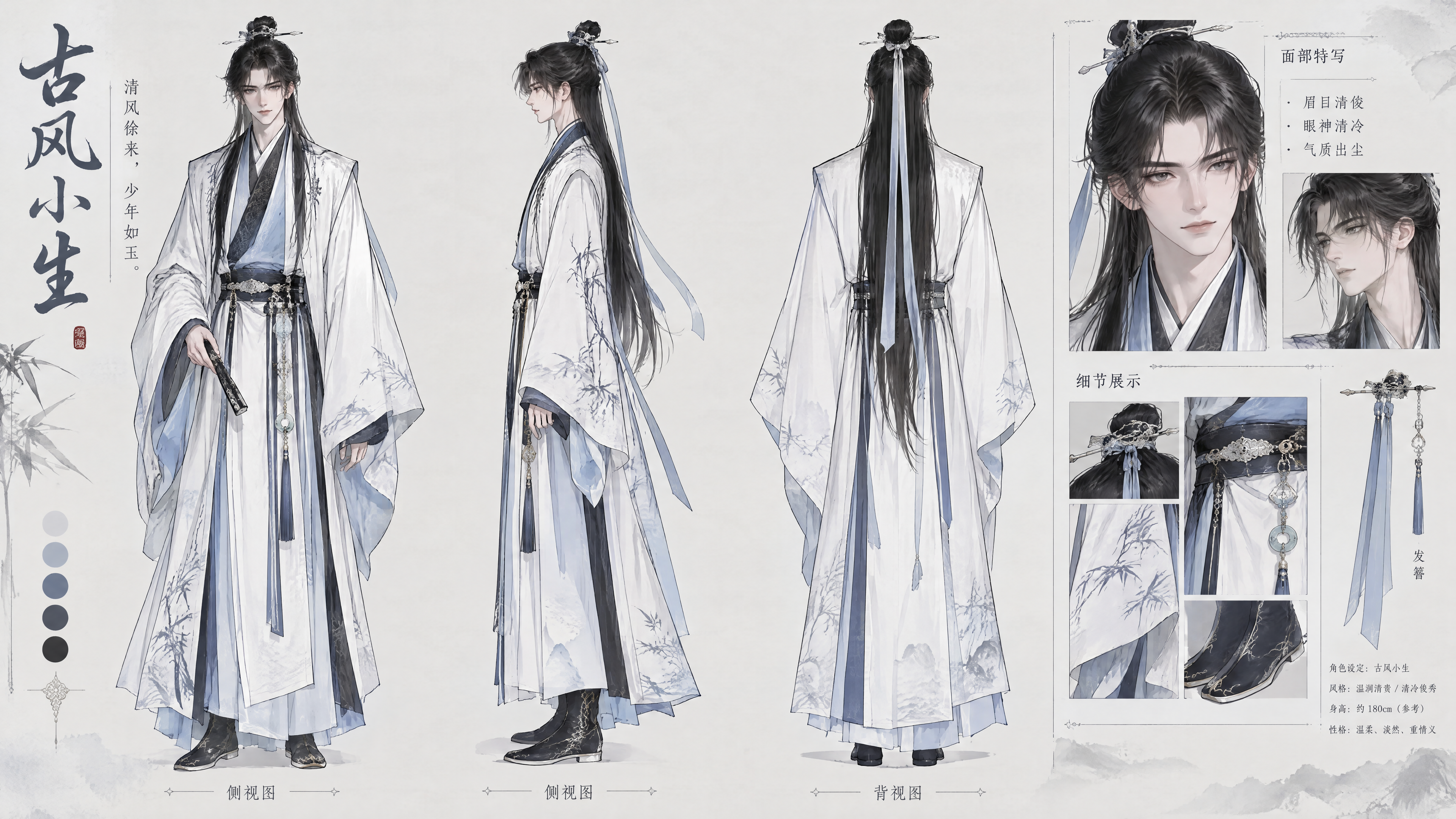
O fluxo de trabalho de anime 2D mais limpo ainda é um pipeline: character sheet → storyboard → prompt do Shot → vídeo. O character sheet fornece as âncoras de identidade que devem sobreviver entre os Shots. O Storyboard decide qual batida pertence a qual Shot. O prompt do Shot define a câmera exata, a ação e o timing de cada clipe. O vídeo então se torna a saída de uma sequência controlada em vez de uma única solicitação excessivamente grande.
Essa estrutura economiza recursos. Quando criadores tentam forçar uma cena inteira em um único prompt, frequentemente gastam várias tentativas apenas encontrando a composição certa. É mais eficiente esboçar uma versão de baixo custo primeiro, verificar a forma do Shot e só então aumentar a fidelidade depois que o movimento estiver legível. Isso é especialmente útil para clipes de anime porque a cena pode falhar por razões diferentes: o personagem pode perder consistência, a câmera pode se mover demais ou a ação pode ficar carregada demais.
A seleção de referências faz parte da escrita do prompt, não é separada dela. Um character sheet cuida da identidade. Um Storyboard cuida da continuidade. Uma referência de pose ou cena resolve um problema visual específico. Se o tipo de referência não corresponder ao problema, o prompt fica inchado e menos estável. O mesmo vale para o design da ação: mantenha um movimento principal e dois movimentos de apoio e deixe o resto do quadro ficar estável.
A regra prática principal é evitar a sobrecarga de um único Shot. Se um prompt pede a apresentação de um personagem, uma virada emocional, uma mudança de cenário, uma órbita de câmera e uma transformação nos mesmos poucos segundos, o modelo não tem uma tarefa clara. Um prompt melhor escolhe uma ação e deixa a cena respirar ao redor dela. Isso produz animação mais limpa, retentativas mais fáceis e Shots que podem ser encadeados em uma sequência mais longa depois.
Exemplo 1: apresentação do personagem na chuva
Create a 6-second 2D anime animation in a clean cel-shaded style. A teenage shrine guardian with short black hair, amber eyes, a red-and-white haori, and a small fox-mask hairpin stands in a narrow Kyoto alley after rain. Paper lanterns glow behind her and reflect on the wet stone path. Start with a medium shot from behind her right shoulder. She slowly turns toward the camera, her eyes soft but alert, then raises one hand to catch a falling paper charm. Her sleeve and hair tips sway gently in the night breeze. The camera makes a slow push-in during the turn. Use hand-painted background detail, clean line art, warm lantern light, subtle rain droplets, and soft anime compositing. Keep her face, hairpin, outfit, and proportions consistent. No 3D render, no realistic skin texture, no extra fingers, no text, no watermark.
Por que funciona: o prompt define uma âncora de personagem, um lugar, uma ação principal, movimento de apoio, movimento de câmera e restrições. Ele evita pedir três cenas em um único clipe.
Exemplo 2: corte de ação de alta energia
Generate a 5-second 2D anime action shot with sharp cel shading and sakuga-inspired timing. A young courier with messy silver hair, a yellow cropped jacket, black shorts, and roller boots races across the rooftop of a futuristic train station at sunset. She leaps over a glass skylight as a security drone flashes below. The shot begins as a low-angle side tracking shot, then snaps into a brief close-up of her determined eyes before returning to the full-body landing pose. Her jacket flares, hair spikes trail behind her, and dust sparks scatter from the roller boots when she lands. Use bold key poses, speed lines, smear frames on the leap, orange sunset rim light, and a painted city background. Keep the same character design through the whole clip. Avoid motion blur that hides the pose, avoid 3D plastic surfaces, avoid extra limbs, avoid changing her outfit.
Este prompt dá ao modelo permissão para ser energético, mas ainda nomeia as poses legíveis. Ele também alerta contra o motion blur que encobre a ação, que é um problema comum em clipes de anime rápidos.
Exemplo 3: close-up emocional e tranquilo
Create an 8-second 2D anime close-up in a soft late-1990s TV anime style. A high school violinist with long chestnut hair, round glasses, and a navy school blazer sits alone in an empty music room at dusk. The camera is locked in a close-up from the front, framing her face, shoulders, and the top of the violin case. She looks down, exhales slowly, then smiles a little as a dust-filled beam of orange light moves across her glasses. Only subtle animation: one blink, a small breath, hair strands moving near her cheek, floating dust, and curtain shadows shifting on the wall. Use delicate line art, soft cel shading, warm window light, and a quiet melancholic mood. Preserve the shape of her glasses, hairstyle, and blazer. No dramatic camera move, no lip-sync, no tears, no photorealism, no text.
Este exemplo é um lembrete de que um bom prompt de animação não precisa de ação constante. Para cenas emocionais de anime, a contenção pode tornar o resultado mais intencional.
Os erros que mais comprometem o resultado
O erro mais comum é escrever um prompt de pôster em vez de um prompt de vídeo. Um prompt de pôster descreve a imagem final. Um prompt de vídeo descreve uma mudança. Se a frase não tem verbo ativo, o clipe pode parecer congelado ou aleatório.
Outro erro é misturar referências de estilo demais. "Ghibli, cyberpunk, batalha shonen, aquarela, noir, realista, 3D, painel de mangá" dá instruções conflitantes. Escolha uma linguagem visual dominante e um acento opcional.
Criadores também esquecem o comportamento da câmera. Sem direção de câmera, o modelo pode inventar zooms, pans ou cortes repentinos. Adicione "câmera estática" para estabilidade, "travelling lento de aproximação" para ênfase emocional ou "travelling lateral" para movimento.
Um quarto erro é sobrecarregar o personagem. Se você descreve um personagem com dez acessórios, a animação pode perder alguns deles. Escolha duas ou três âncoras de identidade fortes: formato do cabelo, cor do figurino, prop característico, emblema ou acessório.
Por fim, não use prompts negativos como substituto para a direção. "Sem mãos ruins, sem blur, sem rosto estranho" é útil, mas não cria uma boa cena. O prompt positivo ainda precisa sustentar o Shot.
Perguntas frequentes
Qual deve ser o tamanho de um prompt de animação anime 2D?
Para a maioria dos clipes curtos, de 120 a 180 palavras é suficiente. O prompt deve ser longo o bastante para definir sujeito, cenário, ação, câmera, estilo e restrições, mas curto o suficiente para que a ação principal continue óbvia.
Devo mencionar taxa de frames ou técnica de animação?
Mencione a técnica quando ela afeta a aparência. "Animação limitada com poses-chave fortes" pode ajudar um Shot de diálogo ou emocional. "Timing inspirado em sakuga com smear frames" pode ajudar a ação. A taxa de frames exata geralmente importa menos do que uma direção de movimento clara.
Como manter um personagem consistente?
Use algumas âncoras de identidade repetidas em cada prompt: penteado, cor dos olhos, silhueta do figurino, paleta de cores e um acessório único. Também evite pedir mudanças de figurino dentro do mesmo clipe, a menos que a mudança seja o ponto central do Shot.
Dá para usar IA para criar anime?
Sim. O método confiável não é um único prompt mágico, mas um pipeline repetível: character sheet primeiro, Storyboard depois, prompt do Shot em seguida e geração de vídeo por último. É assim que você evita que identidade, movimento e continuidade se misturem em uma única solicitação confusa.
A IA consegue transformar uma ideia diretamente em animação?
Sim, mas a ideia precisa se tornar um Story Outline primeiro. Coloque a premissa no Story Outline, construa personagens e locações recorrentes como assets em My Assets, depois divida o outline em Episodes e Shots — as mesmas três camadas pelas quais um projeto real passa, não uma ferramenta de planejamento separada.
Qual anime é 95% IA?
Essa pergunta geralmente é uma busca por rótulo, não um objetivo de produção útil. Um padrão melhor é verificar se a cena tem um character sheet estável, um Storyboard que controla as batidas e um prompt de Shot que mantém o movimento legível. Se esses elementos estiverem no lugar, o fluxo de trabalho importa mais do que o percentual divulgado.