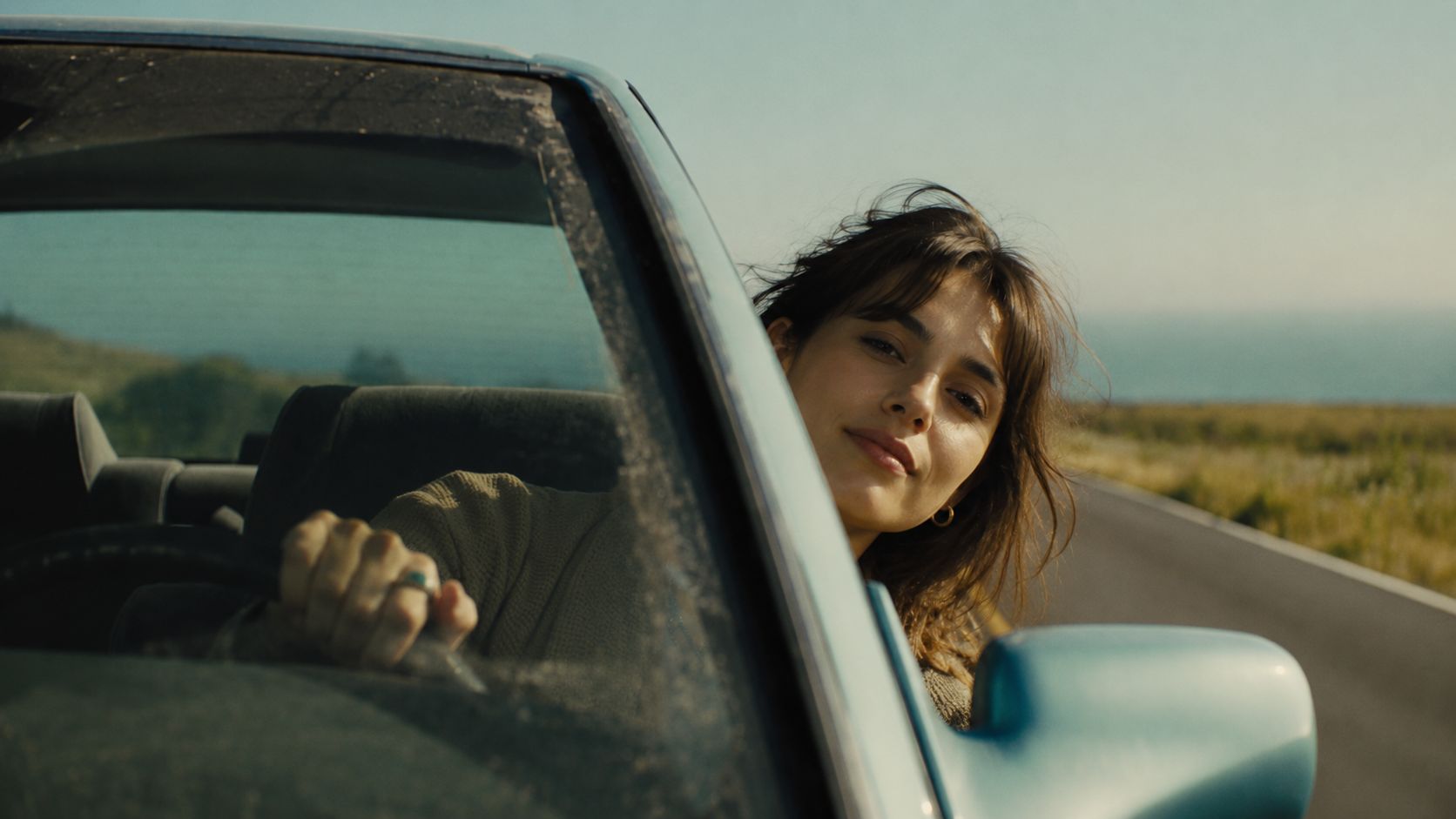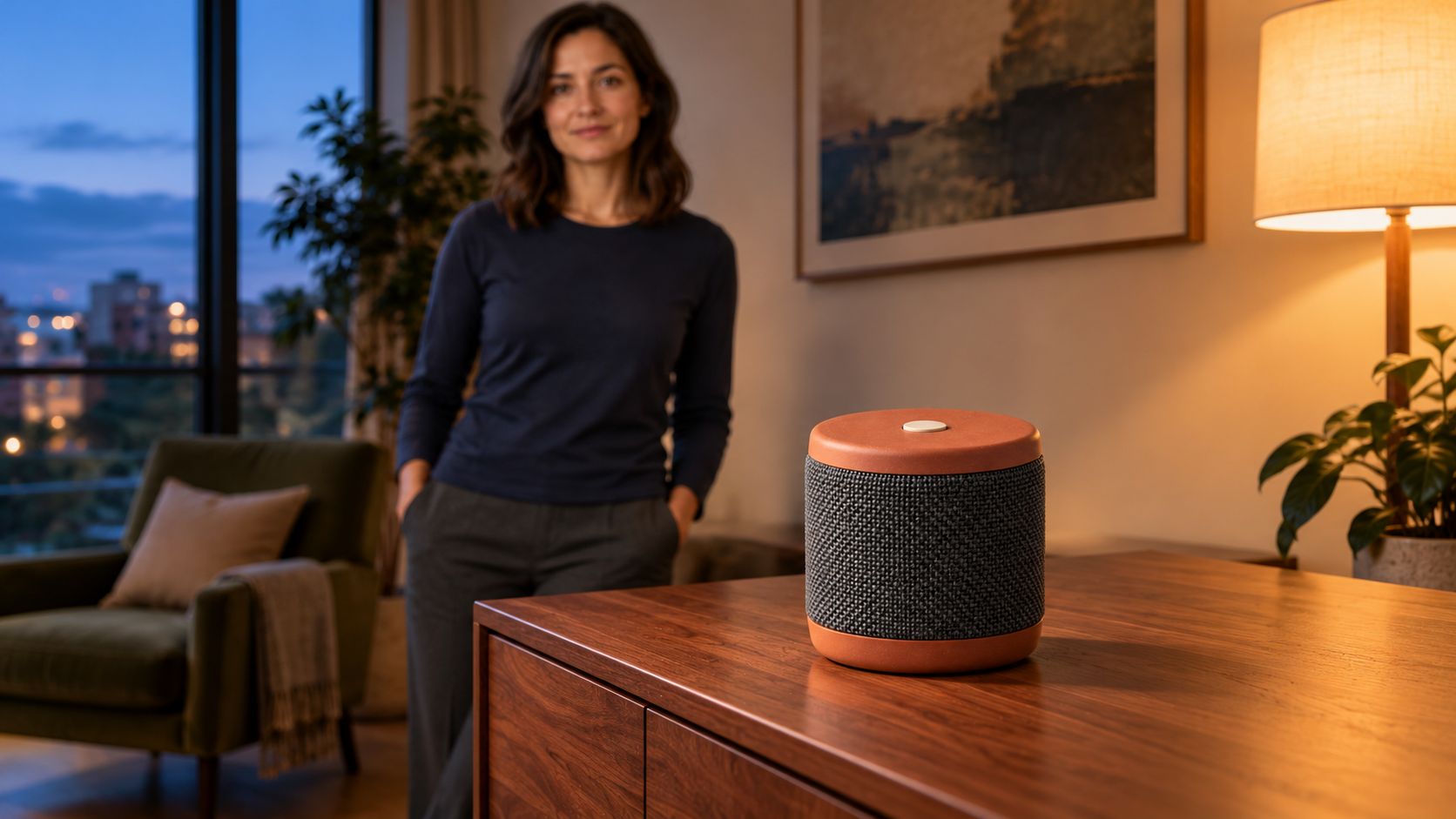
好的产品图能提供初始设计,但把产品放进人物手中就会产生新问题:外形是否改变、人物是否还是同一人、房间是否保持一致?本教程使用 Vidu Q4 Preview,在 Arcloop 用三张独立参考图规划一段 12 秒产品视频。
案例产品是一只虚构的便携音箱。女性把它放上公寓柜子,退后一步,让产品保持清晰可见。这个短动作便于检查产品接触和参考一致性。视频尚待制作,以下不是已完成的效果报告。
每张参考图只负责一件事
已经满意的完整构图适合用作起始帧。如果手头只有产品照、人物图和场景图,需要模型把它们组合为新画面,就使用独立参考图。
这适合已有产品摄影的小商家、反复使用同一展示者的创作者,或需要让产品出现在不同真实环境的团队。参考图提供设计信息,提示词指定动作和构图。
本例使用 reference to video。产品、人物和公寓各有一张图,细节偏离时更容易判断该改哪份参考。
如何在 Arcloop 用 Vidu Q4 制作产品视频
第 1 步:决定产品在镜头里做什么
动作保持简单:拿着音箱、放上柜子、松手。重点是外观,不演示视频无法证明的续航、音质或其他功能。
| 时间 | 主要动作 | 要看清的细节 |
|---|---|---|
| 0 至 3 秒 | 双手拿音箱靠近柜子。 | 完整产品轮廓和人物脸部。 |
| 3 至 6 秒 | 把音箱放到柜面。 | 底座先接触,手指随后松开。 |
| 6 至 9 秒 | 人物退后,镜头继续缓慢移动。 | 产品结构和位置不变。 |
| 9 至 12 秒 | 焦点落到静止音箱上。 | 网布、顶部按钮和接触阴影。 |
花瓶、小家电或书也能采用类似流程,但要按真实尺寸和重量改写拿放动作。
第 2 步:准备三张清晰参考图
真实商品优先使用自己的产品照。保持轮廓完整,不要让反光遮住重要边缘。虚构案例可使用下面的提示词。
产品参考图提示词
Create one photorealistic product reference photograph of an original compact portable speaker. A short upright cylinder with a matte terracotta top and base, charcoal woven grille around the middle, and one small round ivory button centered on top. No handle, display, cable, lettering, or logo. Show the entire speaker in a front three quarter view on a plain light gray surface. Soft neutral studio light, realistic fabric weave, clean visible edges, natural contact shadow. One object, no collage, no illustration or animation.
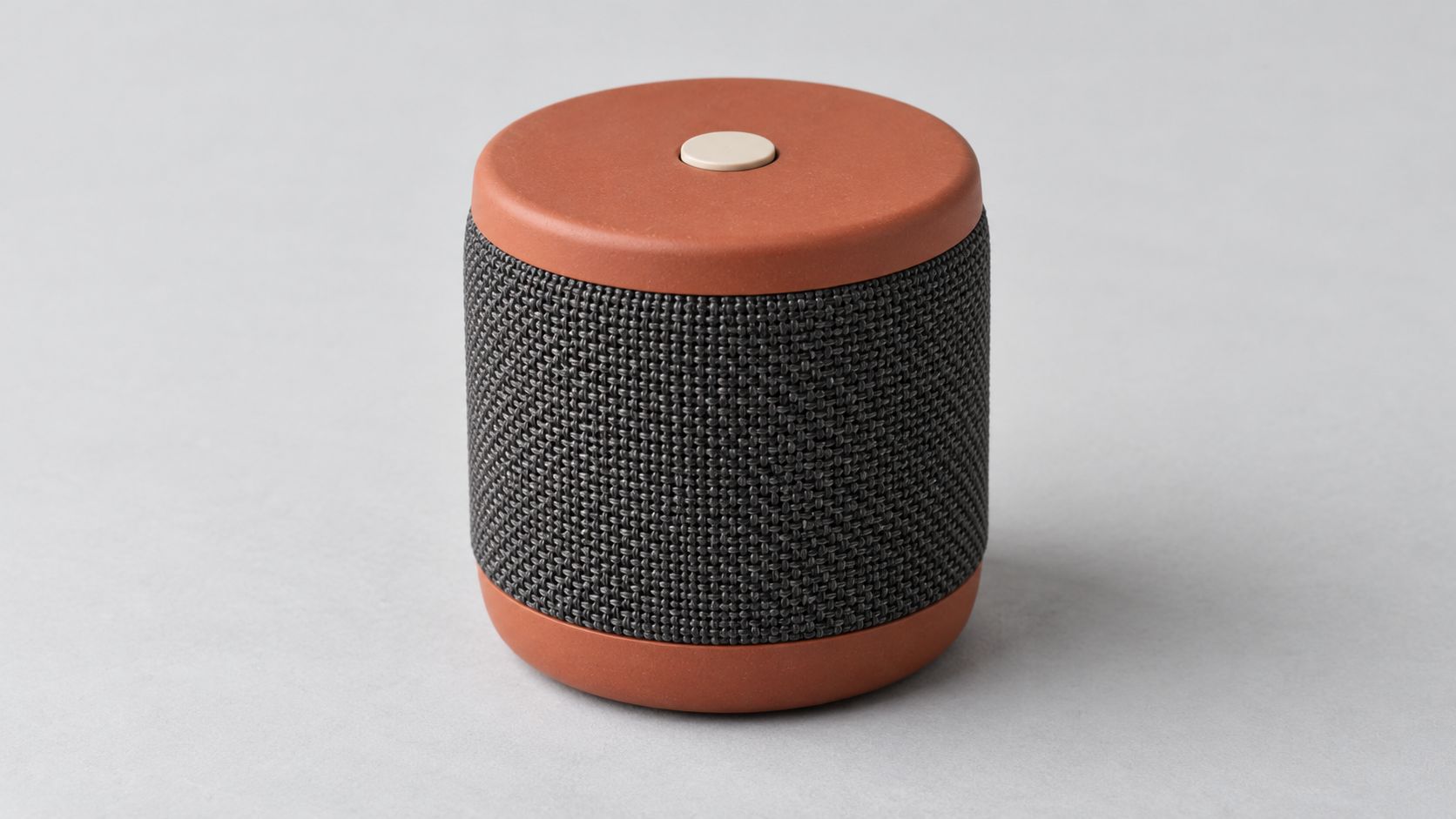
这张图定义比例、配色、网布和按钮。无遮挡的产品图比藏在手里的产品更适合核对设计。
人物参考图提示词
Create one photorealistic reference photograph of an original adult woman in her thirties with shoulder length dark hair, brown eyes, and a relaxed neutral expression. She wears a plain navy long sleeve cotton shirt and charcoal trousers. Frame from her head to her upper thighs, with both hands relaxed and visible. Soft daylight, pale gray background, natural skin and fabric texture. One person, no accessories, no product, no text, no logos, no illustration or animation.
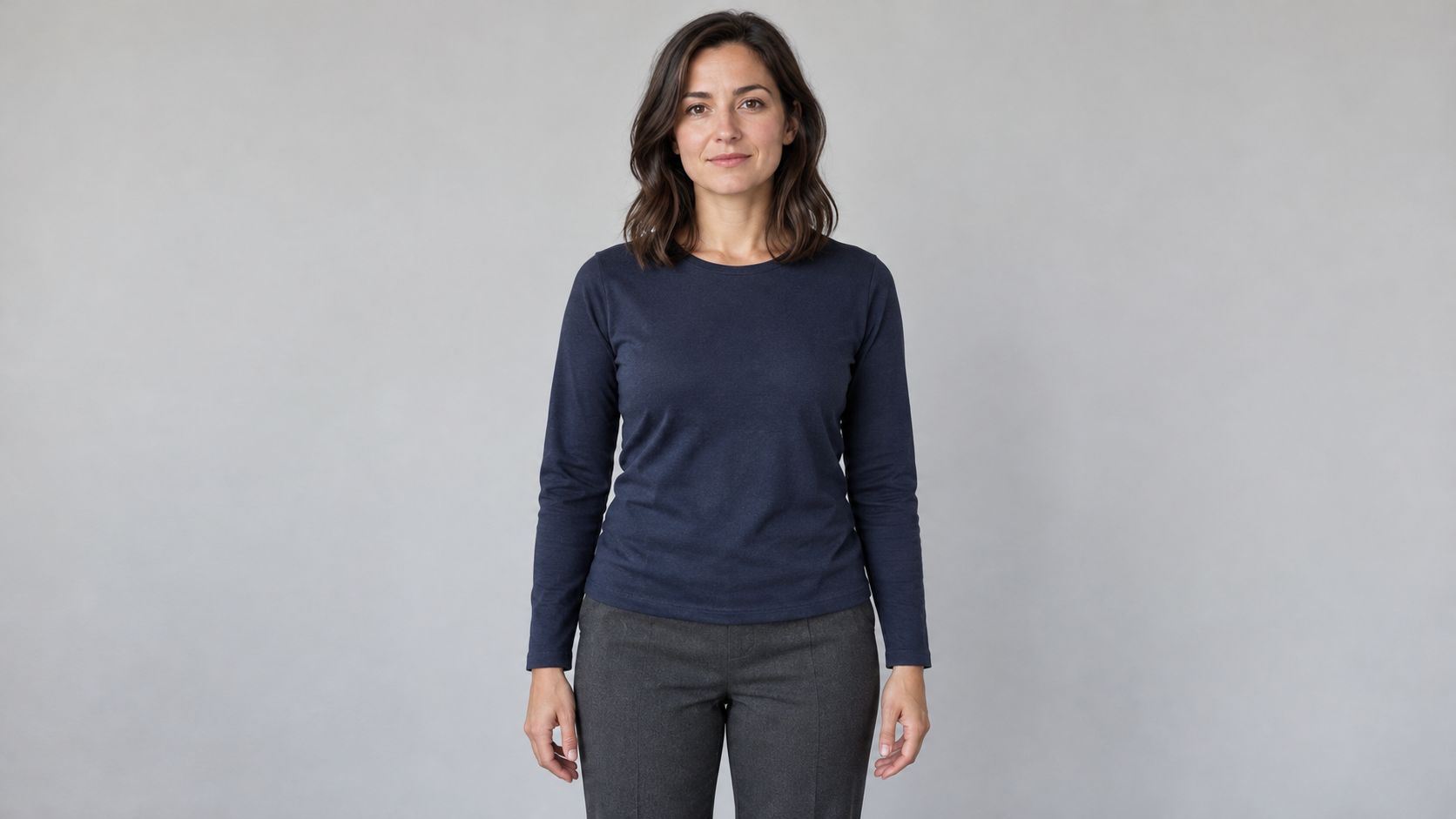
人物图明确脸、发型、衣服和体型,把拿产品的姿势留给视频提示词。
场景参考图提示词
Create one photorealistic interior location photograph of a modest contemporary apartment listening corner at dusk. A low walnut cabinet stands against a warm cream wall. Leave the cabinet top empty. An olive fabric chair sits in the left background. A large window on the left provides soft blue evening light, balanced by a warm floor lamp on the right. Eye level medium wide framing with a clear walking space in front of the cabinet. Real room scale, natural wood grain, restrained lived in details. No people, no speakers, no readable text, no logos, no illustration or animation.
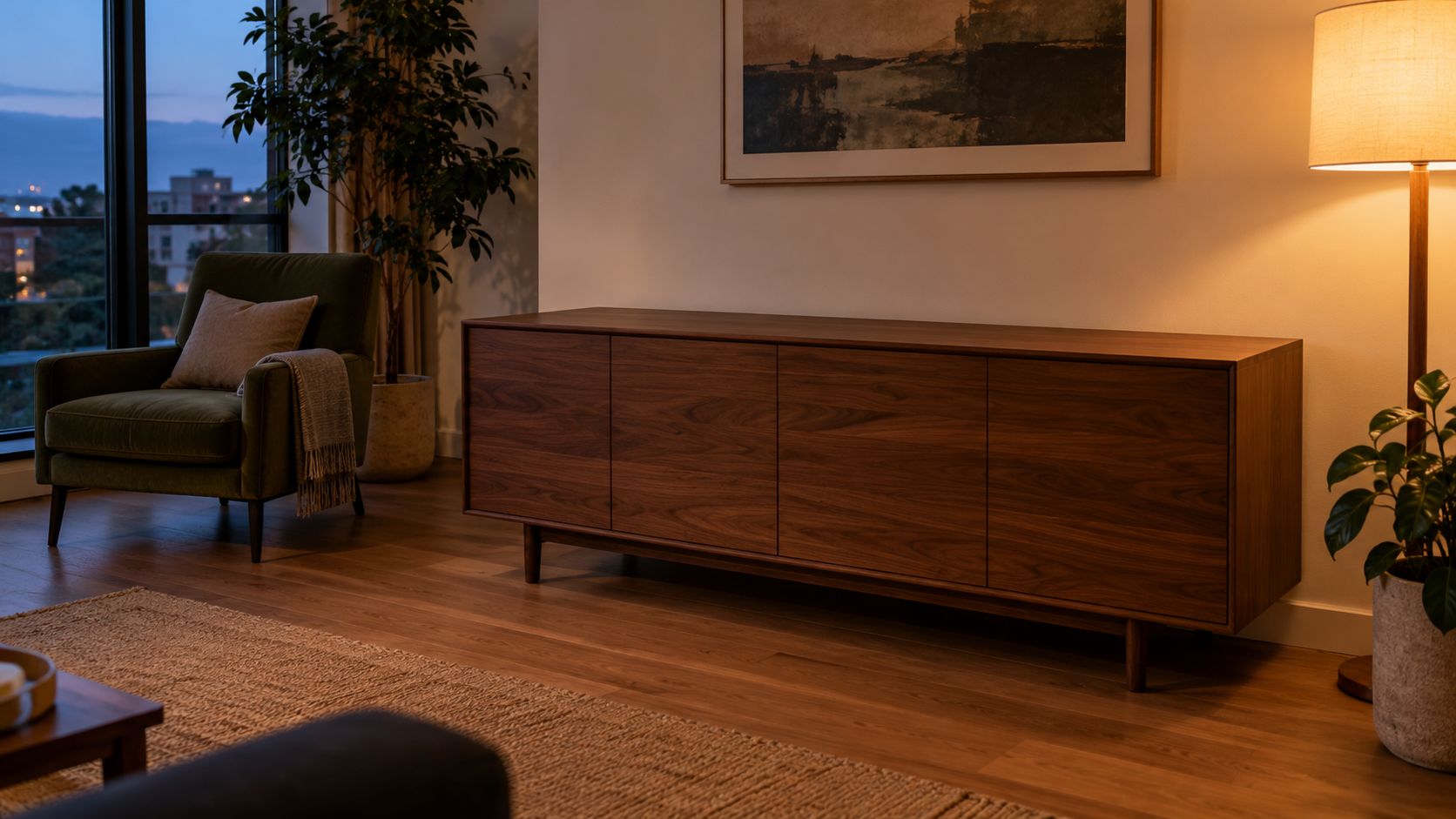
空柜面为产品提供清楚的落点。场景里不放第二只音箱,避免出现冲突设计。三张图专为本篇使用,由 Arcloop 外部的内置图像生成工具制作。可复制提示词保留英文。
第 3 步:把三张参考图放进一个视频请求
打开 Arcloop,附上三张图并清楚命名。把方括号占位符替换成任务内实际素材名或引用标记。
完整视频提示词
Create one 12 second photorealistic product film in a real apartment at dusk. Use [PRODUCT IMAGE] for the speaker design, [PERSON IMAGE] for the woman's identity and clothing, and [ROOM IMAGE] for the apartment layout, cabinet, chair, window, and lighting. The three references describe one scene.

Preserve the speaker's short cylindrical proportions, matte terracotta top and base, charcoal woven grille, and single ivory top button. Keep the same speaker throughout. It is small enough to carry comfortably with both hands.

Use one continuous shot with a slow lateral camera move from left to right. Begin at the woman's waist height in a medium view that includes her face, hands, the full speaker, and the cabinet. Soft blue evening light comes from the left window. Warm practical light comes from the right floor lamp. Realistic skin, cotton, fabric weave, and wood grain. Restrained commercial photography with natural contrast.

0 to 3 seconds: The woman takes one small step toward the cabinet while holding the speaker upright with both hands. Keep its grille and top visible.

3 to 6 seconds: She lowers the speaker onto the empty cabinet. Its base contacts the wood before her fingers release it. Her hands move away without passing through the speaker.

6 to 9 seconds: She takes one small step back and looks at the speaker. The camera continues the same slow lateral move. Keep the speaker stationary on the cabinet with a clear contact shadow.

9 to 12 seconds: Shift focus gently from her face to the speaker and hold. Keep the full product inside the frame, with the top button and grille readable. Leave the woman softly visible in the background.

No dialogue, generated text, logos, extra products, added controls, floating objects, transformations, abrupt camera moves, illustration, or animation.
时间段是在同一任务里安排动作,不是四次独立生成。它不提供精确到帧的控制,连续镜头也只是要求而非结果保证。先把摆放动作做好,再添加额外角度。
第 4 步:核对模型、参考图和参数
选择 Vidu Q4 Preview 的 reference to video,计划使用 12 秒、1080p、16:9,并关闭生成音频。确认产品、人物、房间三图都已附在请求里,检查积分估算后再生成。
Arcloop 的接入说明支持 1 至 15 张参考图,不需要填满。只有现有图片没说清某个细节时,再增加参考。当前界面标签与实际素材绑定仍需操作核对。
第 5 步:先检查产品,再美化运镜
先看完整视频,再在摆放前、松手时和结尾暂停,对照原图检查。
| 检查项 | 重点 |
|---|---|
| 产品设计 | 圆柱比例、陶土色部分、网布和按钮。 |
| 接触动作 | 底座先接触柜面,手指再松开。 |
| 人物 | 同一张脸、头发、上衣和身体比例。 |
| 场景 | 柜子、椅子、窗户与光线方向一致。 |
| 结尾构图 | 产品完整可见,大小足够辨认。 |
产品变样就换更清楚的产品图,或简化拿放。脸太小就收紧构图,但保留完整产品。场景复制得太死,就说明哪些布局细节必须保留,哪些可以重新构图。
每次只改一个问题,其余素材与参数不动,方便判断是否有效。复杂运镜应等产品能稳定完成动作后再加。
常见问题
用完整起始图还是独立参考图?
人物、产品、房间已经摆好时,用起始图,参考 Vidu 图片转视频说明。需要重新组合元素时,用本例的独立参考模式。
场景图里能有产品吗?
可以,但必须与产品参考图设计相同。旧款或不同颜色会造成冲突。本例空柜面更容易说明摆放动作。
产品文字能保持准确吗?
要看实际视频。参考图能引导设计,但不保证运动中的小字完全不变。先检查清楚的产品近景,再用于宣传。
重试预算怎么算?
以每次 Arcloop 请求显示的估算为准,记录所有尝试。图片准备和修改也计入总成本。先选足够检查的分辨率,再决定是否支付更高规格。