01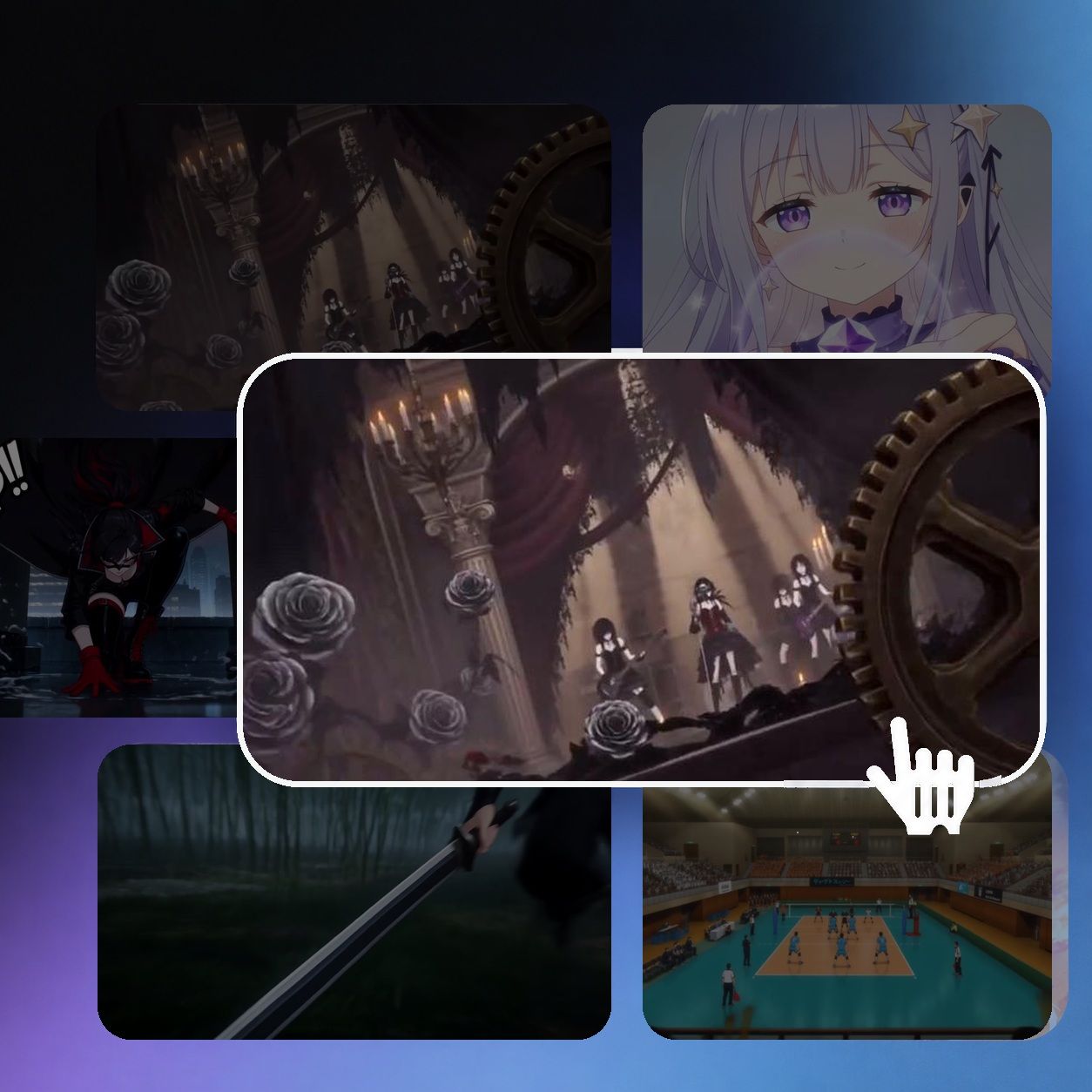
Choose a template
Start with a scene, character, or motion direction that matches the video you want to make.

Browse 2D Animation AI templates for anime character motion, dialogue scenes, action moments, and stylized creator videos. Choose a workflow that fits your idea, then create with Arcloop.


Choose a template, add the material it requests, and click Generate. Each template lists the images, videos, or other references it needs.
Start with a scene, character, or motion direction that matches the video you want to make.
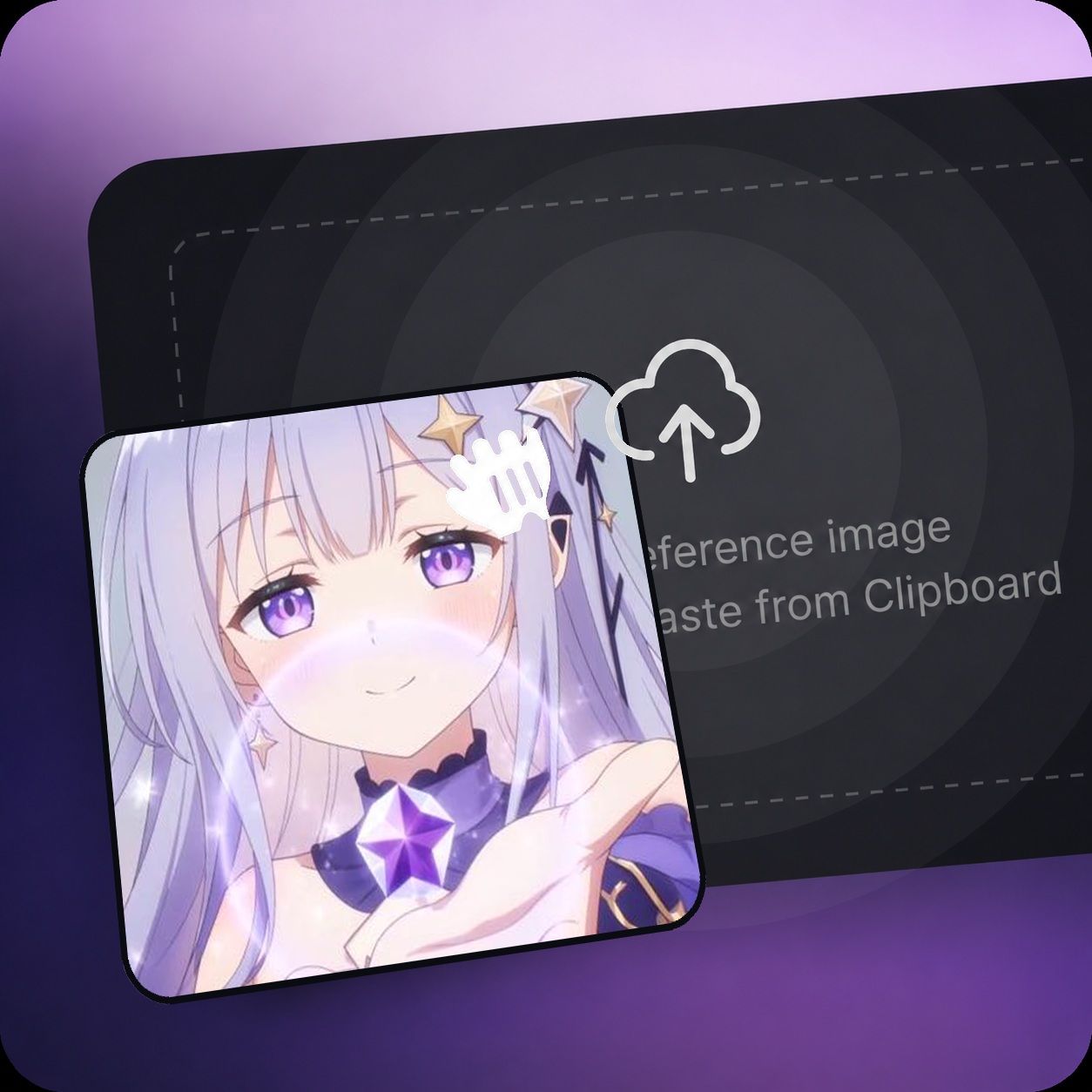
Some workflows ask for a character or reference image. Check the selected template for its exact input requirement.
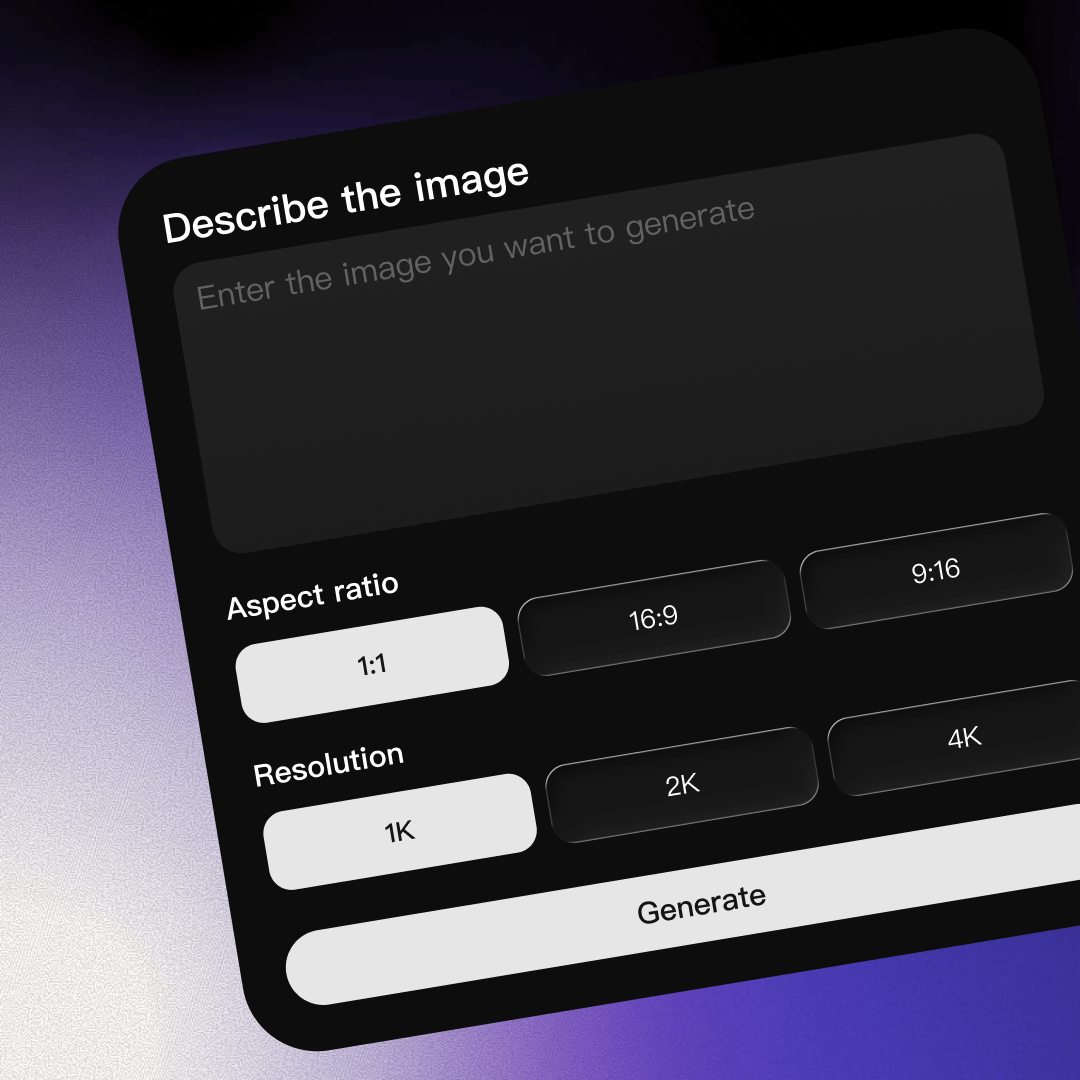
When the template is ready, start the selected creative workflow in Arcloop.
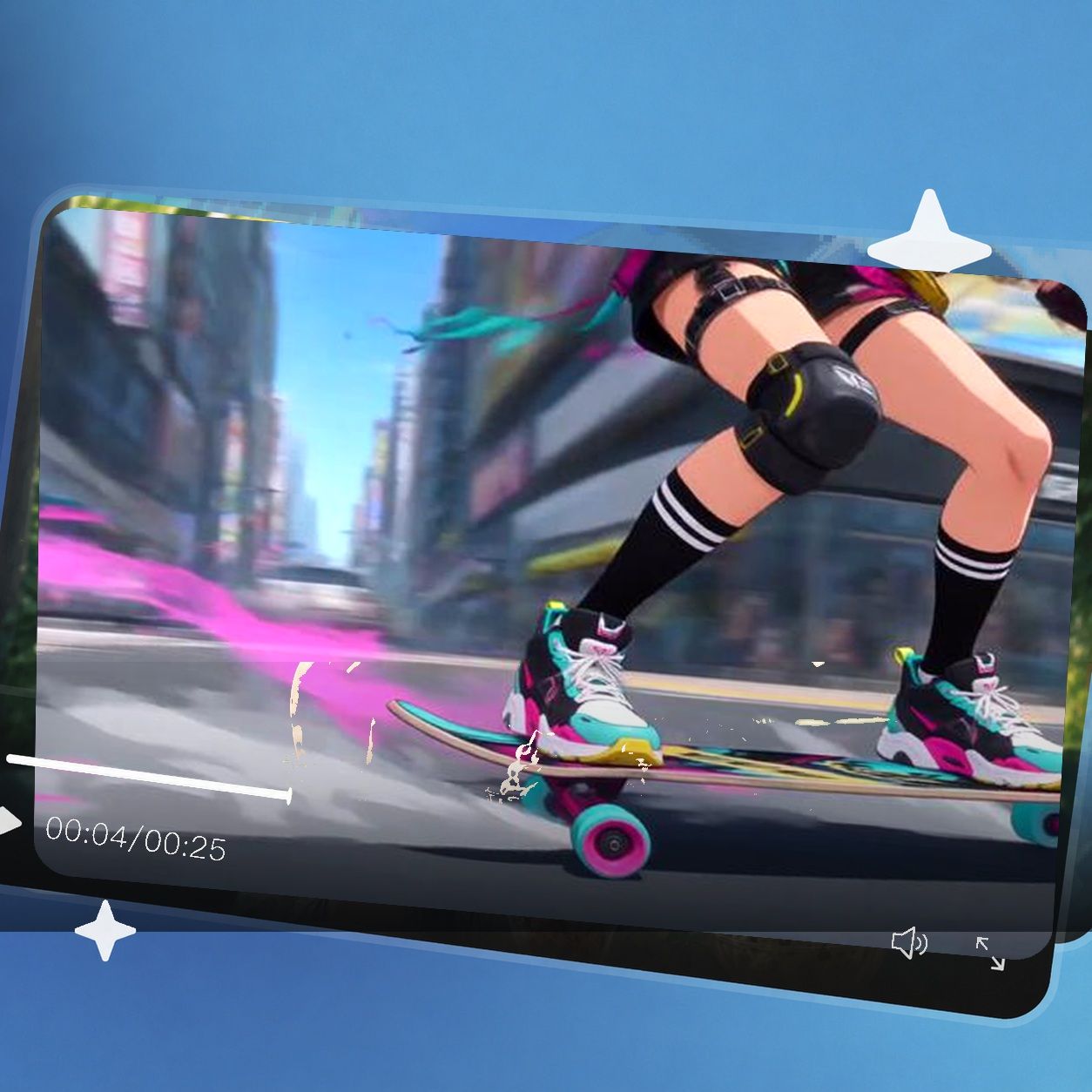
Wait for generation to finish, then review the completed 2D animation video.
Use ready-made visual directions to explore character-led scenes and motion-first clips without starting every animation concept from a blank page.
Build anime-inspired moments around character performance, atmosphere, and compact story beats.
Explore movement-driven scenes such as parkour, volleyball impacts, skateboarding, and sword battles.
Turn a visual idea into short-form anime, music, fantasy, or social-ready video concepts.
It is a reusable workflow with a preset visual style, scene structure, and clear requirements for the material you provide to create a 2D-style animation.
No. Input requirements vary by template. Some template pages request a character or reference image, so review the selected page before starting.
The current collection includes action-oriented ideas such as parkour, sports impacts, skating, sword battles, and stylized fantasy scenes.
Choose a template, provide any material the page requests, and click Generate. Arcloop then runs the selected workflow and returns the result when processing is complete.
Actual Vidu Q4 Preview generated sample.