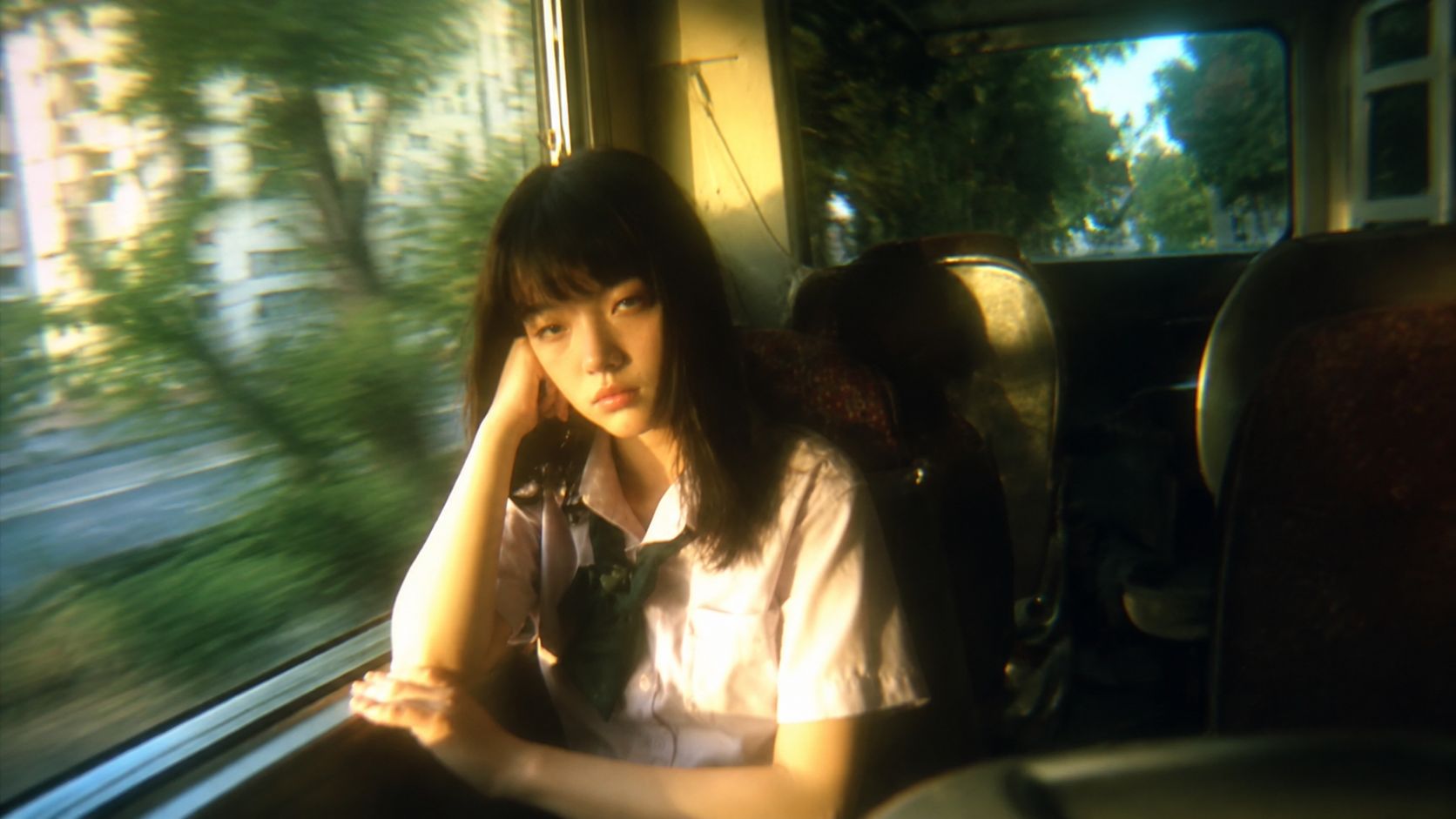
Fast Shot Prototyping
Test camera moves, actions, compositions, and visual ideas in seconds before committing to a final shot.

Generate videos faster than real time with strong prompt control, consistent characters, natural motion, and native audio. Built for rapid iteration and interactive experiences.
Discover ways to bring creative ideas to life with MiniMax H3 Max.
Test camera moves, actions, compositions, and visual ideas in seconds before committing to a final shot.
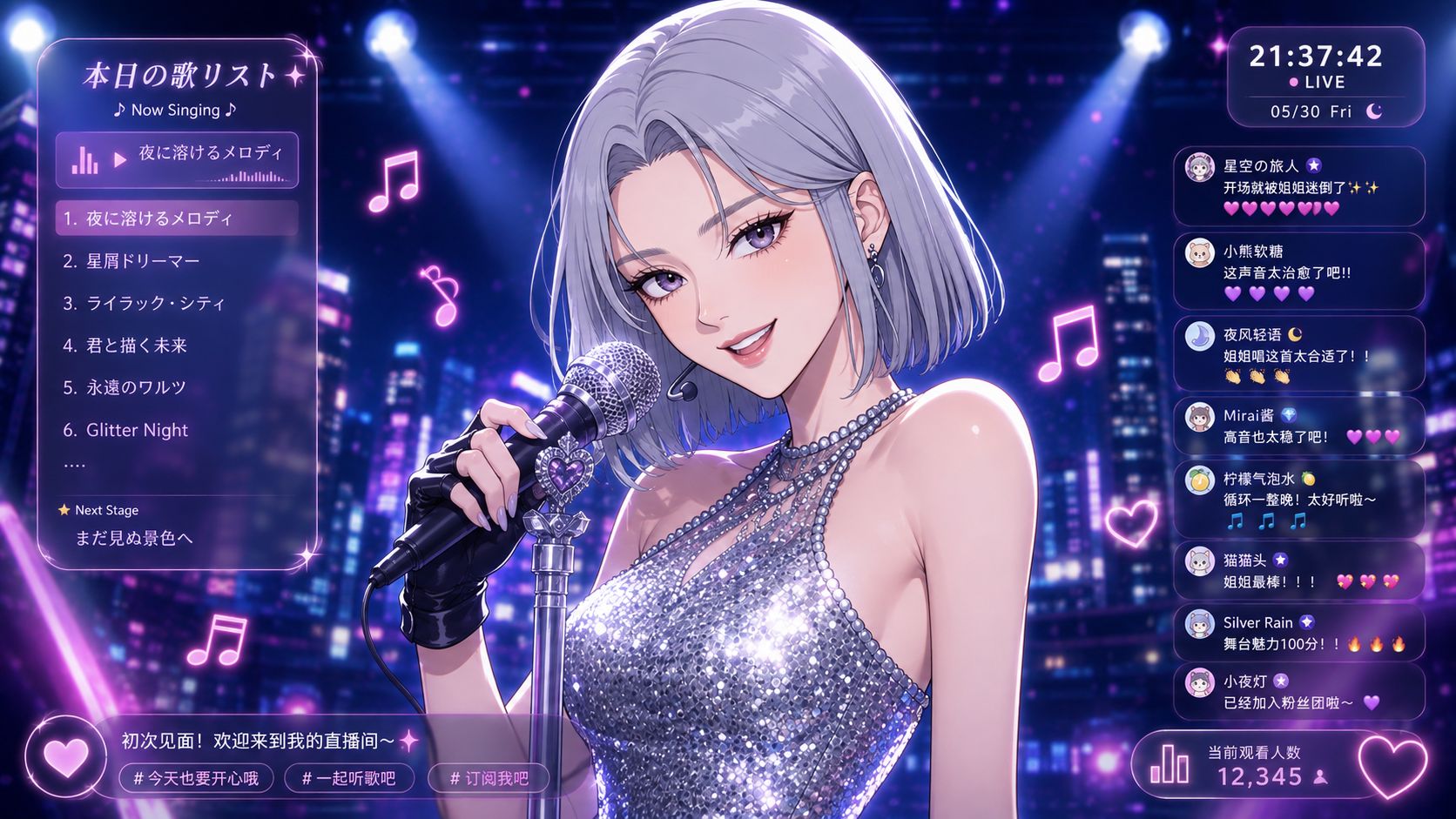
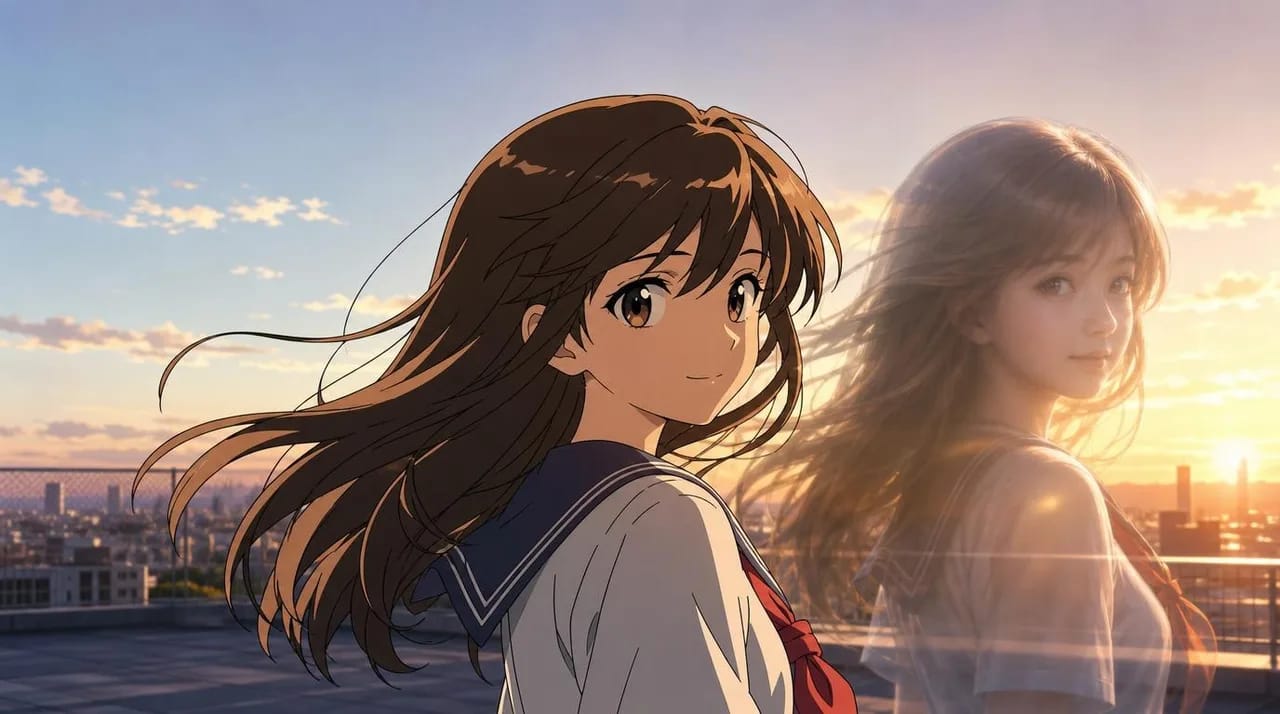
Generate fresh video segments fast enough for continuously evolving AI content, virtual shows, and experimental livestream formats.

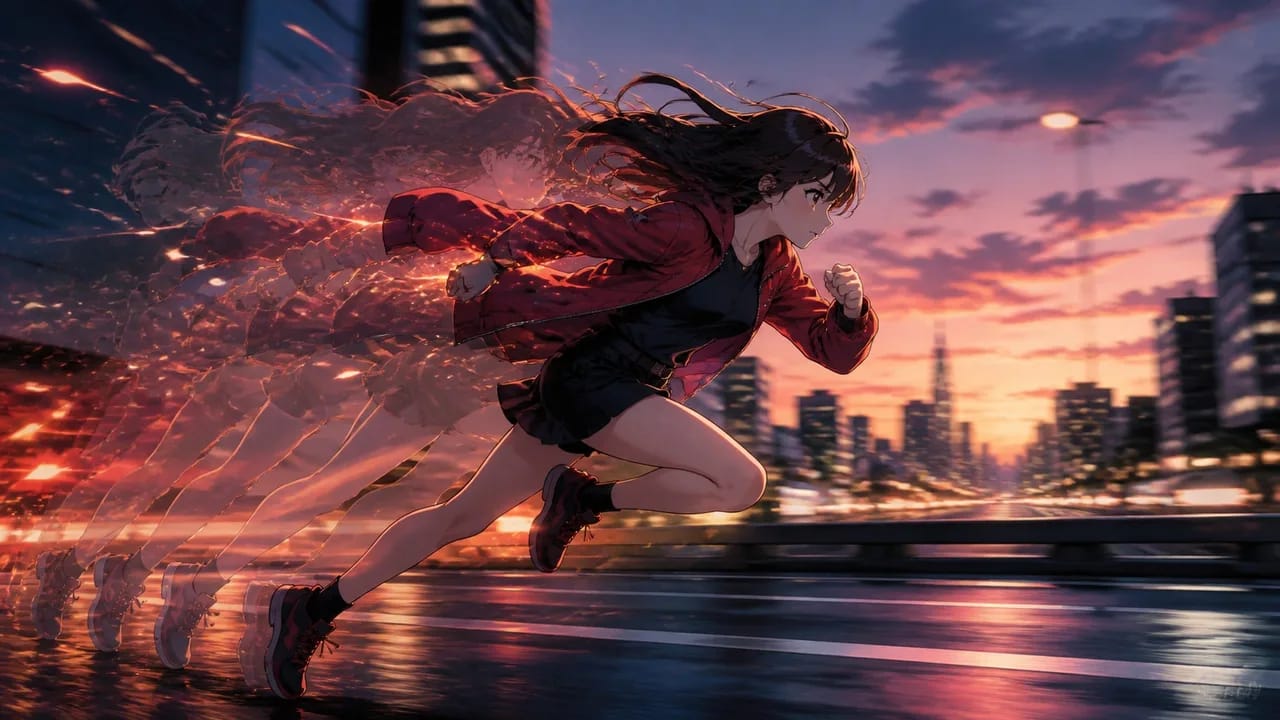
Quickly generate character moments, cutscenes, environmental reactions, and visual variations for interactive experiences and game prototypes.

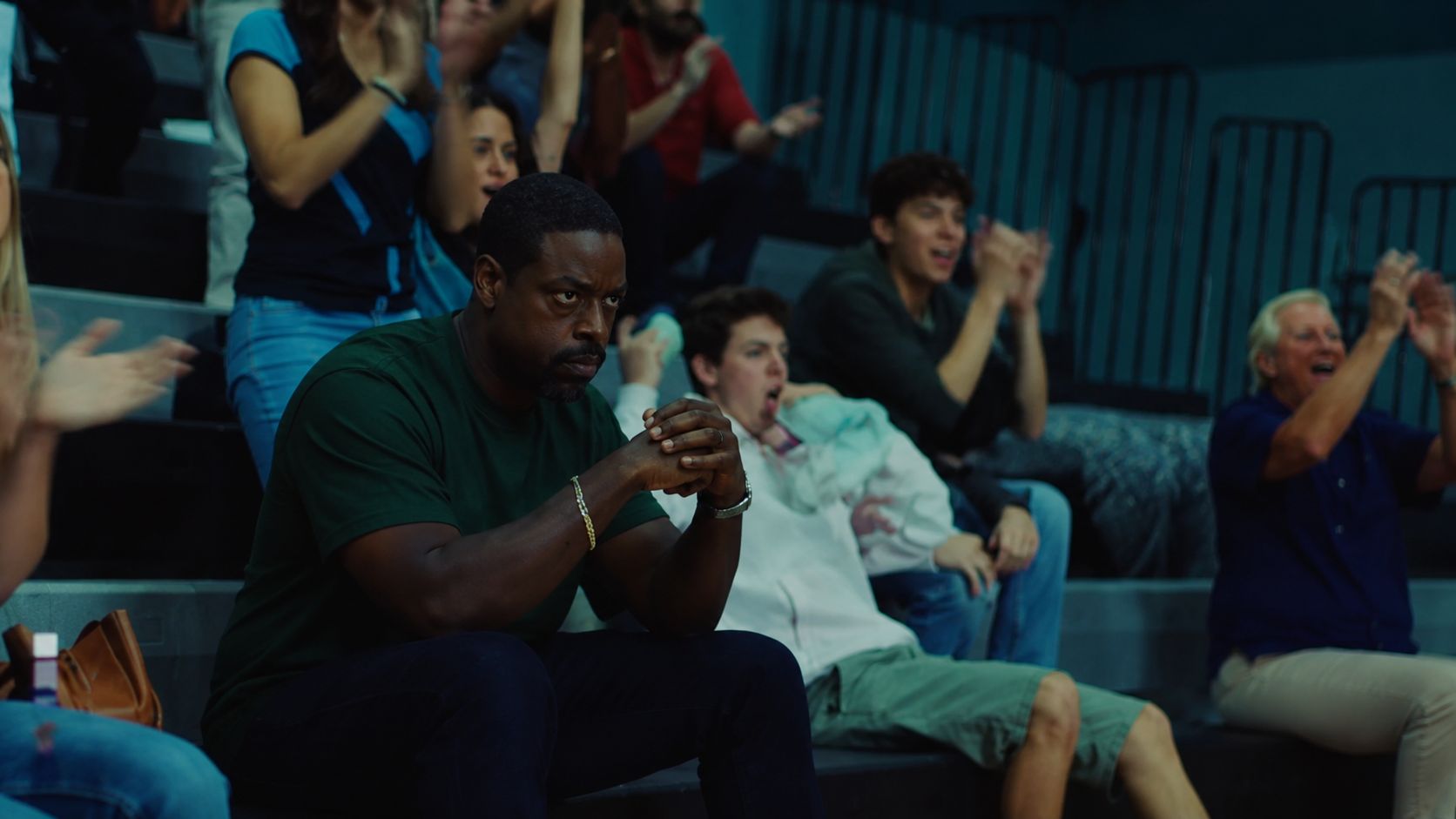
Create short character-driven scenes with native audio, dialogue, expressive motion, and reference-guided visual consistency.
Follow the key steps to guide, generate, and refine with MiniMax H3 Max.
Generate 5-second 480p videos in around 3 seconds, making it easier to test more prompts, shots, and creative variations in the same workflow.
Follow detailed directions for subjects, actions, camera movement, timing, dialogue, and scene composition with stronger prompt adherence.
Create visually polished shots with responsive movement, natural actions, and stronger aesthetics for both cinematic and fast-moving scenes.
Use image, video, and audio references to preserve character identity, visual direction, motion, and scene context across generations.
Move from your first idea to a finished result with a clear workflow.
Upload images, videos, or audio to guide character identity, motion, style, camera behavior, or sound.
Write the action, camera movement, dialogue, timing, and sound you want in one prompt.
Generate your video in seconds, review the result, then refine the prompt or continue editing in Arcloop.
Explore other models for the next step in your creative workflow.
Learn how creators prompt H3 Max, structure references, and build faster AI video workflows with practical guides, experiments, and production tips from us.
Read the guideMiniMax H3 Max is a post-trained variant of MiniMax H3 developed by fal Research. It is optimized for stronger prompt adherence, improved aesthetics, and faster video generation.
H3 Max focuses on faster inference, stronger prompt following, and improved visual aesthetics. MiniMax H3 supports higher-resolution output, while H3 Max is optimized for fast 480p and 768p generation.
MiniMax H3 Max can generate a 5-second 480p video in approximately 3 seconds on average. A 15-second 480p video takes approximately 16 seconds on average. Actual generation time can vary by duration, resolution, and service load.
MiniMax H3 Max supports Text-to-Video, Image-to-Video, and Reference-to-Video workflows.
You can generate videos from 5 to 15 seconds at 480p or 768p.
Yes. H3 Max supports native audio generation, allowing dialogue, ambience, and other sounds to be generated together with the video.
No. You can use MiniMax H3 Max directly online in Arcloop without setting up GPUs, installing models, or managing deployment.
Generate fast, consistent videos for livestreams, interactive games, and rapid creative iteration.