
GPT Image 2.5 AI Image Generator
Turn ideas, sketches, and reference images into polished visuals with faster generation, precise edits, and stronger prompt following.
GPT Image 2.5
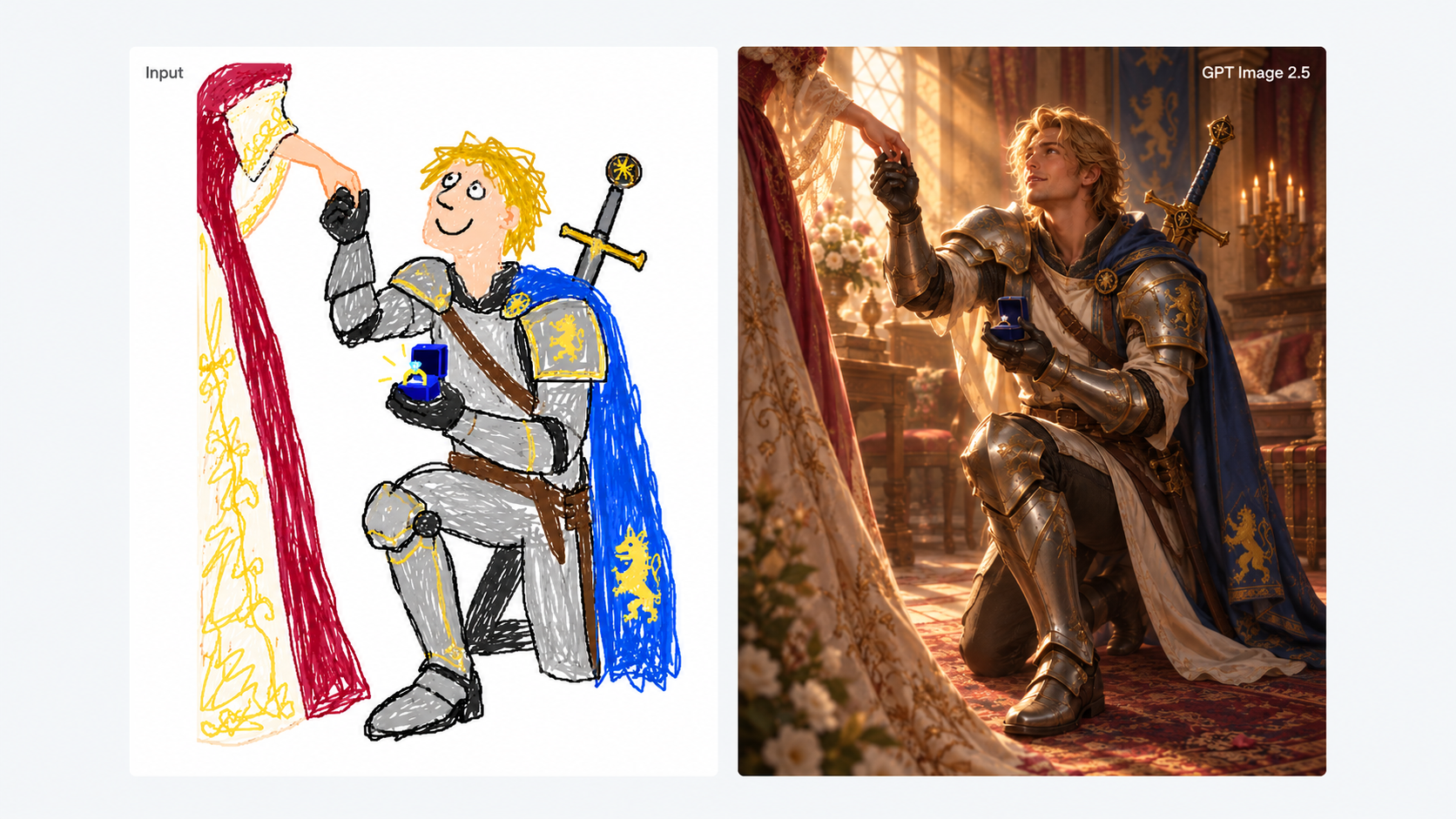
What Can You Create with GPT Image 2.5?
Start with a prompt or reference image, then create new visuals, focused edits, character variations, and text-led designs.
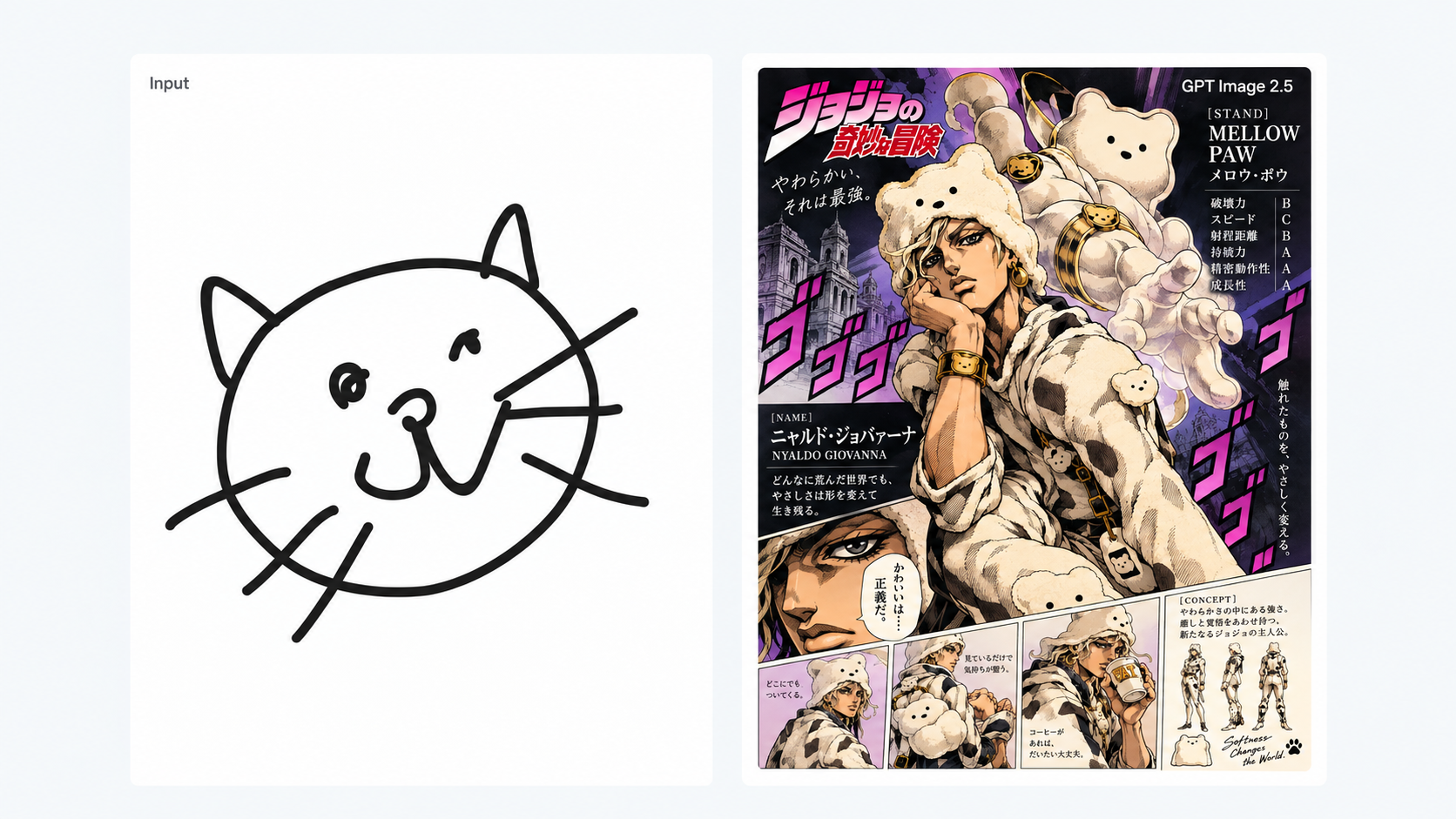
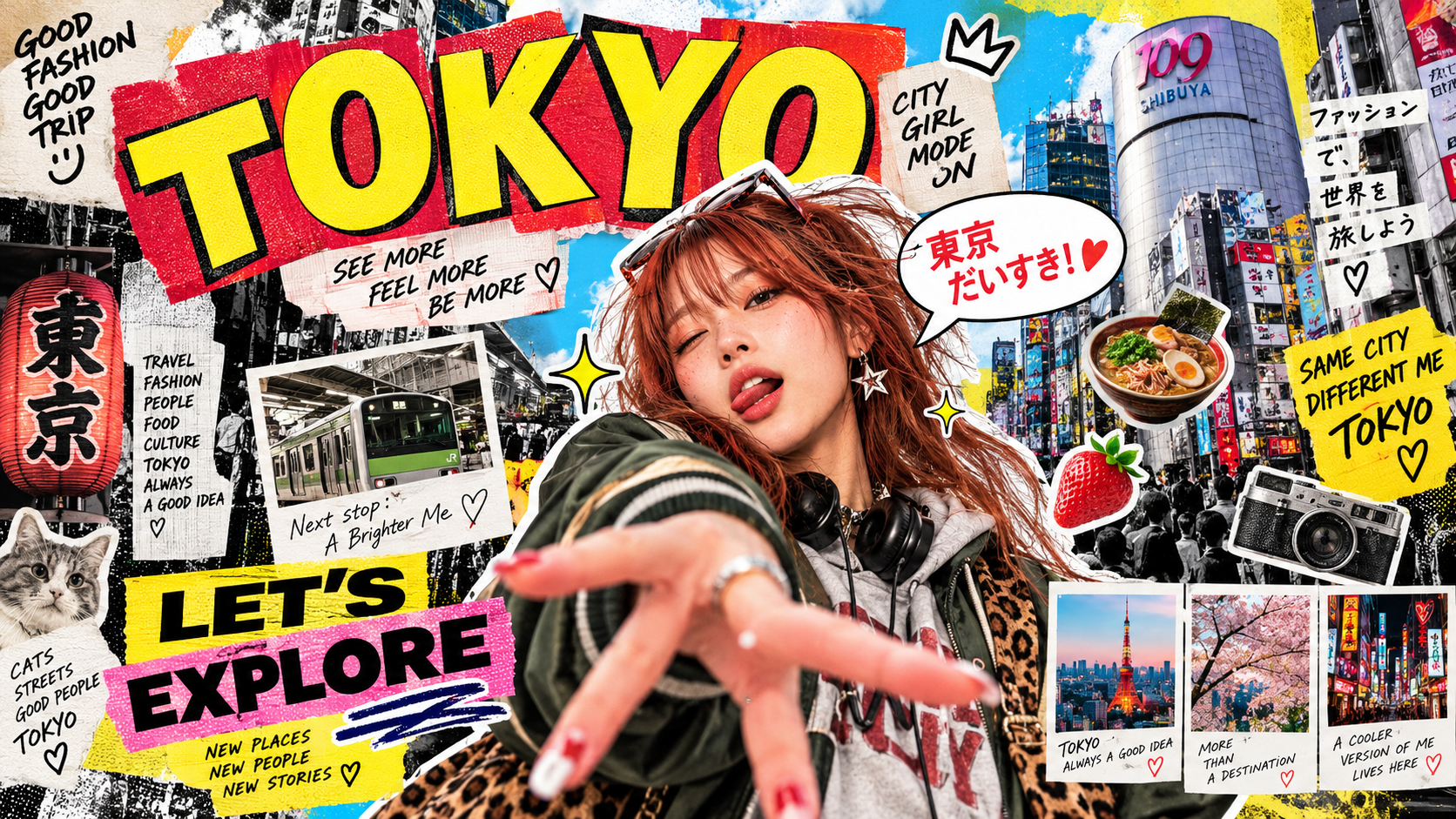
Design Posters & Graphics
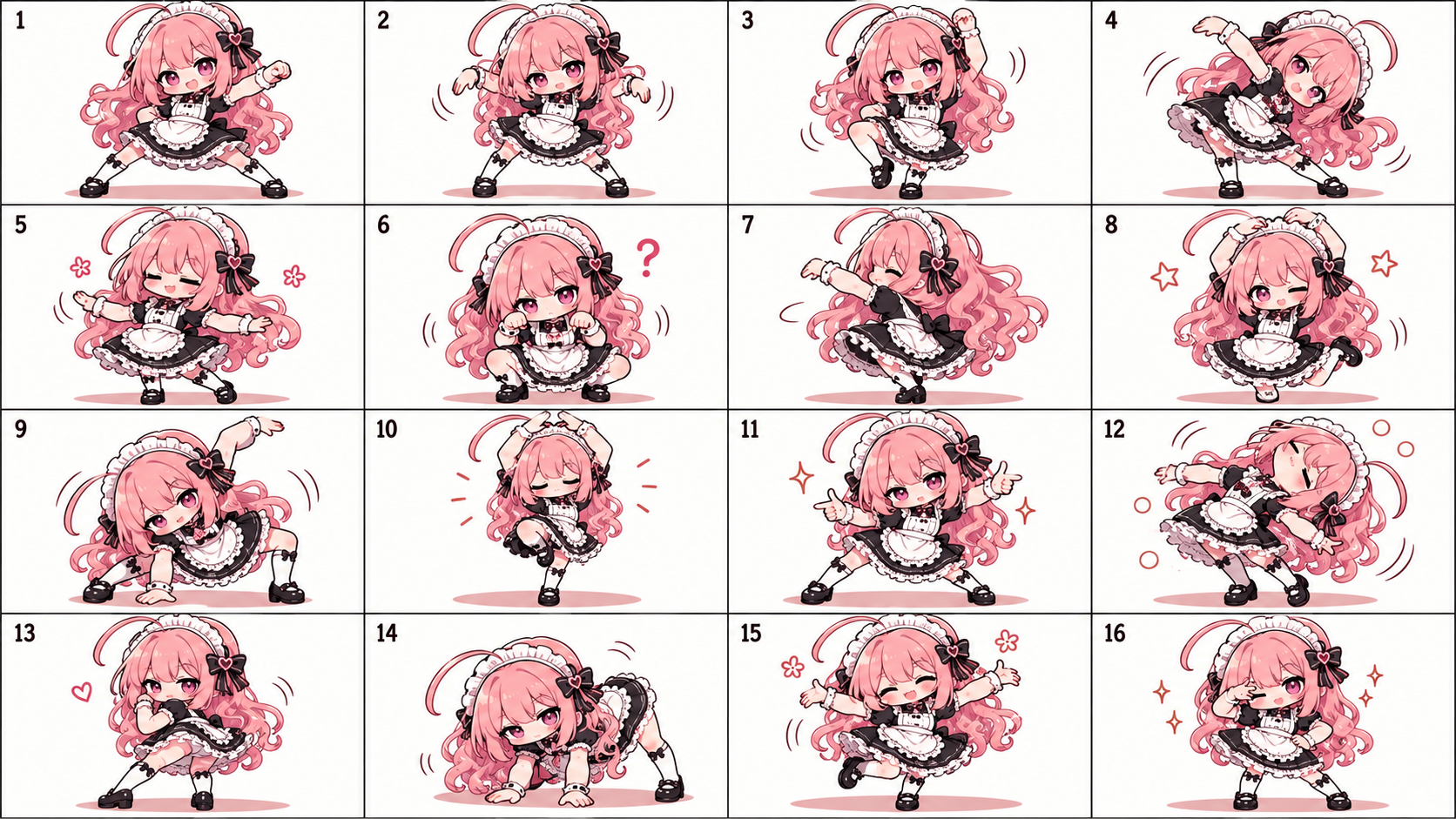
Create Character Sheets
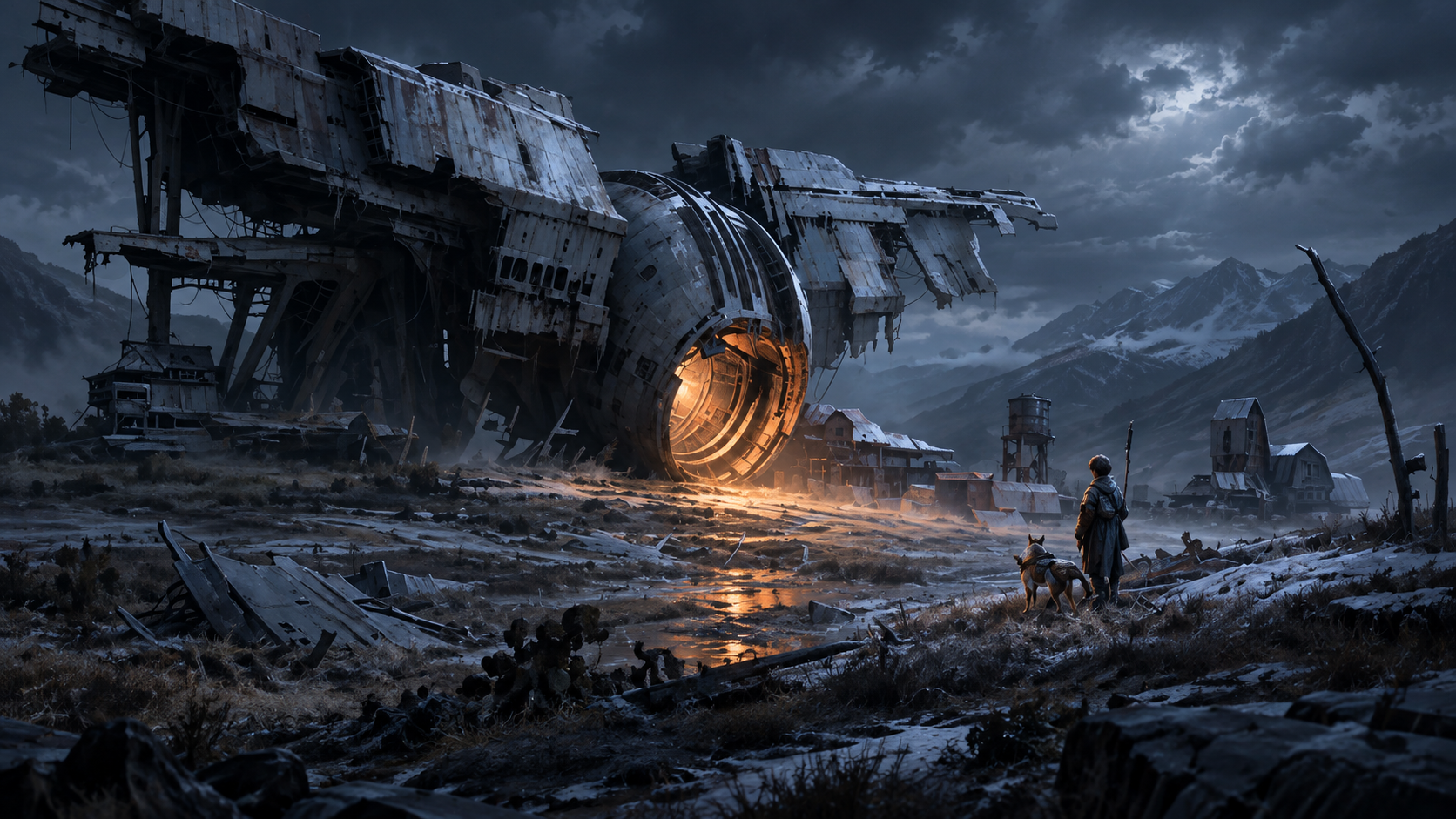
Build Game Concept Art
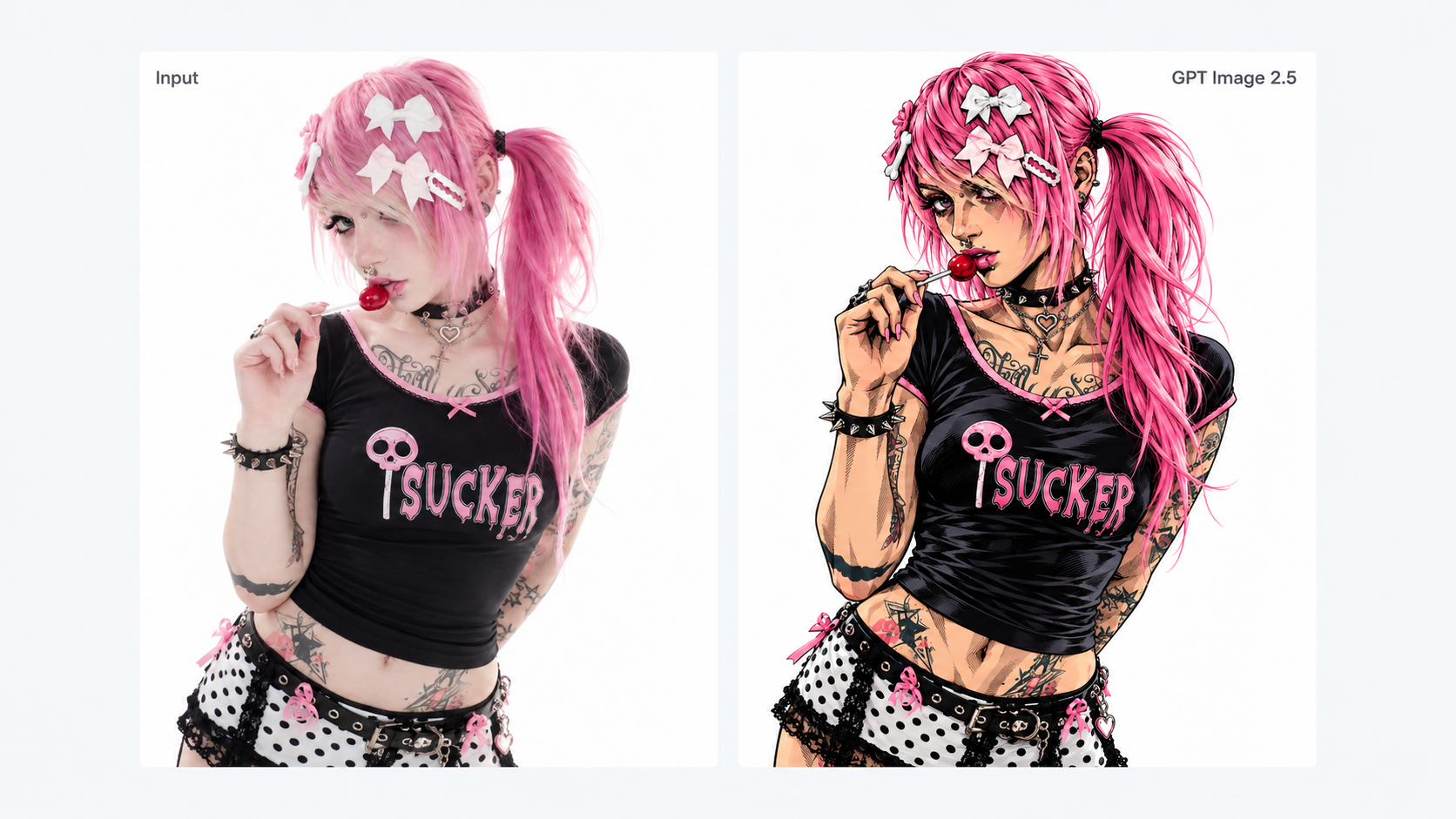
Edit & Restyle Images
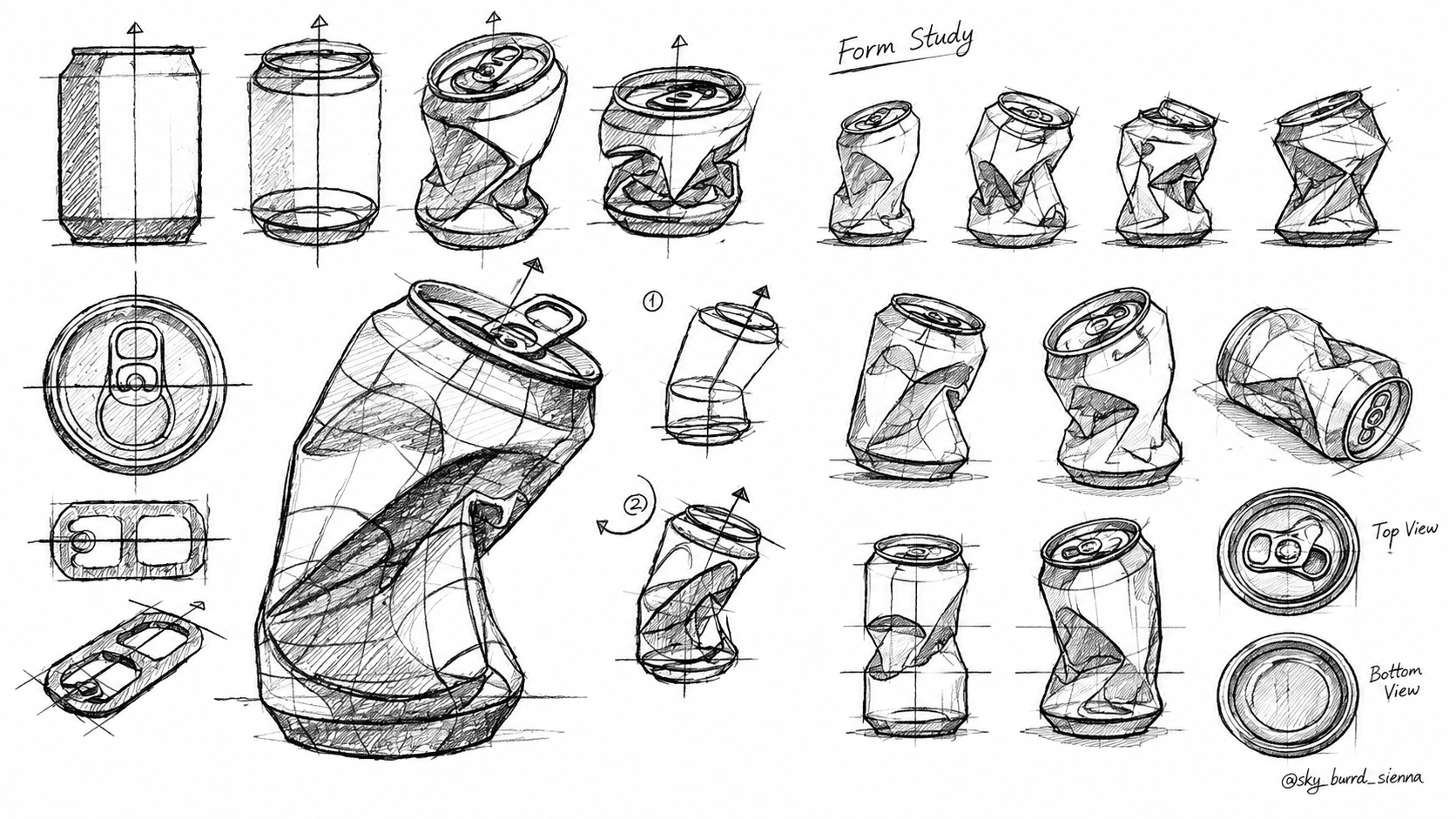
Create Product Visuals
Why GPT Image 2.5 Works Best?
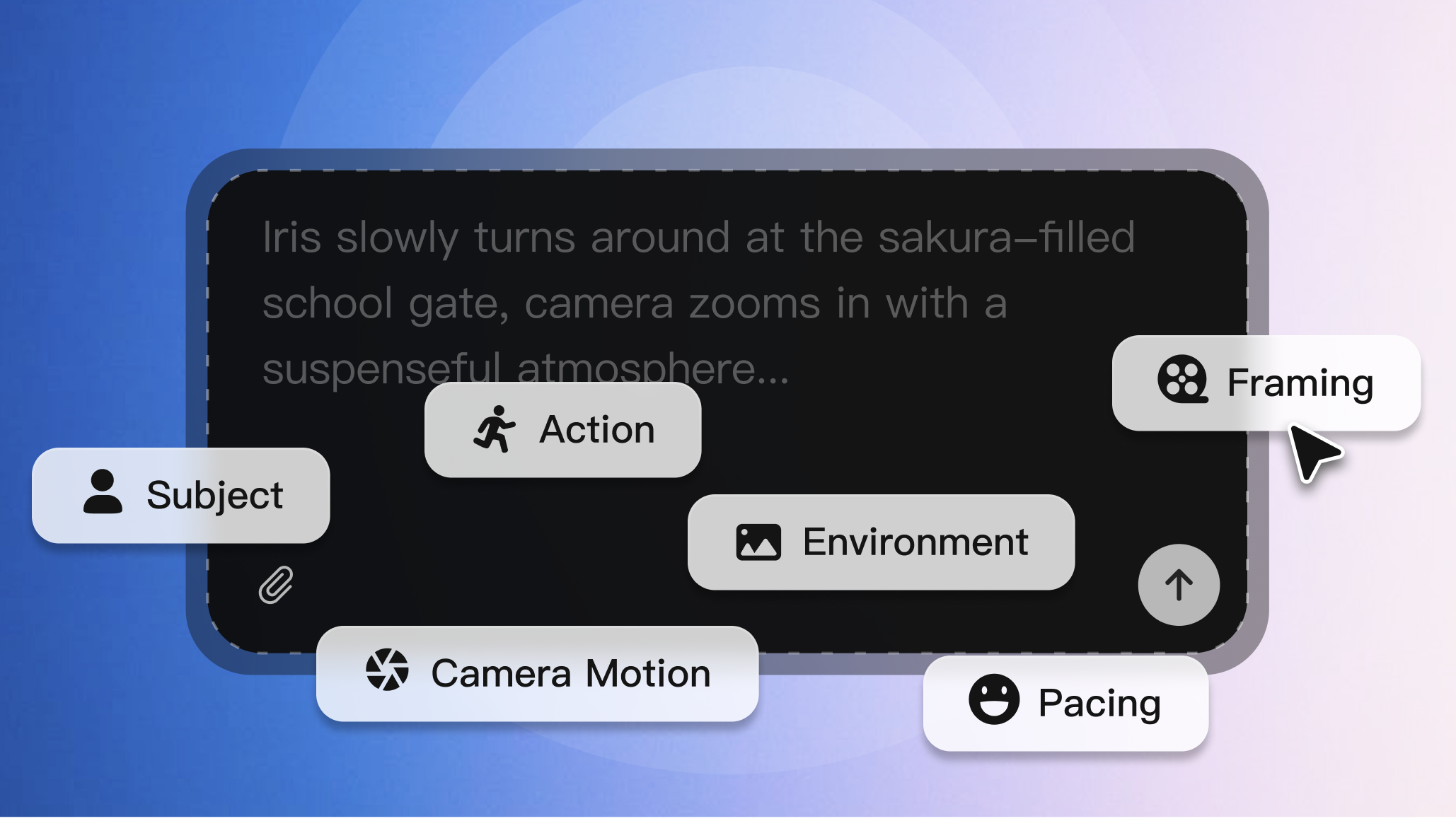
Up to 50% Lower Generation Latency
Generate and iterate faster, with image generation latency reduced by up to 50% compared with Images 2.0.
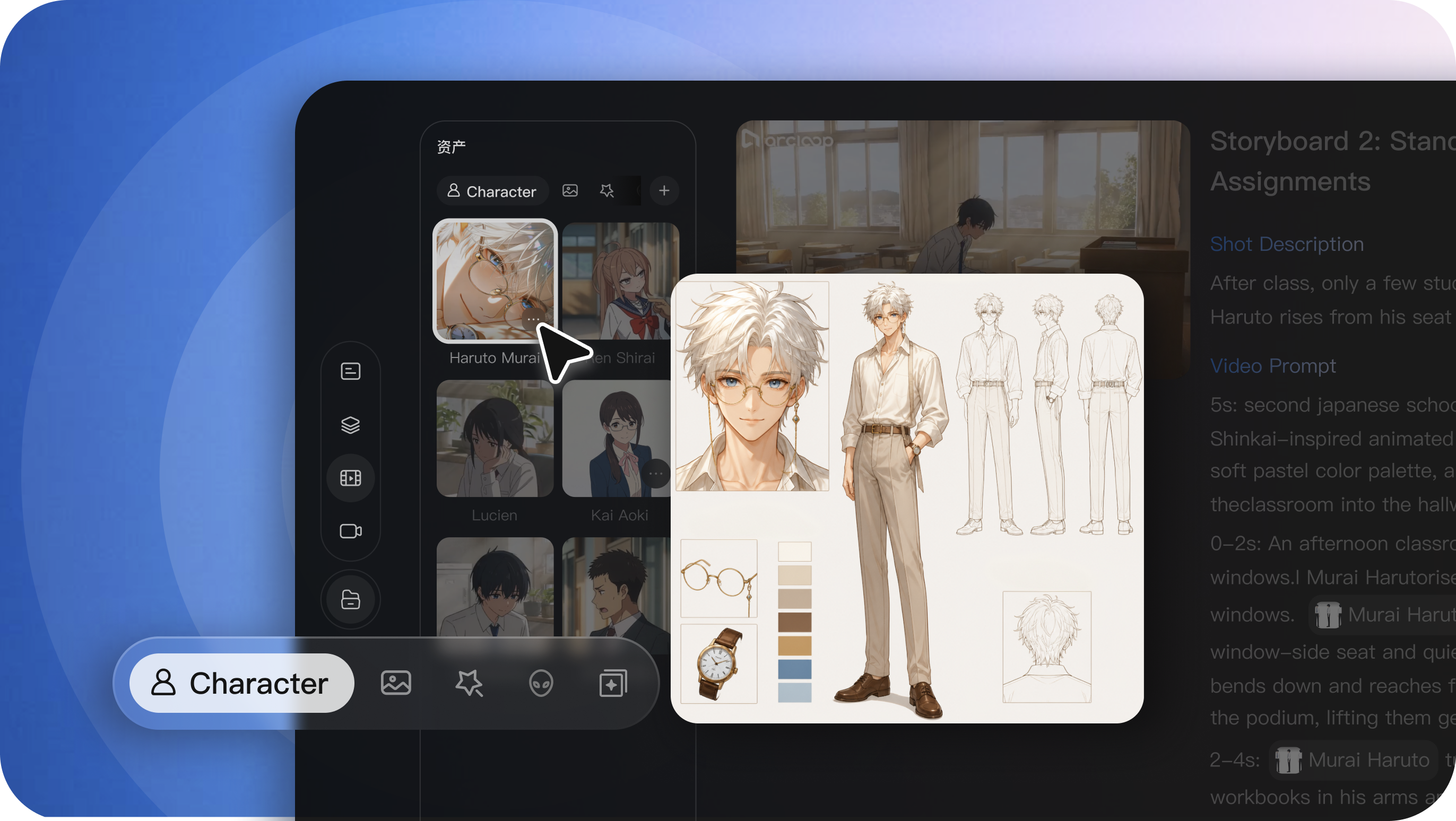
More Consistent Image Editing
Change style, setting, or composition while preserving more of the original subject and details across edits.
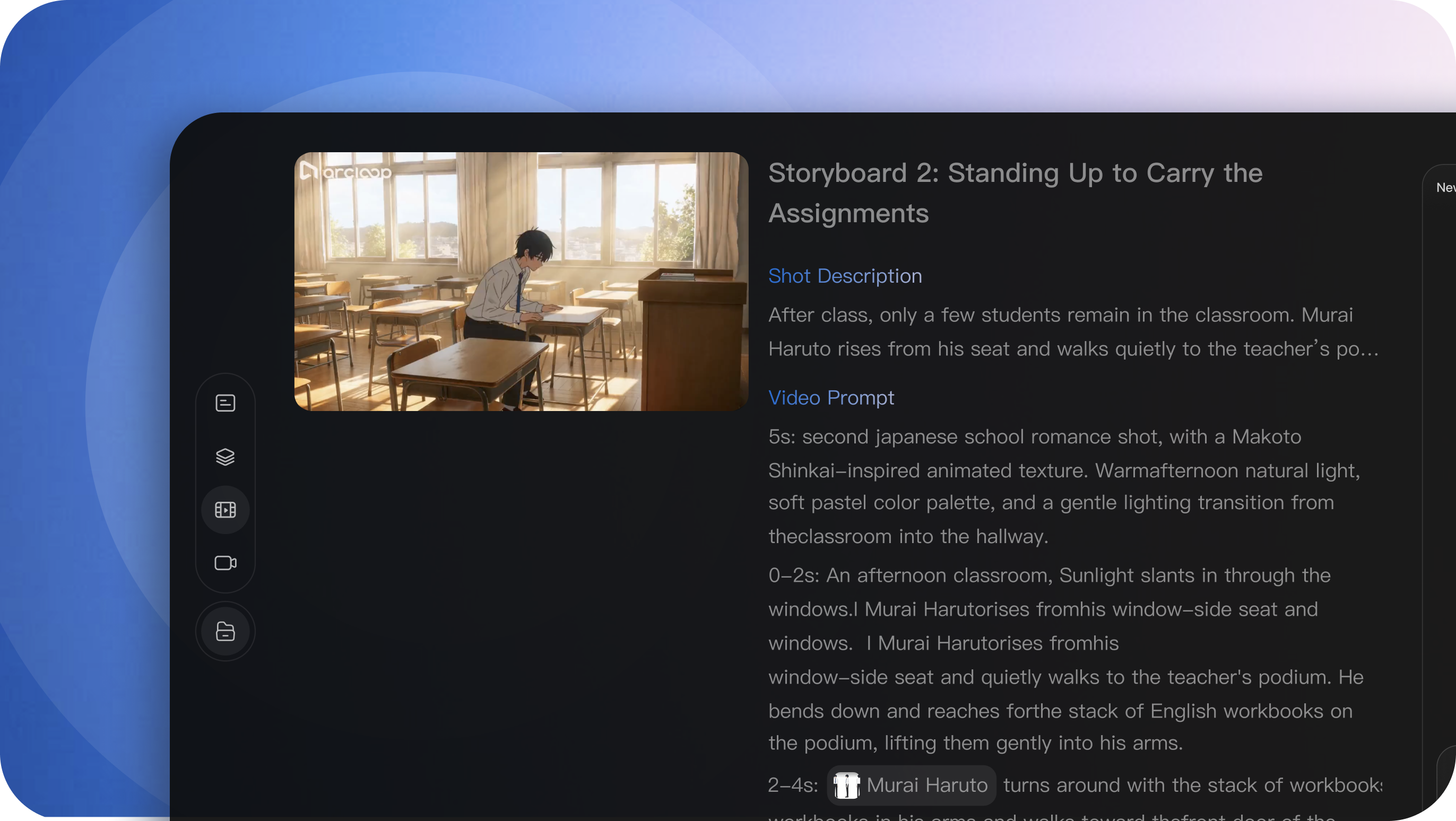
Better Text & Layout Rendering
Create posters, infographics, and graphic layouts with more accurate text placement and composition.
Who Is GPT Image 2.5 For?
- Game & Film Creators
- Create concept art, storyboards, scenes, and video-ready frames.
- Visual Designers
- Make posters, ads, product visuals, and social graphics.
- Character Creators & Roleplayers
- Build character sheets, outfits, expressions, and new variations.
Is GPT Image 2.5 the Right Model for You?
| GPT Image 2.5 | GPT Image 2 | Nano Banana 2 | Nano Banana Pro | |
|---|---|---|---|---|
| Best for | Fast creation & precise editing | General image creation | Fast everyday creation | Complex, high-fidelity design |
| Speed | Very Fast | Fast | Very Fast | Moderate |
| Editing | Excellent | Very Good | Excellent | Excellent |
| Prompt Following | Excellent | Very Good | Excellent | Excellent |
| Text & Layout | Excellent | Good | Very Good | Excellent |
| Consistency | Excellent | Very Good | Very Good | Excellent |
Explore More Image Models
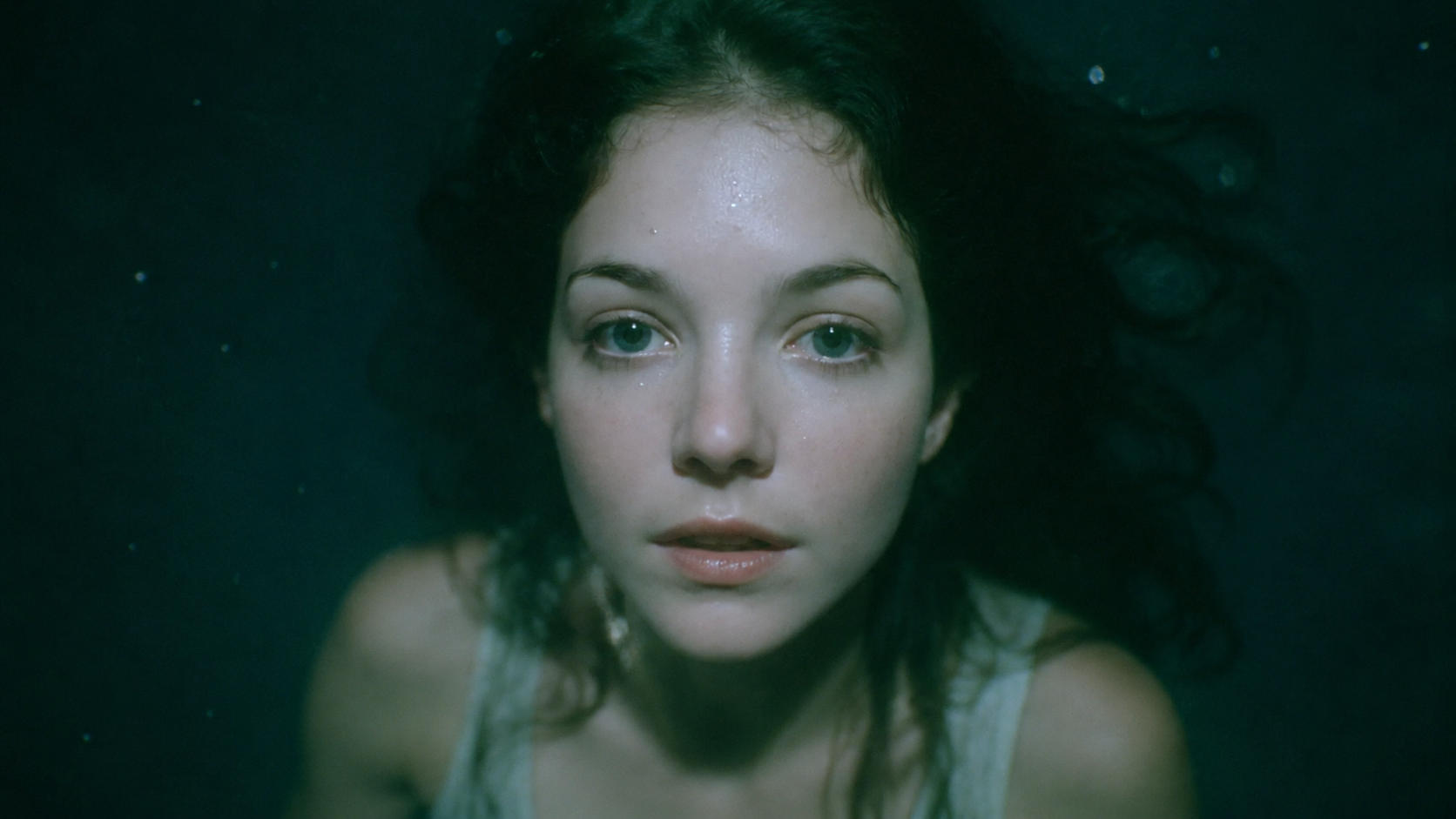
GPT Image 2
Try it Now
FAQs About GPT Image 2.5
What is GPT Image 2.5 best for?
GPT Image 2.5 works well for image generation and editing, especially posters, product visuals, character designs, concept art, storyboards, and other text-heavy or reference-based creative work.
Is GPT Image 2.5 faster than GPT Image 2?
Yes. GPT Image 2.5 is designed for faster image generation, making it better suited to workflows that involve repeated generation, comparison, and editing.
Can GPT Image 2.5 edit an existing image?
Yes. Upload a reference image and describe what you want to change, such as the background, clothing, objects, text, composition, or visual style.
Does GPT Image 2.5 keep characters consistent when editing images?
It offers stronger subject preservation across edits, helping maintain recognizable characters, products, and important visual details while making targeted changes.
Can GPT Image 2.5 generate posters and readable text?
Yes. It performs better on text rendering and structured layouts, making it useful for posters, ads, social graphics, title cards, and UI-style visuals.
Can I use reference images with GPT Image 2.5?
Yes. You can use reference images to guide appearance, composition, style, characters, products, or other visual details.
What is the difference between GPT Image 2.5 and GPT Image 2?
GPT Image 2.5 focuses on faster generation, more precise editing, stronger prompt following, improved subject preservation, and better text and layout rendering.
When should I choose GPT Image 2.5 instead of Nano Banana 2 or Nano Banana Pro?
Choose GPT Image 2.5 when you prioritize fast iterative editing, prompt control, character or product preservation, and text-heavy visual creation. Other models may be better depending on the specific workflow and output style.
Ready to create your next image?
Start with a detailed prompt or a reference image, then turn the strongest result into a reusable project asset.