Seed Audio 1.0 AI Audio Generator for Short Drama and Animation
Generate up to two minutes of dialogue, ambience, sound effects, and scene audio in one click. Direct character performance, timing, and atmosphere from a single prompt.
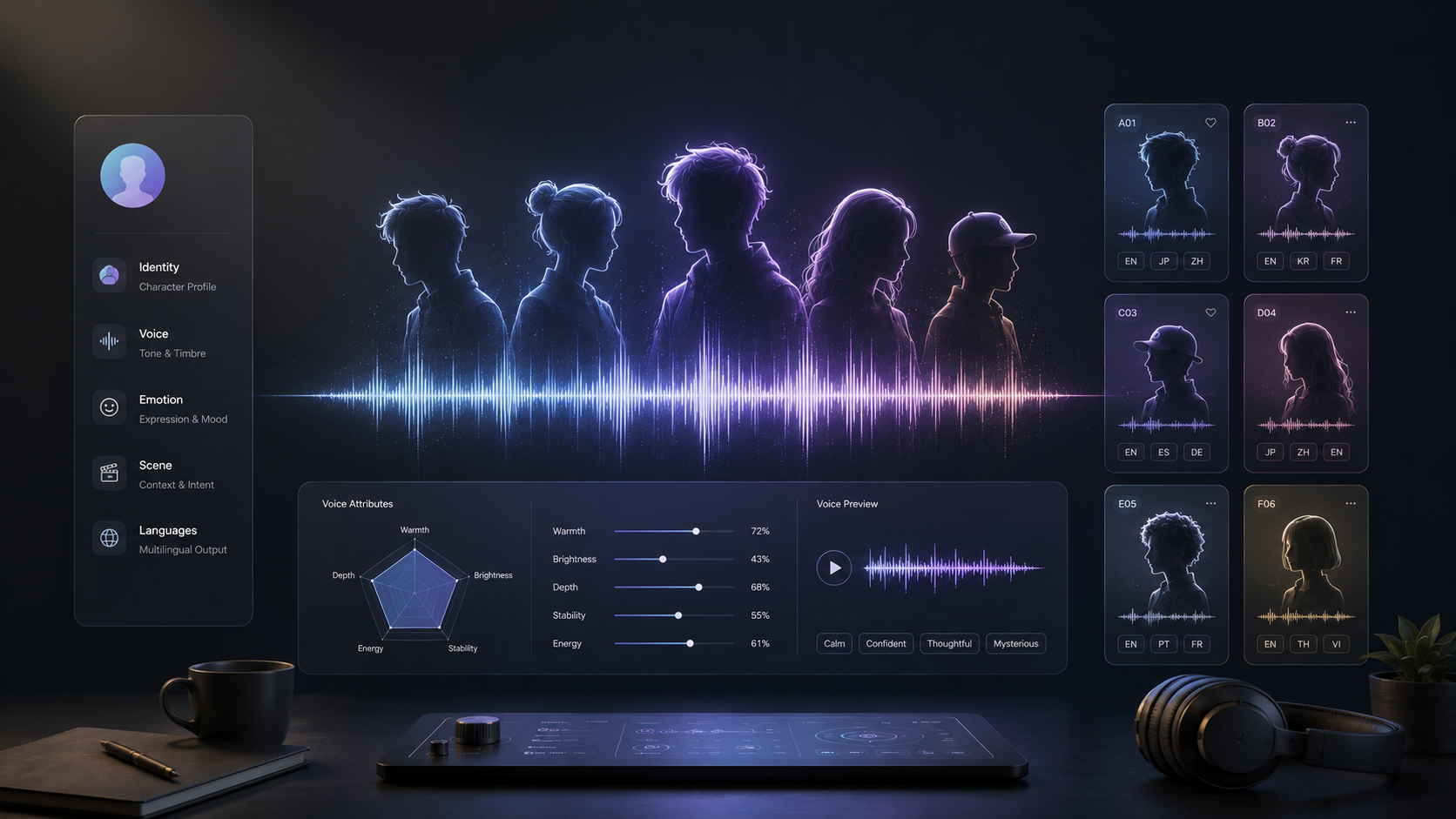
Pick a Voice
Press play to preview
Japanese Middle-Aged Man Life Encouragement Prompt to audio
English Female Midnight Radio Companion Prompt to audio
Japanese Welcome Home Comfort Prompt to audio
Korean Ex Lover Reconciliation Call Prompt to audio
Rainy Night Female Goodnight ASMR Prompt to audio
Japanese Night Train Girl Comfort Prompt to audio
Japanese Onsen Inn Owner Goodnight Prompt to audio
Broken Bully Apology Prompt to audio
Why Seed Audio 1.0 Works for Scene Audio
Generate a Full Audio Scene in One Pass
Dialogue, ambience, score, and effects are written in the same pass, already balanced against each other. The music ducks under the line on its own. What comes back is a finished track, not four stems waiting to be leveled.
Generate a Full Audio Scene in One Click
Write the scene in narrative order and the audio comes out in that order, placed to within 100 milliseconds. A line written third arrives third; a door that opens between two lines opens between them. That ordering is what lets the audio drive the cut instead of chasing it.
Generate Up to 2 Minutes
Long enough for a full scene or a complete narration, with the same voice from the first word to the last. Continue from where you stopped when the scene runs longer.
Create Character Audio in 20+ Languages
Chinese, English, Japanese, Korean, Spanish, German, French, Thai, Vietnamese and more, so a series can ship in several languages without recasting.
How to Use Seed Audio 1.0 on Arcloop
Pick a Voice
Choose a character voice or add an authorized voice reference that fits your scene.
Write Your Scene
Enter the dialogue and describe the emotion, pacing, timing, ambience, and sound effects you want to hear.
Generate Your Audio
Generate the scene, preview the result, and refine your prompt until the voices and sound match the moment you want to create.
How to Write a Seed Audio 1.0 Prompt
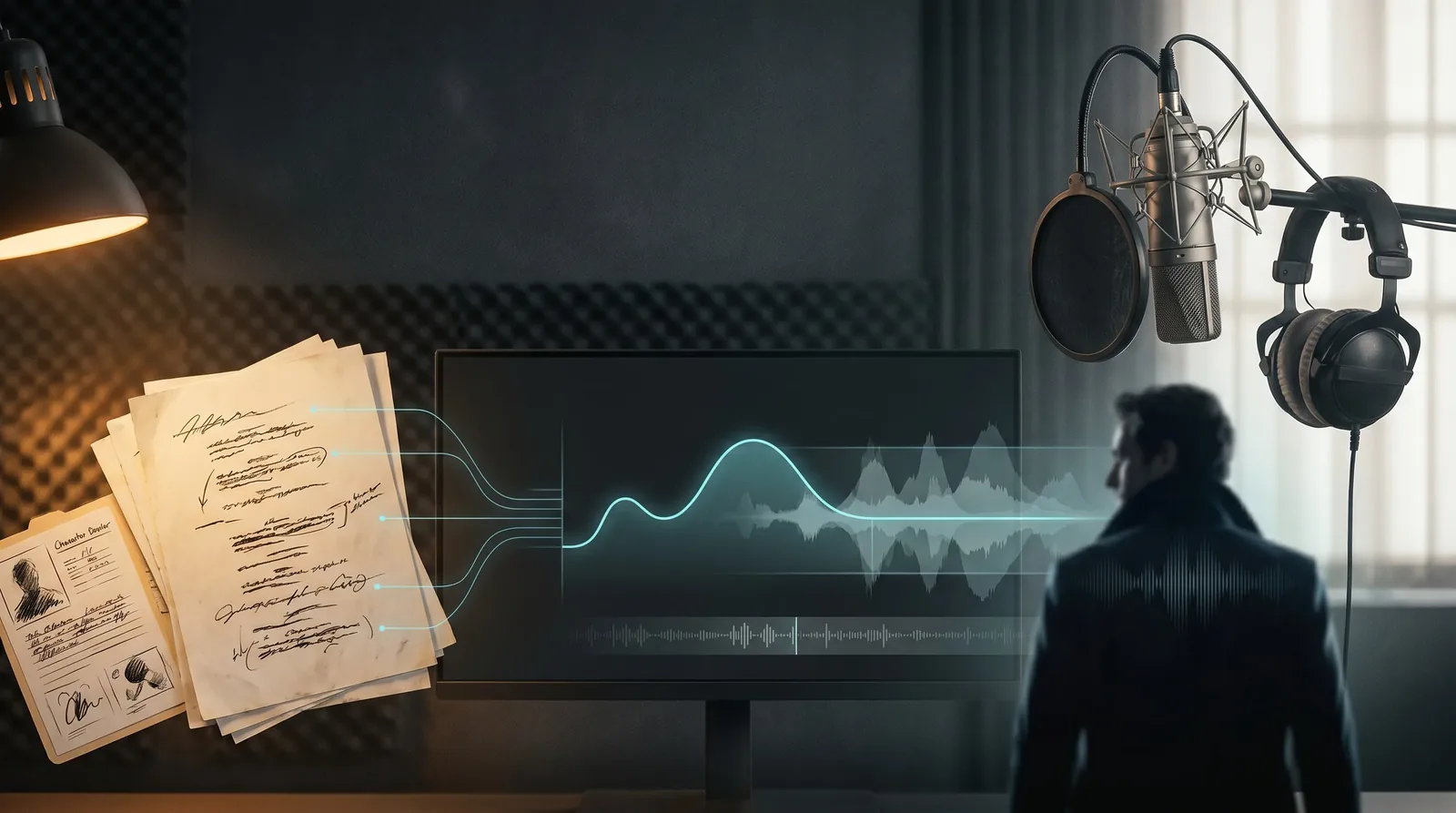
Seed Audio reads a prompt the way a script supervisor reads a page: who speaks, how they sound, what happens between the lines. Cast each character once, then write the scene in the order it plays.
Example prompt
Security Robot (AI robot, monotone low-pitched voice, slow pace): "Session expired."

Faye (young girl, clear bright voice, frantic pace) says: "No, please — this is urgent, I need to deliver this message."

Security Robot says: "Unable to verify citizenship. You will be escorted to the holding cell."

A large mechanical door opens and a man walks toward Faye.

Jet (older man, dark low voice, even pace) says: "Faye, apologies for the inconvenience. Come with me."
Cast a character the first time they speak.
Put age, voice quality, and pace in the brackets. After that, "Name says:" is enough — the voice carries.
Sound and action get their own line.
Write what happens between the lines, in the order it happens. The model will not infer an overlap from "meanwhile," so if an effect belongs inside a line, split the line in two and put the effect between the halves.
Label music as a soundtrack.
Write "Soundtrack:" and describe it, plus how long it should run. A mood line on its own often comes back as a two-second effect instead of a score.
Add a reference when the voice has to stay.
A written description casts the voice on its own. Upload up to three clips of 30 seconds each when a character has to sound the same across episodes, then reuse that take every time they speak.
Get Insights from Experts Blog
Explore practical guides for voice design, prompting, and audio production in ArcLoop.
Seed Audio 1.0 is an AI audio generation model from ByteDance Seed. It can create dialogue, character voices, ambience, sound effects, and other scene audio from text and audio references, making it well suited for short drama, animation, and narrative content.
2. How is Seed Audio 1.0 different from text to speech?
Traditional text to speech mainly turns written text into spoken voice. Seed Audio 1.0 can generate a complete audio scene with multiple characters, emotion, pacing, ambience, and sound effects based on the same scene context.
3. How long can Seed Audio 1.0 generate?
Seed Audio 1.0 can generate audio up to two minutes long. This makes it useful for longer dialogue scenes, narration, animation sequences, and short drama episodes without splitting every line into separate clips.
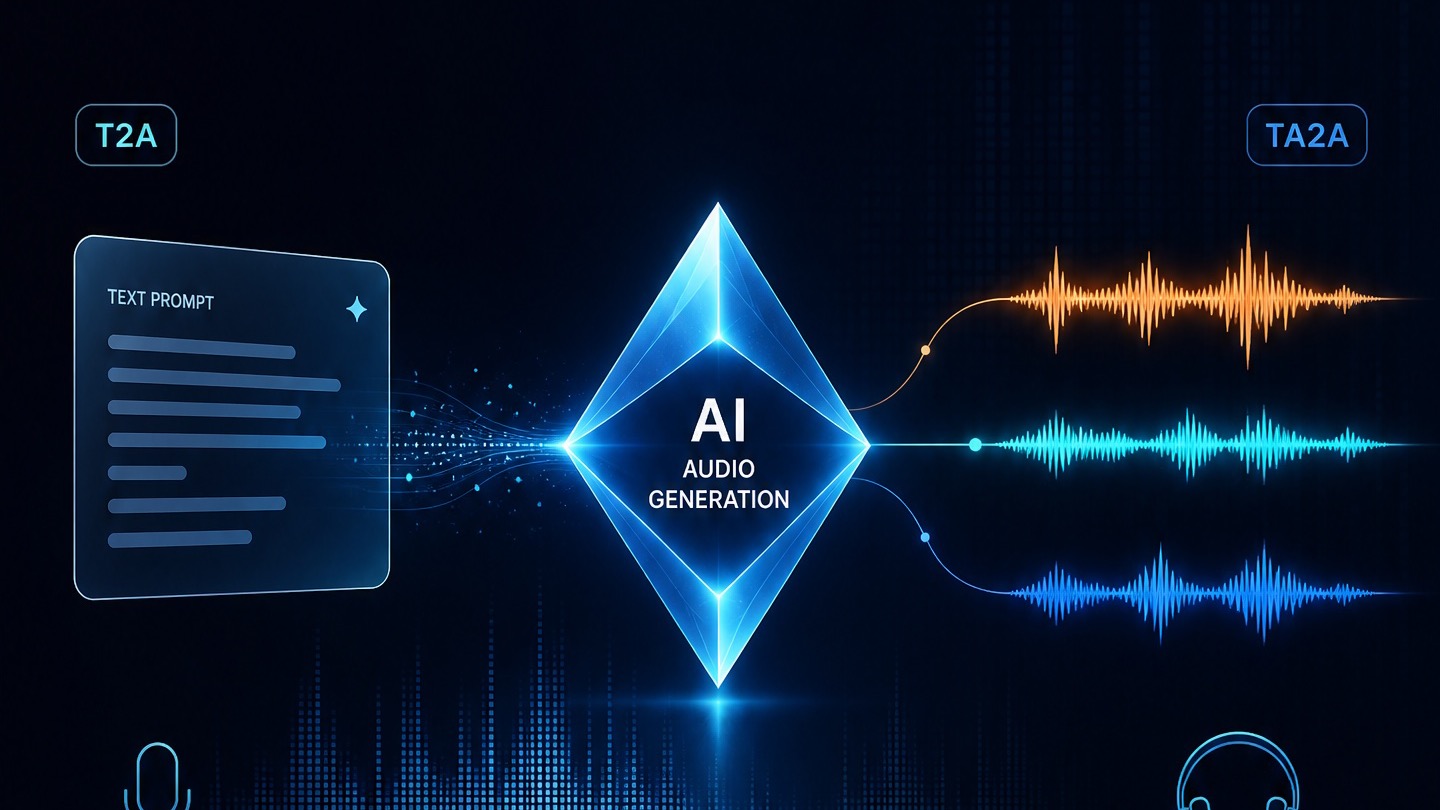
4. What is the difference between T2A and A2A?
T2A turns a text prompt into new audio, including voices, dialogue, ambience, and sound effects. A2A uses existing audio as a reference and generates new audio based on its voice or acoustic characteristics.
5. What languages does Seed Audio 1.0 support?
Seed Audio 1.0 supports more than 20 languages, including English, Chinese, Japanese, Korean, French, German, Spanish, and Thai. This makes it useful for multilingual characters, localized animation, and international drama production.
6. Why do two generations from the same prompt sound different?
AI audio generation is not fully deterministic, so the same prompt can produce different performances, pacing, voices, or sound details. For more consistent results, describe the character, emotion, timing, environment, and sound cues as clearly as possible.
7. Seed Audio 1.0 vs ElevenLabs: Which is better for my project?
Seed Audio 1.0 is better suited to scene based audio where dialogue, character performance, ambience, and sound effects need to work together. ElevenLabs is often a stronger choice when your main priority is dedicated voice generation, narration, or voice cloning. Choose based on whether you are creating a full scene or primarily generating speech.
AI models
Seedance 2.0
Seedance 2.5
Nano Banana Pro
Kling Omni
GPT Image 2
Seedream 5.0
Grok Imagine
Seed Audio 1.0
ElevenLabs
Seedance 2.0
Seedance 2.5
Nano Banana Pro
Kling Omni
GPT Image 2
Seedream 5.0
Grok Imagine
Seed Audio 1.0
ElevenLabs
Start with One Scene
Describe the characters, write the lines, and get the dialogue, the room, and the music back as one take.