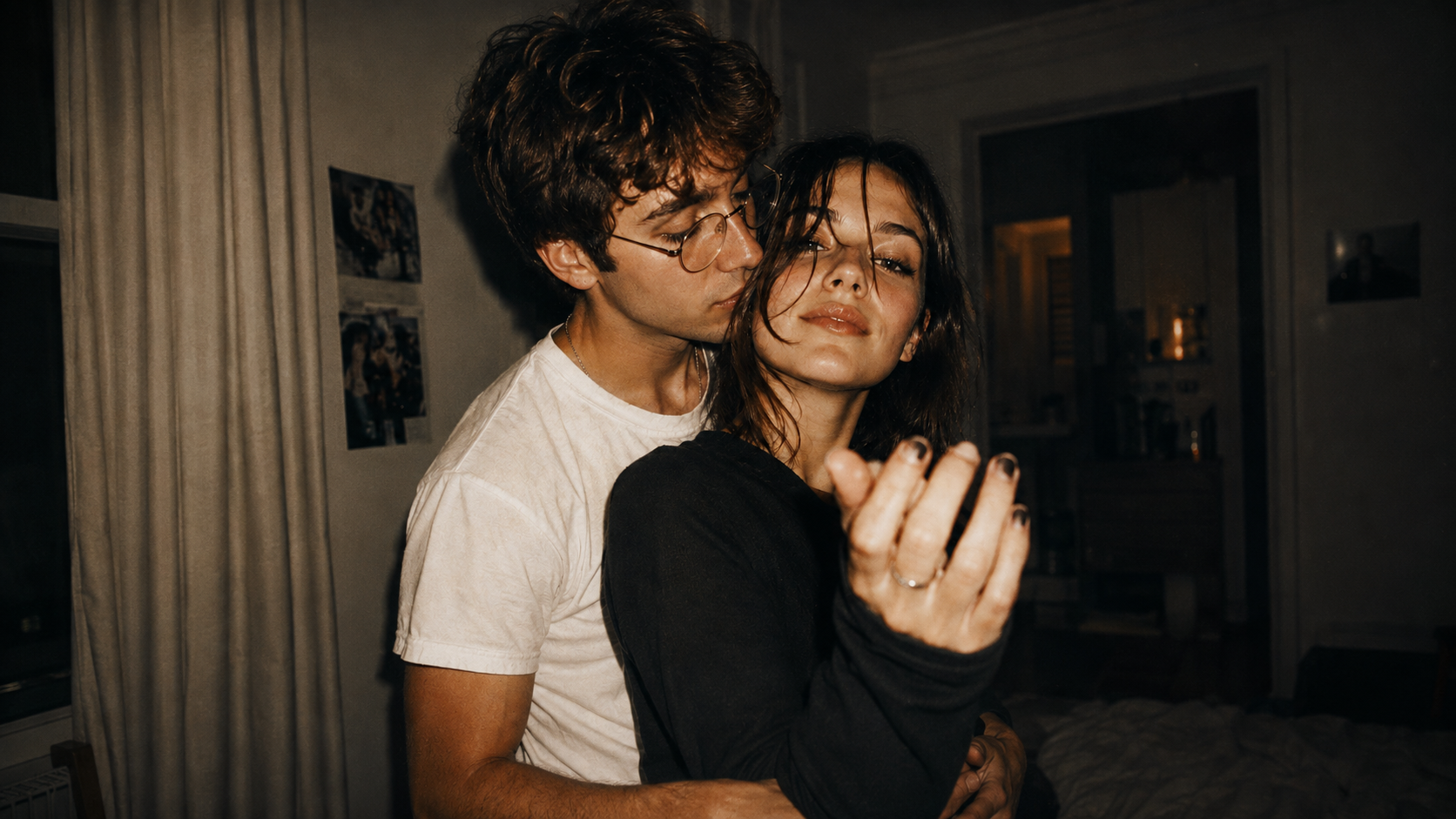
Drama Series
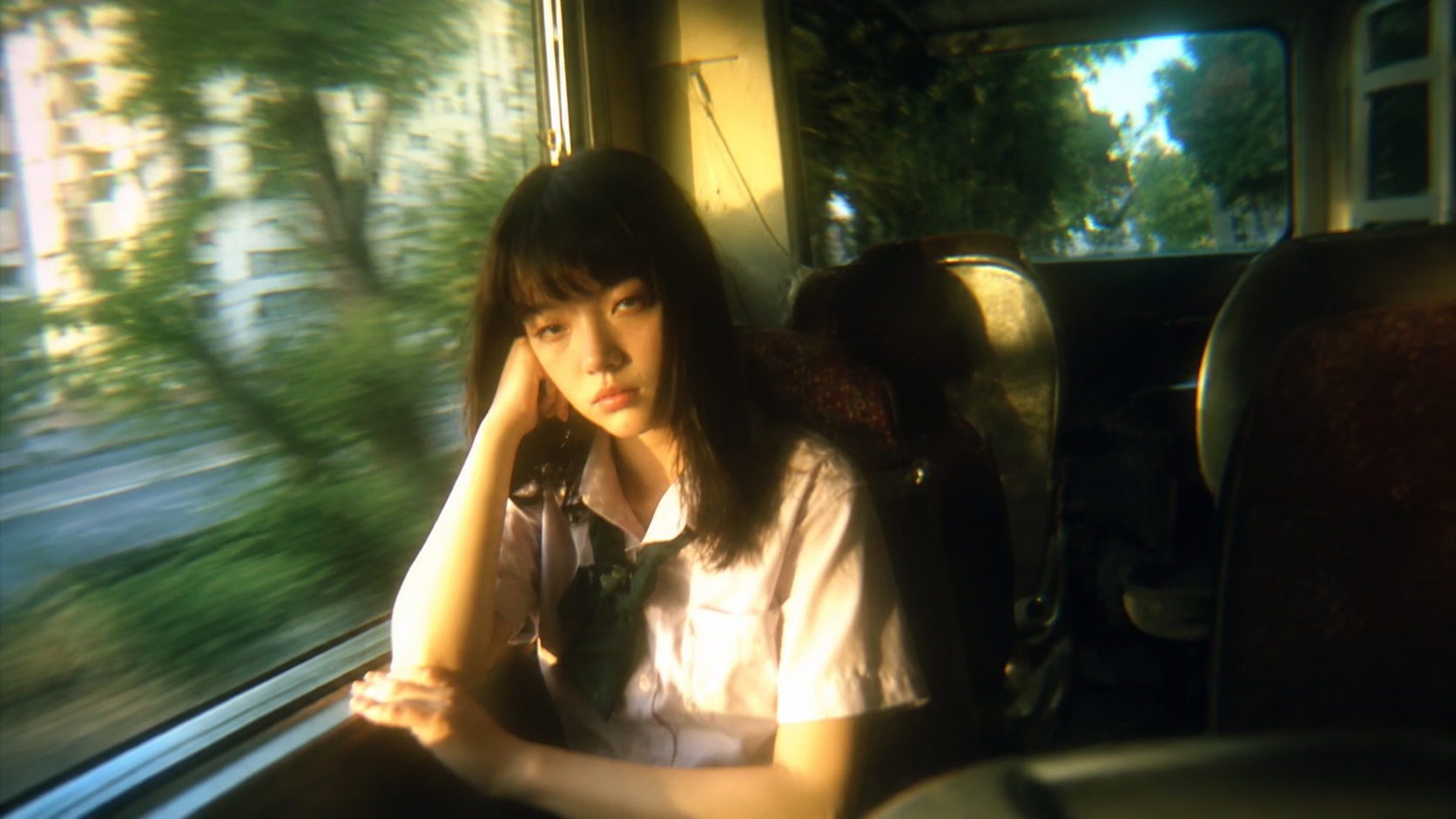
Build dialogue driven scenes with multiple characters, reactions, and story beats that carry naturally from one shot to the next.

Create 30s AI videos with up to 50 image, video, and audio references. Build longer stories with connected shots, consistent characters, and native audio.
Move from a single story beat to complete scenes for drama, film, music, and branded content.
Build dialogue driven scenes with multiple characters, reactions, and story beats that carry naturally from one shot to the next.
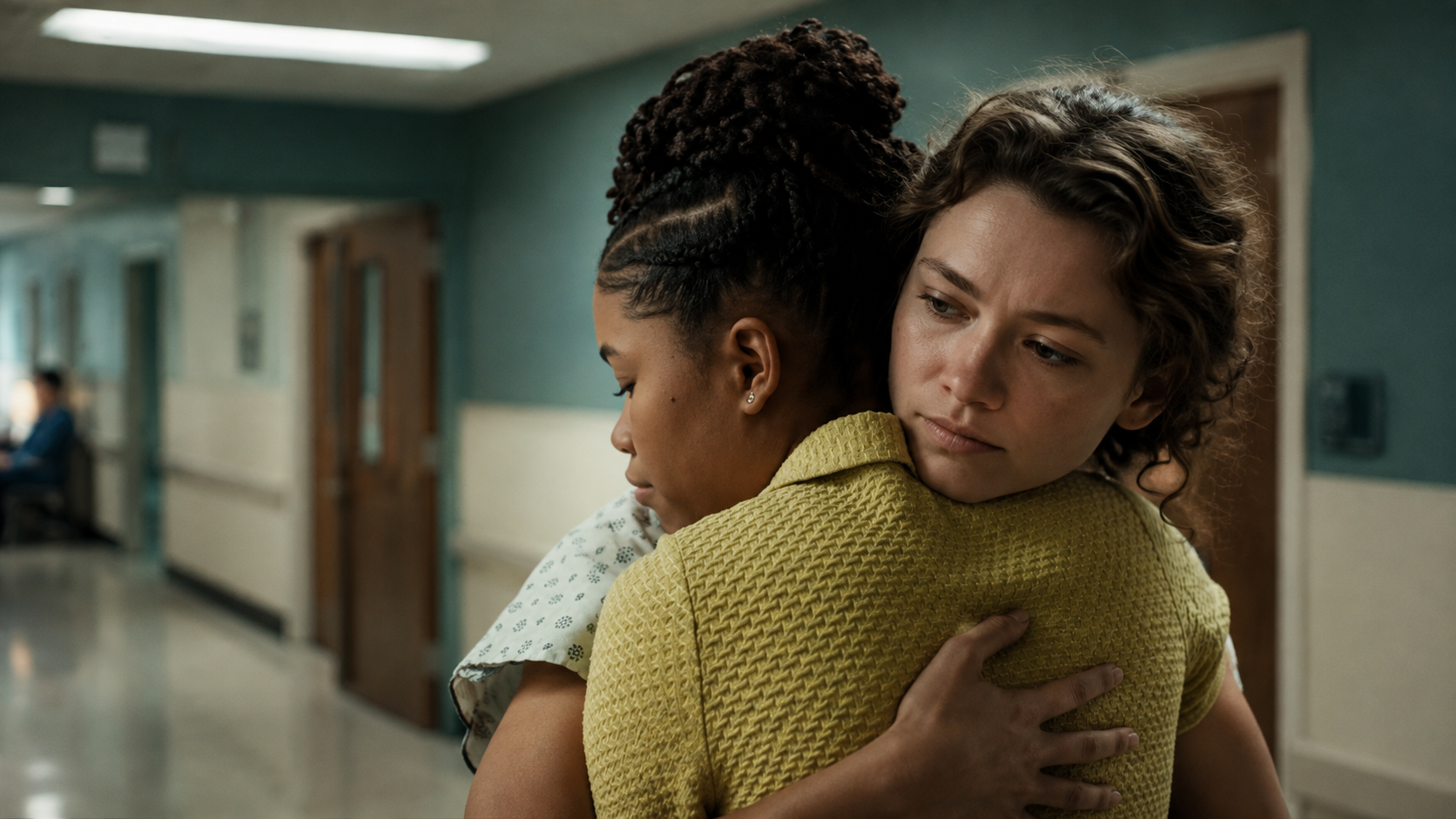
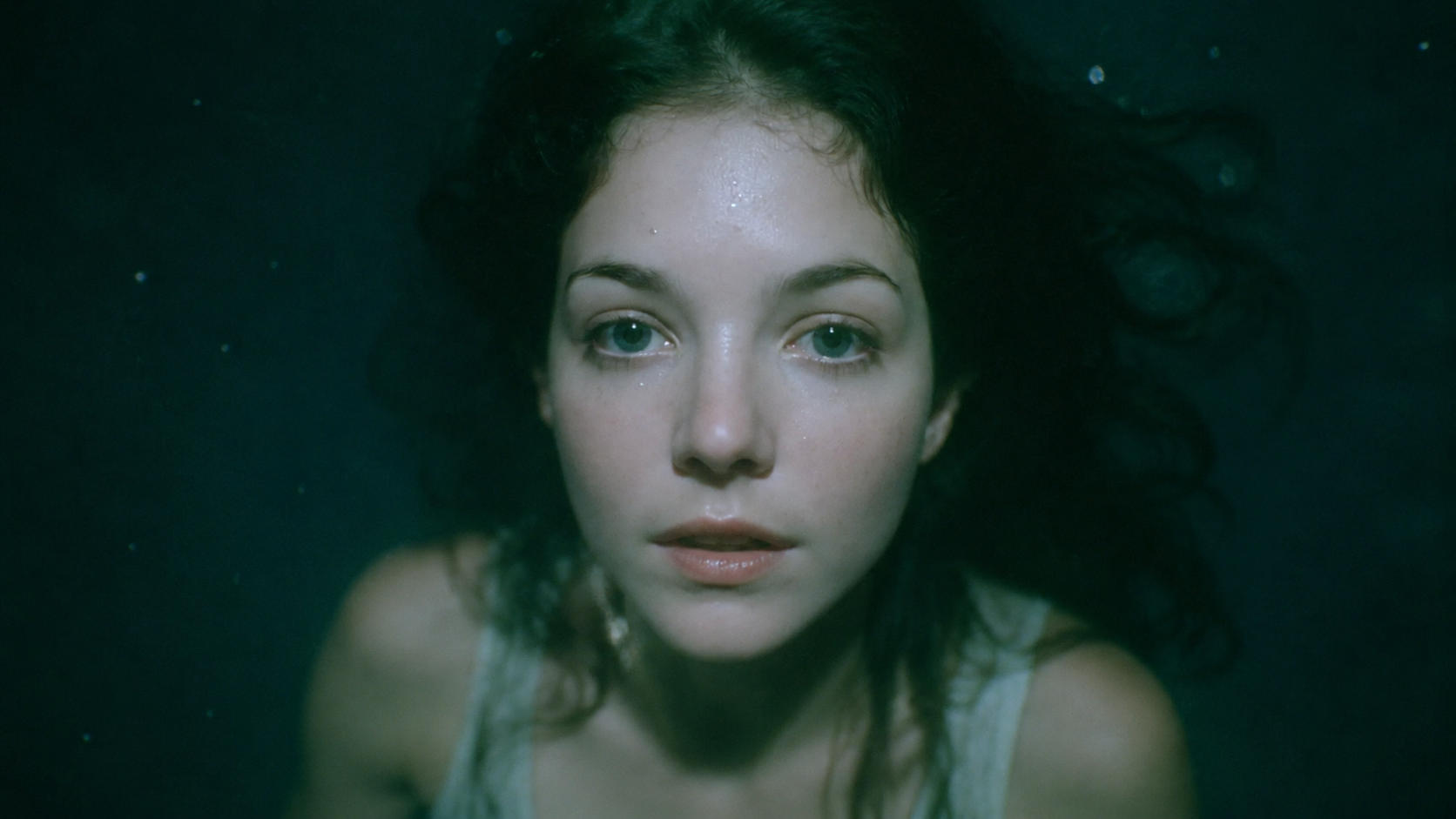
Direct cinematic sequences with action, camera movement, scene changes, and a clear beginning, turn, and ending.
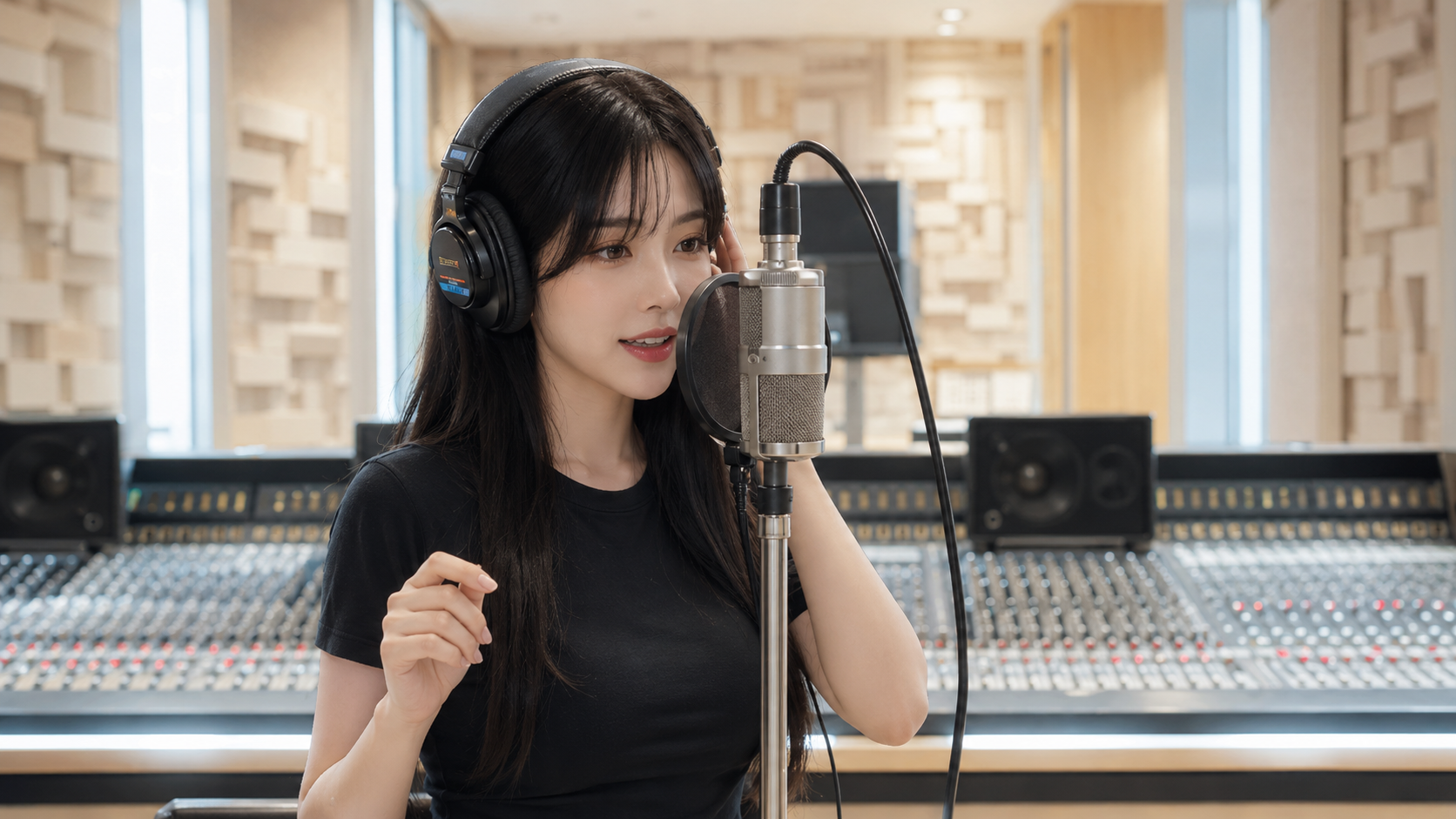
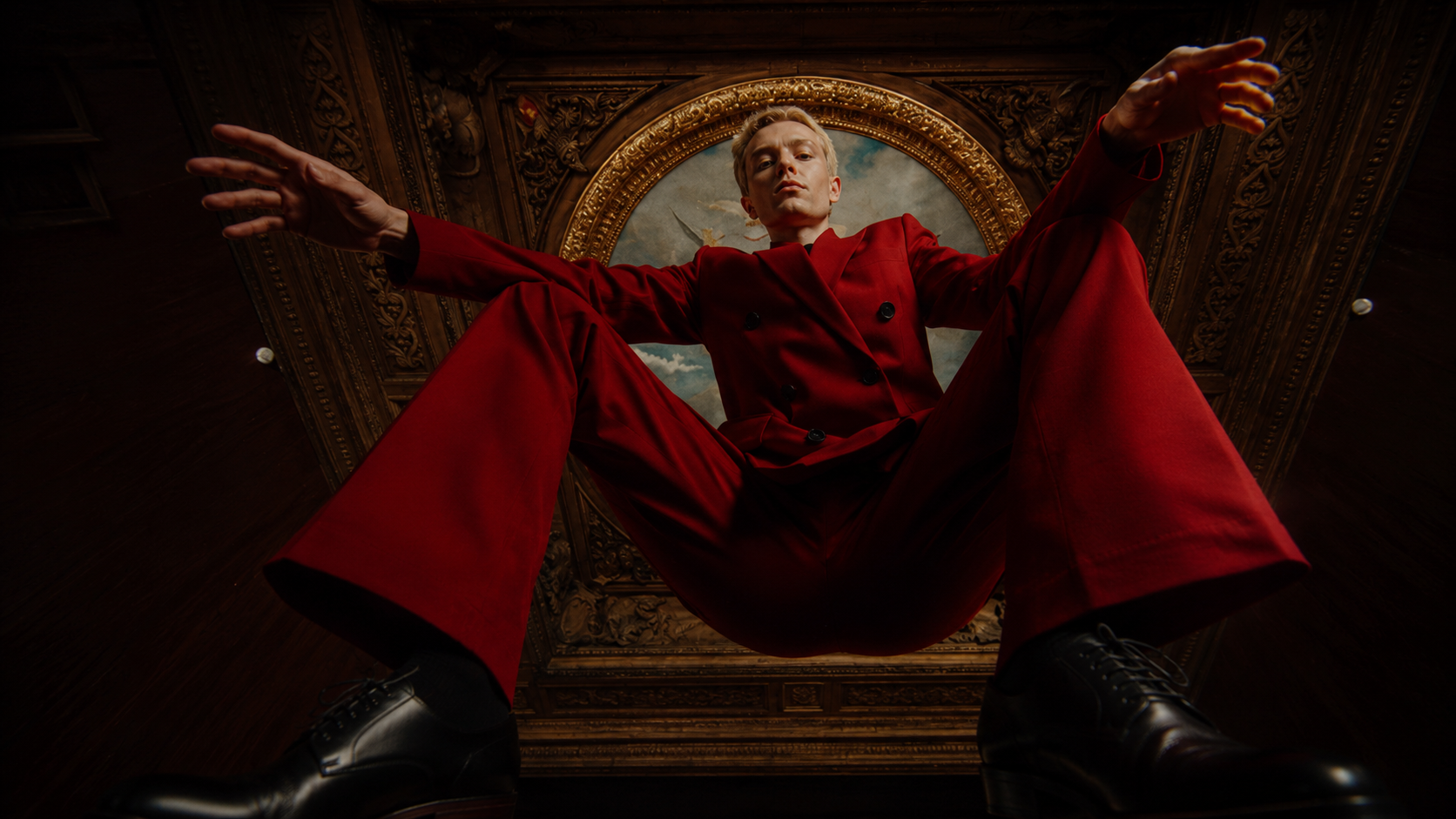
Shape performances around music, choreography, camera movement, and visual references for more directed MV sequences.
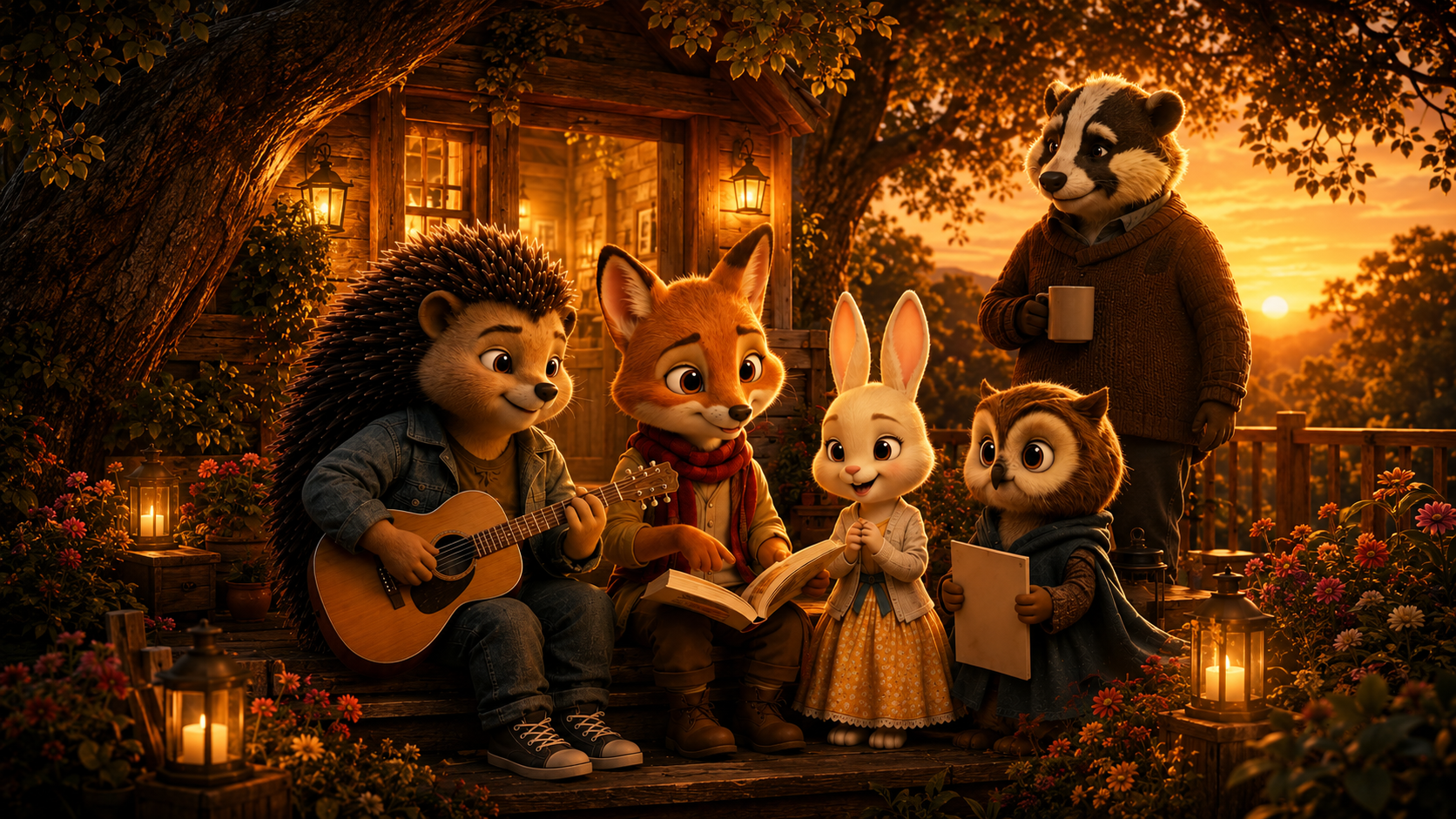
Fit the hook, product moment, lifestyle shot, and closing beat into one 30 second sequence.
Fit multiple connected shots and story beats into one generation, giving scenes enough time to develop without breaking them into short clips.
Use up to 30 images, 10 videos, and 10 audio references to hold character identity, locations, props, movement, voices, and style across complex scenes.
Use timestamp control to change characters, actions, objects, camera direction, or audio at specific points. Extend an existing video forward or backward while keeping its visual context.
Create dialogue, music, ambient sound, and sound effects with the visuals. Generate multilingual performances in 11 languages with accurate lip sync.
Export MOV with H.264 video, YUV444P color sampling, and PCM audio for editing, color grading, compositing, and further production.
Start with a reference, direct the scene in your prompt, then generate and refine the result.
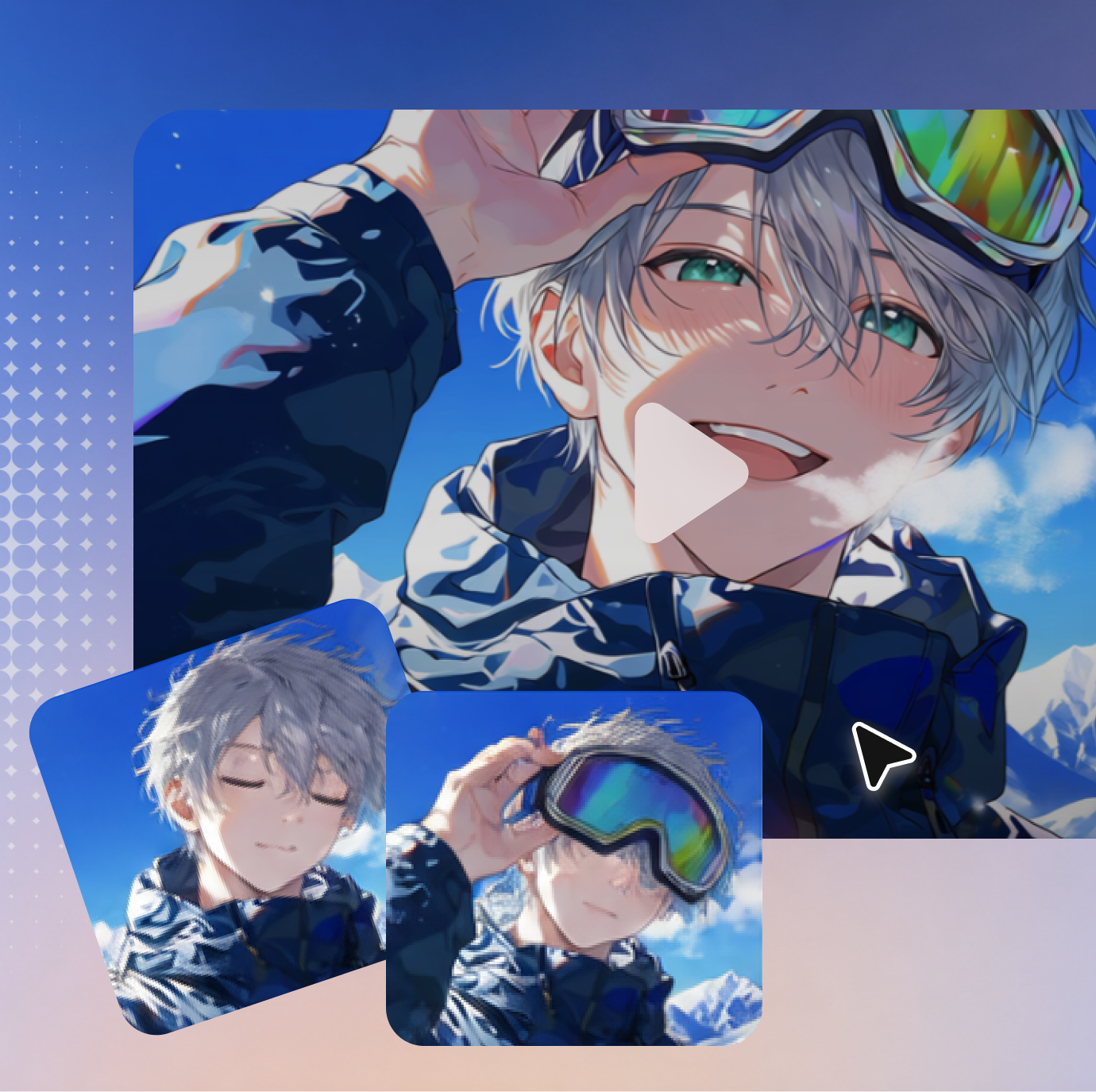
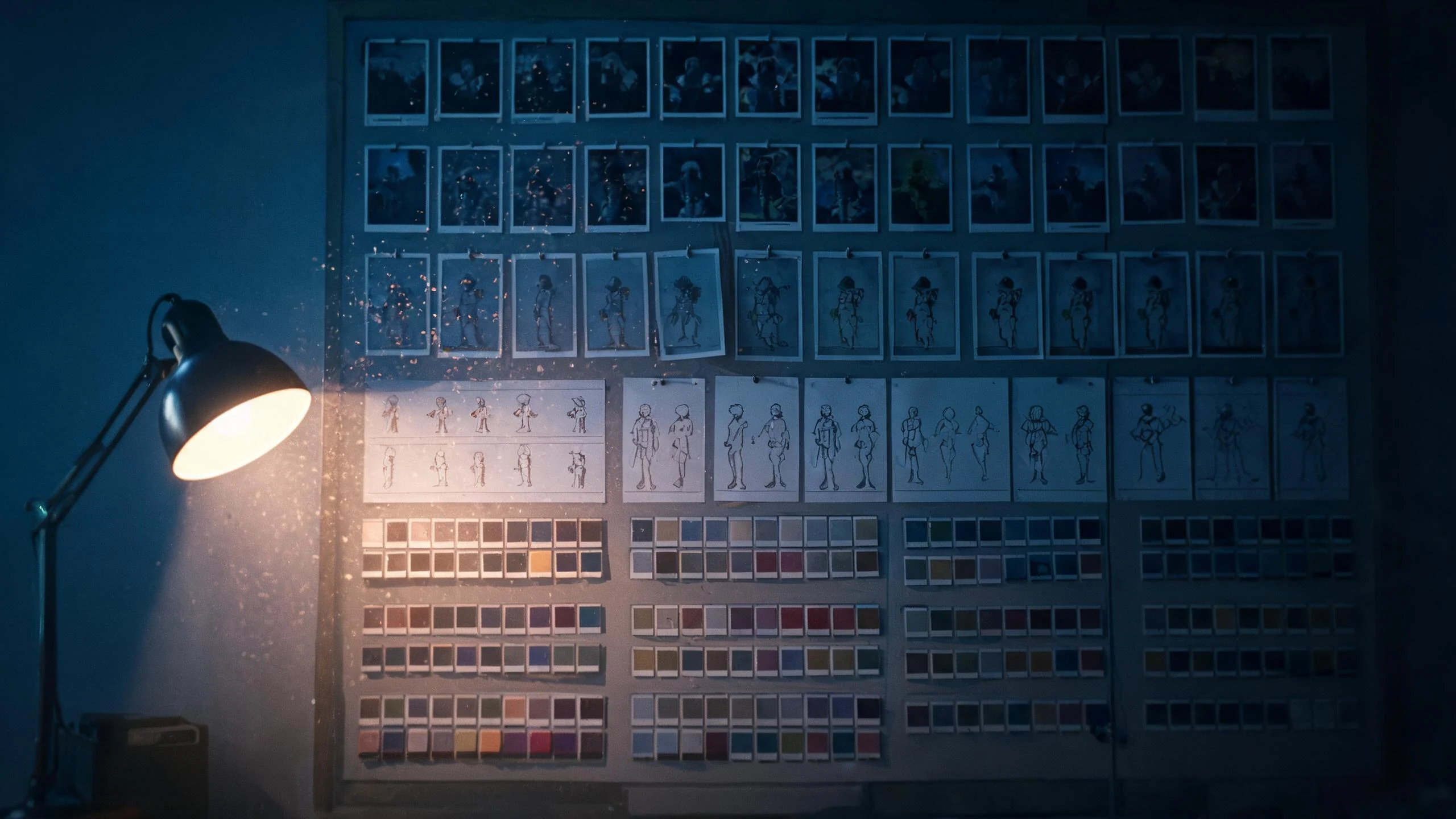
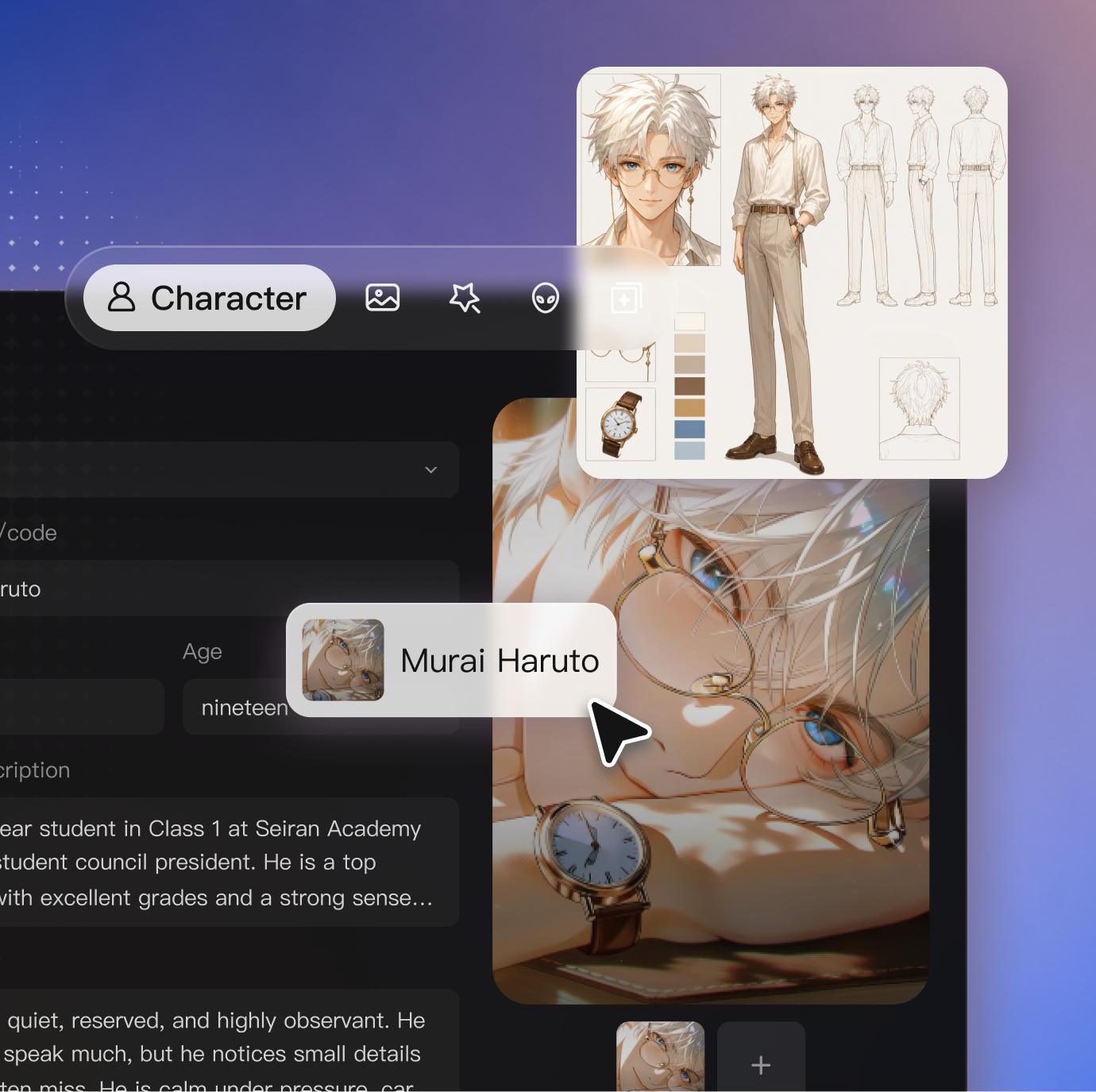
Add a character, environment, style, or motion reference to give Seedance 2.5 a clear visual direction.
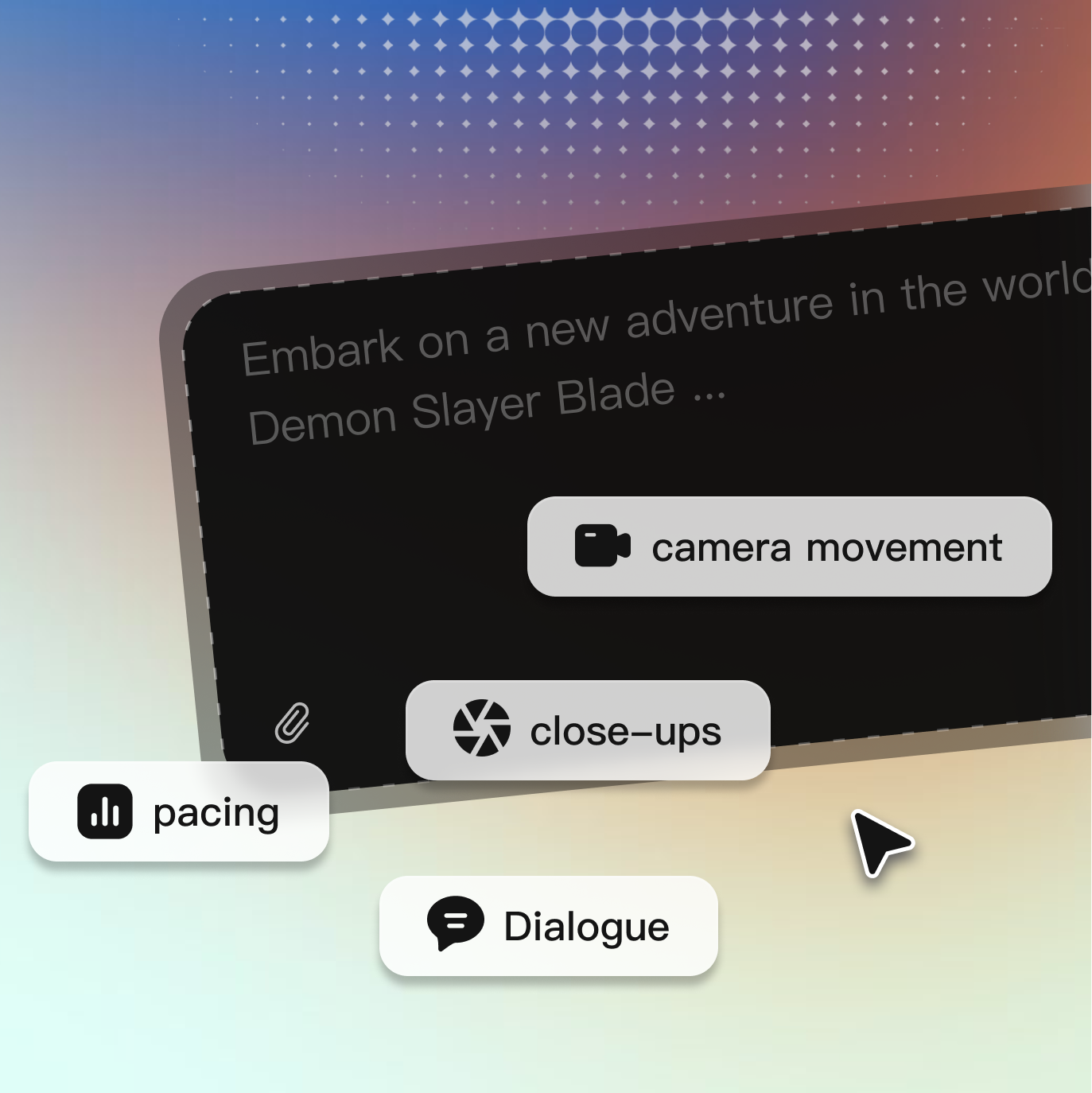
Describe the action, camera, dialogue, sound, and timing. For longer scenes, lay out what happens in order so each story beat has a clear place.
Choose your settings and generate the scene. Review the result, adjust your prompt or references, then continue editing or extending the video in ArcLoop.
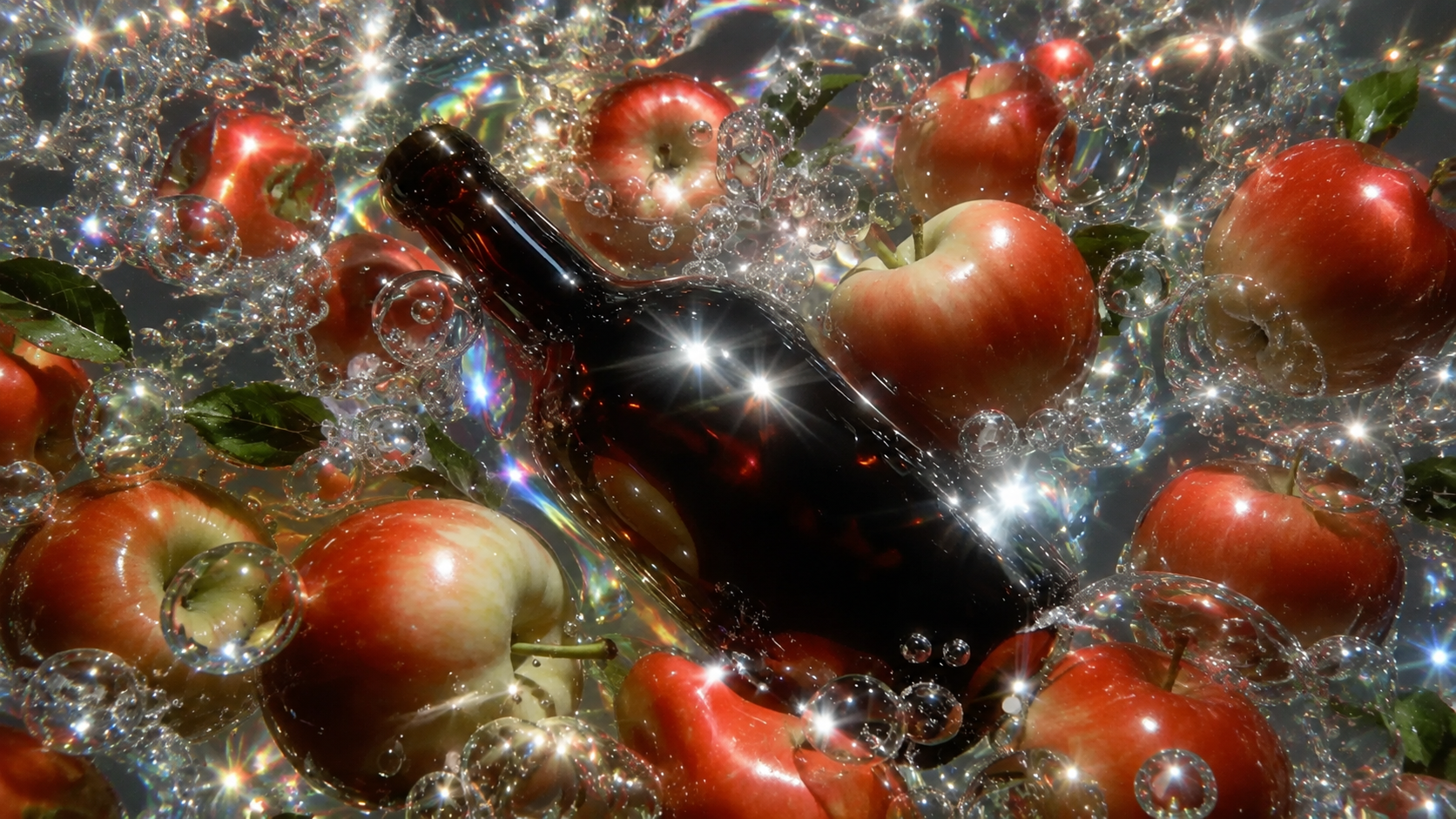
Explore practical guides for prompting, camera direction, visual continuity, and AI video production in ArcLoop.
Read MoreSeedance 2.5 can generate up to 30 seconds in a single generation. It also supports video extension when you want to continue the scene or story.
Seedance 2.5 supports images, videos, and audio. The model can work with up to 30 images, 10 videos, and 10 audio references in one generation.
Yes. Add an image as your character, scene, or visual reference, then describe the movement, camera direction, action, and sound you want in the video.
Describe what happens in order. Include the subject, action, camera movement, setting, dialogue, sound, and timing. For a 30 second scene, divide important actions into clear time periods.
Yes. Seedance 2.5 can generate dialogue, music, sound effects, and ambient sound together with the video, with multilingual dialogue and lip sync support.
Seedance 2.5 focuses more on longer storytelling and production control, with up to 30 second generation, more reference inputs, timestamp based editing, video extension, and expanded professional workflows.
Credit usage depends on the generation settings you choose. ArcLoop shows the required credits before you generate, so you can check the cost before starting the video.
Start with a prompt or reference, generate a complete scene with native audio, then keep building the story in ArcLoop.