1
Choose an ASMR Style
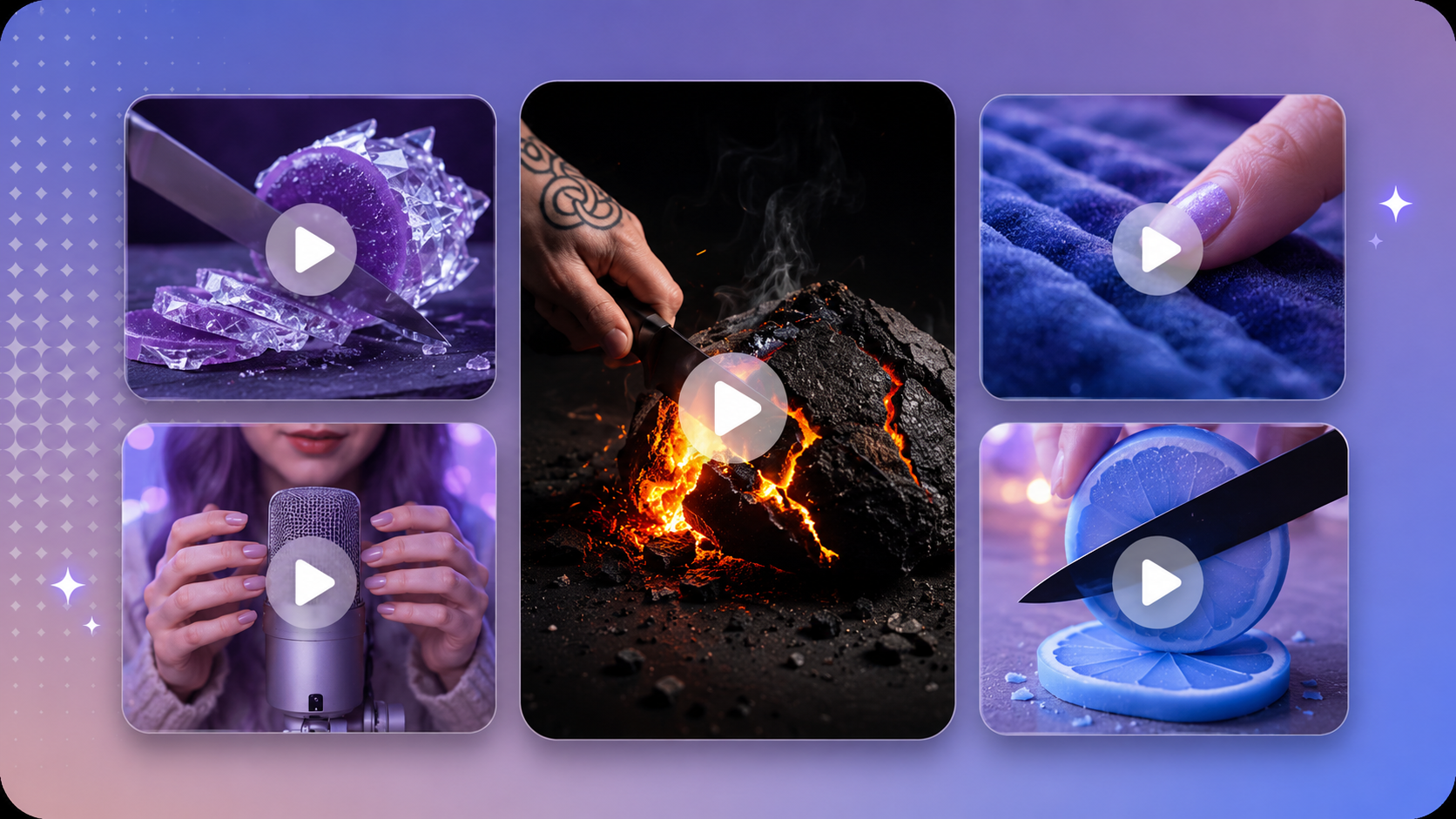
Start with cutting, crushing, spreading, pouring, tapping, or another trigger that matches the video you want to make.

Start with a prompt or image, then generate relaxing content for sleep, stress relief, and meditation.
Turn Ideas into Engaging ASMR Video
Choose a direction, describe the sensory details, then generate and refine the result.
Start with cutting, crushing, spreading, pouring, tapping, or another trigger that matches the video you want to make.
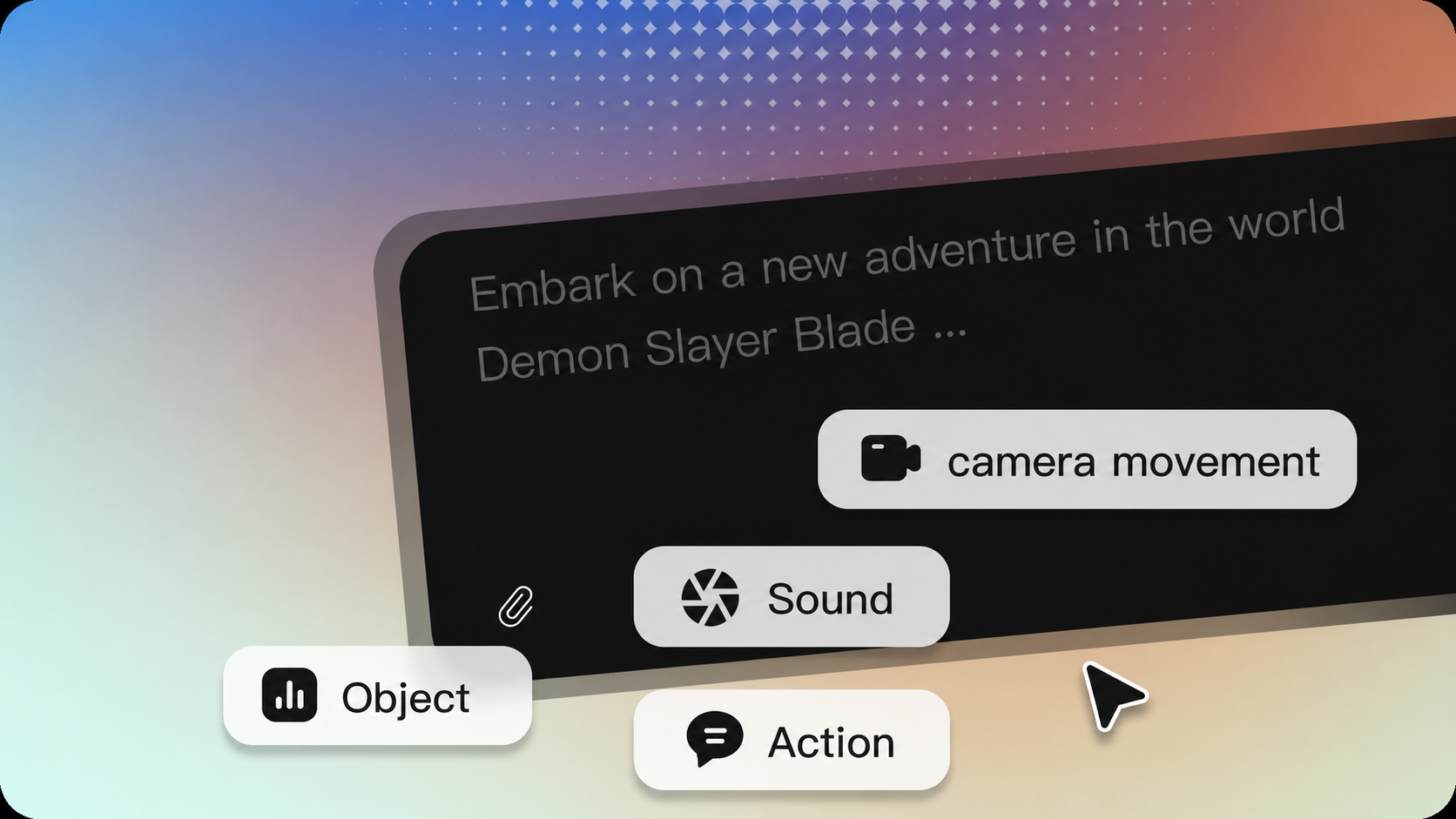
Write the object, material, action, camera framing, sound character, and event order in one clear prompt.
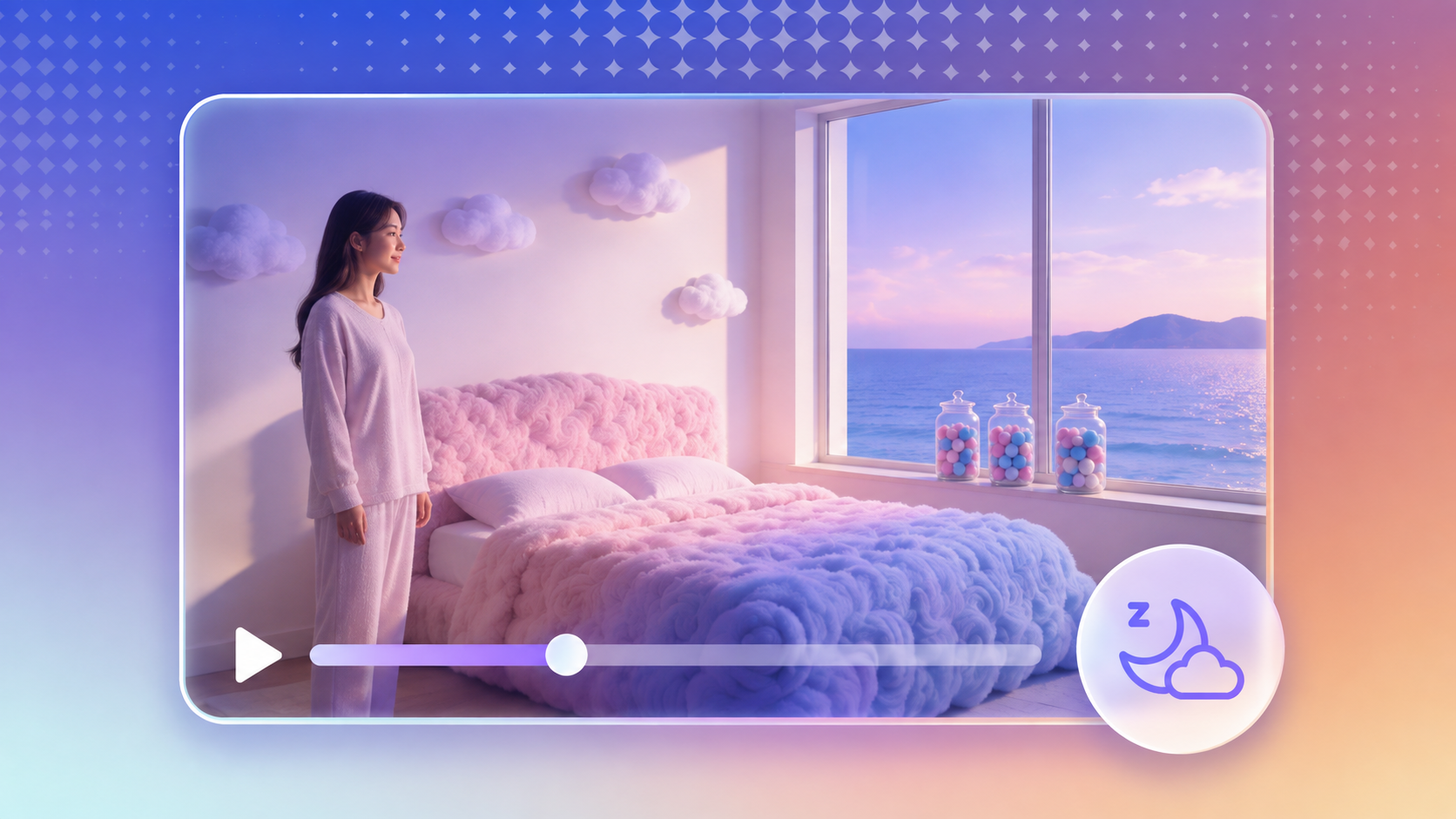
Review the clip, adjust the action or sound direction, and continue building the sequence in Arcloop.
Skip cameras, microphones, and studio setup. Generate ASMR videos with directed sound, consistent visual references, and shots you can refine or continue in Arcloop.
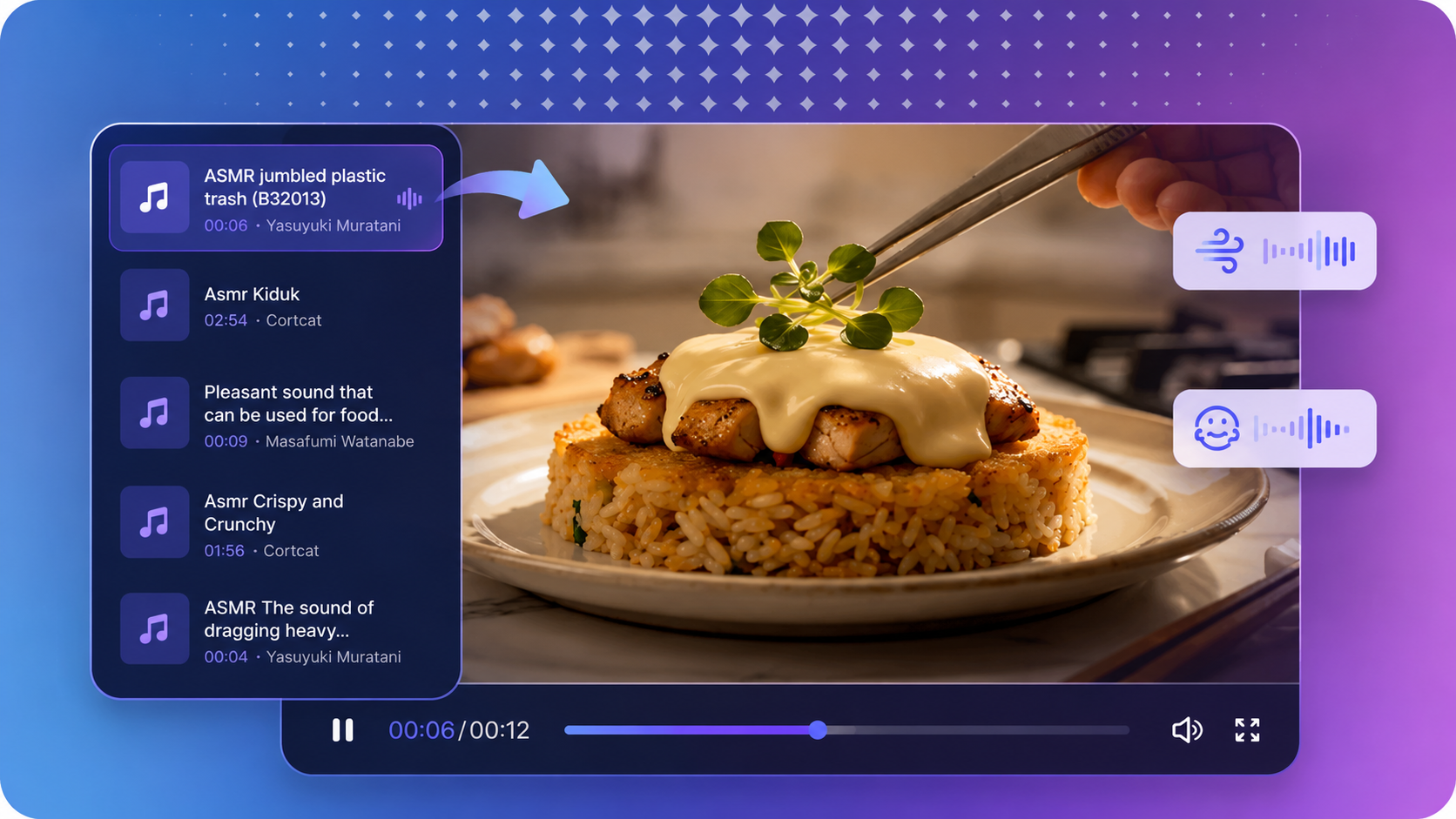
Describe the cut, crack, tap, pour, or other sound you want. Supported models can generate audio alongside the visual action, so you can review and refine both in the same workflow.
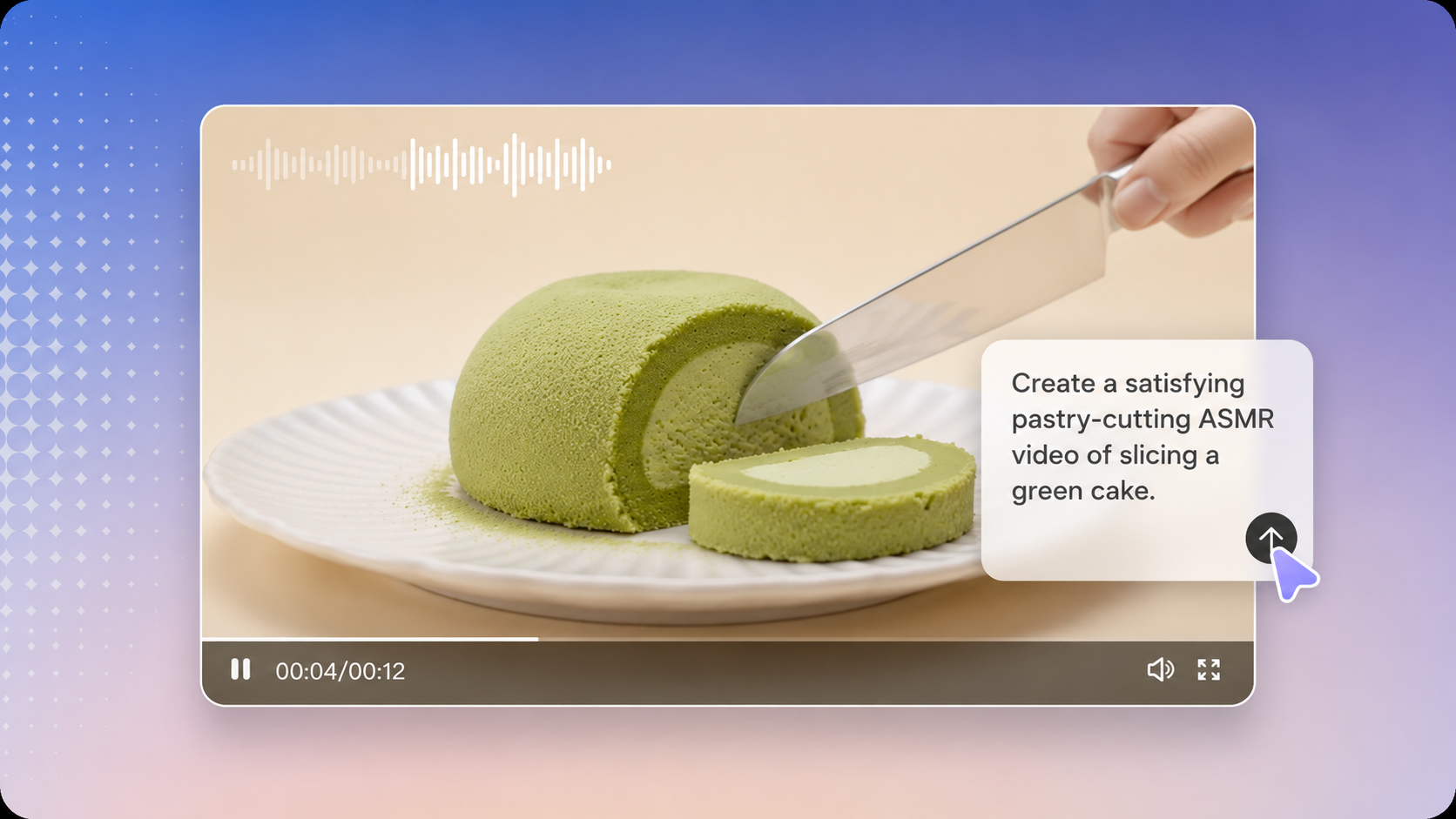
Upload reference images to guide the object, material, style, or character across generated shots. Use those references to direct lighting, color, composition, and the overall visual language.
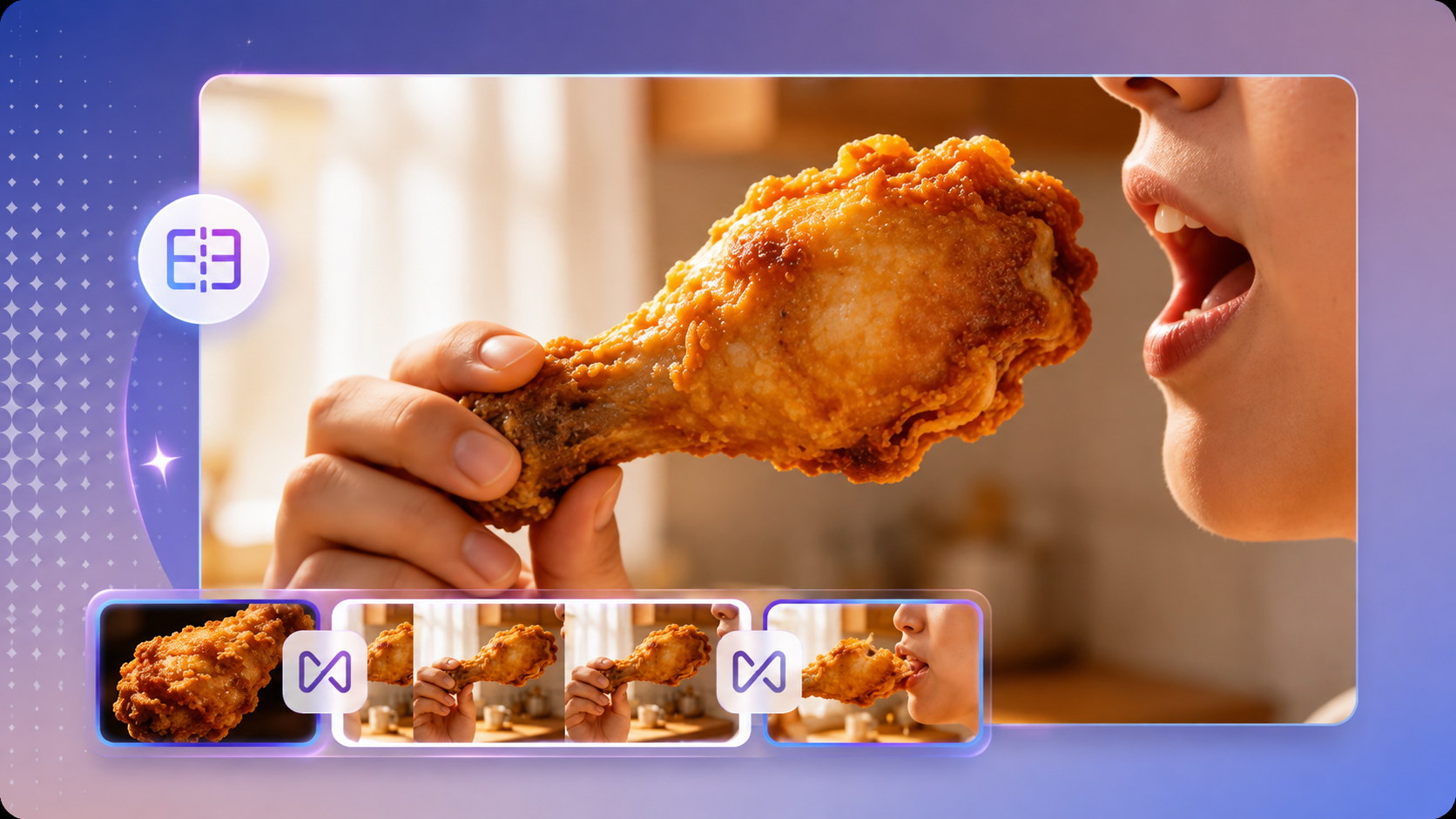
Direct the opening and closing moments for smoother transitions, then continue or refine a shot in Arcloop when you need a longer ASMR sequence for TikTok or YouTube.
Create short-form clips, longer ASMR videos, and branded visual content from prompts or references without filming every setup.
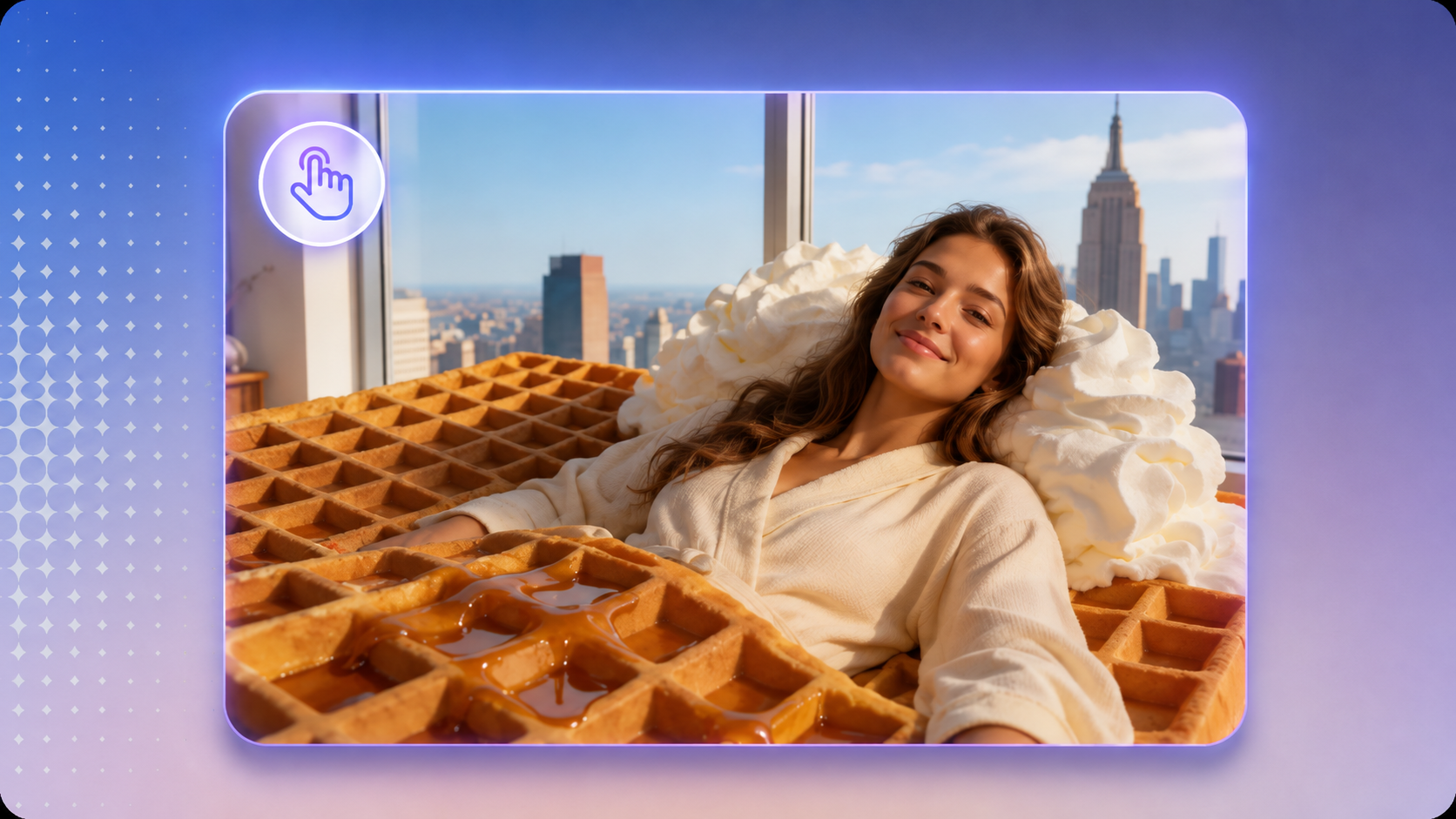
Generate vertical cutting, crushing, spreading, and surreal material clips for TikTok and Reels. Swap the object, material, or action to test new hooks without reshooting.
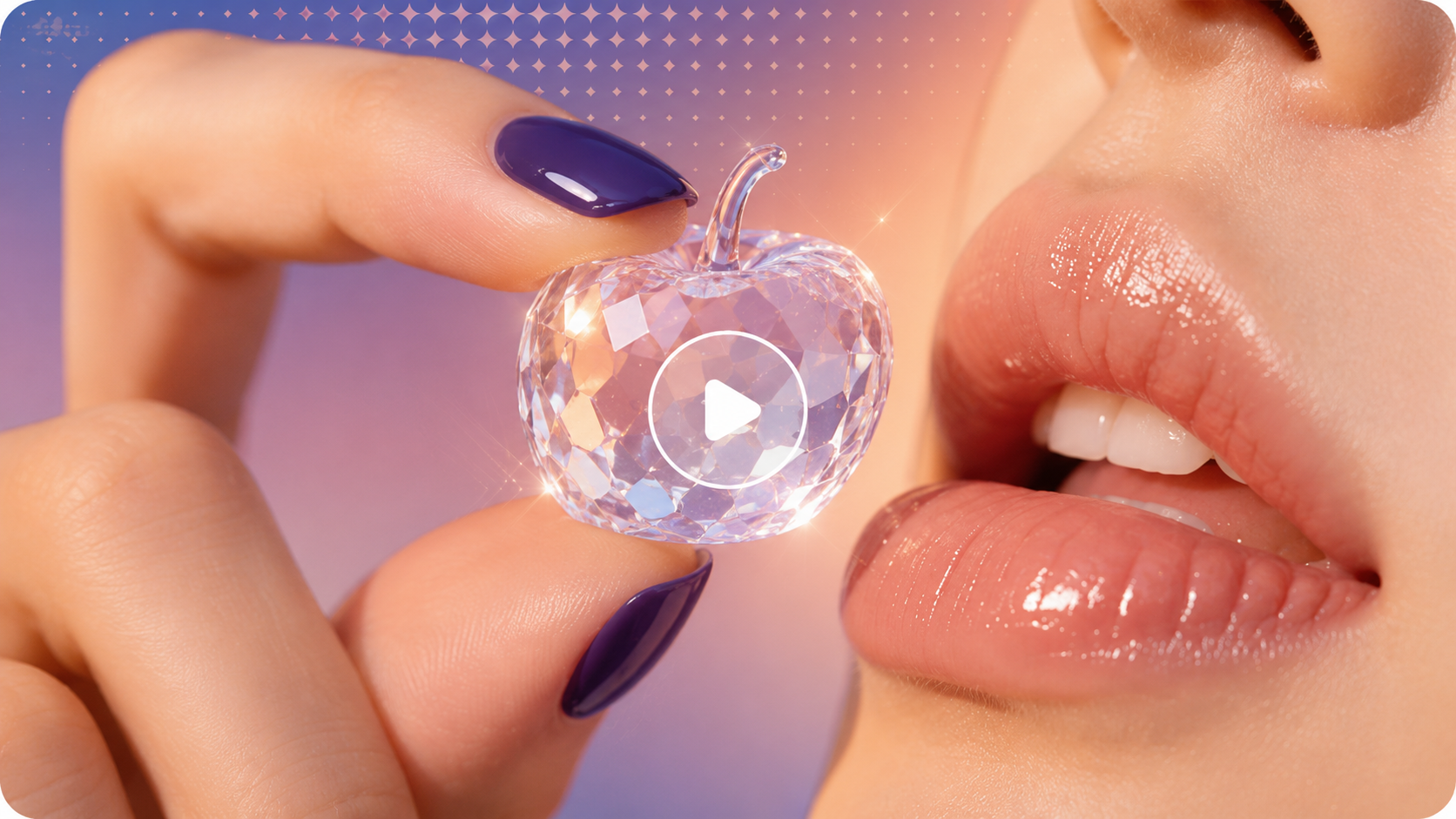
Create 30+ second ASMR videos by extending shots or combining multiple clips. Replace weak shots, keep the same visual theme, and turn one idea into a longer ASMR compilation.
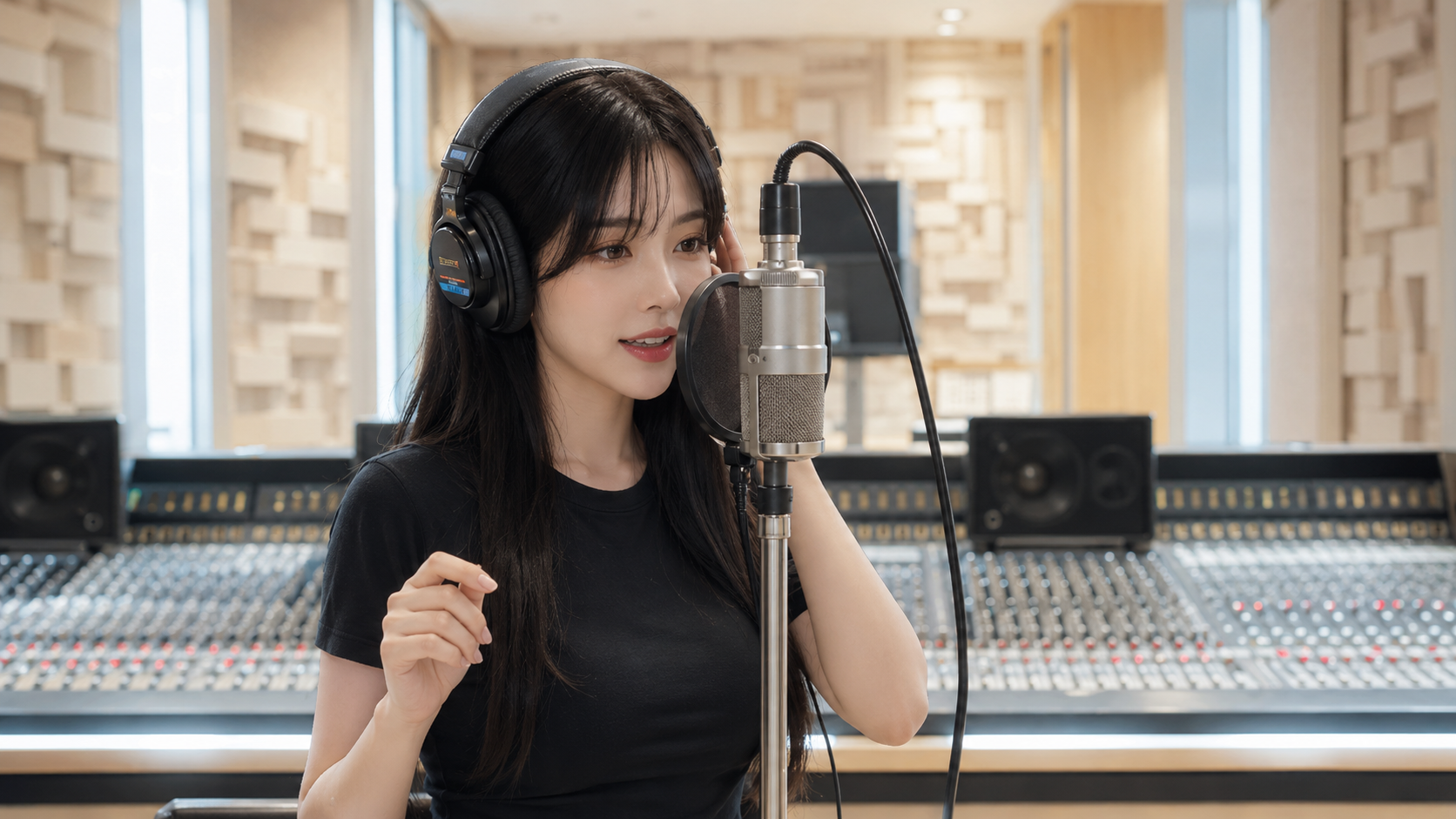
Upload product or style references, then turn them into ASMR-style videos with cutting, pouring, pressing, or texture-based actions. Create multiple versions for ads, launches, and social posts.
AI ASMR uses AI video models to turn a text prompt or reference image into an ASMR-style video. Describe the object, material, action, camera, and sound you want, then choose a model to generate the scene. Models with native audio support can create the visuals and sound together in the same generation.
Traditional ASMR usually requires physical props, cameras, microphones, lighting, and a place to record. With an AI ASMR Generator, you can describe a scene or upload a reference and generate cutting, crushing, tapping, pouring, or other ASMR clips without filming the setup yourself.
It also lets you create materials and scenes that would be difficult to shoot in real life, such as crystal fruit, liquid objects, cloud beds, or surreal food.
Yes. Start with a text prompt to describe the object, material, action, camera, and sound, or upload an image or video reference to guide the result.
Reference support depends on the model you choose, so you can switch models based on how much control your project needs.
Create cutting, crushing, tapping, spreading, pouring, peeling, slime, kinetic sand, food, texture, rain, ambient sound, and other ASMR scenes.
You can also go beyond traditional ASMR with crystal fruit, alien food, dream beds, liquid objects, surreal materials, and other scenes that are difficult to film.
Yes. Generate vertical 9:16 videos for TikTok, YouTube Shorts, and Instagram Reels, or use 16:9 for standard YouTube videos.
You can create individual clips, extend shots, or combine several ASMR scenes into a longer video.
Video length depends on the model you choose. Arcloop supports short ASMR clips and lets you extend or combine shots to build 30+ second sequences.
You can choose 16:9 or 9:16 aspect ratios and available resolutions such as 720p and 1080p before generating.
No. You can create an ASMR video from a prompt or reference without setting up microphones, props, cameras, or a recording studio.
If you choose a model with native audio, describe sounds such as cracking, tapping, slicing, pouring, or ambient noise and generate them together with the video.
AI ASMR videos can be used for social content and commercial projects when the model and your Arcloop plan allow commercial use.
YouTube, TikTok, and other platforms have their own rules for AI-generated content, originality, disclosure, and monetization, so monetization is not guaranteed. Always check the platform rules and the usage terms of the model you choose before publishing.
ASMR creation guide
Give the viewer a clear subject, a readable material, and enough time to notice the action. Use this practical starting guide to turn a simple ASMR idea into a focused video prompt.
Start with one action such as slicing, pressing, peeling, or pouring. Describe the object's texture and the visible response you want: a soft surface compressing, a clean layer separating, or droplets forming. Avoid combining several different transformations in the same short clip.
Use a close-up or another stable view that keeps the point of contact visible. A simple background and clear lighting make it easier to judge the generated motion.
Prompt idea: A close-up of a pale green soap bar on a clean tray. A blade slowly removes one thin curl. Show the curl separating cleanly and landing beside the bar. Stable camera, soft light, no scene change.
Describe how the action starts, develops, and settles. Leave a brief pause after the key moment so the result remains visible. If you want sound, specify the intended texture and its relationship to contact rather than adding unrelated music or narration.
Preview the actual output with sound enabled. Check what the selected model produced; the prompt alone does not confirm that a requested sound is present or synchronized.
Sound direction: A quiet, dry scrape as the blade touches the soap, followed by a soft landing sound. Keep the background quiet and the action unhurried.
Watch for a blade passing through the object, a surface changing material, or a camera move that hides the action. Keep the parts that work and revise the specific problem. If you plan to loop the clip, compare the final frame with the opening frame and listen for an abrupt sound cut.
Before sharing, review the crop at the intended viewing size. Keep the main action visible in the final aspect ratio rather than relying on a later crop to rescue the composition.