
AI Anime Generator
Create anime characters, images, and videos from text or photos. Pick a style, add a voice, and bring your character to life in a few clicks.
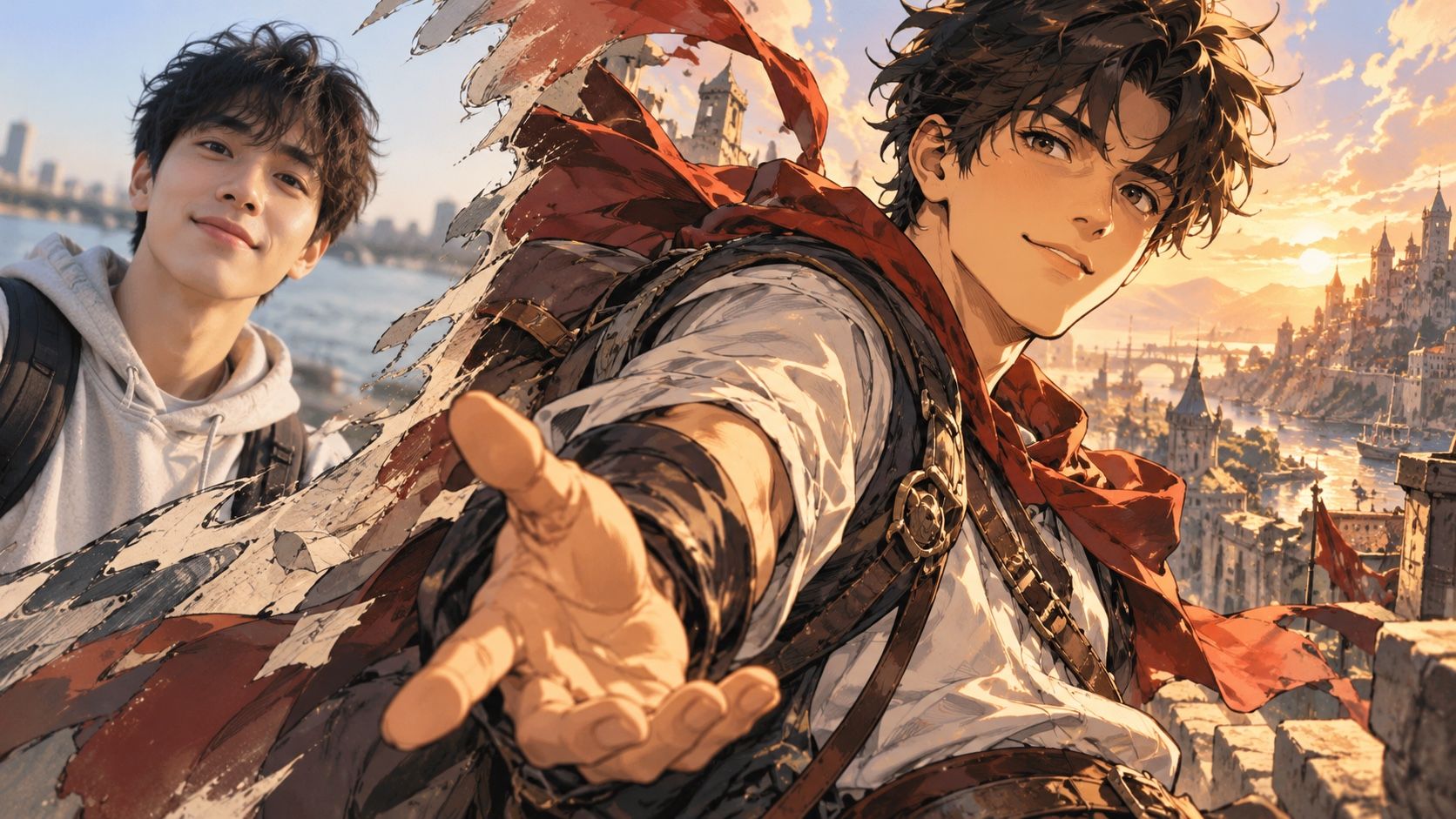
Any Genre, Any Style
From romantic series to animated adventures, create content for every audience.
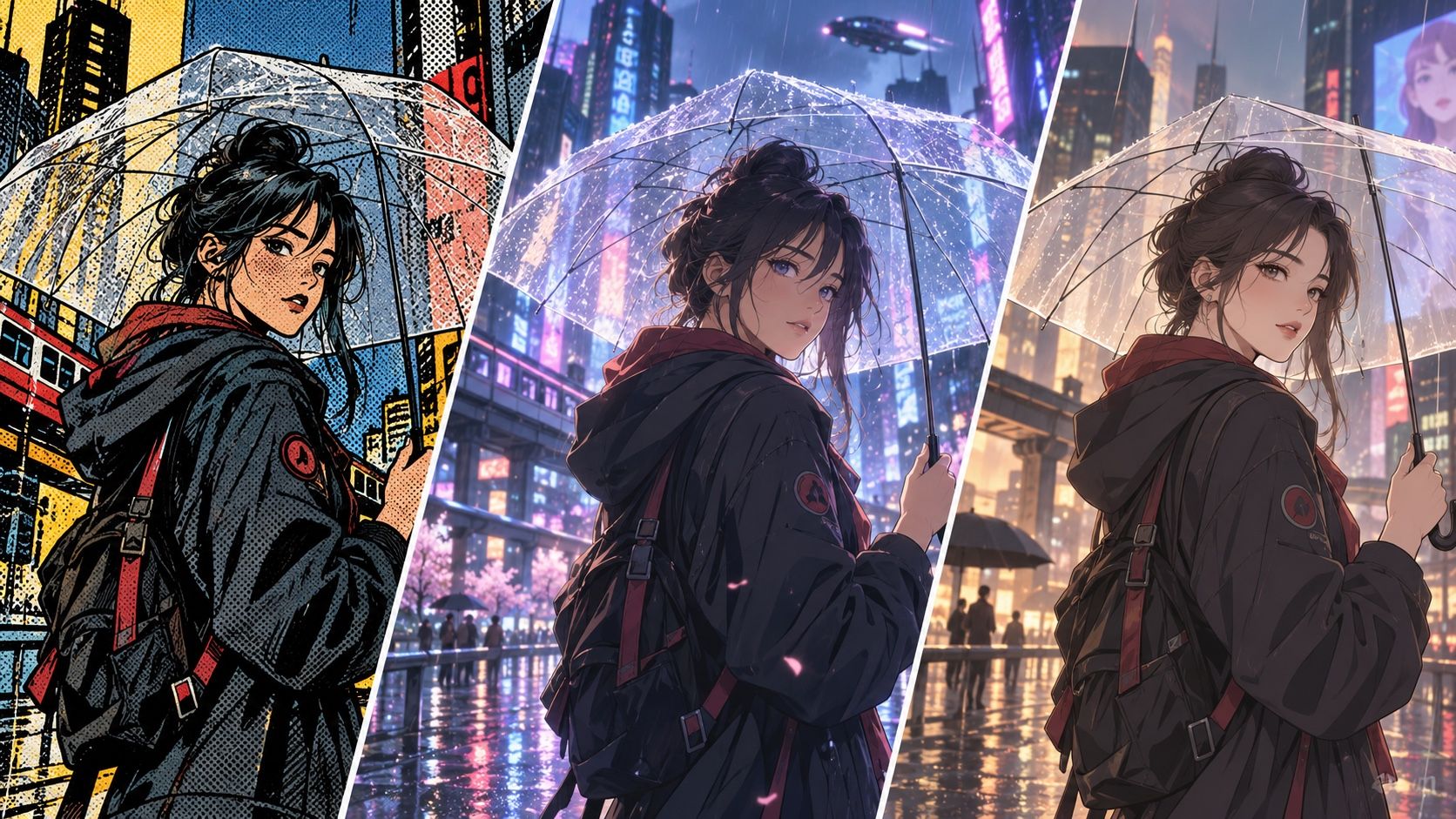
Bring Your Comic Ideas to Life
From inspiration to illustration, explore the endless possibilities of AI-generated comics.
Explore More AI Anime Tools
Discover powerful AI tools to create anime images, characters, and videos—all in one place.
Photo to Anime
Drop in a portrait or photo and turn it into a moving anime clip while keeping the subject recognizable.
Anime Image Generator
Type a prompt or add a reference image to generate anime artwork in various anime styles.
AI Anime Character Generator
Create an anime character from an image or a few words and customize their look, voice, and personality.
Anime Video Generator
Start with an idea or image and create a complete anime video with motion, voice, and sound.
What Can You Create with Arcloop AI Comic Generator?
Turn photos and ideas into comic art, original characters, story panels, and creative designs with AI. No drawing skills required.
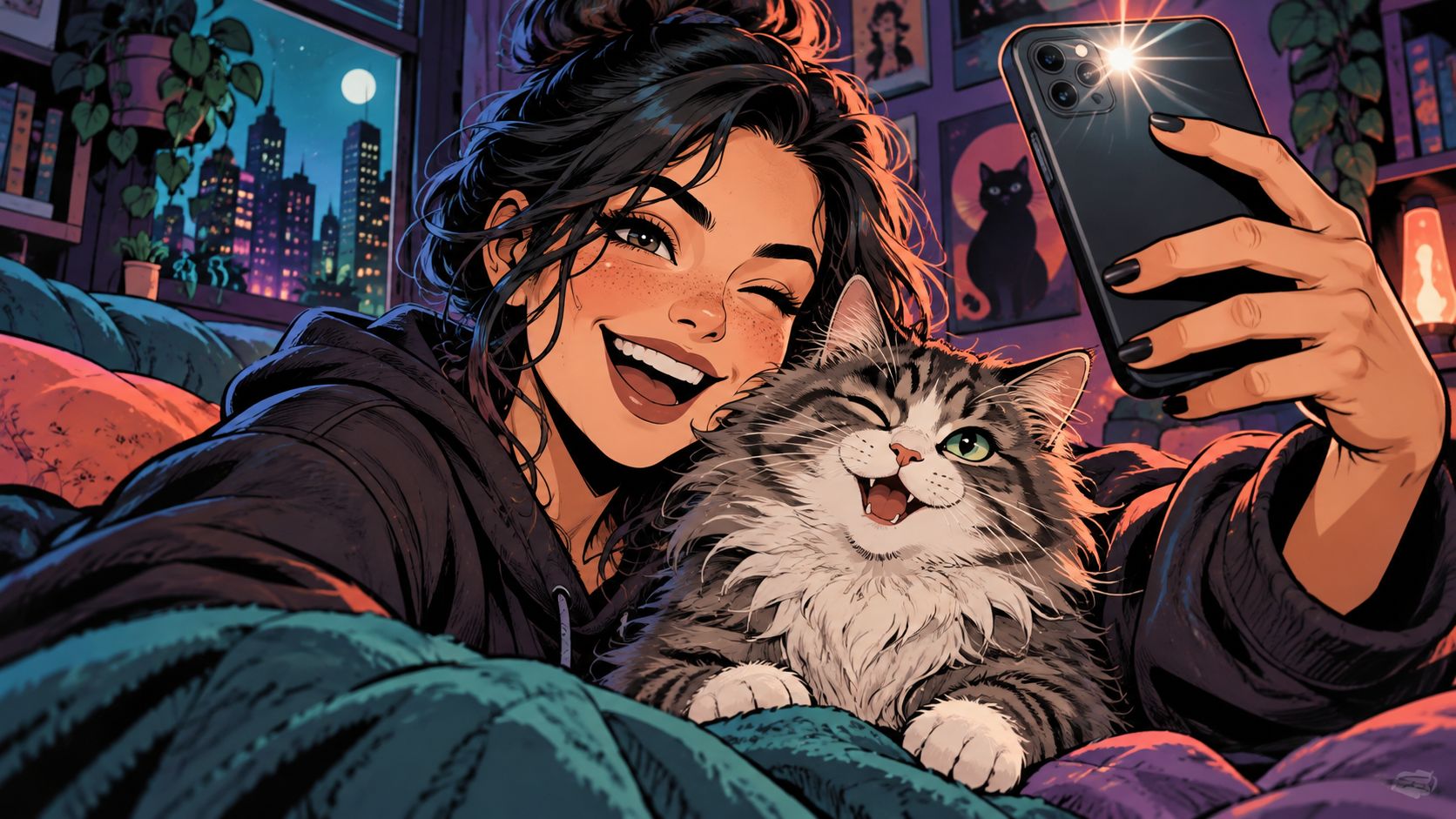
Turn Photos into Comics
Transform selfies, portraits, and pet photos into stunning comic art. Create unique avatars and personalized illustrations in seconds.
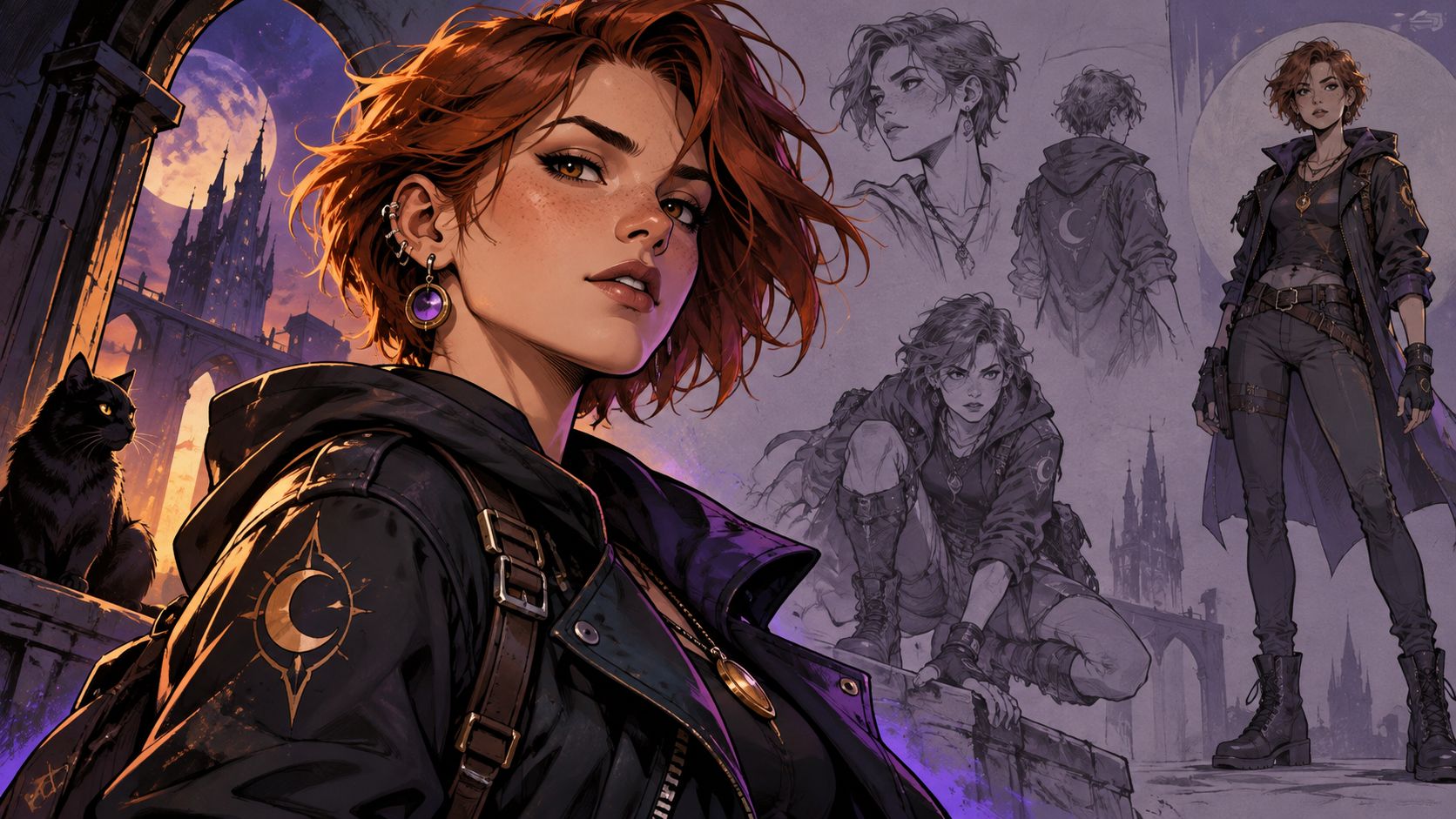
Design Original Characters
Create original comic characters with unique outfits, hairstyles, and expressions. Bring your imagination to life with AI.
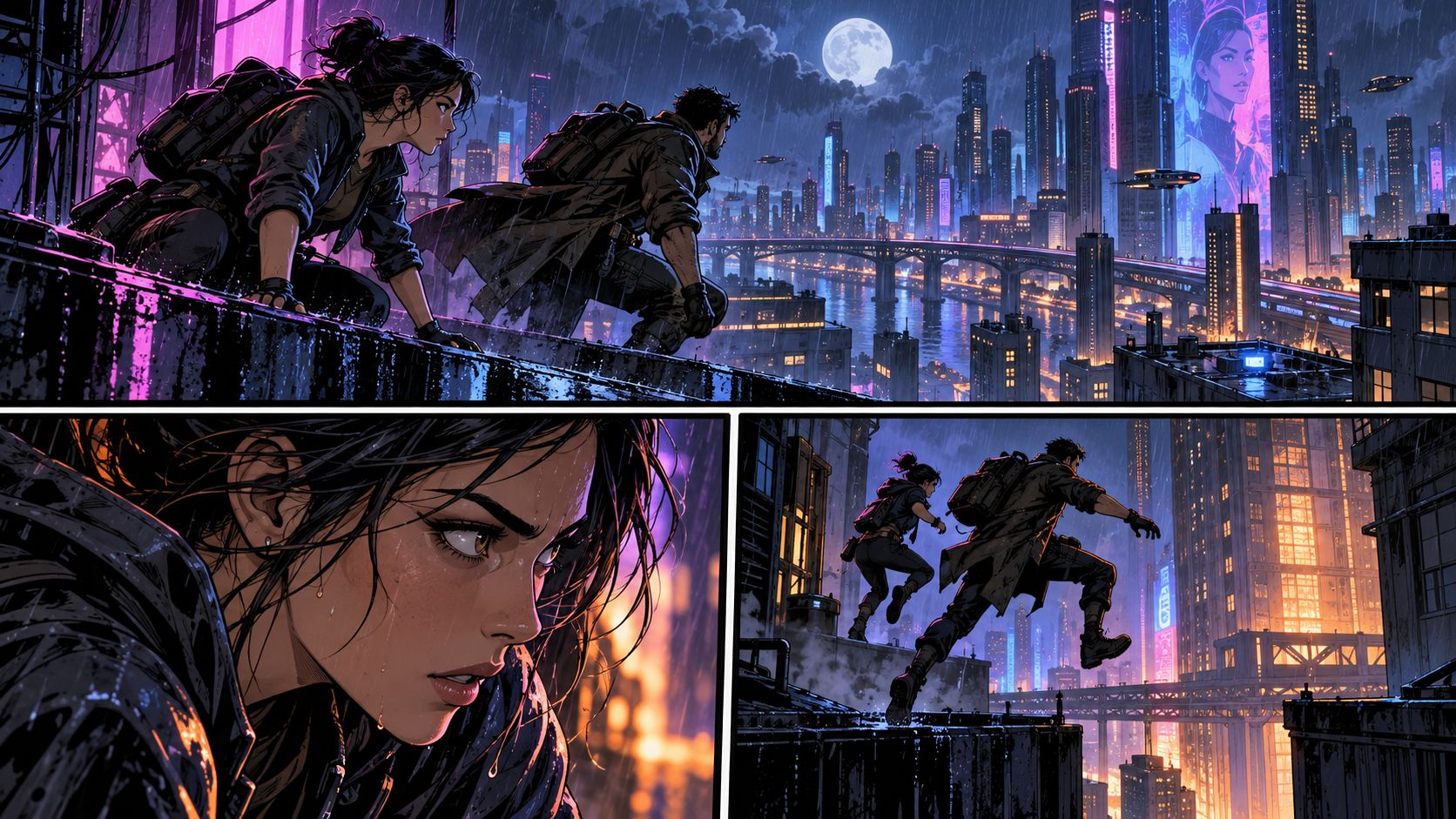
Create Comic Panels & Stories
Turn your ideas into expressive comic panels and story scenes. Create engaging visual stories with AI.
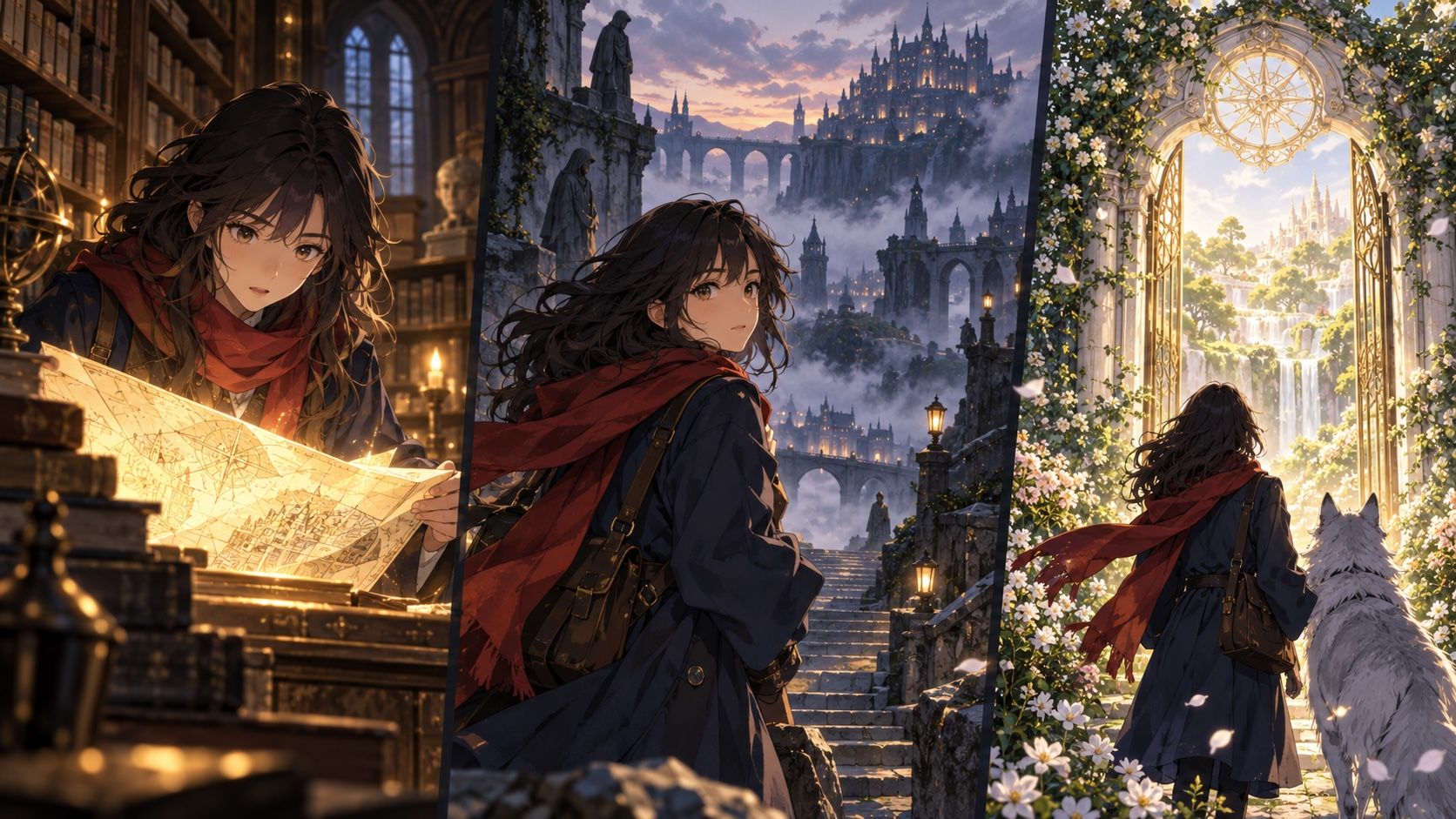
Created by Community
Explore different anime styles and moods, from soft and dreamy to dark and cinematic.
How to Create Anime with AI
Add text, an image, or a video clip, choose what you want to create, and shape the result your way.
-
Add Your Input
Start with a prompt, an image, or footage. Name the style and scene.
-
Style and Animate
Pick an anime style, lock your character, and set the motion.
-
Export and Share
Review your result, adjust the motion or voice, then download a version ready to share.
Why Creators Choose Arcloop for AI Anime Creation
Create anime images, videos, and stories with 10+ AI models and 100+ presets—all in one workspace.
AI Anime Generator Pricing
Choose a plan to create anime videos and bring your stories to life.
Loading...
Designed for Teams and Organizations
Custom plans to help your team create faster and collaborate more easily.
Data PrivacyFaster Production1:1 Support
Team & Enterprise Plans
Volume discounts for Seedance models
Priority queue for faster task processing
High-concurrency video generation
Dedicated model capacity & SLA
Shared workspace & credit pool
Team seat management
No training on your data
Dedicated CSM & priority technical support
Enterprise creative enablement & advisory
FAQs About the AI Anime Generator
Do I need a detailed prompt to get started?
No. Start with a simple idea, such as a character, outfit, action, or mood. Add more details after the first result to guide the pose, lighting, background, and overall look.
What kind of reference image works best?
Use a clear image with the main subject easy to see. For characters, make sure the face, hairstyle, and outfit are visible. Images with heavy blur, low light, or covered faces may give the generator less to work with.
Can I change one part without starting over?
Yes. You can update the prompt, swap the reference, change the style, or regenerate a specific image or video shot. Keep the parts you like and adjust only what needs another pass.
How long does it take to generate anime?
It depends on what you are making. Anime images are usually faster, while videos take longer because they include motion and more frames. The model, video length, and output quality can also affect the wait time.
Can I use my anime for commercial projects?
Yes, Arcloop supports commercial use for generated content. You are still responsible for having the rights to any photos, characters, music, or other material you upload, and for following the current Terms of Use.
Will my exported anime have a watermark?
Watermark-free exports are available with paid plans. Your export options will show what is included before you download the result.