Character and scene design
Develop appearance, clothing, environments and lighting around a consistent visual brief.

Create polished character references, scene concepts, and visual directions that stay connected to your Arcloop story workflow.
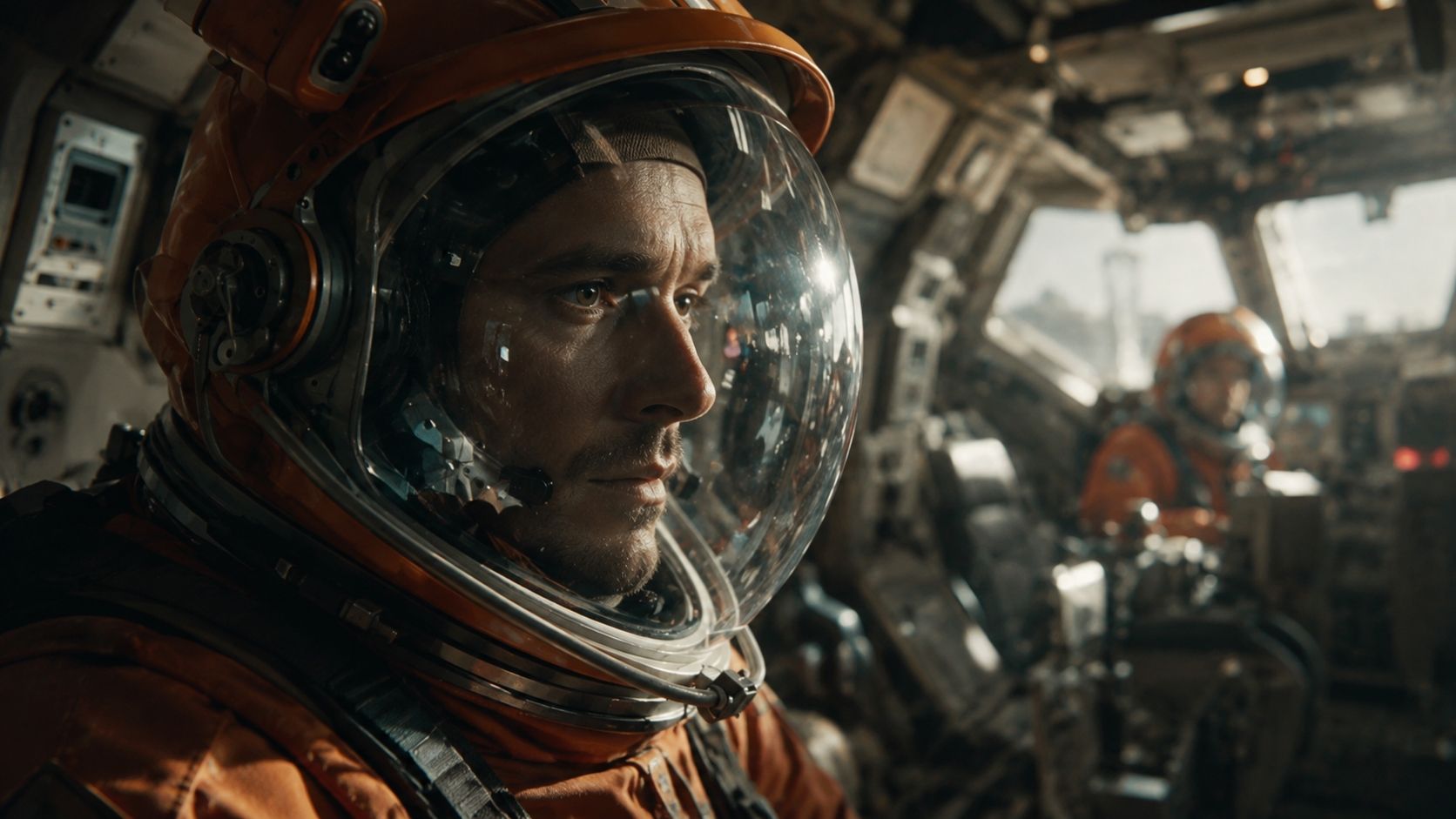
Seedream 5 is an image family for visual development, reference-led editing and designed compositions. Use it to explore a character, environment or product, then refine the material, light and layout around that idea.
The Pro model emphasizes structured information, text-rich design and realistic textures. Lite and Pro are distinct choices: compare the available settings and estimates in Canvas rather than assuming every Pro feature applies to Lite.
Existing visual previews and Lite/Pro studies. Additional cases remain marked until their images are ready.


Develop appearance, clothing, environments and lighting around a consistent visual brief.
Identify the detail that should change and the subject or composition that should remain.
Arrange headlines, labels and visual elements with a clear hierarchy. Proofread small text in the result.
Describe surface finish and light direction to guide skin, fabric, glass or product textures.
Prepare your idea here, then choose settings and generate in Canvas.
Write the scene or image you want. Add a reference if needed; further supported references can be added in Canvas.
Click Generate Now and sign in if prompted. Your prompt, selected model and supported references carry into Canvas.
Review the available version, output settings and credit estimate in Canvas, then submit your generation.
Build visual references for a cast, location or story atmosphere.
Develop a readable composition with a deliberate balance of text and imagery.
Explore materials, packaging and settings while keeping the product brief consistent.
For an edit, name the unchanged subject, camera angle and surrounding elements.
Use concrete finishes such as matte ceramic or brushed metal, with a specific light direction.
Inspect hands, small lettering and reflections. Narrow the change when an edit drifts from the approved source.
Scroll to compare all plans
| Model and parameters | Starter 12,000 credits / month | BASIC 30,000 credits / month | Plus 63,000 credits / month | Ultra 120,000 credits / month |
|---|---|---|---|---|
| Image Generation | ||||
Seedream 5.0 Lite Variable settings Based on actual usage | Based on actual usage | Based on actual usage | Based on actual usage | Based on actual usage |
Seedream 5.0 Pro Variable settings Based on actual usage | Based on actual usage | Based on actual usage | Based on actual usage | Based on actual usage |
Estimates only. Final charges depend on actual usage.
Choose for your creative brief, available controls and generation budget.
Consider reference-led visual development, product imagery and composed designs. Compare Lite and Pro on your own brief.
Explore targeted edits and image variations with Flare or Sunburst, choosing the available version for the work.
Compare another image workflow for characters, environments and visual concepts using the same creative direction.
Compare their separate reference estimates below and choose the version available for your task in Canvas. Pro-specific design and editing capabilities should not be assumed for Lite.
You can request layouts and text, particularly with Pro. Provide exact wording and placement, then check spelling, numbers and small lettering.
No. A model’s point, lasso or layer-editing demonstrations do not mean those controls exist on this page. Prepare the prompt here and use the supported Canvas workflow.
Generate Now carries the image draft into Canvas. Select the available version and output settings and review the estimate before submitting; actual charges follow final settlement.
Start with a character, a scene, or your first reference image and build your creative world in Arcloop.