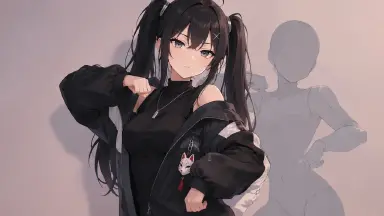
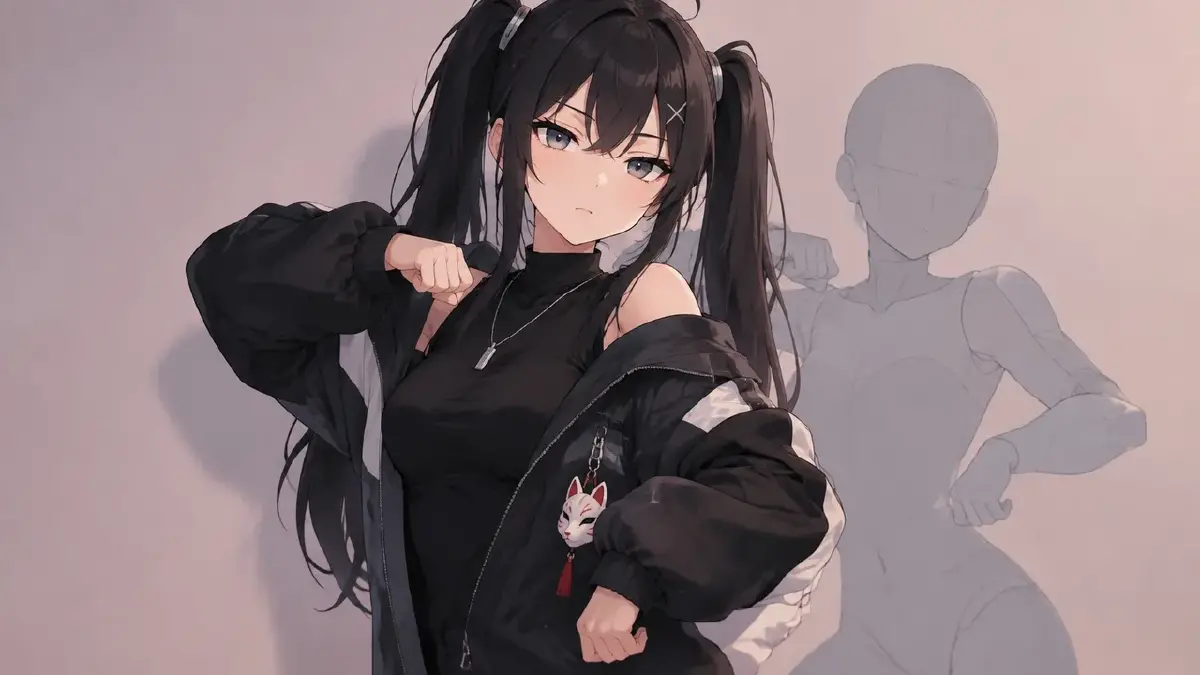
Introduction
A dance is blowing up this week. Every feed has it, every creator you follow has done a version, and the thought is obvious: what if my character did it? You have about seven days before the trend is over, and one wrong move — a frame of the original clip, a face that looks like the original dancer, a body that clearly came from a real person's video — and the post comes down, or worse, stays up as a problem.
The good news is that everything worth taking from a dance meme is not the person. The moves, the count, the camera angle, the joke of the timing — all of that is choreography, and choreography travels. This guide shows how to put your OC on a trending dance meme: what to take, what to leave, and how to build the clip in ArcLoop from a mannequin or pose reference so it is yours to keep up.
What you can take and what you cannot
Take:
- The choreography. The sequence of moves and their counts.
- The framing. Static front camera, waist-up, whatever the trend uses. Framing is convention, not property.
- The timing joke. The pause before the drop, the freeze on the beat.
- The track, if you have the right to use it on the platform you post to. Check; platforms differ.
Leave:
- The original footage. No frames, no stills, no reference stills taken from the person's video.
- The person. Face, hair, body shape, outfit. Your OC has its own.
- The specific background if it is recognisable as theirs.
The clean way to take the choreography without the person is a neutral source: an untextured 3D mannequin clip of the same routine, or pose stills you make yourself by doing the moves. The mannequin dance guide covers the full build from a mannequin clip.
Rules for a trend clip that stays up
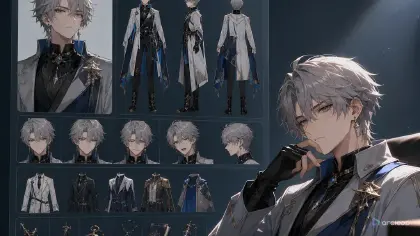
- The OC is an asset before the trend starts. Main image, outfit reference, voice if there is a line. Building the character on the day is how you end up with a stranger.
- Choreography from a neutral source only. Mannequin clip or your own pose stills. If the only source is the original video, you are not doing this trend.
- Match the trend's framing exactly. The joke depends on it. Static front, waist-up, same count.
- One phrase per shot, cut on the beat. Same rules as any dance; the beat-cutting guide has the Edit workflow.
- Add one thing that is yours. A prop from the OC's world, a reaction only that character would have. That is what people follow you for after the trend is gone.
- Ship inside the window. Seven days from first seeing it is generous. Plan for three.
For likeness rules in longer productions, the likeness and compliance checklist covers the pre-launch review. This is the short-form version.
How to build the trend clip, step by step
- Count the trend. Watch three versions, not the original only, and write the phrase map: how many counts, where the freeze is, where the drop lands.
- Find or make the neutral reference. A mannequin clip of the routine, or record yourself doing the counts and export the peak poses as stills. Faces do not matter in your own stills; you will not use them.
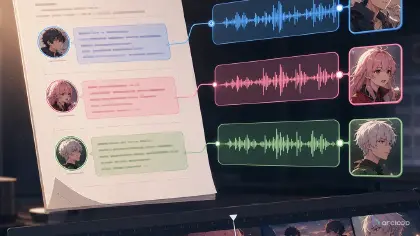
- Bind the pose stills as a Visual reference named for the trend, and confirm the OC's character asset is complete.
- Write one shot card per phrase. Trend framing stated once,
@OC, the pose still, the move for that phrase, nothing about the face. Add the OC's one personal detail in the phrase where it lands. - Generate the stills for all phrases and check identity. Every still should be unmistakably your character. If one drifts, check the asset, not the pose.
- Generate video, then cut in Edit on the downbeats with the track. Match the trend's freeze and drop exactly.
- Watch it next to two other creators' versions. Same count, same framing, your character. If it reads as the trend, it is done.
- Post with the trend's tags and your character's name. The trend brings the view; the name brings the follow.
Example 1: The trend's signature phrase
Static front camera, waist-up, plain wall, matching the trend's framing. @Yuki performs the signature phrase from pose still trend-01 to trend-02: hands cross at the wrists on count 1, snap open on count 3, freeze on count 4 with a flat stare at camera. Hold the freeze until the cut. Face and outfit from the asset. No camera move, no zoom.
Example 2: The drop, with the OC's own detail
Same static front camera, waist-up, same wall. On the drop, @Yuki does the trend's shoulder pop from pose still trend-03, and her fox-mask charm on the jacket zipper swings with it — the one detail that is hers. Two pops, counts 1 and 3, freeze on 4 with the charm still swinging. Expression stays deadpan as the trend demands. Same light and framing as Shot 1.
Example 3: The exit, in character
Same framing for the first two counts, then @Yuki breaks the trend's deadpan on count 3 with the small eye-roll she does in every episode, turns, and walks out of frame to the right. Camera stays static; she simply leaves. Ends on the empty wall for one count. Pose still trend-04 for the turn. Outfit and face from the asset.
The most common ways trend clips go wrong
- A frame from the original leaked in. As a reference still, as a background. Neutral source only.
- The OC came out looking like the dancer. The pose still carried a body shape and the text described the face. Asset for identity, still for pose, no face in text.
- Framing changed. A tracking shot on a trend that is always static. Nobody recognises it. Match the framing.
- Late. Beautiful clip, trend over. Three days, not seven.
- Nothing of the character in it. Technically the trend, but any OC could have done it. Add the one detail.
FAQ
Can I use the original dancer's music? Only if the platform's license covers it for your account and use. Check the platform's sound library; when in doubt, use a track you have rights to and keep the count.
What if the trend is a real person's signature move, not a generic dance? Choreography is generally usable; the person is not. Do the move, in your character's body, with your own reference. Do not imitate their look.
Do I need to credit the trend? Tagging the trend is how the algorithm finds you; crediting the originator is good manners and costs nothing. Do both.
How many OCs can I put on one trend? As many as you have assets for. A duo version with two characters mirrored is often the one that gets shared.
Next step
Pick the trend that is live right now and count it tonight. Make or find a neutral reference for the moves, check your OC's asset is complete, and write the signature phrase as one shot with the trend's framing and your character's name. Open the project in ArcLoop, generate that still, and if it is unmistakably your character, build the rest before the weekend.