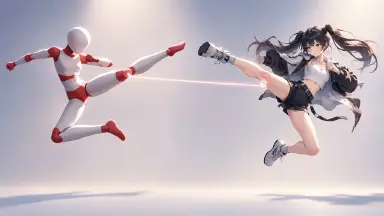
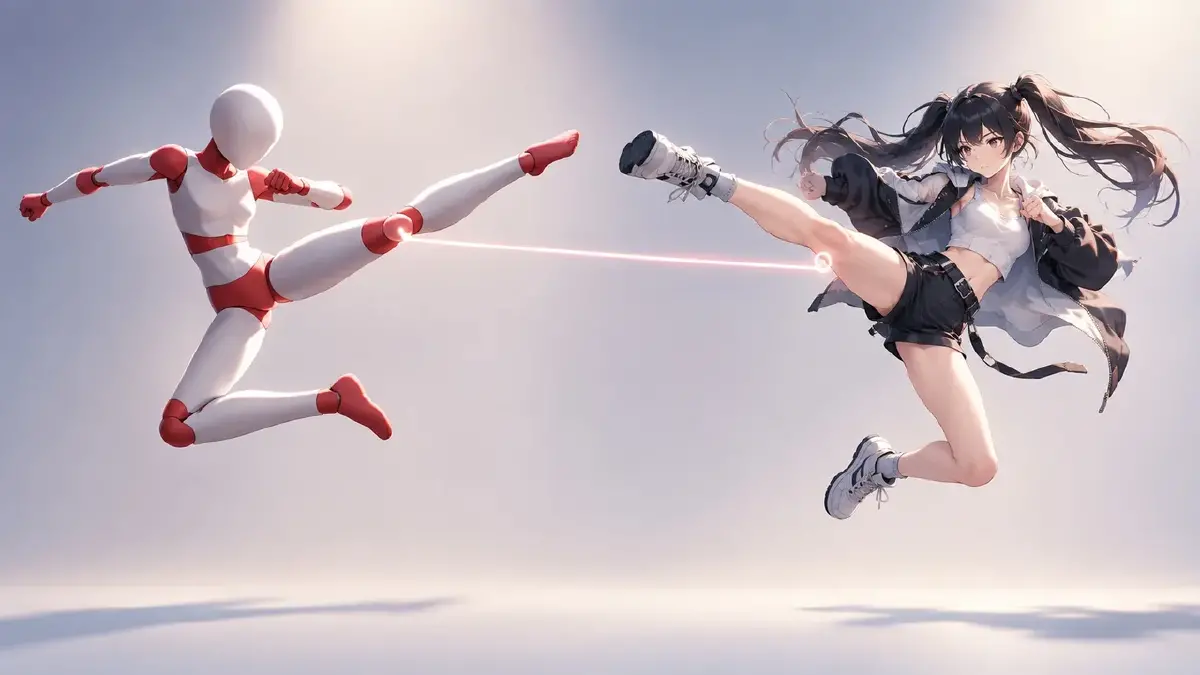
Introduction
A 37-second clip of a red-and-white 3D mannequin doing a jumpstyle routine gets shared as "AI-ready material," and the comments fill up with the same question: how do I actually use this, and on what? The clip is useful precisely because of what it lacks. No face, no outfit, no lighting, no background — just a body moving on the beat and a camera that holds still. It is choreography with the identity removed.
That is the split a dance video needs anyway. If you ask a model for "anime girl doing jumpstyle," it invents the character and the moves at the same time, and both drift. If the moves come from the mannequin and the character comes from an asset you already built, each side only has one job. This guide shows how to turn a white-model clip into an AI anime dance video in ArcLoop: map the beats, pull key-pose stills, bind them as references, and generate one move per shot.
Why a mannequin clip works better than a real dancer
A clip of a real person carries a face, clothes that fold a certain way, a room, and a lighting setup. The model will borrow some of that whether you want it or not, and it raises likeness questions you do not want on a published video. A mannequin carries only the skeleton of the performance.
What it gives you:
- Exact timing. Every kick and turn lands on a visible frame you can point to.
- A locked camera. Most of these clips use one fixed angle, which is the easiest thing for a model to reproduce.
- A neutral body. No costume to fight, no proportions to override.
What it does not give you, and what your assets have to supply: the character's face, hair, outfit, and the visual style of the whole clip.
Rules for using a dance reference
- One move per shot. A phrase of two or four counts, one clear action. Chain shots for the full routine. Do not ask for the whole 37 seconds in one generation.
- Keep the camera where the clip put it. If the reference camera is a static front view, make the shot a static front view. Camera moves and choreography compete for the model's attention.
- Identity is the asset's job. Reference the dancer with
@and never describe the face or outfit in the shot. If the outfit matters for the dance, bind a dance-outfit reference image to the same character asset. - Pose stills over clip descriptions. "Legs scissor, right knee up" is vague. A still of the mannequin at that pose is not.
- Style is a separate reference. The mannequin still is a pose reference. Style comes from a Visual reference or the character's Main image, otherwise the clip drifts toward grey plastic.
For prompt structure across a whole dance — beat, camera, anchors — see the dance clip guide. This article stays on one thing: getting the choreography from a mannequin into your character.
How to turn the clip into shots, step by step
- Count the beats. Play the clip and mark the phrases. Jumpstyle usually runs in tight 4-count blocks: kick-step, kick-step, hop-turn. Write the phrase list down with timestamps.
- Grab one still per phrase. Pause on the clearest frame of each phrase — the top of the kick, the middle of the turn — and export it. Ten to twelve stills covers a 37-second routine.
- Upload the stills and the clip to Library. The clip is for reference while you review; the stills are what the shots use.
- Bind the stills as a Visual reference asset called something like "Jumpstyle poses" so the Agent can reuse the set across episodes.
- Make sure the dancer is a character asset with a Main image and, if needed, a dance-outfit reference bound to the same asset. If you are working in Seedance 2.5, the asset is required before you can generate video.
- Generate Shots on the episode, then edit each shot card to one phrase. Attach the matching pose still, reference
@dancer, state the camera once, and describe only the movement of that phrase. - Generate the image first. Check that the pose matches the still and the face matches the asset. Only then generate the video.
- Chain the shots in Edit in phrase order, trim to the beat, and add the track so the cuts land on the counts.
Example 1: Kick-step phrase, static front camera
Static front view, camera at chest height, full body in frame with room above the head, plain studio background. @Yuki performs a jumpstyle kick-step: weight on the left foot, right leg kicks forward straight and high, then steps down and the left kicks the same height. Two kicks, two counts, no travel across the floor. Arms swing loose at the sides. Hold the pose reference for leg height. Match pose still 03.
Example 2: Hop-turn phrase
Same static front camera, same framing and background as Shot 1. @Yuki hops on both feet and turns a full 360 to the right in one count, landing facing camera with knees bent and feet together. Hair and jacket follow the spin half a beat late and settle on the landing. No camera move, no zoom. Match pose still 06 for the mid-turn body angle and still 07 for the landing.
Example 3: Two dancers, mirrored
Static front view, slightly wider than Shot 1 so both dancers fit with space on either side. @Yuki on the left and @Hana on the right perform the same kick-step phrase mirrored: Yuki kicks right, Hana kicks left, on the same count, same height. They stay one arm's length apart and do not cross or turn toward each other. Match pose still 03 for the kick height on both.
The most common ways this breaks
- The beat drifts. The clip looks fine but the kicks land off the music. Usually the shot ran longer than the phrase. Trim in Edit to the count, not to the clip length.
- Limbs merge on the kick. The pose still was taken at a blurry frame. Re-grab at the frame where the leg is fully extended.
- The outfit changes between shots. No outfit reference on the asset, so each shot invents one. Bind a dance-outfit reference and regenerate.
- The face changes on the turn. Spins are where identity slips. Keep the turn to one count and let the asset's Main image do the work; do not add face description to the shot.
- The clip looks like grey plastic. The mannequin still is doing double duty as a style reference. Add a proper style reference and keep the still as pose only.
FAQ
Can I use any mannequin clip, or only the ones shared as "AI material"? Any clip where the body is clearly visible and the camera is steady. The shared ones are convenient because someone already stripped the identity out.
Does ArcLoop use the clip directly to drive the motion? The workflow here uses stills from the clip as pose references on each shot. Keep the clip in Library for review, and use it to decide where each phrase starts and ends.
How many shots for a full routine? About one per phrase. A 37-second routine is usually ten to twelve shots. Fewer means longer phrases, which is where the beat starts to drift.
Can I change the camera from the reference? You can, but do it after the routine works from the static angle. Add a slow push-in on one phrase, review, and only then try more.
Next step
Pick the shortest phrase in the clip — one kick-step, two counts. Grab the still, bind it, and write one shot with @ for your dancer and nothing about their face. Open the project in ArcLoop, generate the image, check the leg height against the still, then generate the video. If that one phrase lands on the beat, the rest of the routine is the same job repeated.