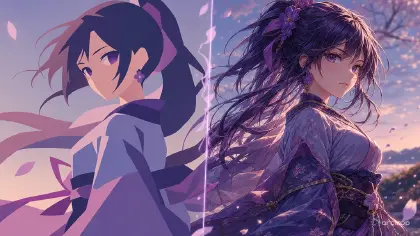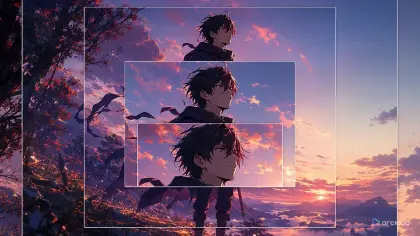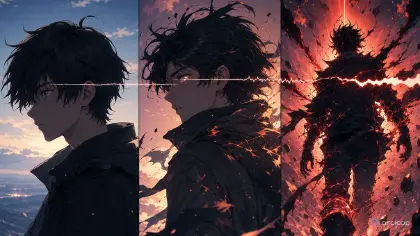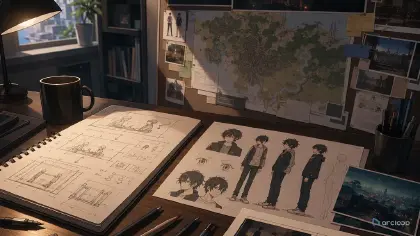
What this structure solves
Long prompts are not automatically better prompts. A long paragraph can still mix identity, clothes, pose, background, lighting, style, and negative constraints in a way that lets the model choose what matters. The result is prompt drift: the face changes, the outfit mutates, the pose ignores the request, the background steals attention, or the style becomes a copy of something the creator did not intend to reference.
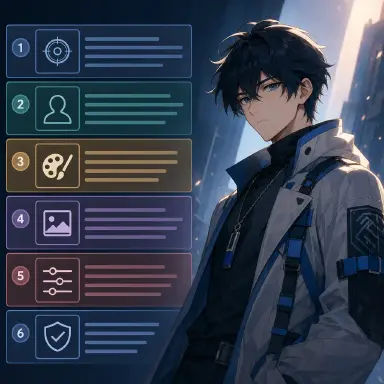
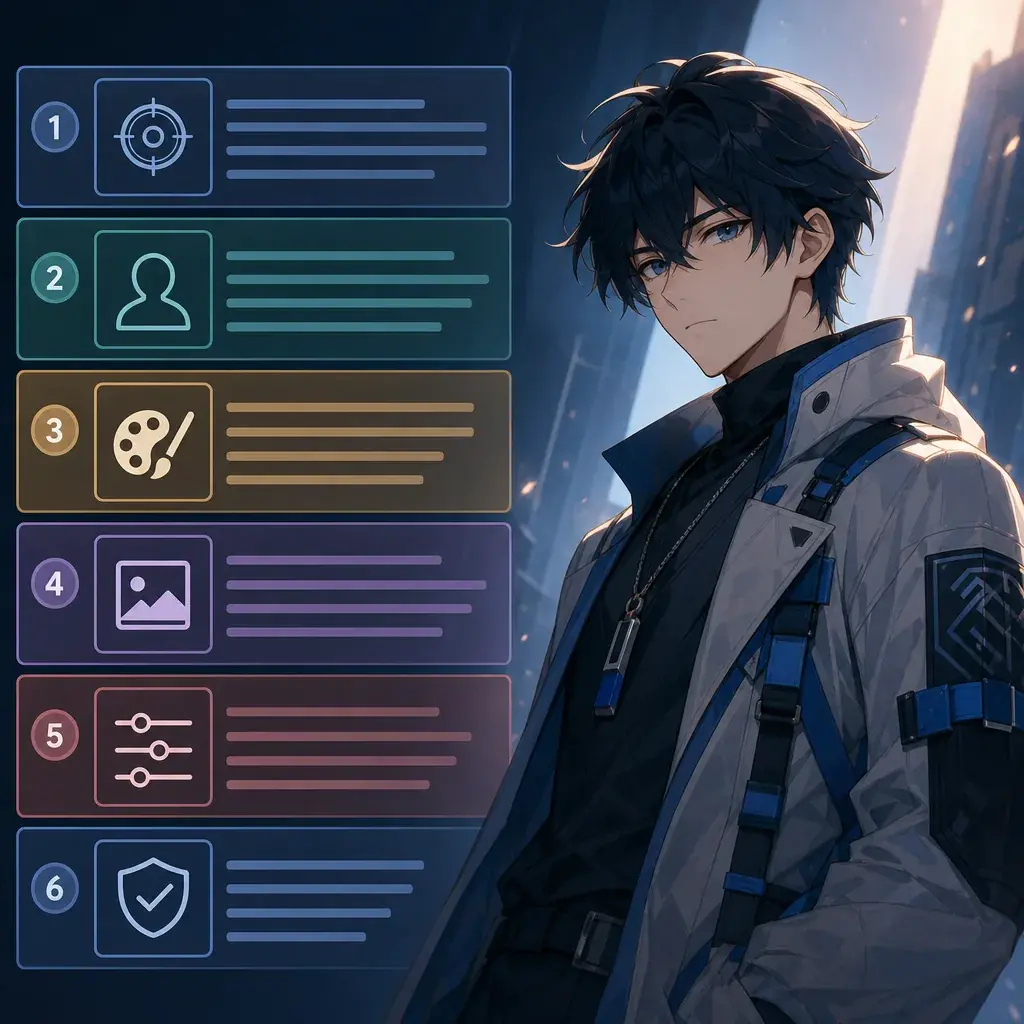
A practical answer is to split the prompt into blocks. The version used in these templates has six blocks: subject character, outfit, composition and pose, background environment, light/color/style, and negative constraints. The structure is simple enough to copy, but strict enough to expose missing information.
This is not a magic formula. It is a review tool. When an image fails, you can see which block failed. If the face changed, strengthen the subject block. If the clothing drifted, simplify the outfit block. If the image copied a known look, rewrite the style block with material words and strengthen the negative block. Use 90s Cel Animation Snapshot when you want a clean style-pack example.
The six blocks
Subject character is the identity block. It should name the original character, face structure, hair silhouette, eye detail, age range if useful, and one or two signature anchors. It should not carry the whole story world.
Outfit is the clothing control block. It should name silhouette, fabric type, color zones, shoes, and one accessory. If the outfit is risky, keep it simple. A readable jacket shape is often more useful than ten ornamental details.
Composition and pose is the frame block. It tells the model whether the image is a bust, half-body, full-body, panel, poster, or sprite scene. It also names one action. One action is easier to preserve than a list of actions.
Background environment is the location block. It should be specific but not noisy: school corridor, train platform, garden path, glass bridge, old canal, or rain-lit balcony. It should also block readable signs when needed.
Light, color, and style is the recipe block. For style packs, this block should use the three-layer material method: base surface, line or brush behavior, and palette. This is where you write reusable style language.
Negative constraints are the review block. They keep out text, logos, copied symbols, protected names, attribution captions, bad anatomy, and style-specific failure modes. Use Manhwa Gradient Color Portrait to see how a style pack keeps those limits visible.
Why order matters
Drift often happens when one part of the prompt is allowed to dominate all the others. A strong style phrase can overwrite the character. A dramatic background can invent a new outfit. A pose reference can pull in a different face. The six-block structure gives each part one job.
It also helps humans review prompts before generation. If a block is empty, the output will guess. If two blocks conflict, the output will blend them. If the negative block is missing, public content may accidentally contain readable text, logos, or borrowed symbols.
The structure is especially helpful for style packs because style needs to be portable. A good style recipe should survive a character swap. If the prompt only works with one character, it is not a style pack; it is a single illustration prompt.
Caption discipline for each block
The six-block structure also mirrors how strong training captions are written. A useful caption does not say "a character in a cool scene." It names the visible subject, clothing, action, background objects, lighting, camera angle, and any sound or dialogue if the asset includes video or audio. That same discipline makes user-facing prompts easier to review.
Avoid ambiguous words when the shot needs control. "Perhaps," "kind of," "someone," and "figure" leave room for the model to guess. Use singular subject language when the prompt is based on a character sheet: "the subject turns toward the window" is clearer than a plural phrase that can create duplicates. If two characters appear, give each one a stable name or role and keep those labels consistent across the whole prompt.
Style should stay in the style block, not leak into the identity block. If you are testing a 90s cel look, a dark anime look, or a smartphone-camera realism layer, write the surface, line behavior, palette, and lighting separately from the character's face and outfit. That lets the same OC survive a style swap without becoming a new person.
For repeatable testing, freeze your comparison prompt. Use the same character, pose, seed, and review criteria when you compare style strength or reference weight. If every test changes the subject, seed, camera, and style at once, you cannot tell which setting improved the result.
Example 1: 90s cel animation
Render Rowan as a 90s cel animation snapshot: an original student inventor.

Subject character: Rowan, original character with a square face, short moss-brown hair, gray eyes, a small brass hair clip, and alert expression.
Outfit: simple navy school jacket over a butter-yellow shirt, rolled sleeves, canvas messenger bag, dark shoes, no school emblem.
Composition and pose: medium shot, cel-animation screenshot framing, Rowan turning back while holding a loose gear in one hand.
Background environment: hand-painted rooftop doorway at late afternoon, soft railings and water tank shapes, no readable signs.
Light, color, and style: acetate cel over pale animation paper as the base; crisp ink outlines, flat shadow shapes, and hand-painted background edges; palette of cornflower blue, tomato red, butter yellow, and cool shadow violet. Keep shadows simple and graphic.
Negative constraints: no protected studio or artist imitation, no copied uniform, no attribution captions, no readable text, no logo, no 3D render, no glossy gradients.
Notice that the style block is reusable, while the subject and outfit blocks are specific to Rowan.
Example 2: manhwa gradient portrait
Render Hana as a gradient color portrait: an original rain-palace messenger.

Subject character: Hana, original character with oval face, long black hair tied with a mint ribbon, dark brown eyes, and a guarded expression.
Outfit: elegant modern-fantasy coat with high collar, peach lining, silver clasp, and narrow sleeves, no noble-house emblem.
Composition and pose: vertical bust portrait, slight three-quarter angle, one hand close to the collar as if hiding a message.
Background environment: rain-lit balcony blur with soft window shapes, no text bubbles, no signage.
Light, color, and style: smooth digital canvas with a pearlescent overlay as the base; fine tapered ink lines, airbrush gradient shading, and glossy eye highlights; palette of lavender mist, peach coral, mint teal, and midnight navy. Use delicate backlight and soft cheek bloom.
Negative constraints: no protected artist imitation, no copied webtoon character, no attribution captions, no speech bubbles, no readable text, no waxy 3D render.
If the output adds a speech bubble, the failure belongs to the negative block. If the ribbon vanishes, the subject block needs a stronger anchor.
Example 3: cyber neon rainlight
Render Kaito in a cyber neon illustration: an original night courier.

Subject character: Kaito, original character with white undercut hair, amber left eye, black eyebrow scar, and a compact wrist device.
Outfit: functional cyber streetwear, matte black rain coat, short gloves, reflective ankle boots, two thin circuit accents, no logos.
Composition and pose: three-quarter standing pose, Kaito paused under rain and checking the wrist device while turning toward a cyan light.
Background environment: narrow alley with blank light panels, wet crosswalk, elevated walkway shadow, no readable signage.
Light, color, and style: wet black vinyl and glass surface as the base; razor cyan edge glow, smeared rain reflections, and thin luminous contour marks; palette of electric cyan, hot magenta, acid lime, and deep obsidian. Keep the face lit by one clean neon edge.
Negative constraints: no protected artist imitation, no copied sci-fi armor, no attribution captions, no readable signs, no logo, no crowded cables covering the face, no muddy purple haze.
This prompt shows why the background and style blocks should be separate. The alley gives space; the recipe gives surface.
Places this structure breaks down
The biggest mistake is putting style before identity. If the first sentence is a strong style demand and the character appears later, the character may be redesigned to fit the style.
Another mistake is giving the outfit too many tiny parts. Complex clothing is not more stable. A small number of large anchors is easier to preserve.
Creators also write background lists instead of background roles. Five locations at once create noise. Pick one location and one visual job.
Finally, the negative block often arrives too late or too weak. It should name concrete risks: no readable text, no logos, no copied symbols, no protected imitation, no extra fingers.
FAQ
Is the six-block structure only for anime prompts?
No. It works for any image prompt where identity, outfit, pose, setting, style, and constraints need to be reviewed separately.
Where should the reusable style recipe go?
Put it in the light, color, and style block. That keeps material language separate from the character and outfit.
Can I remove blocks for a short prompt?
Yes, but only when the missing block truly does not matter. For style-pack templates, keep all six blocks because reuse and review are the point.