AI video generation is moving fast. We’ve reached a point where any creator can turn a simple prompt into cinematic lighting, realistic voices, and high-fidelity environments.
But there’s a catch: as the technical barrier falls, our feeds are being flooded with "AI Slop"—high-gloss, low-substance content.
You’ve seen it everywhere: characters who morph mid-scene, hyper-saturated aesthetics, and impressive visual effects that, when stitched together, fail to tell a meaningful story. These videos aren't just repetitive; they are becoming functionally invisible to audiences who are tired of algorithmic homogeneity.
So, what separates a viral story from digital noise? It comes down to one thing: Creative judgment.
What Is AI Slop?
Slop isn't about using AI tools, it's about the absence of intent.
A video feels like slop when it’s treated as a template rather than a narrative. If your workflow relies on viral prompts, disconnected clips, and first-generation results, the audience will notice.
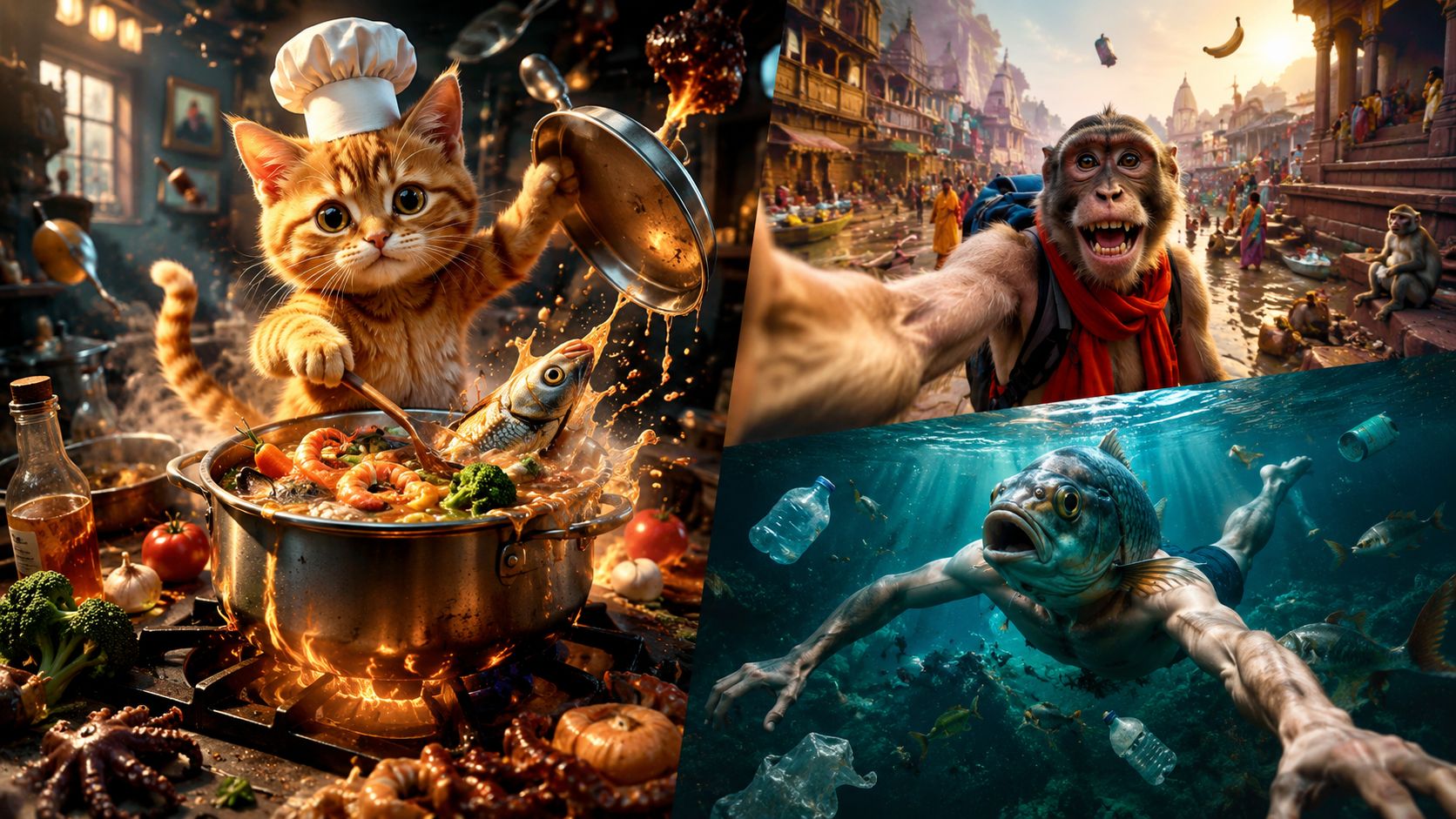
Common signs that a video is falling into the slop trap:
- Characters look different in every shot: You might start with one face or outfit, but by the next cut, everything has changed. The viewer gets confused because they can no longer recognize who the main character is.
- The visuals feel like a random montage: The video is just a collection of cool looking clips strung together. Because there is no story connecting them, the audience stops caring after the first few seconds.
- Everything looks the same: Every scene has that specific, overly polished look with bright, glowing lights and constant camera movement. It feels less like a real movie and more like a generic AI stock video.
- The audio and video don't match: The voiceover, music, and visuals seem like they were picked from different places. They don't feel like they belong to the same world, which makes the whole thing feel hollow and fake.
The Shift: Stop Generating Clips. Start Directing Scenes.
Avoiding AI slop is not about writing longer prompts. It is about making clearer creative decisions before you hit Generate.
A director-led workflow focuses on four things: the story, the visual rules, the shot sequence, and the atmosphere.
Here is how to turn a rough idea into a scene that feels intentional.
Start With the Story
A strong premise is not yet a scene. Before generating anything, decide what happens, what goes wrong, and what changes.
For example:
Mia is a hardened smuggler who helps people escape Earth’s toxic surface for the orbital colonies above. When a mission falls apart, she crosses paths with Kai, an amnesiac boy whose missing past may expose a conspiracy the colony elite will kill to protect. The truth could bring down the system—or ignite a revolution. The scene now has a clear structure:
- Mia wants to complete the escape.
- Security closes in.
- The boy introduces a new mystery.
- Mia makes a choice that changes the mission.
That is enough to guide the visuals, performance, pacing, and sound.
Instead of prompting for “a cinematic cyberpunk escape,” describe what the characters actually do:
Mia pulls the boy behind a rusted service door as a security drone scans the tunnel. He looks at her and quietly says her name. Mia freezes for half a second before shutting off the lights.
Specific behavior gives the model something to stage and gives you something concrete to review.
Lock the Visual Rules
AI video falls apart quickly when every shot invents a new version of the world.
Before generating, define the visual rules that must stay fixed.
| Element | Fixed Rule |
|---|---|
| Mia | Weathered flight jacket, short dark hair, utility harness, scar above her right eyebrow |
| The boy | Oversized colony uniform, shaved head, metal access tag around his neck |
| Lower World | Dense industrial slums, wet metal surfaces, exposed pipes, polluted air |
| Orbital Colonies | Clean white architecture, artificial daylight, controlled greenery |
| Color and Light | Warm orange and sickly green below; cool white and pale blue above |
These contrasts make the world easier to understand without extra exposition.
Create approved references for recurring characters, locations, and important props before generating the final shots. Mia’s scar, the boy’s access tag, and the difference between the two worlds should remain consistent throughout the story.
When a shot breaks those rules, regenerate the shot. Do not rebuild the entire visual language around a random model result.
Plan the Shots and Sequence
A sequence should reveal information in a controlled order. Every shot needs a job.
The escape scene could use four shots:
| Shot | What We See | Why It Exists |
|---|---|---|
| 1 | Wide shot of the crowded launch tunnel beneath the city | Establishes the Lower World and the escape route |
| 2 | Handheld medium shot following Mia through the crowd | Creates urgency and keeps us close to her |
| 3 | Close-up as the boy says Mia’s name | Introduces the mystery |
| 4 | Static shot of the shuttle leaving while Mia stays behind | Shows the cost of her decision |
The camera language should support the scene rather than compete with it.
Use unstable movement while Mia is trying to escape. Slow down when the boy recognizes her. Hold the final shot long enough for the audience to understand that Mia has missed her way out.
Before generating a shot, ask:
What does the audience learn here?
When a shot adds no new information, emotion, or consequence, cut it.
Build the Sound and Atmosphere
Sound makes the world feel connected, even when the visuals come from different generations.
The Lower World might sound crowded and mechanical: ventilation systems, distant alarms, rain hitting metal, broken announcements, and compressed radio chatter.
When the boy says Mia’s name, pull the background sound down. Let the line land.
As the shuttle leaves, avoid oversized trailer music. The fading engine, a warning signal, and a brief silence may carry more weight.
The orbital colonies should sound different. Cleaner. Quieter. Almost unnaturally controlled.
That contrast helps the audience feel the divide between the two worlds before anyone explains it.
How Arcloop Supports a Director-Led Workflow
Most AI video tools help you generate a clip. Arcloop helps you manage the decisions behind a complete scene or series.
To put this workflow into practice, use the AI short drama generator to structure your story, keep characters consistent, and refine individual shots.
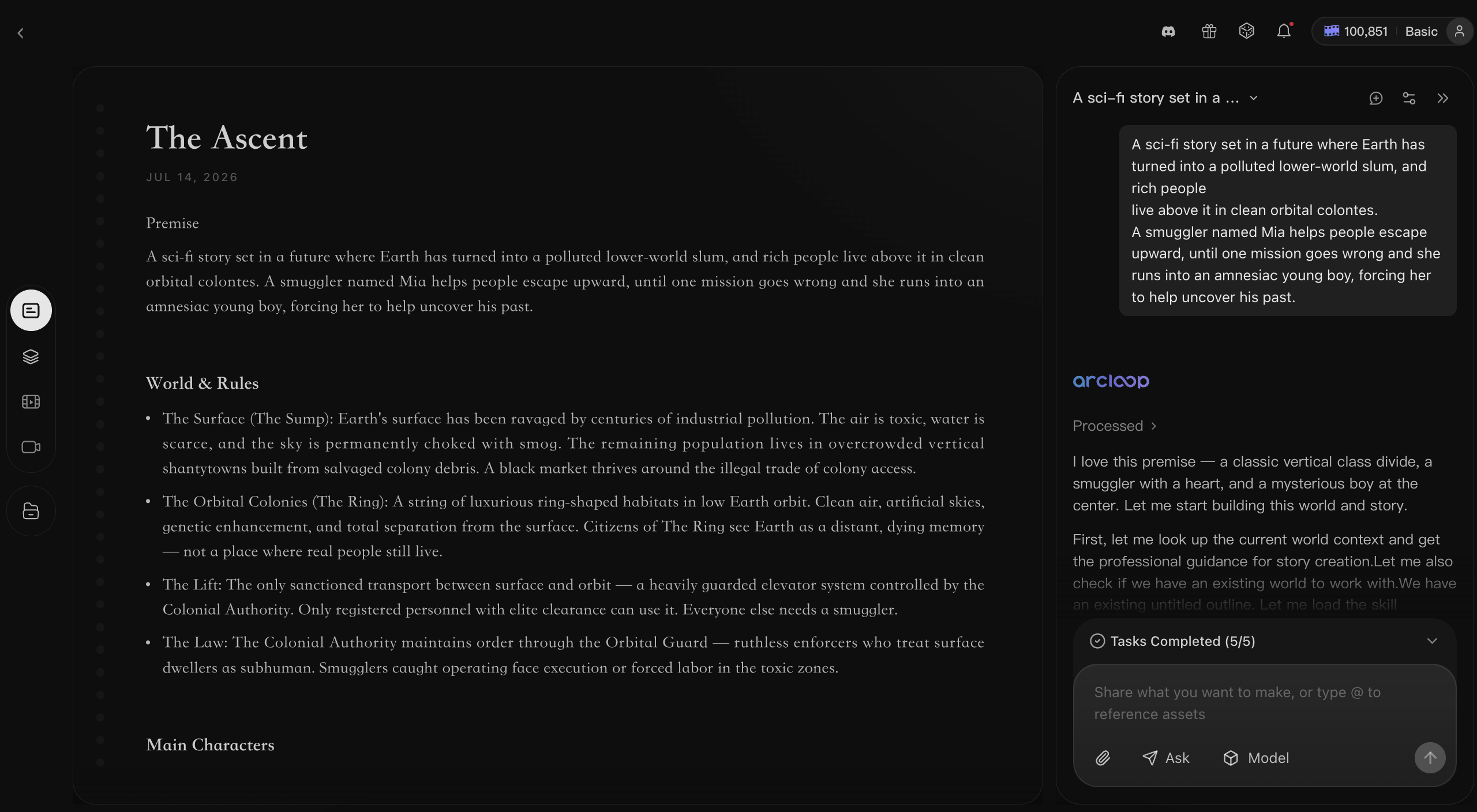
Outline: Build the Story Arc
Turn the initial premise into structured episodes, conflicts, and character decisions.
For Mia’s story, the outline can track the failed escape, the boy’s missing identity, and the connection between the Lower World and the orbital colonies.
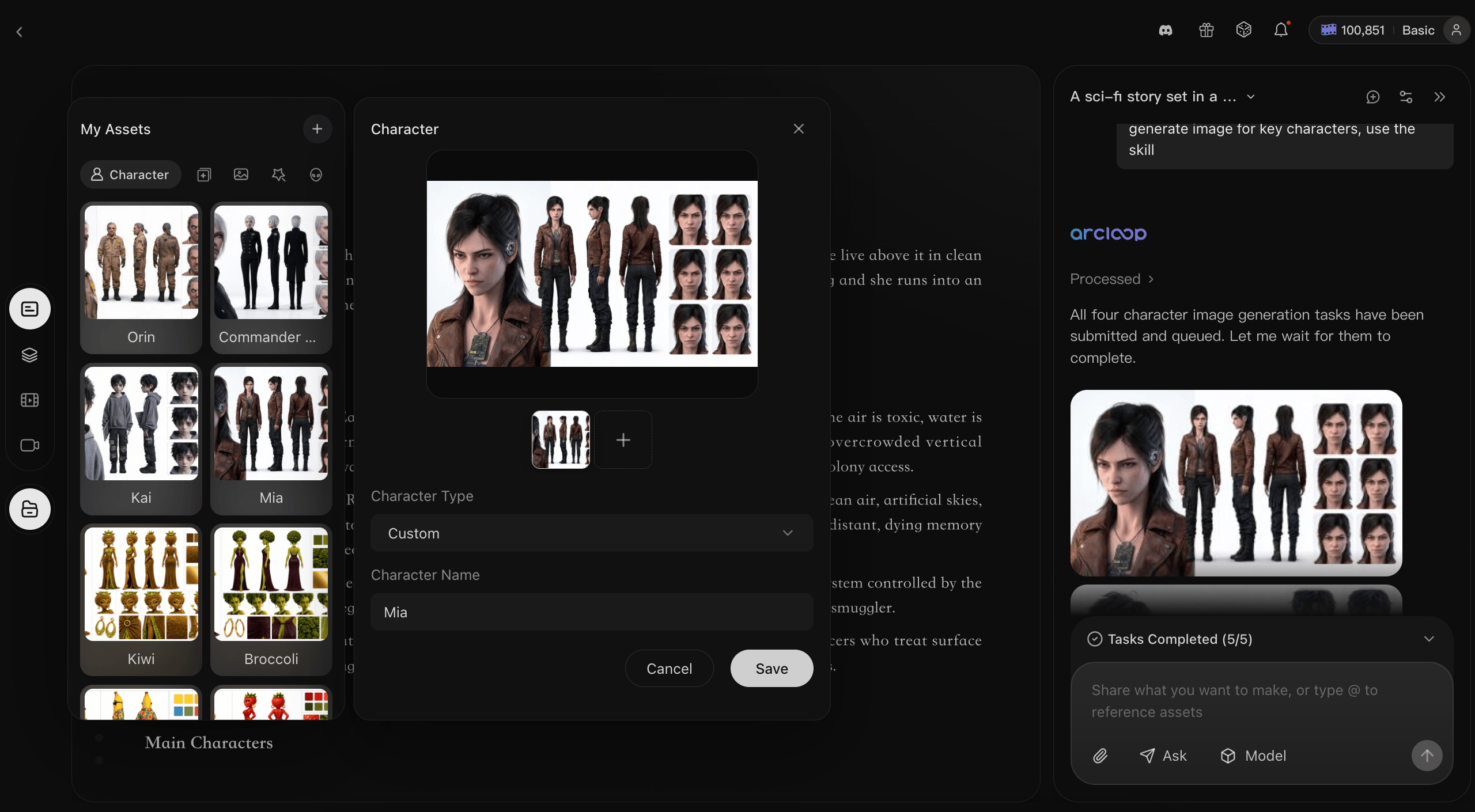
Assets: Keep the World Consistent
Create reusable characters, locations, and props.
Mia, the boy, the launch tunnel, the orbital colony, and the access tag remain part of the same story world instead of being rebuilt for every prompt.
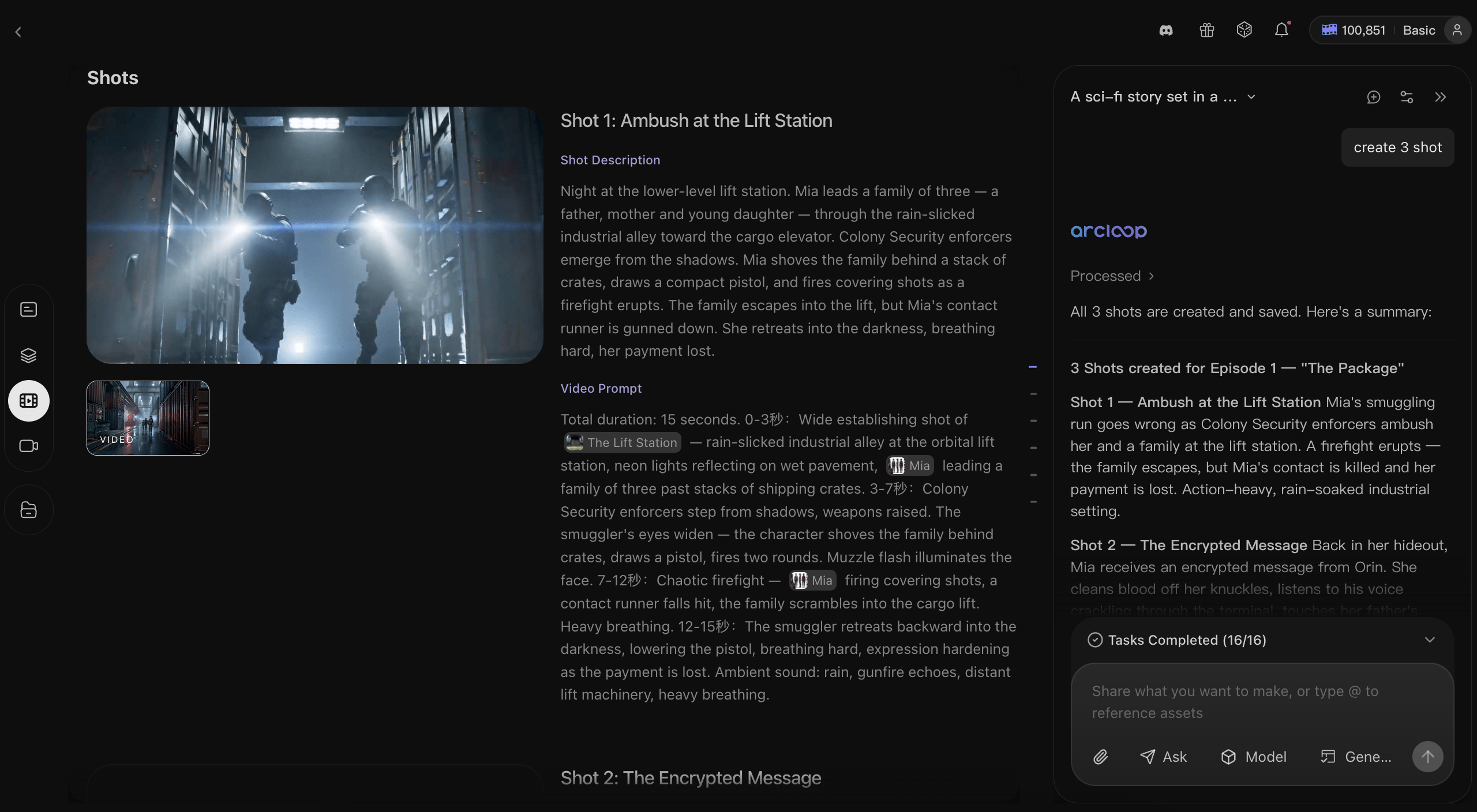
Storyboard: Plan Before You Generate
Break each scene into shots and review the order, framing, action, and narrative purpose first.
This helps you catch weak transitions before spending credits on video generation.
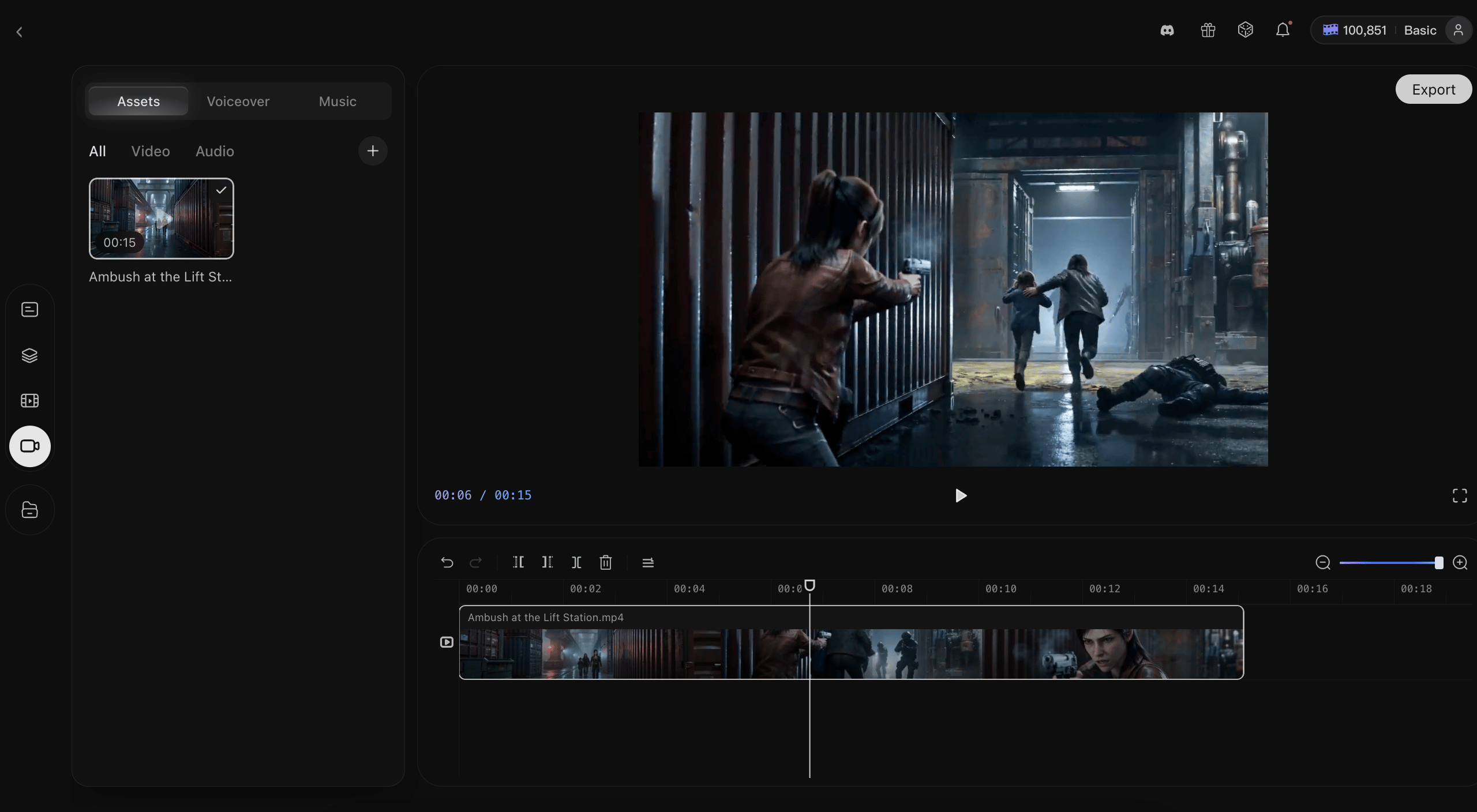
Edit: Shape the Final Experience
Review the clips as one sequence.
Tighten the pacing, remove redundant shots, fix continuity issues, and use sound to guide the emotional flow.
The Creator Is Still the Differentiator
AI can generate cities, characters, voices, and camera movement.
It cannot decide when Mia should hesitate, what the boy’s access tag means, or why the audience should care when the shuttle leaves without her.
Those choices still belong to the creator.
Build the story. Lock the world. Direct the shots. Shape the atmosphere.