What Are Shots?
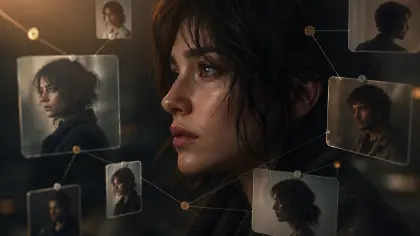
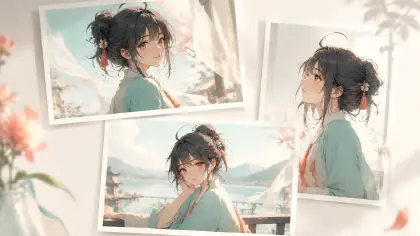
Shots break an episode into visual moments. They tell the AI assistant who appears, what the characters do, how the camera moves, and what kind of image or video to generate.
Think of shots as:
The visual plan before video generation.
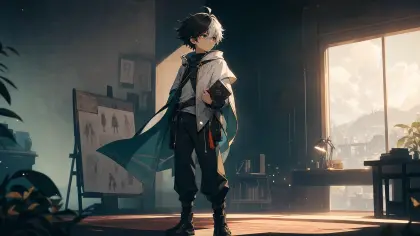
For example, in an episode where Mia enters the lower-world transit hub and meets the amnesiac boy, the AI can turn one paragraph of story into a sequence of clear visual beats: her moving through the hub, drones scanning the platform, the boy hiding, and the tension building in the scene.
Generating Shots
After creating an episode, open the episode page and click Generate Shots. The AI assistant will break the episode into shot cards, each representing one visual moment.
You can review and tweak each shot directly: adjust the description, video prompt, add assets, or insert new shots. For example:
Update Shot 1 video prompt: make the camera slowly push in and add tense lighting.
Treat the first version as a draft—you can refine it as you go.
Generating Images and Videos
Once shots are ready, generate images first to check composition, style, and character design. After refining, generate video for each shot.
Videos can be created one by one from shot cards or multiple shots at once via the AI Chat Panel:
Generate video for Shot 1. Generate videos for Shots 1, 2, and 3. Generate videos for all shots in this episode.
Generated videos appear in the preview area on the left of each shot card. Click to view or review.
Clear Shots Make Better Videos
A good shot is specific, not long. Instead of:
Mia feels nervous.
Try:
Mia moves through the lower-world transit hub with her hood pulled low, gripping a stolen access card. Cold blue security lights sweep the platform. The camera follows behind her in a slow handheld shot, heightening the tension.
This gives the AI assistant a clear sense of action, camera movement, and mood without overwhelming the user with too many instructions.