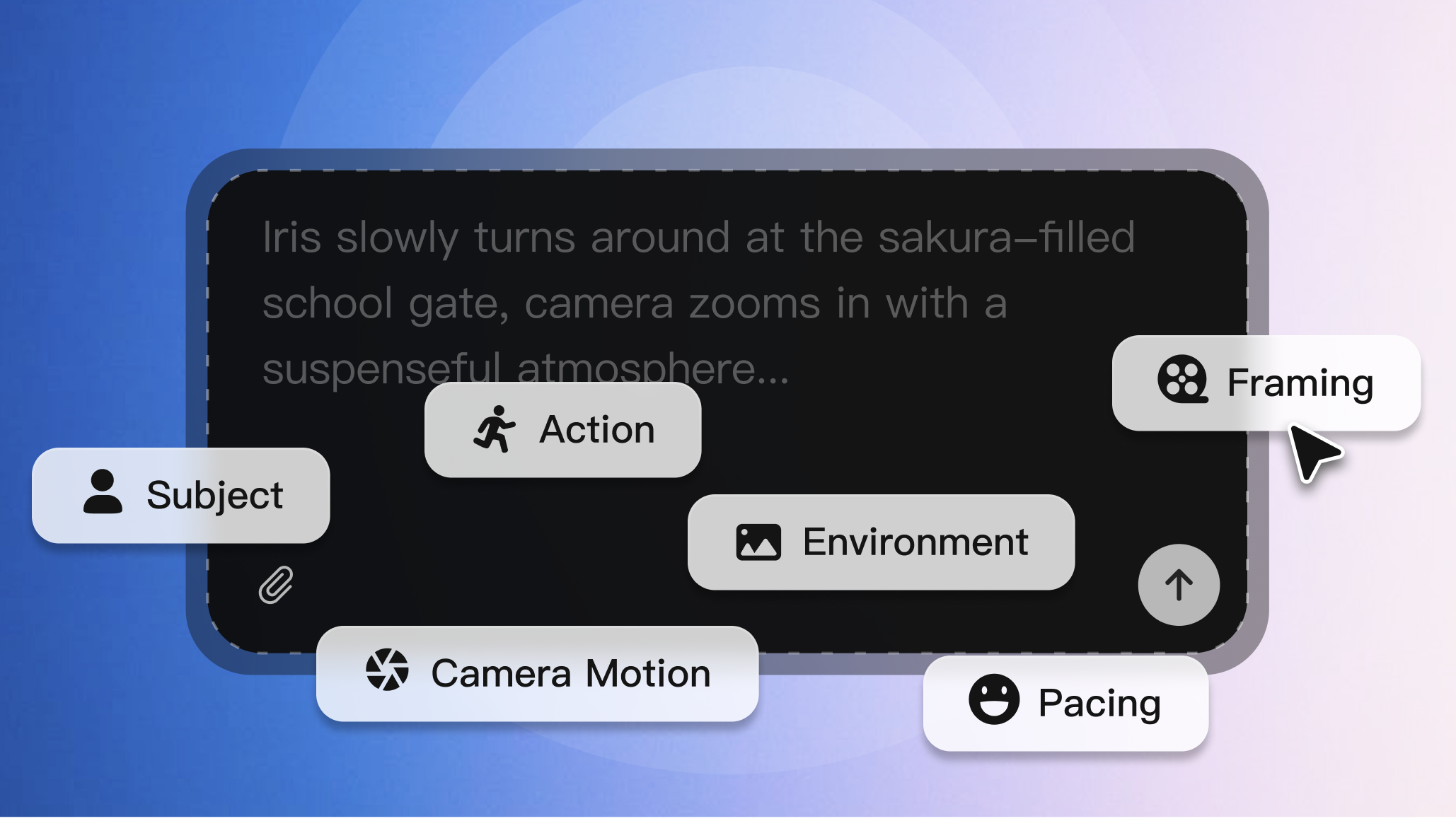
Set the creative direction
Start with a character, scene, prop, or script beat and define the visual question you want to answer.

Create polished character references, scene concepts, and visual directions that stay connected to your Arcloop story workflow.

Seedream 5 works as a visual development step inside Arcloop, helping teams turn worlds, characters, and scripts into reusable image references.
Start with a character, scene, prop, or script beat and define the visual question you want to answer.
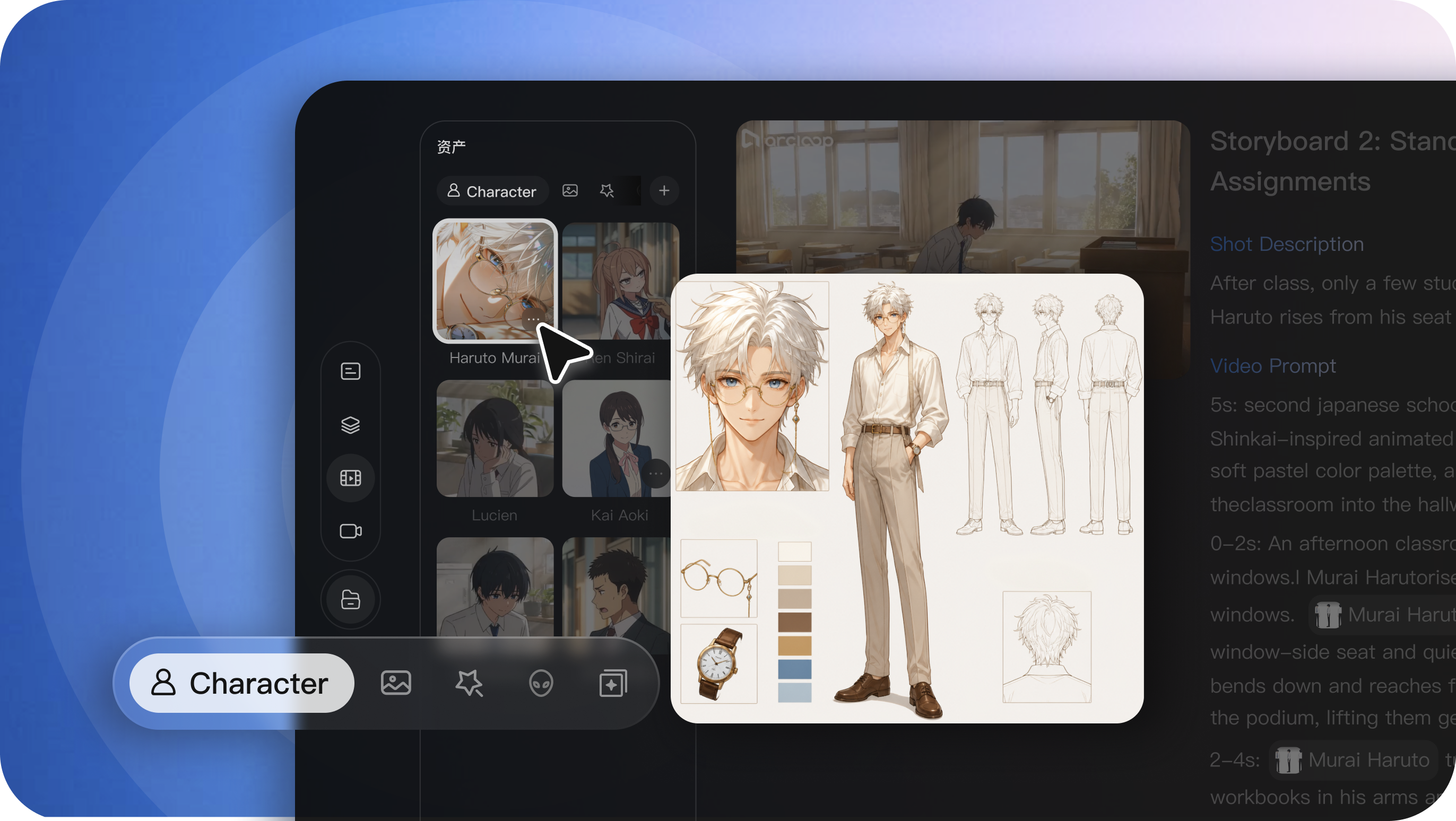
Write a prompt, add references, compare directions, and keep the result that best fits the story.
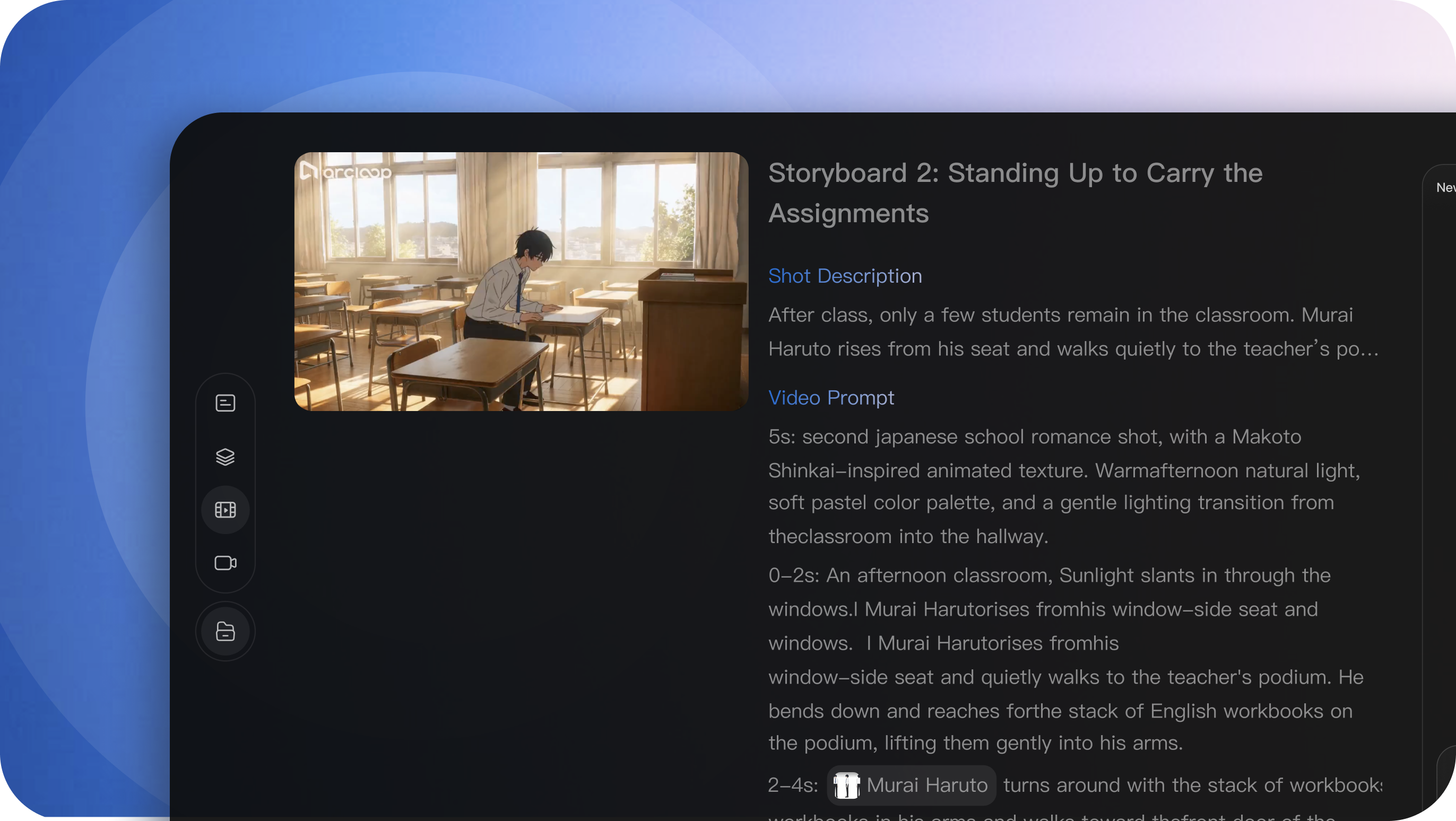
Reuse approved character, scene, and style references in storyboards, shots, and other creation steps.
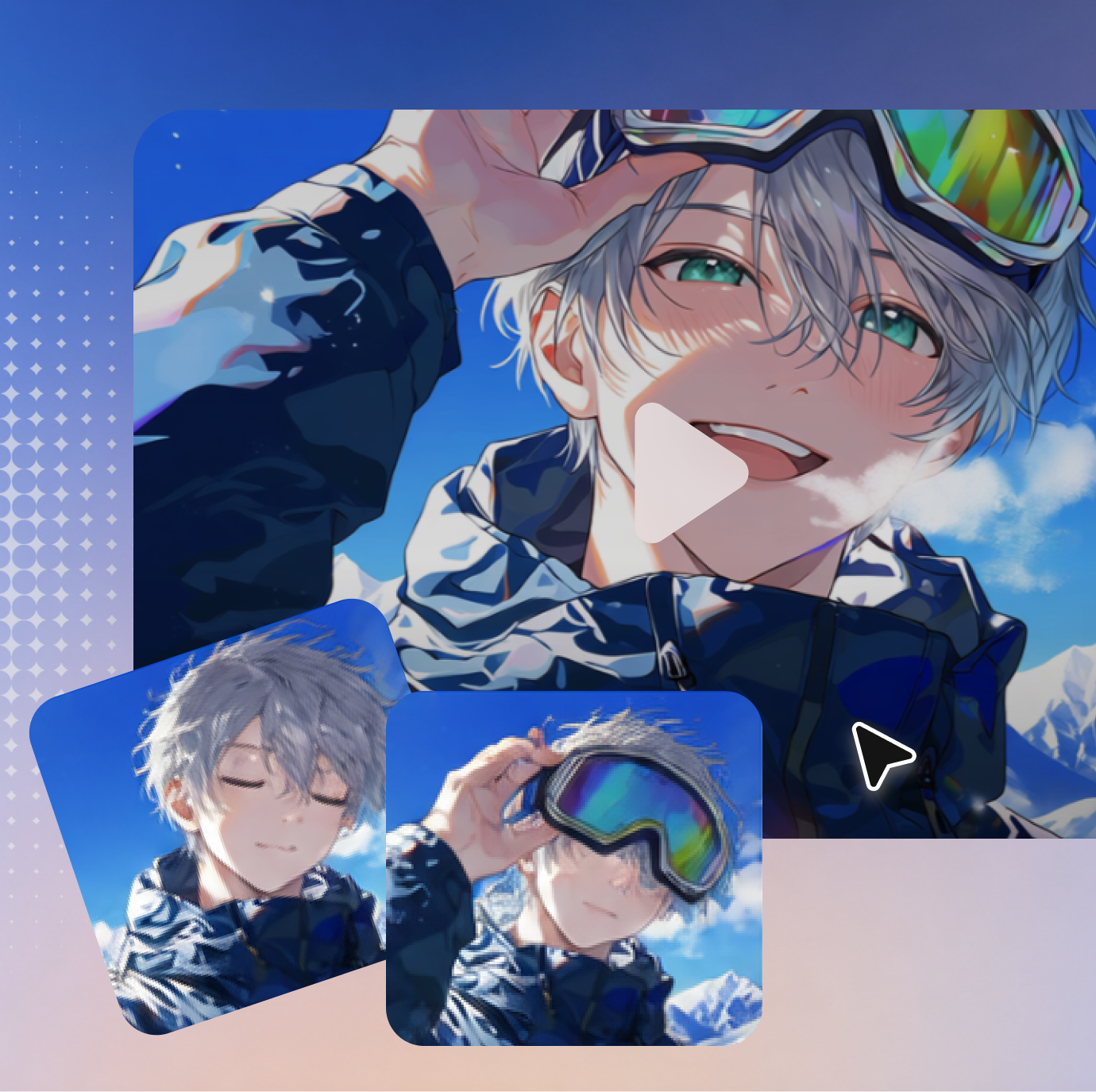
Explore character looks, wardrobe, expressions, environments, and lighting directions before storyboards and shots.
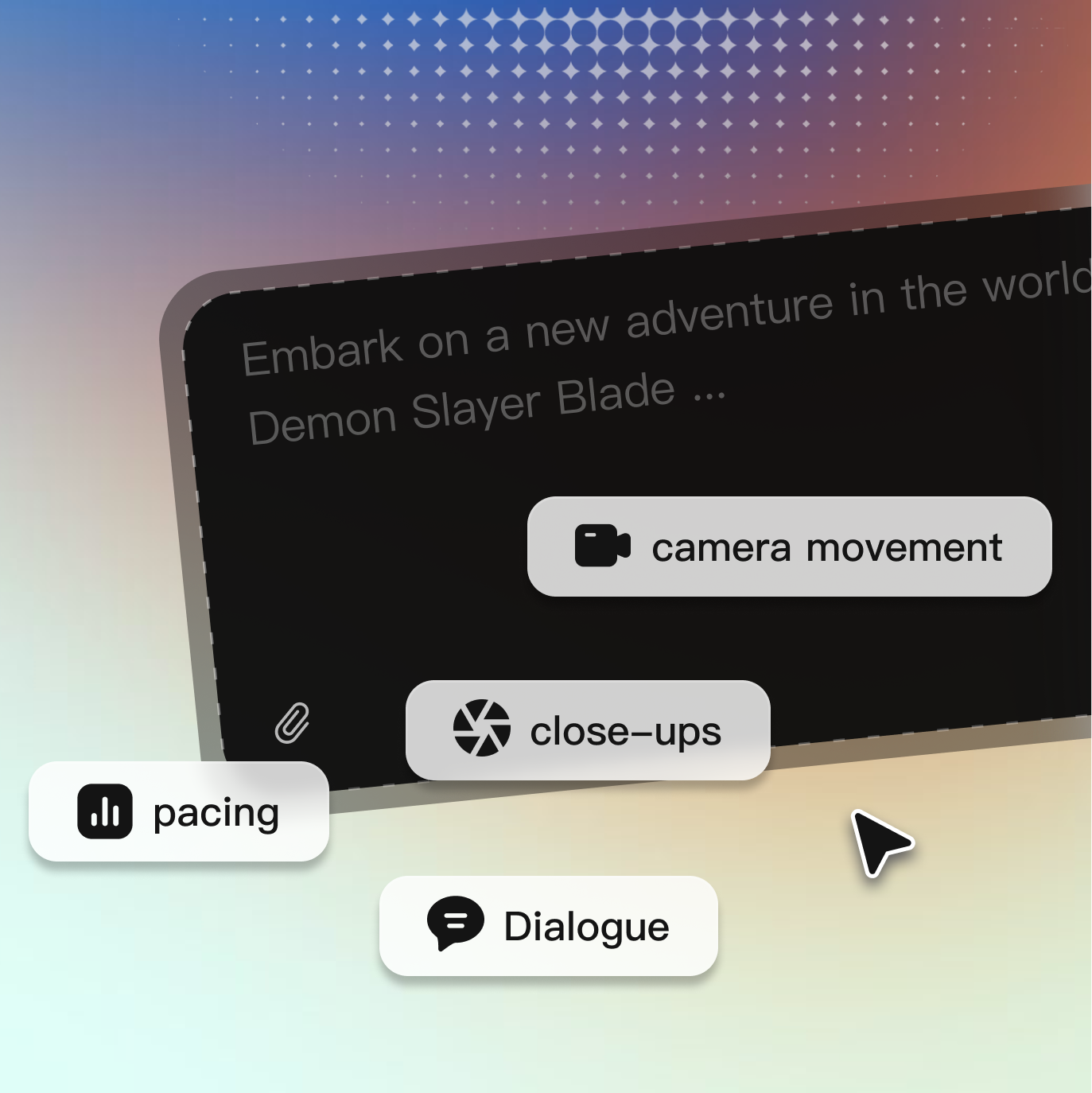
Use character, scene, or style references to keep new images close to an approved visual direction.
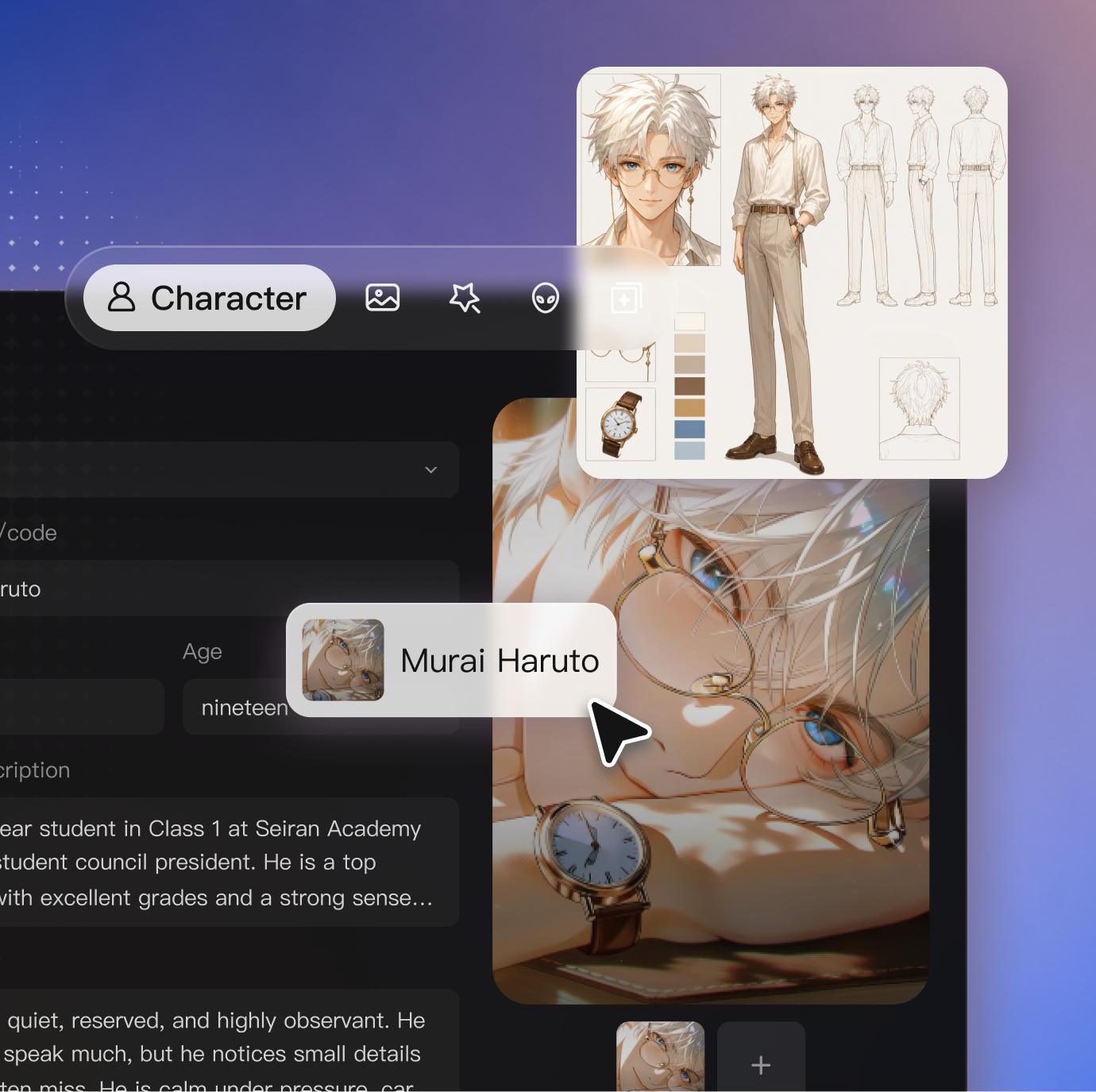
Refine a person, object, color, or composition without restarting the entire visual direction.
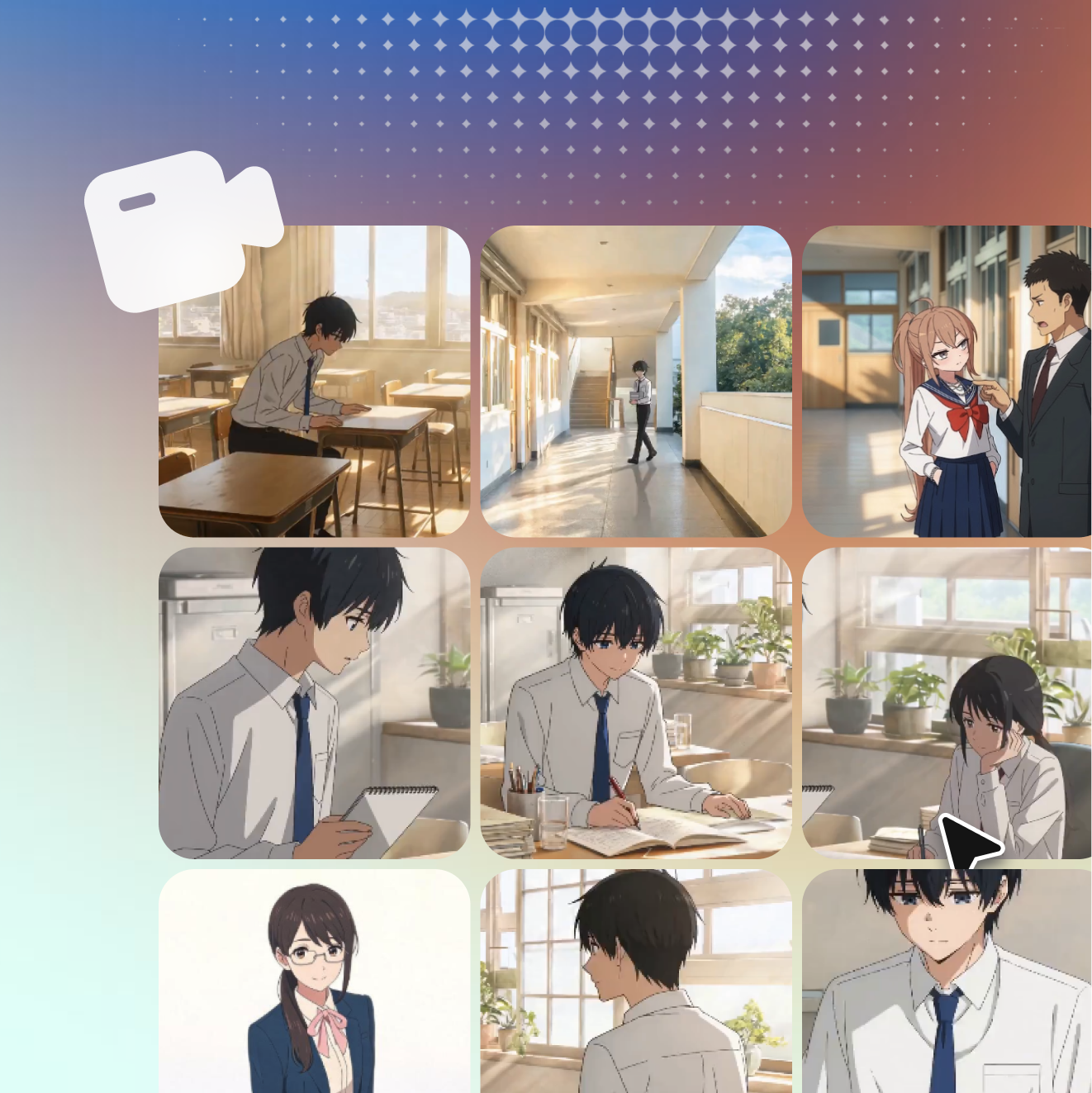
Explore posters, covers, title cards, and promotional visuals with structured text and composition.

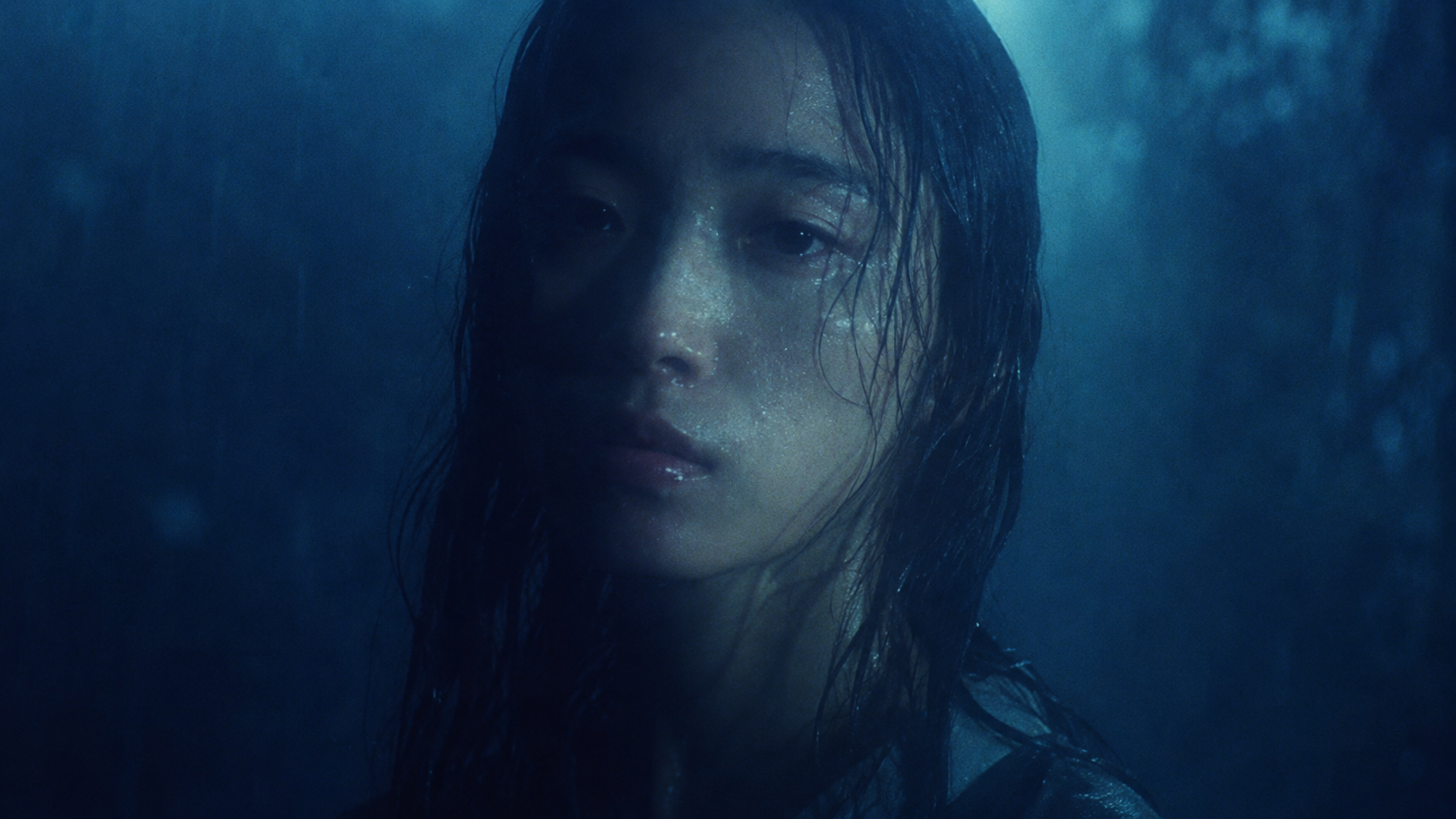
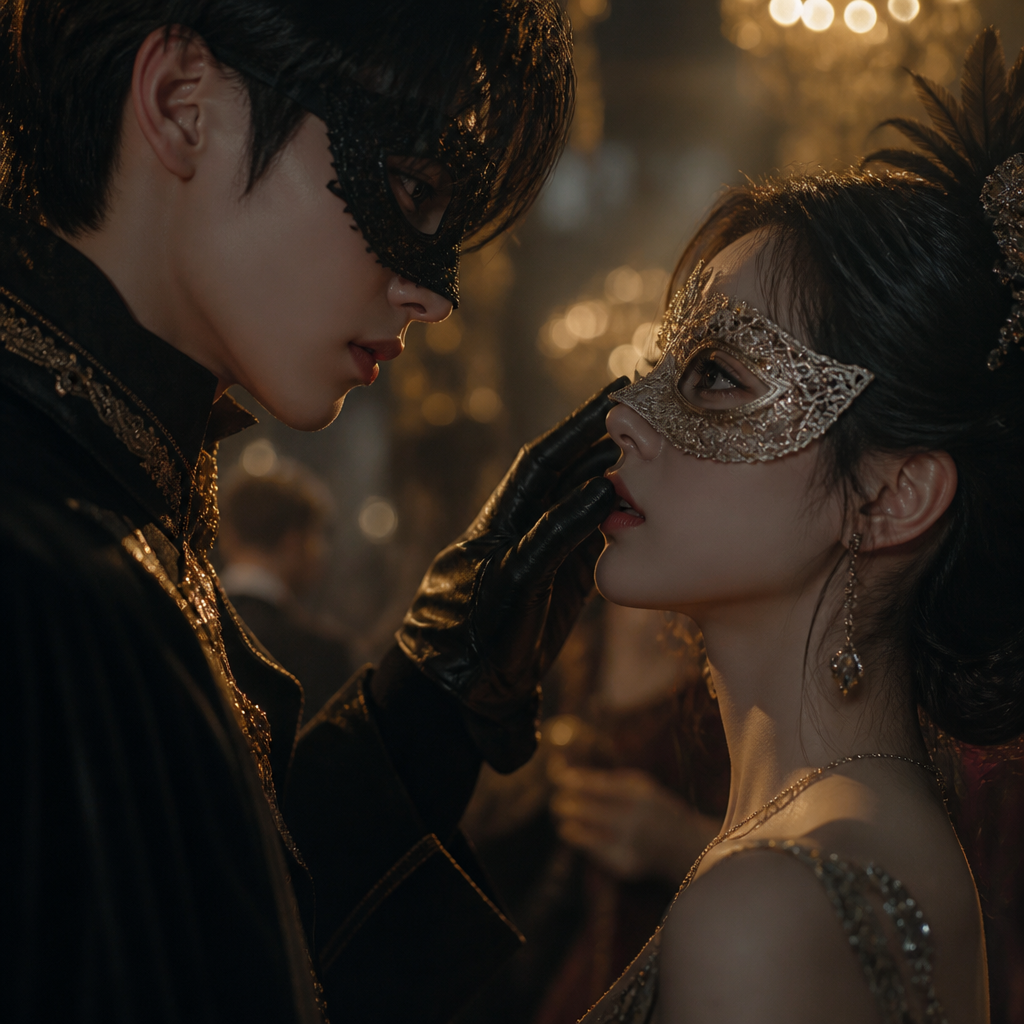

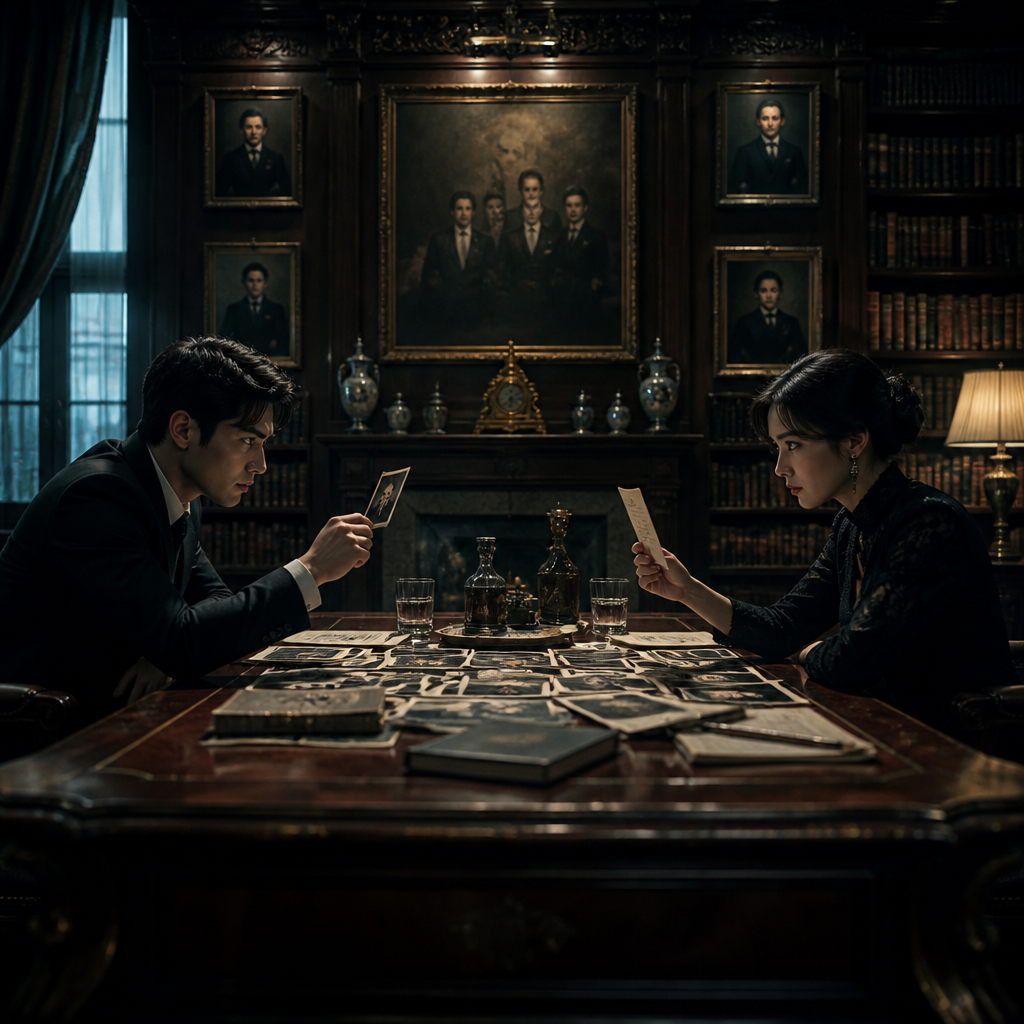
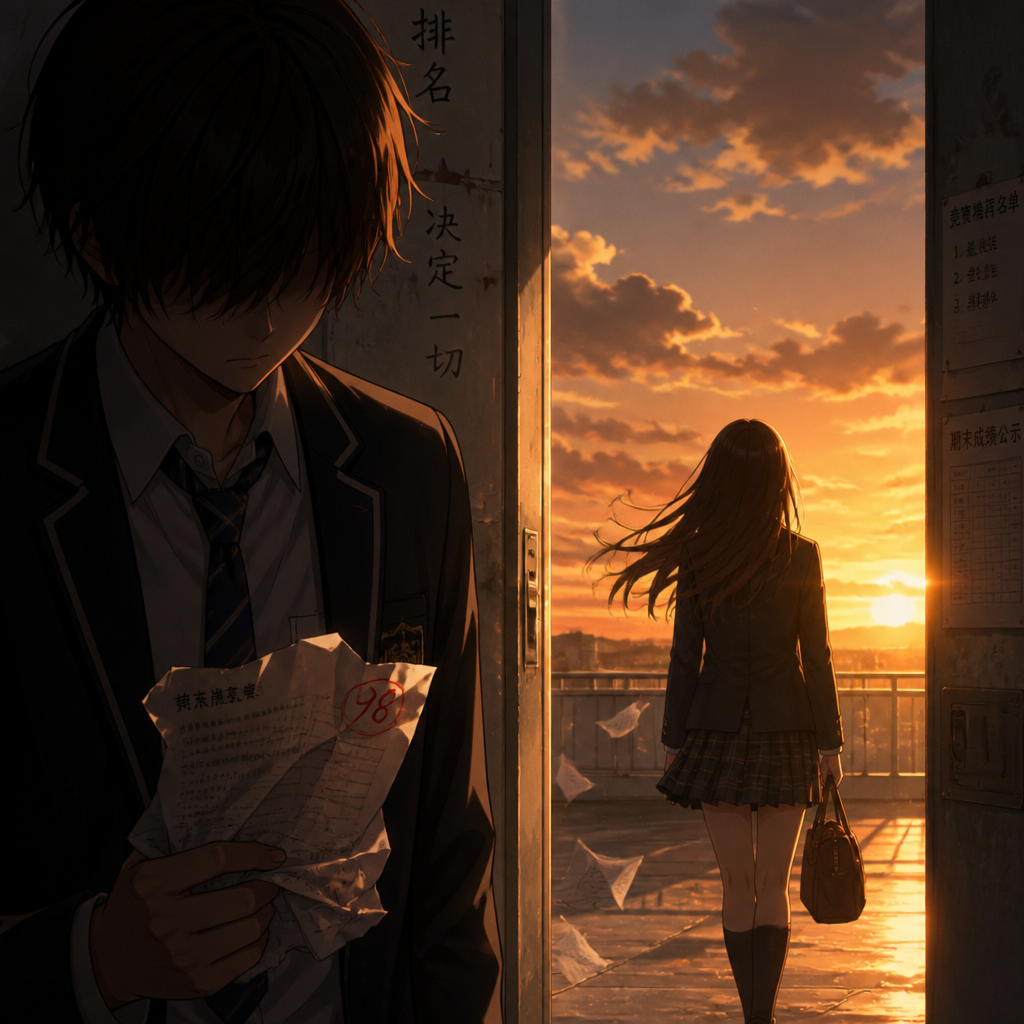
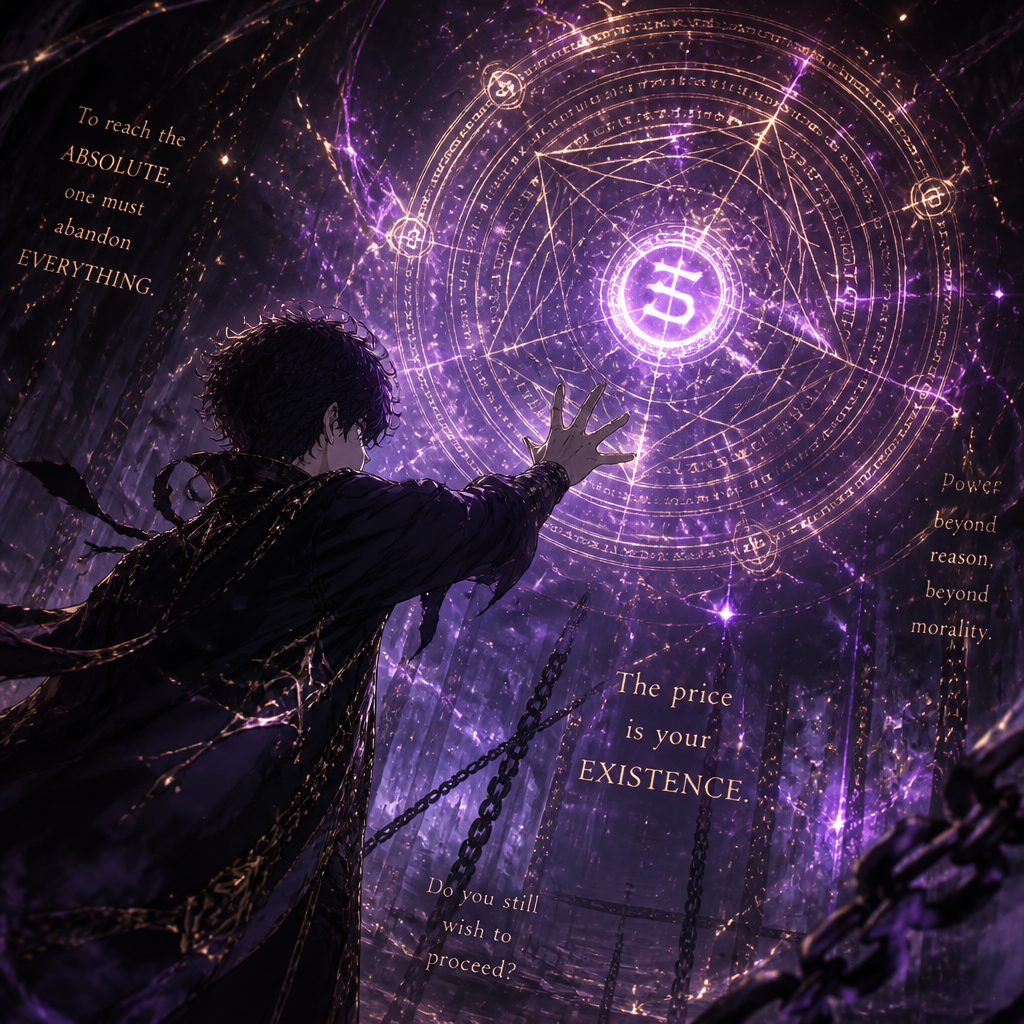
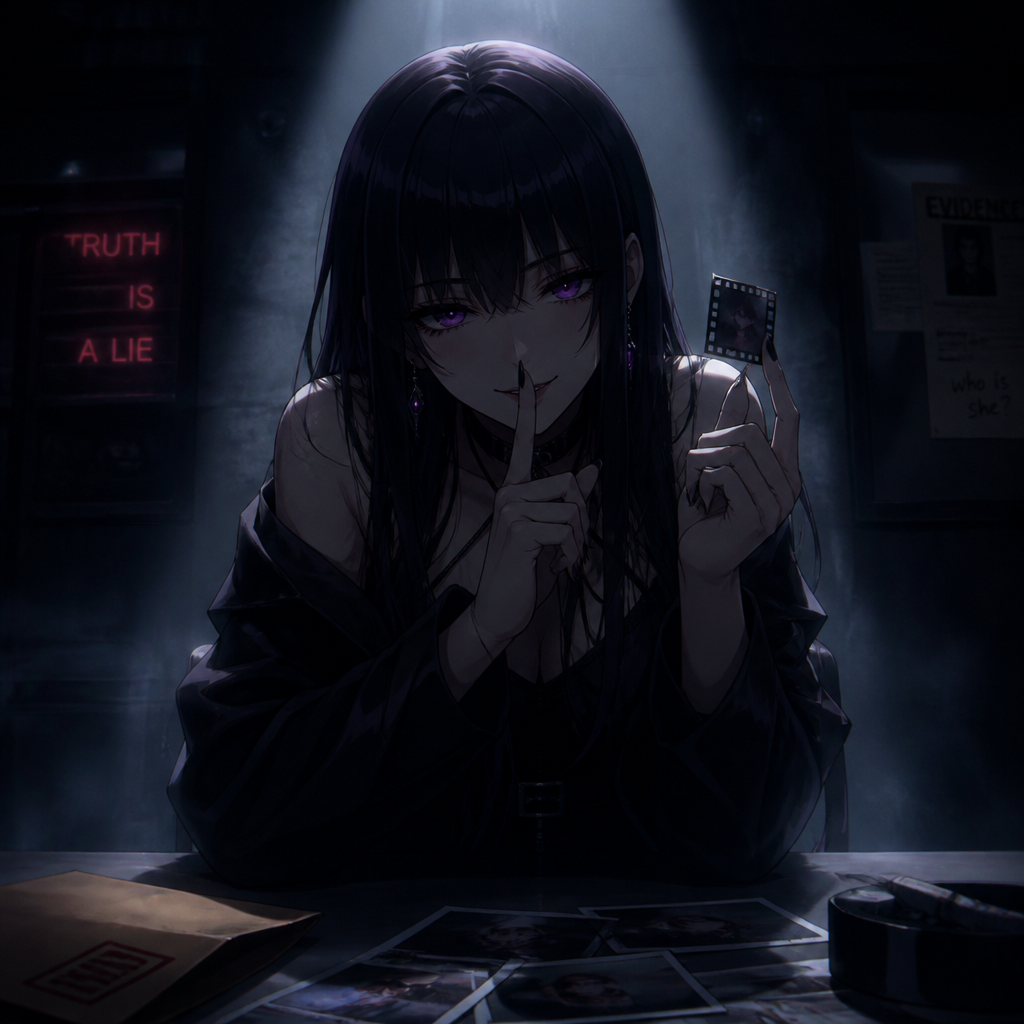
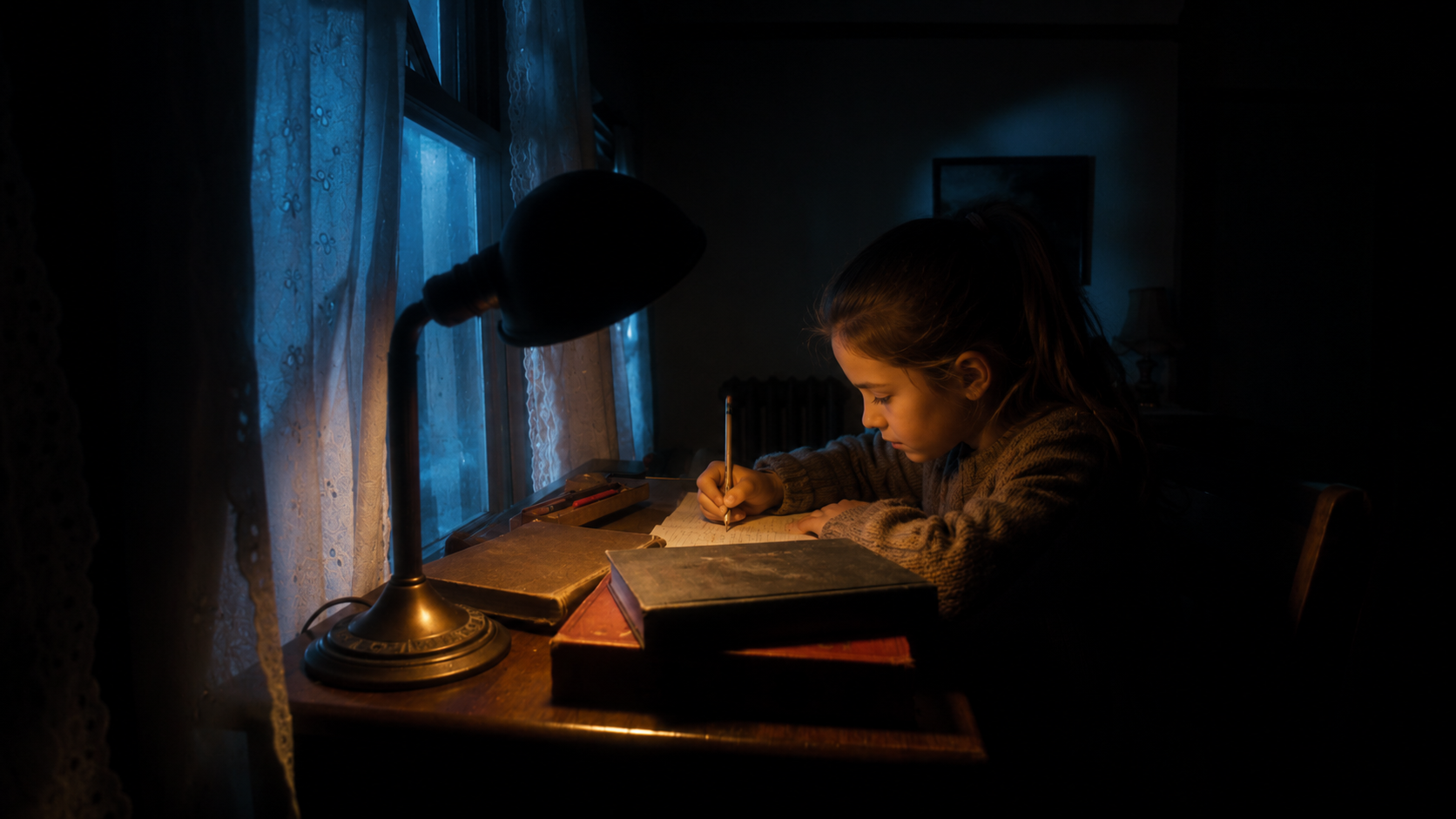


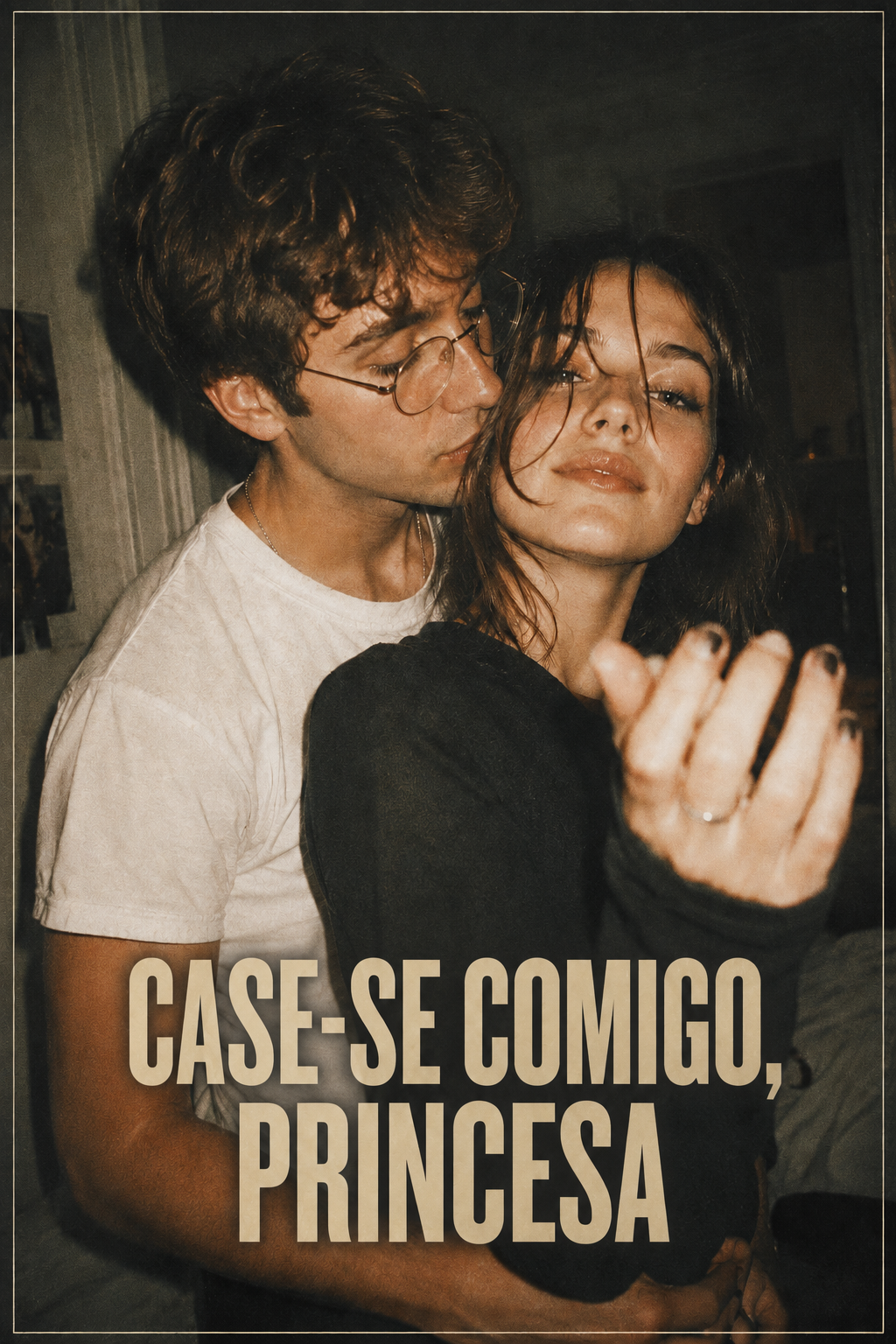
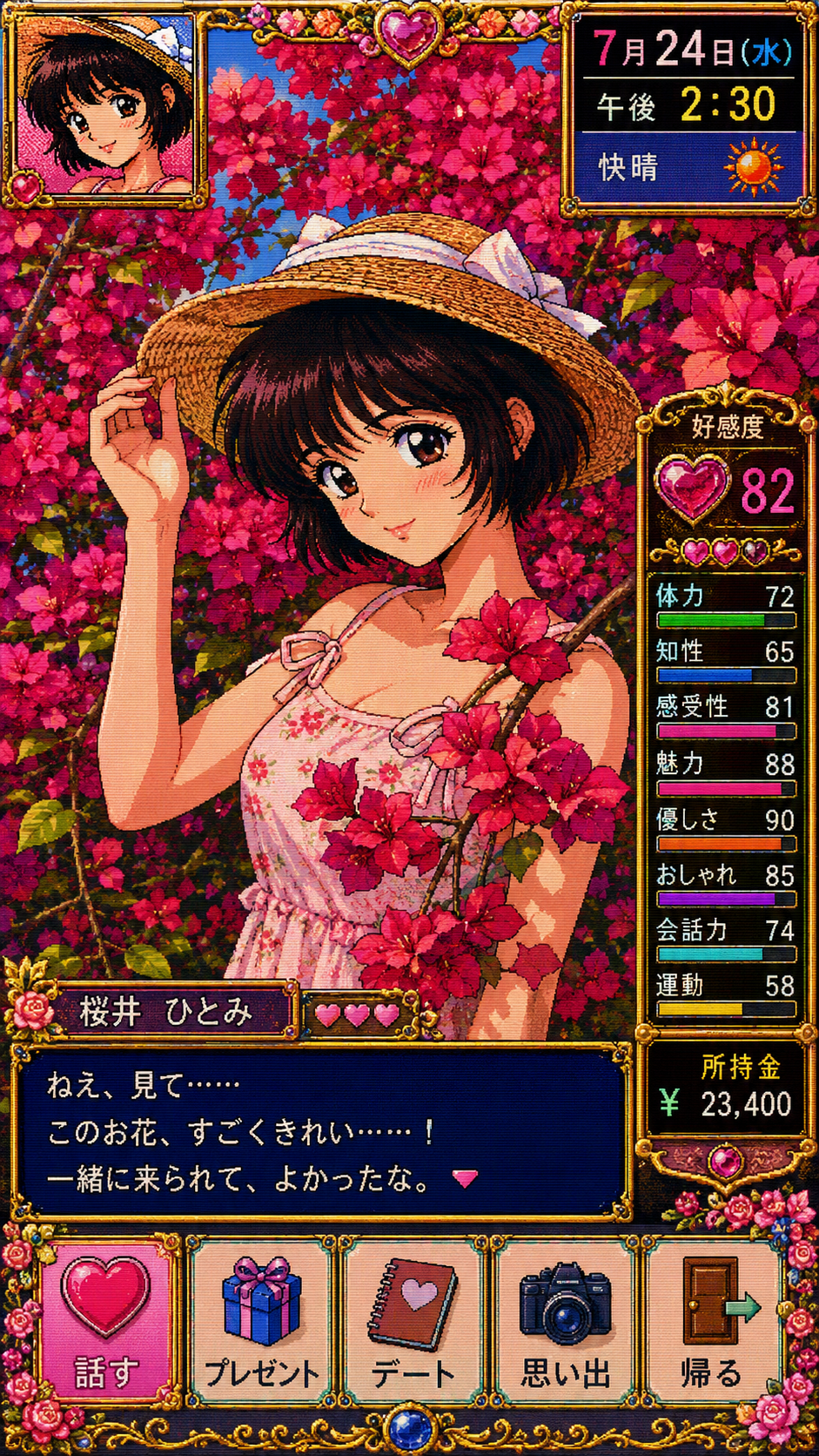


Start with Seedream 5.0 Pro for characters, scenes, and visual direction; use GPT Image 2 to refine an existing image; use Seedance 2.0 to test motion, shots, and pacing.
It is useful for character design, scene concepts, prop references, storyboard frames, posters, covers, and other visual asset exploration.
If image references are enabled in the current Arcloop integration, you can add character, scene, or style references. Check the generator for the supported input format.
Keep the character’s appearance, wardrobe, age, and defining traits consistent in the prompt, and reuse the same reference set whenever possible.
Seedream 5.0 Pro is better suited to visual direction and character or scene design, while GPT Image 2 is useful for refining an existing image and testing variations.
It is useful for exploring posters, covers, and title cards. Review important text and layout details before using a final asset.
Usage depends on Arcloop terms, your plan, and the applicable model policy. Review the current terms before publishing commercial work.
Start with a character, a scene, or your first reference image and build your creative world in Arcloop.