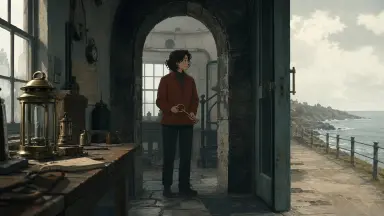
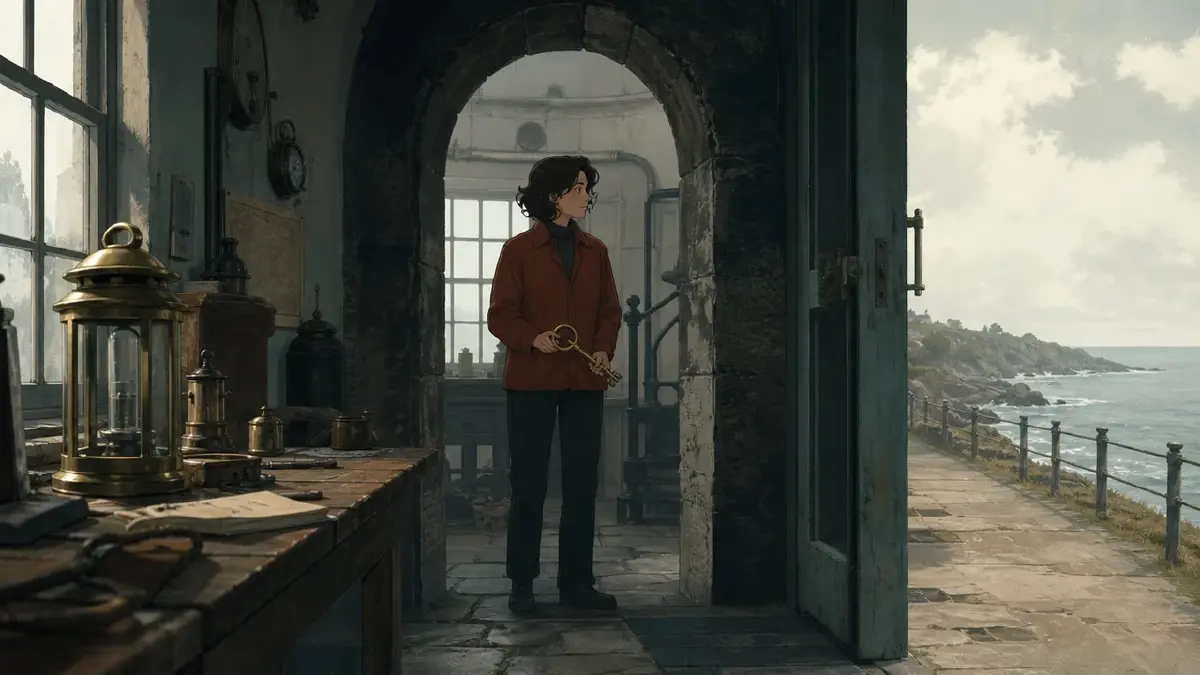


Your first scene ends on a glowing close-up. The second adds another glowing close-up, and the third gives its revelation the same slow push toward a worried face. Each image looks polished. Together, the scenes make every discovery feel familiar before it happens.
You need the audience to recognize the same characters and world while experiencing a different kind of attention in each scene. Changing the rendering style would break that recognition; adding a new effect to every climax would keep the same repetitive structure. This guide explains how to vary AI short film scenes through framing, information density, and emotional pressure while keeping the production style intact.
Find the repetition between scenes
Aesthetic fatigue can come from repeated emphasis. Three scenes may introduce different clues yet all ask viewers to stare at a face, admire backlight, and wait for a dramatic reaction.
Open the three scenes you want to revise. For each, identify the first image, the image carrying its most important information, and the image it ends on. Describe those nine images with ordinary words: distant room, hands, face, occupied doorway, empty chair. If the three rows read almost identically, you have a concrete repetition to change.
Then describe what viewers understand at each ending. “Something alarming happened” repeated three times is weaker than “this is normal,” “someone contests that normality,” and “the character chooses a consequence.” That difference can survive a restrained visual style.
This is a narrower problem than the general production issues in avoiding AI slop. Here, assume the images are readable and the character already looks consistent. The revision concerns what adjacent scenes make the audience notice.
Keep the identity; change the question
For this original design exercise, lighthouse keeper Iona must surrender the beacon key to inspector Soren after a storm. Their disagreement is about who may operate the light. Iona eventually hangs the key where other keepers can reach it instead of transferring exclusive control. These are proposed scenes, not results from a generated film.
The same character assets, beacon key, architectural materials, line treatment, and palette belong to all three scenes. The changing elements are the amount of space visible, who appears to control that space, and whether the key feels ordinary, contested, or shared.
| Scene | New understanding | Main framing choice | Emotional pressure |
|---|---|---|---|
| Workroom | Handling the key is part of Iona's routine | Medium-wide view with useful room context | Ordinary responsibility |
| Inspector's office | Soren expects the key to become his | Close view of the gap between their hands | An unresolved demand |
| Beacon doorway | Iona makes access available beyond herself | Wide view showing the shared entrance | A quiet, consequential choice |
The office's tighter field of view changes the viewer's task from understanding a routine to watching a contested transfer. The final scene widens because the meaning now depends on who can reach the key.
Keep the underlying rules from the series visual unity guide while revising these scene choices.
How to redesign three scenes step by step
1. Give each scene a different ending condition
Open the Story Outline and revise the three scene paragraphs before regenerating images. End the workroom paragraph with the key available for collection. End the office paragraph with the transfer unresolved. End the doorway paragraph with the key accessible to the other keepers.
These conditions prevent three successive “Iona realizes something” endings. Keep dialogue short enough that the image carries the difference between an ordinary exchange, a refusal, and a public decision.
2. Separate recurring references from scene choices
In My Assets, create or reuse character assets for Iona and Soren, scene assets for the three locations, a prop asset for the beacon key, and a Visual reference for the film's finish. Upload reference files to Library and Bind them as Main images or Reference images to the appropriate assets. Library holds files; the bound assets are the reusable creative objects.
Use the same character references across these scenes. Do not redesign Iona's face to make the final scene feel fresh. In each shot card, use @ to select the relevant assets, then describe only the action, camera position, light, and information particular to that shot.
3. Change one dominant choice at each transition
Move from the workroom's readable surroundings to the office's restricted view. Preserve the key's recognizable shape while removing most room detail from attention. The physical world remains detailed; the composition simply reveals less of it.
Move from the office to a wider doorway view. Give the key a visible relationship to an entrance other people use. Avoid replacing the close-up with a spectacular aerial view that makes the small decision disappear. A wider shot helps only if viewers can still locate the key and understand access to it.
4. Give the lighting a source, not another climax
Use broad window light in the workroom, side light across the office desk, and diffuse daylight at the entrance. These variations can belong to the same cloudy morning. Preserve the established shadow edges and color relationships through the Visual reference.
Avoid three versions of a bright rim around Iona's head. For the office, concentrate readable contrast around the hands and key. At the doorway, spread the light more evenly so the final decision feels exposed to other people rather than privately theatrical.
5. Review images before generating the sequence
Open the Episode, use Generate Shots, and review the resulting shot cards. Edit their descriptions to match the three scene purposes. Generate images first. Use Canvas to compare the alternatives, checking both the shared finish and the difference in attention.
If the office image becomes glossy while the others retain painted backgrounds, repair that style drift. If all three images still isolate Iona against blurred light, repair the camera descriptions. Those failures need different revisions. Generate video only after both checks pass.
Three shot descriptions to build the contrast
Replace the example asset names below with your own selections through @. Each description covers one shot within its scene.
Shot 1: Make the key part of an ordinary routine
Medium-wide locked view inside @BeaconWorkroom, using @BeaconVisualReference. @Iona slides @BeaconKey onto the clear end of the workbench. Keep the whole workbench and the open doorway visible, with Iona occupying less than half the frame. Broad overcast window light gives the room an ordinary working atmosphere. Place existing tools away from the key's path so its resting position is easy to find. The key movement is the only action. No camera move, reaction close-up, dramatic spotlight, or additional object reveal.
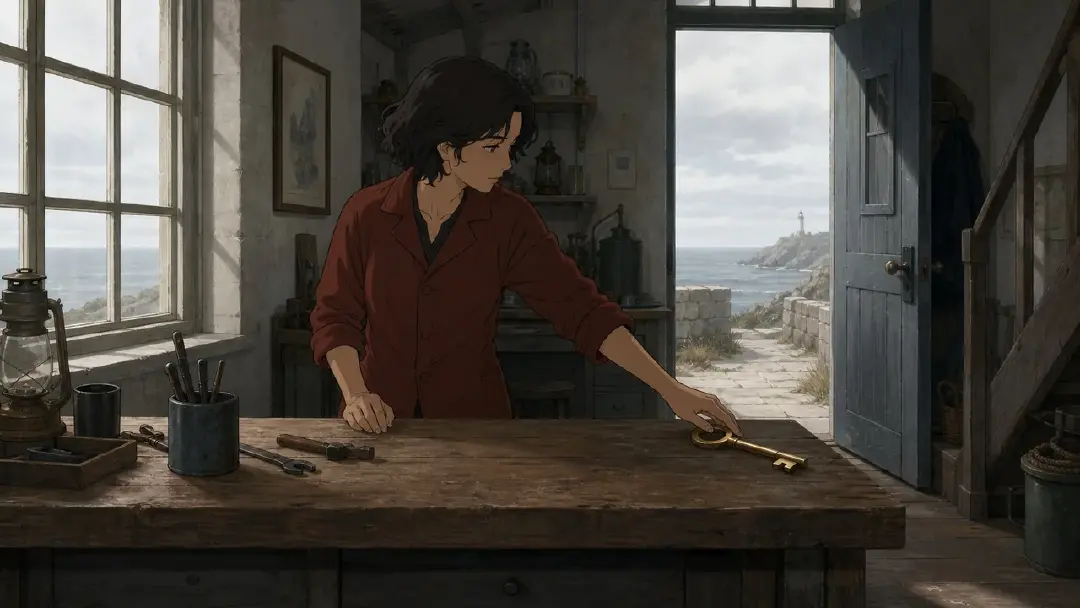
Illustration: the surrounding workspace makes the key feel ordinary.
The room provides context without turning every tool into a clue. If the key is lost among attractive details, clear its immediate surroundings instead of removing all workshop character. Keep the doorway visible: it establishes that this is a workplace someone else can enter.
Shot 2: Make a small distance carry the disagreement
Locked close view across the desk in @InspectionOffice, using @BeaconVisualReference. @Iona withdraws @BeaconKey a short distance from @Soren's open hand. Soren's hand stays still at the opposite edge of the desk; neither face enters the frame. Keep the key and the gap between the hands sharply readable, with the office background subdued. Soft side light from the existing window separates the key from the desk without a glow. This single withdrawal carries the tension. No camera push, finger pointing, second gesture, or cut.
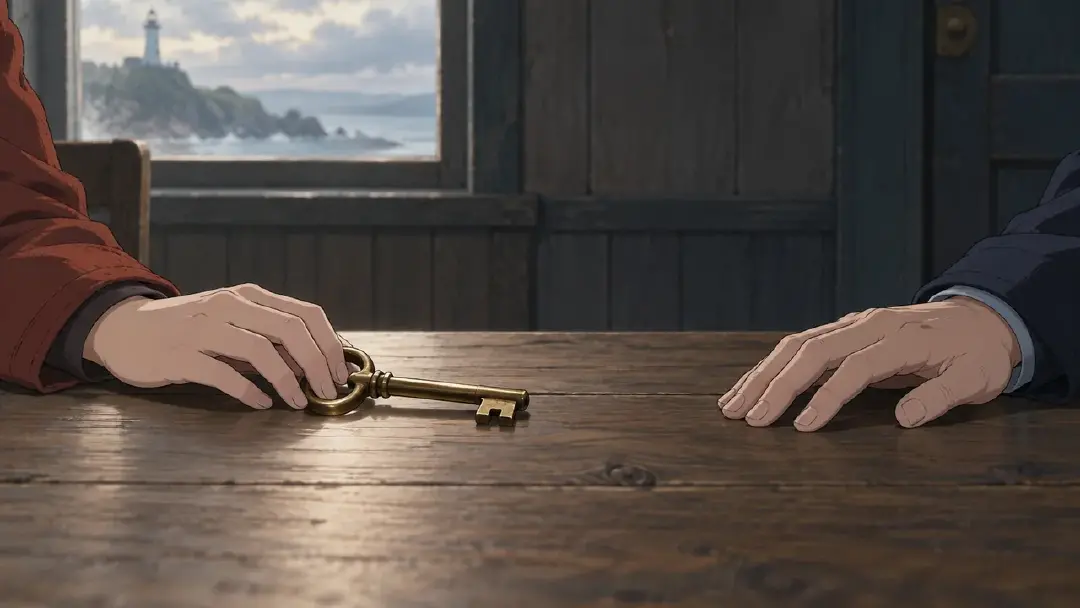
Illustration: the gap between the hands carries the unresolved demand.
The audience now watches a relationship rather than a face. Reject a result in which Soren grabs the key: that would resolve the exchange into a different action. If the distance reads poorly, adjust framing before adding a speech or a threatening lighting effect.
Shot 3: Let the wider space show the consequence
Wide locked view of @BeaconDoorway, using @BeaconVisualReference. @Iona hangs @BeaconKey on the existing shared hook beside the open entrance. Frame the hook clearly in the foreground and keep the walkway beyond the doorway visible. @Soren remains still near the far edge of the frame, away from the hook. Diffuse daylight illuminates both the entrance and the walkway without a heroic rim light. Show one deliberate hanging action. No smile close-up, crowd arrival, camera rise, glowing key, or additional gesture.
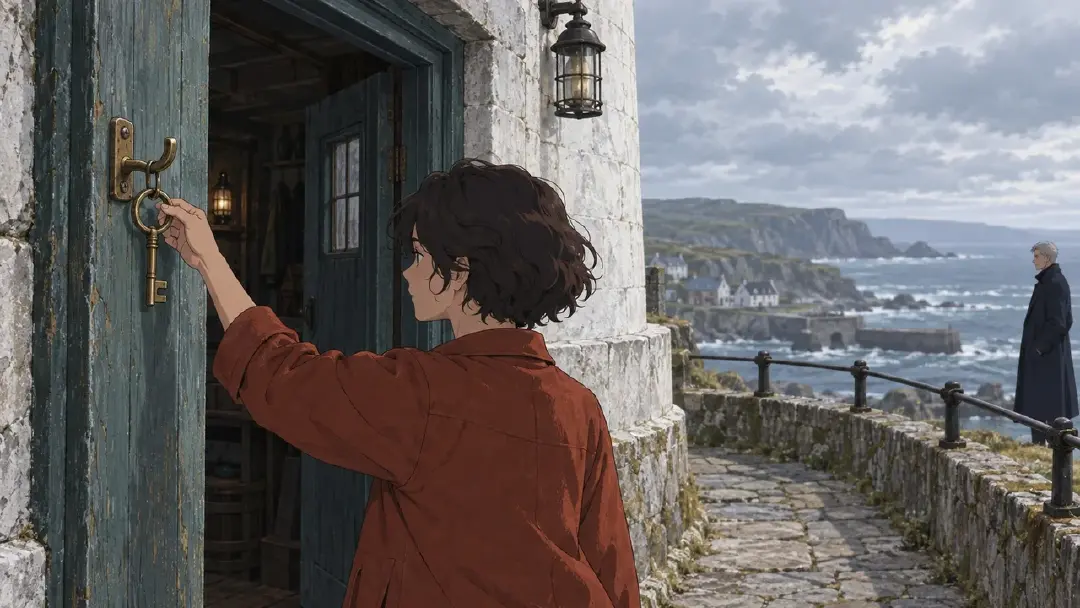
Illustration: the wider entrance gives the key a shared meaning.
The final image needs a recognizable shared entrance established elsewhere in the scene. Without that context, the action may look like routine storage. Add the necessary setup shot rather than expecting the word “shared” in a description to communicate a social rule on its own.
Check whether the contrast survives the edit
Arrange the selected clips in Edit and watch the scene transitions without narration first. Does the office narrow attention? Does the doorway broaden the meaning of access? If the three scenes still feel equally intense, remove a redundant reaction or replace the final close-up with the wider image.
Next compare the office scene with and without its most dramatic music cue. If the visual refusal already reads, the cue may be making the second and third scenes sound like identical climaxes. Choose BGM that supports the intended difference, then adjust clip durations around the completed actions.
Do not use arbitrary alternation as the goal. A close-up can follow a close-up when the second changes what viewers understand. Repeat an image deliberately when its meaning has changed; revise it when only the object or location is different.
FAQ
Must every scene use a different camera angle?
No. Start with the viewer's question. Two scenes can share an angle if one establishes a habit and the other breaks it. Change the angle when it reveals a relationship or consequence the previous framing cannot show.
Can I vary density without changing the art style?
Yes. Keep the same rendering treatment and assets while changing how much space enters the frame and where detail receives emphasis. Do not substitute a different character reference merely to simplify a busy composition.
What if the quiet final scene feels weak?
Check whether its consequence is visible. Establish why the doorway is shared, keep the hook readable, and end after the key is in place. A longer hold cannot explain a location the audience does not understand.
Open your ArcLoop project, revise three neighboring scene endings in Story Outline, and compare one representative image for each.