
Why a Series Can't Survive Identity Drift
Batch-producing an AI anime series is not the same as generating many unrelated clips. A single impressive shot can survive a little drift because the viewer has no long-term memory for that character yet. A series cannot. Once the same protagonist appears across episodes, viewers notice when the eyes change, the jacket becomes a new shape, the prop disappears, the voice no longer matches the face, or the character behaves like a different person.
The real challenge is not only speed. It is repeatability. A useful AI anime series workflow must let you create more shots without asking every shot to rediscover the identity, outfit, world, and story rules from scratch. That means the character sheet becomes a production asset, take selection becomes a normal review step, and continuity checks happen before final polish.
This guide connects two things that make batch production hold together: turning your cast into character assets once, and reusing them with @ in every shot instead of re-describing them. Use it after Character Sheet First to lock the base identity, and pair it with The Take Selection Workflow when each episode needs controlled rough options before final rendering.
The goal is not to promise that a series runs itself. A creator-led workflow still needs planning, taste, and review. The goal is to make those decisions reusable. Your character, your world, your episode structure, your final selection. AI should help you produce more scenes from the same creative system, not replace that system with random output.
Why Batch Production Breaks Characters
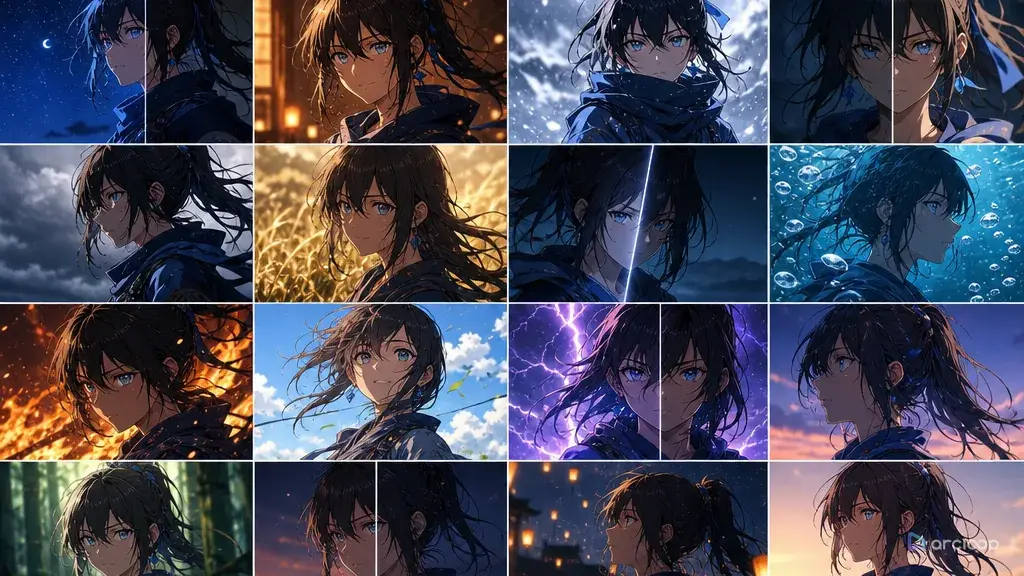
Character drift usually appears because the workflow treats identity as text. The prompt says "same girl, same outfit, same pendant," but every new shot asks the model to reinterpret those words under new pose, camera, lighting, action, and style pressure. A dramatic camera angle may change the face shape. A night scene may recolor the outfit. A fight scene may remove accessories. A close-up may invent a new hairstyle because the prompt emphasized emotion more than identity.
Batch production makes this worse because small errors multiply. A one-off clip with a missing button may still be usable. Ten clips with ten different jacket designs become a broken episode. A series needs a stable asset layer that survives volume.
The fix is to separate repeatable identity from per-shot action. Character sheets, expression sheets, outfit locks, prop references, and voice notes should live outside the individual shot prompt. The shot prompt should describe what happens now: action, camera, setting, timing, and review criteria. If every prompt has to rebuild the character, the workflow is not ready for batch production.
Turn the Character Sheet into a Production Asset
A character sheet becomes production-ready when it answers more than "what does this character look like?" It should answer what must stay stable across episodes and what may change per scene.
Start with the base sheet: front, side, back, neutral face, expression close-ups, palette, and signature accessory. Then add a short asset note:
| Asset layer | What it protects |
|---|---|
| Identity sheet | Face shape, hair silhouette, eye color, body proportion |
| Outfit lock | Jacket cut, trousers, shoes, emblem, color zones |
| Expression sheet | Neutral, smile, anger, worry, surprise, focused look |
| Prop reference | Weapon, pendant, bag, device, mascot, or story object |
| Style recipe | Line quality, surface texture, color mood, lighting behavior |
| Voice note | Speaking rhythm, emotional range, delivery constraints |
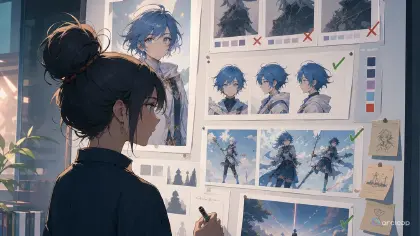
The character sheet should not be treated as a poster. A poster sells mood. A production sheet preserves information. Plain backgrounds, neutral poses, readable silhouettes, and clear color zones are more useful than a dramatic illustration that hides half the outfit.
If you only have one strong portrait, expand it before starting the series. Create front, side, back, and expression views as controlled edits. Keep the subject singular. Preserve hair, face, palette, outfit silhouette, and signature prop. Do not ask for many scene changes in the same step. A series asset should remove ambiguity, not add it.
Start with OC Character Sheet Front Turnaround and Character Sheet OC Expression Consistency as reusable references for building the asset.
Build an Episode Asset Pack
Once the character is stable, build the episode pack. This is the material every shot in the episode can reuse:
- Episode premise: what changes in this episode?
- Character state: what emotion or goal drives the protagonist?
- Recurring assets: character sheet, outfit lock, prop reference, location anchor.
- Shot list: one action and one camera idea per shot.
- Continuity rules: screen direction, prop state, injury, lighting, time of day, emotional progression.
- Review columns: identity, outfit, prop, action, camera, emotion, final frame.
This pack makes batch production possible because the shot cards no longer live alone. Shot 03 knows the same prop state as Shot 02. Shot 07 knows the same emotional direction as Shot 06. A reaction close-up does not suddenly invent a new costume because the outfit lock remains attached.
Think of the episode pack as a small production bible. It does not need to be long. It needs to be repeatable. A concise pack with stable references is better than a beautiful paragraph that changes every time you generate.
How Take Selection Turns Volume into Quality
Batch production does not mean accepting every output. It means producing enough controlled options to make good choices. The take-selection loop is what turns volume into quality.
For each important shot, generate a small slate of rough takes. Freeze the character sheet, outfit lock, prop reference, screen direction, duration, and core action. Vary only the seed or one small performance parameter, such as expression intensity or camera push. Then select one primary take and one backup before final polish.
This does three things. First, it protects the series from random drift because every take shares the same identity anchors. Second, it lowers final-pass waste because only selected takes receive expensive polish. Third, it creates edit flexibility. If the primary take has the best face but final polish damages the motion, the backup keeps the episode moving.
Use Reference Type Per Shot when deciding which asset controls each shot. A close-up may need identity and expression. An action shot may need pose or motion reference. An establishing shot may need location and screen direction more than face detail. The reliable rule is: use the smallest reference set that answers the shot's actual risk.
Continuity Checks Before Polish
Continuity review should happen before final rendering. If the character is wrong in the rough take, high detail will not fix the episode. It will make the wrong version clearer.
Use a simple continuity checklist:
| Check | Question |
|---|---|
| Identity | Does the face, hair, body proportion, and signature feature match the sheet? |
| Outfit | Are the color zones, jacket shape, shoes, and accessories stable? |
| Prop | Is the object present, correct, and in the right state? |
| Screen direction | Does movement continue in the planned direction? |
| Emotion | Does the expression match the episode beat? |
| Final frame | Can the last frame cut into the next shot? |
The checklist should be simple and repeatable. Batch production fails when review becomes pure taste too early. A shot can be beautiful and still fail continuity. Another shot can be rough but pass the exact identity and action needed for the episode.
For multi-shot boards, use Three-Shot Continuity Board. A three-shot board is enough to catch many problems: the prop changes hand, the camera flips direction, the character jumps from worried to calm without a beat, or the final frame does not connect.
The Batch Workflow End to End
A practical batch workflow looks like this:
- Create the series asset pack.
- Write the episode beat sheet.
- Break the episode into short shots.
- Attach the right reference type to each shot.
- Generate rough takes in controlled slates.
- Select primary and backup takes.
- Run continuity review across selected takes.
- Repair local failures before rerunning full shots.
- Finalize only selected takes.
- Assemble the edit and log changes back into the asset pack.
The final step matters. If the final pass changes the prop, outfit, or emotional rule, update the episode notes or reject the pass. Batch production becomes easier only when production memory improves over time. A folder full of unlabeled clips is not a pipeline. A set of selected takes with notes is.
Each Character Needs Its Own Anchor
Series content often introduces supporting characters. Do not let all characters share one vague style description. Each recurring character needs a separate identity anchor: name, role, face shape, hair silhouette, color palette, outfit rule, and signature prop or gesture. If two characters have similar clothing, give them different readable anchors such as collar shape, hair accessory, eye color, bag type, or posture.
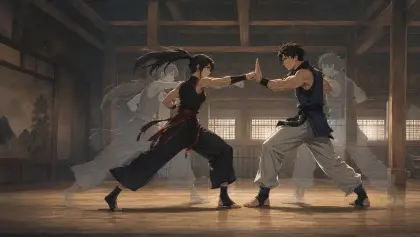
When a shot contains multiple characters, keep the action simpler. A two-character scene should usually focus on one exchange: one character enters, one reacts; one hands over a prop, one refuses; one speaks, one turns away. Multi-character drift grows quickly when the prompt asks for complex choreography, dramatic camera movement, and emotional acting at the same time.
The product rule is the same: identity first, then performance. If the viewer cannot tell who is in the shot, the episode has already lost continuity.
Example 1: Series Character Asset Pack
Create a reusable AI anime series character asset pack for an original sky courier named Sera.

Asset requirements:
- Identity sheet: front, side, back, and neutral face close-up.
- Expression sheet: neutral focus, small smile, worried look, anger, surprise, and determined focus.
- Outfit lock: ivory cropped courier jacket, navy trousers, brown ankle boots, copper hair rings, bronze compass pendant.
- Prop reference: bronze message tube and compass pendant, both shown clearly on a plain background.
- Style recipe: clean cel shading, soft dusk light, crisp line art, restrained background detail, warm rain reflections.

Production notes:
Preserve teal bob hair, gray-green eyes, copper hair rings, jacket silhouette, compass pendant, and boot shape across every episode shot. The sheet controls identity only. Shot cards will control action, camera, and scene.
This asset prompt creates reusable production material before the episode asks for motion.
Example 2: Batch Shot Slate
Batch rough takes for Episode 01, Shot 04.

Use the Sera character asset pack as the identity and outfit reference. Use the rooftop bridge image as the location reference. Use the bronze message tube reference for prop continuity.

Shot goal: Sera hears the message tube pulse, opens it, and realizes the delivery is urgent.
Duration: 7 seconds.
Camera: medium shot, slight push-in, screen direction left to right.
Frozen anchors: teal bob hair, copper hair rings, gray-green eyes, ivory jacket, navy trousers, brown boots, compass pendant, bronze message tube.
Allowed variation: seed and surprise intensity only.

Generate eight rough takes. Each take must include exactly one action sequence: pause, open tube, blue glow, surprised look. No extra characters, no outfit redesign, no readable text, no new prop, no second action after the surprise.

Review columns: identity, outfit, prop, action order, camera, emotion, final frame. Select one primary take and one backup take.
This prompt makes volume controlled. The takes are different enough to choose from but similar enough to compare.
Example 3: Continuity Review
Continuity review for selected rough takes in Episode 01.

Compare Shots 01-08 against the Sera character asset pack and episode notes. Review only continuity, not final beauty.

Check:
1. Identity: face shape, teal hair, copper rings, gray-green eyes.
2. Outfit: ivory jacket, navy trousers, brown boots, compass pendant.
3. Prop state: message tube closed before Shot 04, glowing blue during Shot 04, carried in right hand after Shot 04.
4. Screen direction: Sera moves left to right through the rooftop sequence.
5. Emotion: focused in Shots 01-03, surprised in Shot 04, determined in Shots 05-08.
6. Final frame: each shot can cut into the next without a jump in pose or prop position.

Return a pass/fail table and list only the smallest repair needed for each failed shot. Prefer local repair over full rerun when identity, prop, or background edge is the only problem.
This review prompt keeps polish from hiding continuity problems.
Common Ways Batch Production Fails
The biggest mistake is starting batch production from a single pretty image. A series needs views, expressions, outfit rules, and prop references.
Another mistake is rewriting the character description for every shot. That creates drift. Reuse the asset pack and let the shot card handle the current action.
Creators also generate too many unrelated variants. Batch volume is useful only when the variables are controlled enough to compare.
A fourth mistake is finalizing before continuity review. Once every shot is polished, rejecting a drifted clip feels expensive, so teams keep mistakes they should have caught earlier.
Finally, do not treat the workflow as fully automatic. The creator's selection, edit judgment, and continuity calls are what make the series feel intentional.
FAQ
What is the minimum asset pack for a recurring character?
Use front, side, back, expression sheet, outfit lock, and one signature prop or accessory. Add voice and pose references when the character starts carrying story scenes.
How many takes should each batch include?
Use four takes for simple shots, eight for normal story shots, and more only for high-risk hero shots. If every shot needs a large slate, the episode plan is probably too vague.
Should I repair or rerun a failed shot?
Repair locally when one small area fails, such as a prop, hand, face edge, or background detail. Rerun when the action order, screen direction, body pose, or character identity fails across the whole shot.