The Most Expensive Mistake in AI Video
The most expensive AI video mistake is polishing too early. A creator has a promising idea, writes a beautiful prompt, chooses high-quality settings, adds a long duration, and waits for the final render. Then the clip fails for a basic reason: the character is wrong, the camera cuts off the action, the prop disappears, or the scene does not match the story beat. The creator pays final-pass cost for a draft-level question.
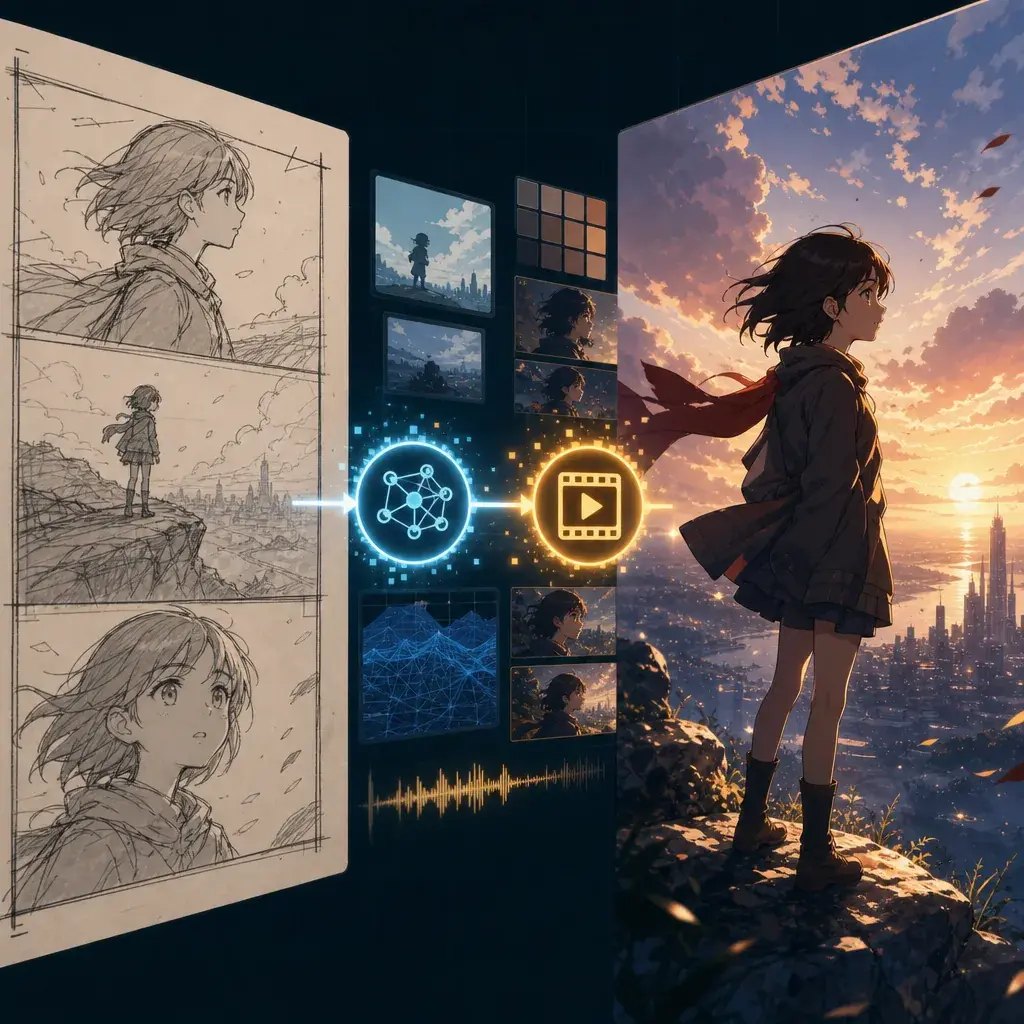
A low-cost draft to final workflow prevents that. It separates proof from polish. The draft pass proves that the shot exists: the right character, in the right place, doing the right action, with a usable camera. The final pass improves the look: lighting, detail, secondary motion, output quality, and finishing constraints.
Use this guide when you are building anime, OC stories, or short films and want stronger results without letting retries spiral. It gives a practical two-stage method, three copy-ready prompts, common mistakes, and FAQ answers. Use Low-Cost Draft to Final when you want the same structure as a reusable workflow.
Rules for a Two-Stage Production
The first principle is that a draft has a narrow job. It is not judged by polish. It is judged by whether the scene structure works.
The second principle is no new story in the final pass. The final pass can add better light, fabric, rain, particles, texture, and compositing. It should not add extra actions that were never tested.
The third principle is one failure, one revision. If identity fails, fix reference or character sheet. If motion fails, reduce or reorder the action. If camera fails, rewrite camera behavior. Do not rewrite everything.
The fourth principle is to save accepted draft decisions. A good draft contains useful choices: framing, timing, pose, direction, and mood. Preserve them.
The fifth principle is human review before expensive output. The workflow is for human approval, not blind automation. Drafts should make review easier.
How to Run the Draft-to-Final Workflow
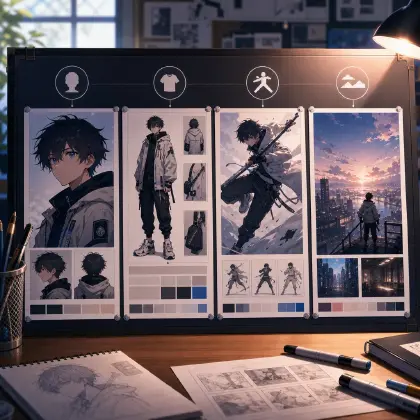
Start with a shot card. Write the title, runtime, character, reference role, setting, main action, camera, and review criteria. A shot card is shorter than a prompt but clearer than an idea.
Create a rough prompt. Remove details that do not affect approval. Keep the identity anchor, action, camera, and constraints. Use a short duration if possible.
Run the draft and review it against only the draft criteria. Ask: does the character stay recognizable? Does the action happen in the right order? Is the camera usable? Does the shot end cleanly?
Revise the draft until it passes or cut the shot. If a simple shot cannot pass after a few tries, the concept may be too crowded.
Lock the approved decisions. The final pass should reuse the same character sheet, reference role, screen direction, and action order.
Add final polish. Improve lighting, background depth, secondary motion, surface reflections, effects, style strength, and output quality. If the shot belongs to a sequence, keep the timing stable with Three-Shot Continuity Board.
Where Two-Stage Production Cuts Costs
The workflow saves money at the points where failure is common. Character sheets catch identity issues before video. Storyboard drafts catch continuity issues before final output. Short rough clips catch action drift before a longer render. Review gates catch "pretty but unusable" clips before you build around them.
This approach also helps teams. If a draft is made for human review, the reviewer can say "identity passes, action fails" instead of giving vague feedback. That keeps the next revision small.
Two-stage production is not slower in practice. It feels slower because it has a visible planning step. But it reduces the hidden time spent comparing expensive failures, guessing why they failed, and rewriting giant prompts.
How to Budget Your Takes
A practical draft workflow needs a take budget. Instead of asking for one perfect render, plan a small slate: four rough takes for a simple shot, eight for a risky action shot, and up to sixteen when the pose, expression, camera, and background all matter. The goal is not to keep every take. The goal is to choose the two that deserve a final pass.
Use seeds as preview handles. When a rough take has the right character and motion but weak detail, keep its seed, prompt, reference set, and final frame note. When a take has beautiful lighting but the wrong action, reject it. Do not average the two. Selection is cleaner than trying to rescue every attractive failure.
The hardware math supports this discipline. On a 12 GB local GPU, an 8-second draft can easily take minutes rather than seconds; a practical planning range is around the low-teens minutes for a video clip with audio on modest hardware. High-resolution I2V on a 96 GB workstation can still land around a quarter hour for an 11-second clip. Low-VRAM workflows can be useful for proving structure, but they should be treated as draft lanes when consistency and polish are not yet stable.
For ArcLoop, that means the cheapest question should come first. Does the shot read? Does the character stay recognizable? Does the action happen once, in the right order? If yes, spend on detail. If no, stay in the draft lane and change only one variable.
Example 1: Shot Card to Draft Prompt
Shot card:
Runtime: 5-second draft.
Character: original mechanic girl with teal bob hair, amber goggles, cream work jacket, fingerless gloves.
Setting: rooftop workshop at sunset.
Main action: she taps a small robot bird, watches its eye light up, and smiles.
Camera: locked medium shot.
Review criteria: character identity, hand-to-bird action, readable reaction, no extra characters.

Draft prompt: Create a low-cost rough 5-second 2D anime shot. The mechanic girl with teal bob hair, amber goggles, cream work jacket, and fingerless gloves stands at a rooftop workbench at sunset. She taps a small brass robot bird once, its eye lights blue, and she smiles in surprise. Locked medium camera, simple background, clean line art, low detail. Test only action and identity. No text, no logo, no extra hands, no camera move.
This draft is plain because the review question is plain.
Example 2: Final Pass Prompt
Final pass based on the approved robot bird draft. Create an 8-second polished 2D anime shot of the same mechanic girl with teal bob hair, amber goggles, cream work jacket, and fingerless gloves at a rooftop workshop during orange sunset. Main action stays the same: she taps the small brass robot bird once, its glass eye lights blue, and she smiles in surprised relief. Camera: locked medium shot with a very gentle push-in after the eye lights up. Add warm rim light, tool clutter in soft focus, laundry moving in the wind, dust motes, brass reflections, and subtle blue glow on her fingers. Preserve character, jacket, goggles, gloves, and robot bird shape. No new actions, no extra characters, no text, no watermark.
The final pass improves the draft without changing its story.
Example 3: Two-Stage Sequence Prompt
Create a two-stage production plan for a 15-second anime short.

Story: an original sky courier receives a forbidden delivery at dusk.
Stage 1 rough drafts:
Shot A, 4 seconds: wide rooftop landing, test character silhouette and screen direction.
Shot B, 5 seconds: insert of glowing parcel seal in her hand, test prop readability.
Shot C, 6 seconds: medium close-up as she chooses to fly into a storm, test emotion and final pose.

Stage 2 final pass rules:
Only polish shots that pass identity, action, and camera review. Reuse the same character sheet, parcel design, dusk palette, and left-to-right travel direction. Add cloud depth, scarf motion, glow reflections, and cleaner line art after approval. Do not add extra story beats in final.
This prompt is useful for planning a short as several controlled clips.
Ways Creators Waste Credits
The biggest mistake is treating the draft as a failed final. A draft can look rough and still be successful if it proves action, identity, and camera.
Another mistake is using the final pass to add new plot. That invalidates the draft and creates a new untested shot.
Creators also skip review criteria. Without criteria, every draft becomes a taste argument.
A fourth mistake is changing references between draft and final. If a reference helped the draft pass, keep it unless it caused the problem.
Finally, do not run endless drafts. Define a retry limit. If a shot keeps failing, simplify it or split it.
FAQ
What should I check in a low-cost draft?
Check identity, action order, camera framing, screen direction, and final pose. Ignore fine detail until those pass.
When should I move to final quality?
Move to final quality only when the rough shot is editable. If you would not use the draft for timing, do not polish it yet.
Can this workflow work for character sheets too?
Yes. Draft a simple front/side/back sheet first. Once identity and silhouette work, refine expressions, outfit details, props, and final styling.