Guide with Multiple References
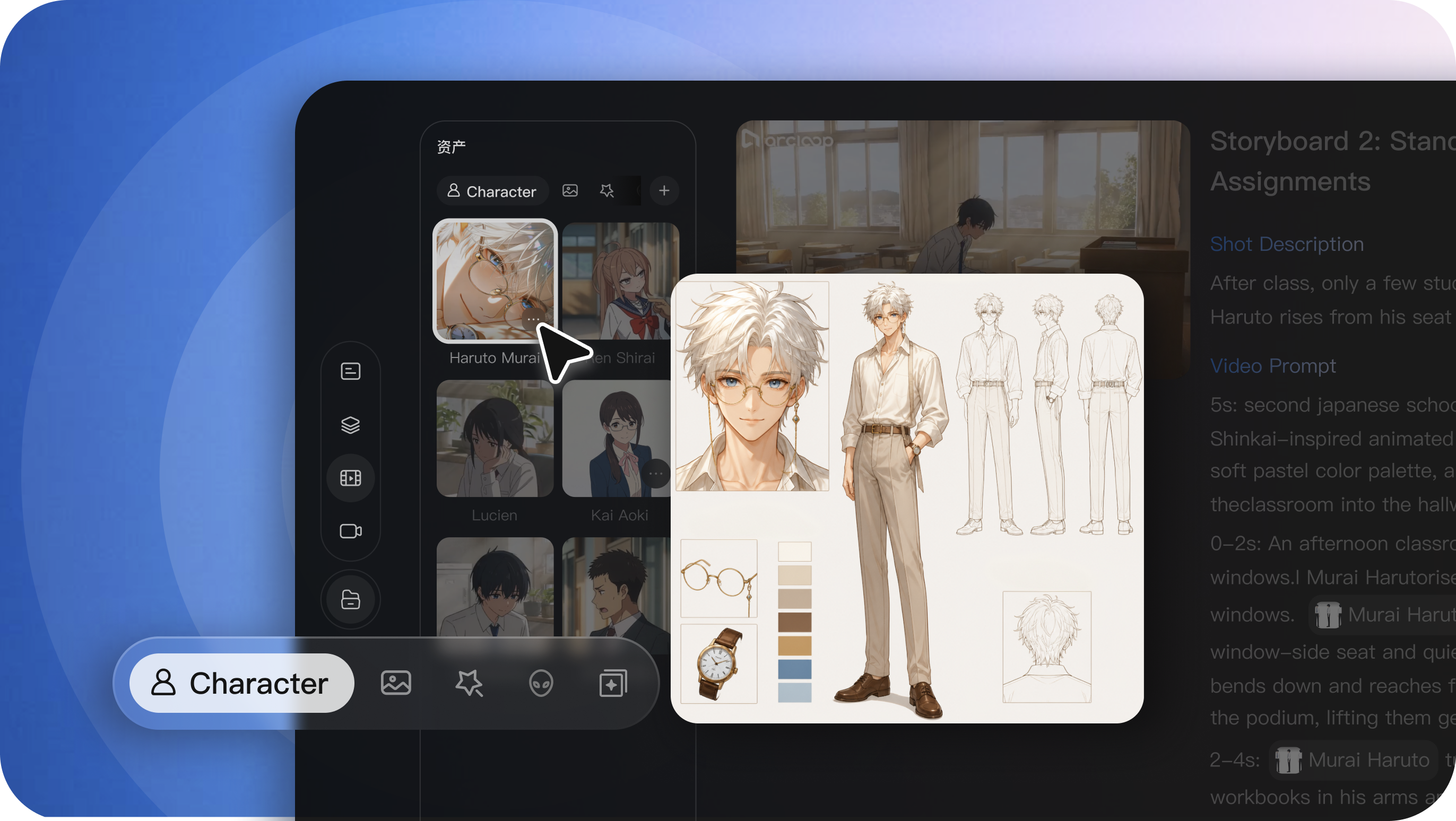
Add images for the character or setting, a video for motion, and audio for dialogue or rhythm. Tell Seedance 2.0 how each reference should guide the result.

Create videos from text, images, clips, and audio references. Direct the character, action, camera, and sound with one clear prompt.
Combine references with detailed instructions to shape the character, motion, camera, pacing, and sound of each video.
Add images for the character or setting, a video for motion, and audio for dialogue or rhythm. Tell Seedance 2.0 how each reference should guide the result.
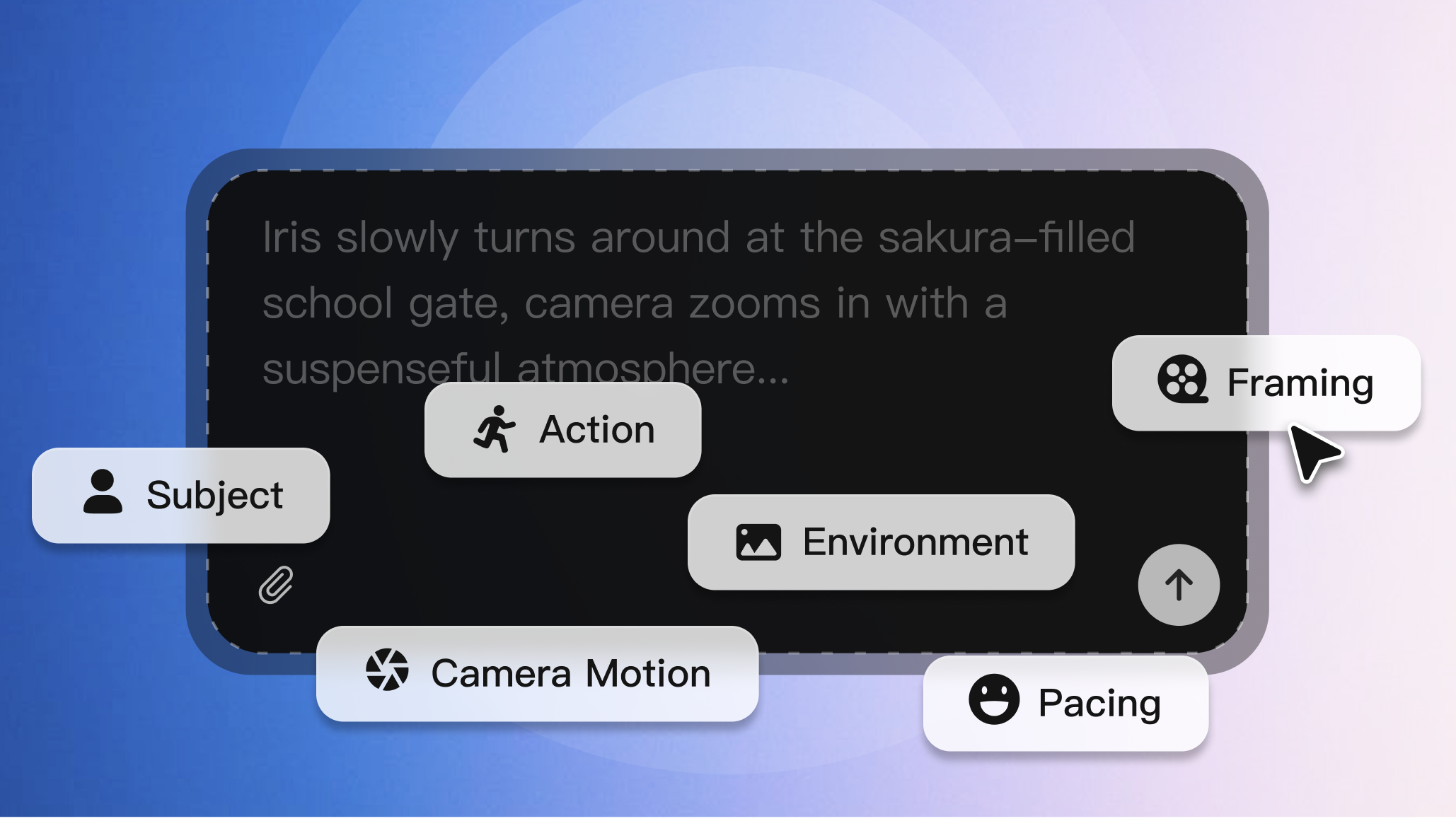
Define who appears, what happens, and how the shot should look. Guide the pose, expression, action, composition, lighting, and camera movement.
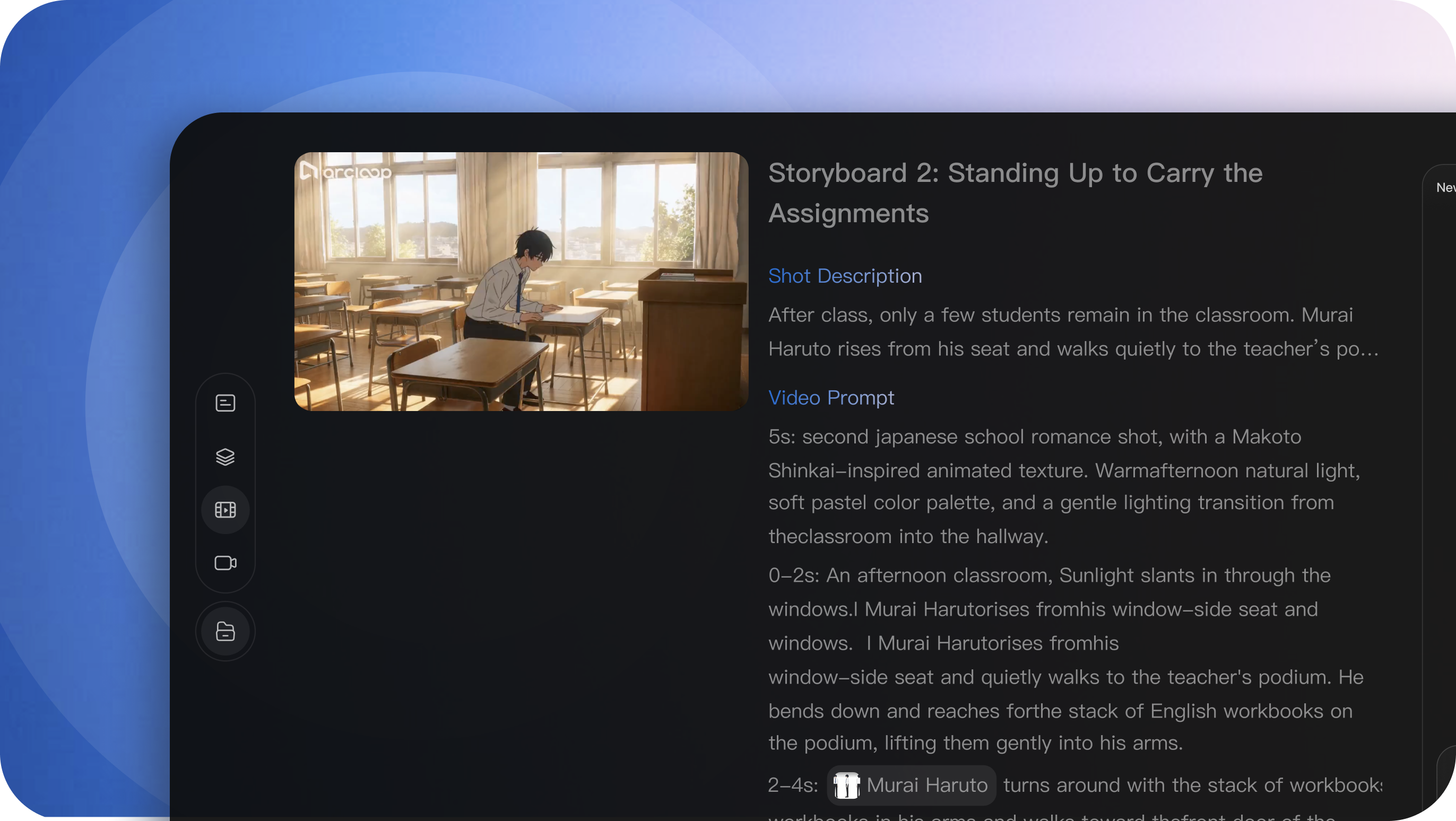
Describe a series of shots, actions, and transitions in one prompt to turn a single idea into a more complete sequence.
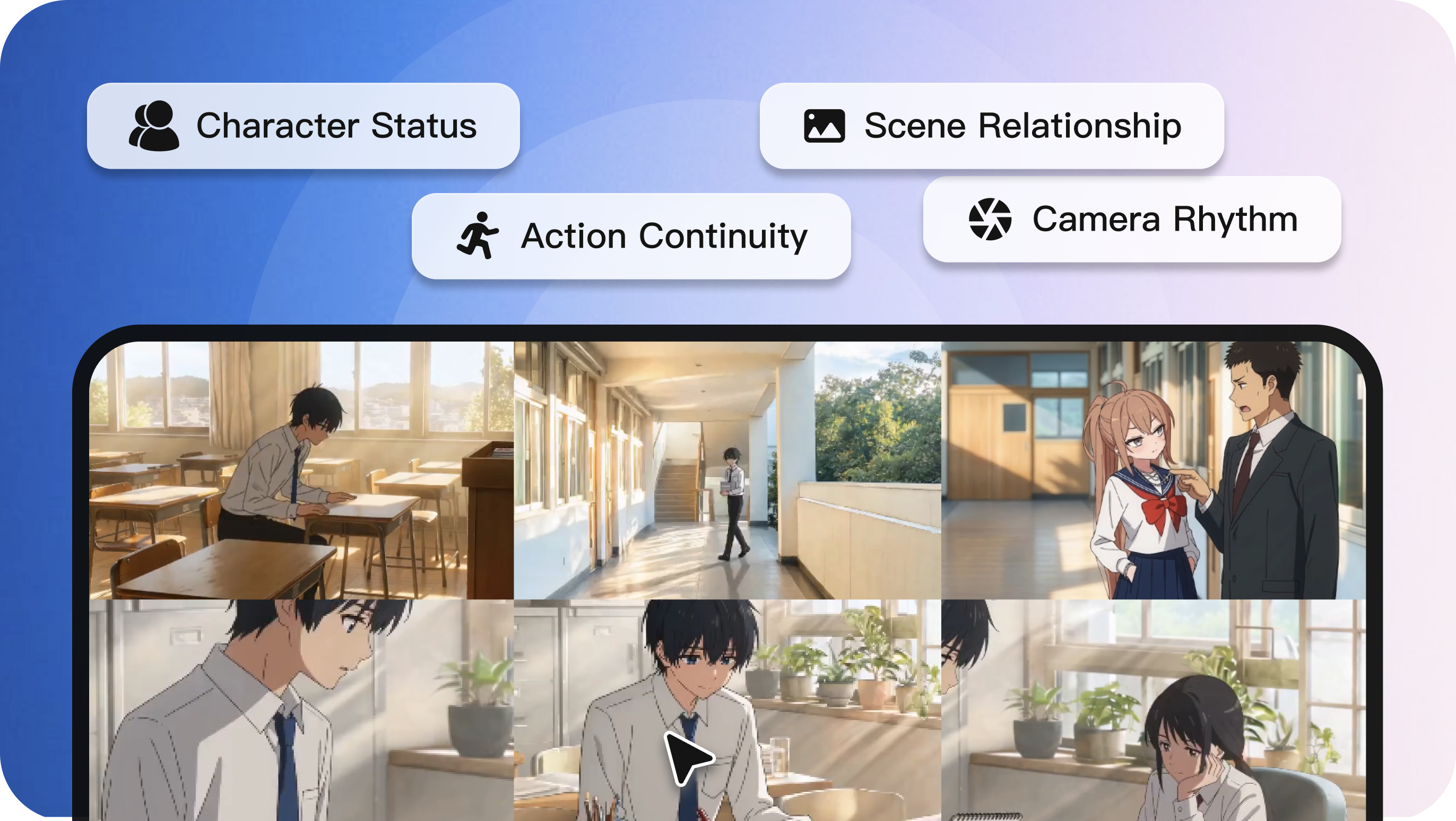
Write the action in order and add timing, framing, style, and sound cues. Give each part of the prompt a clear role instead of leaving the motion to chance.

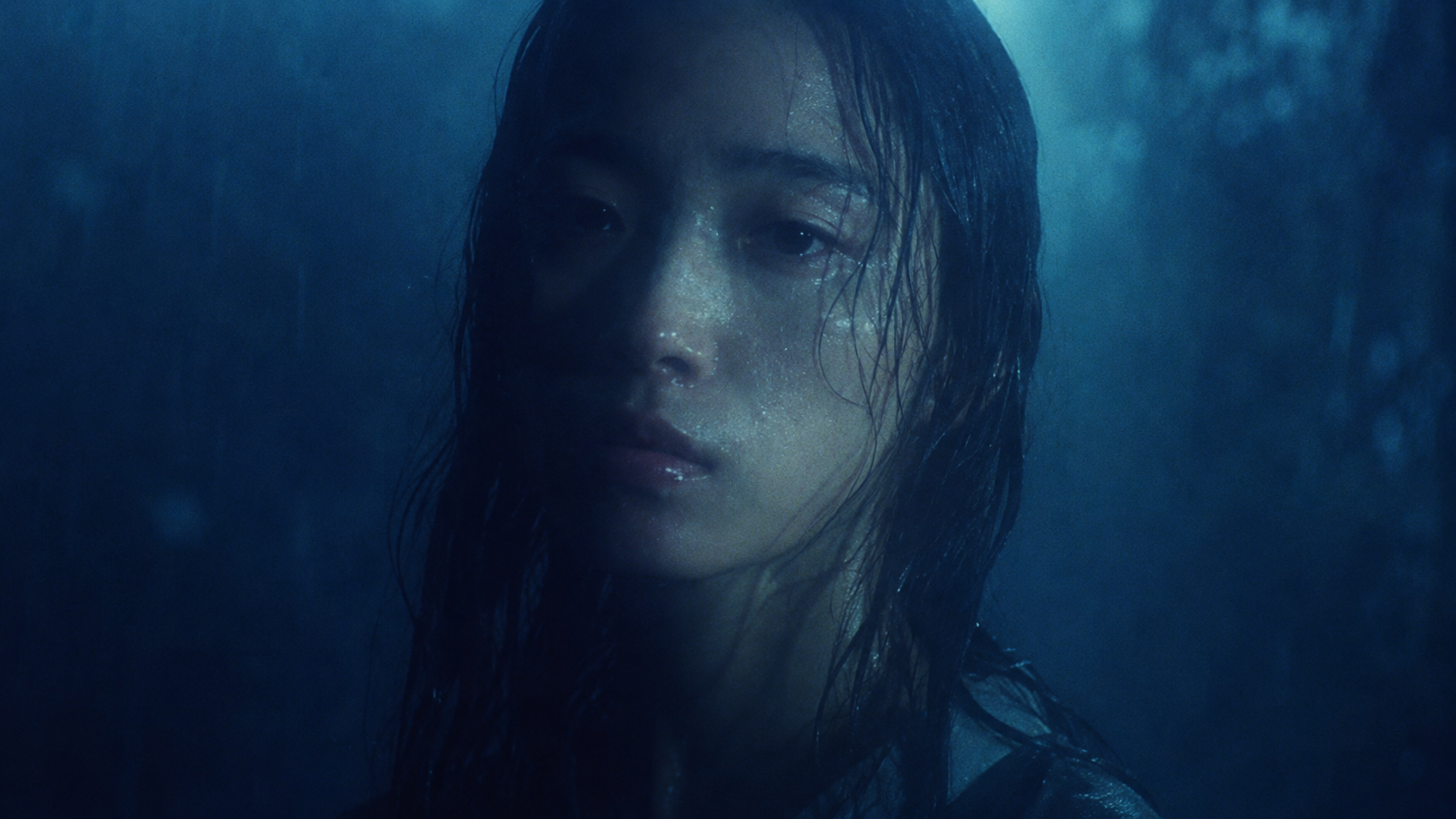
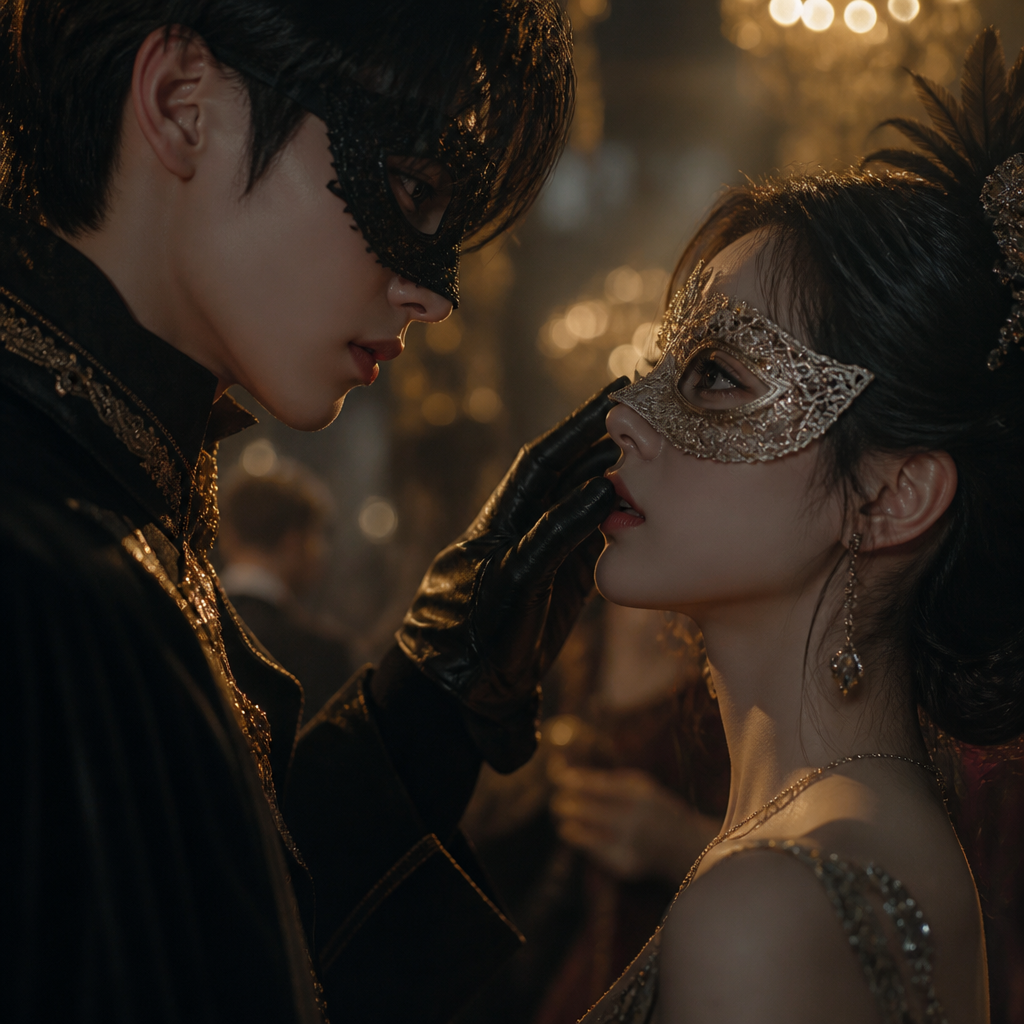
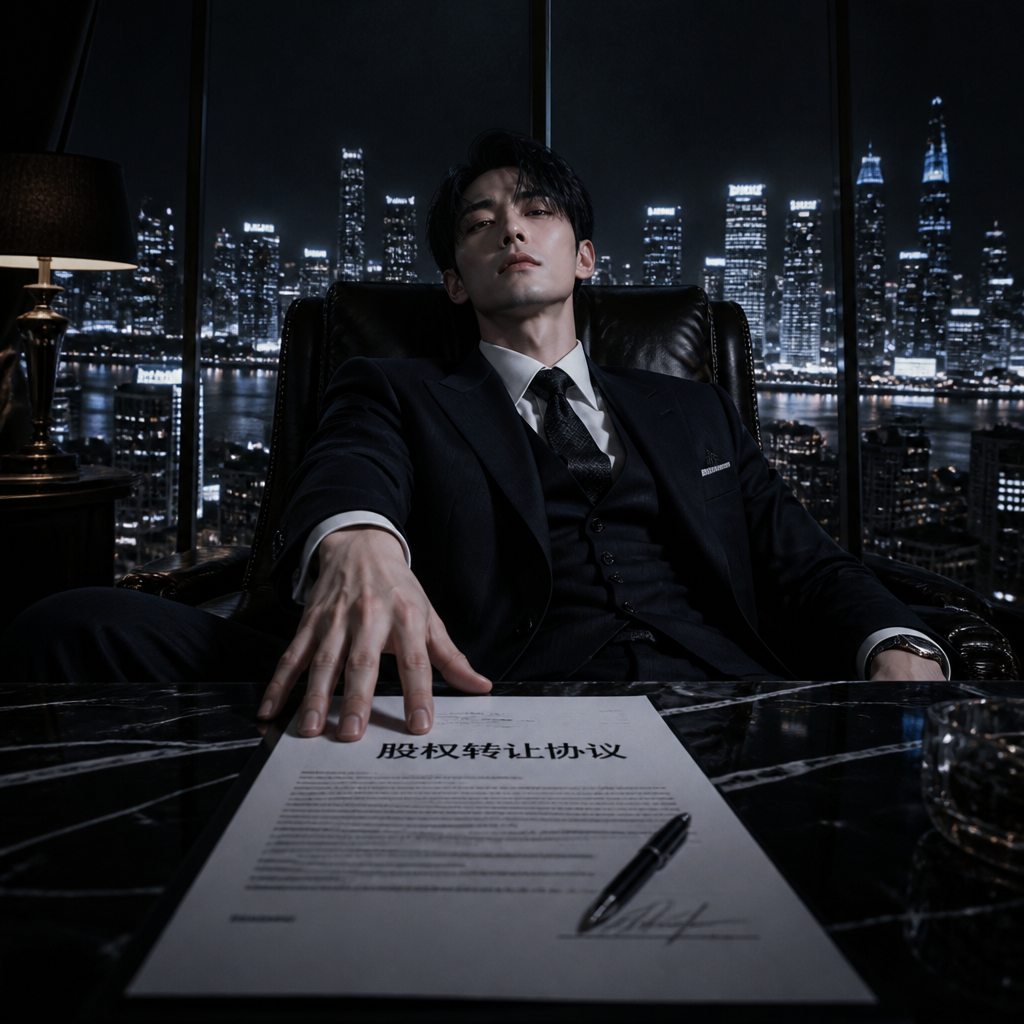
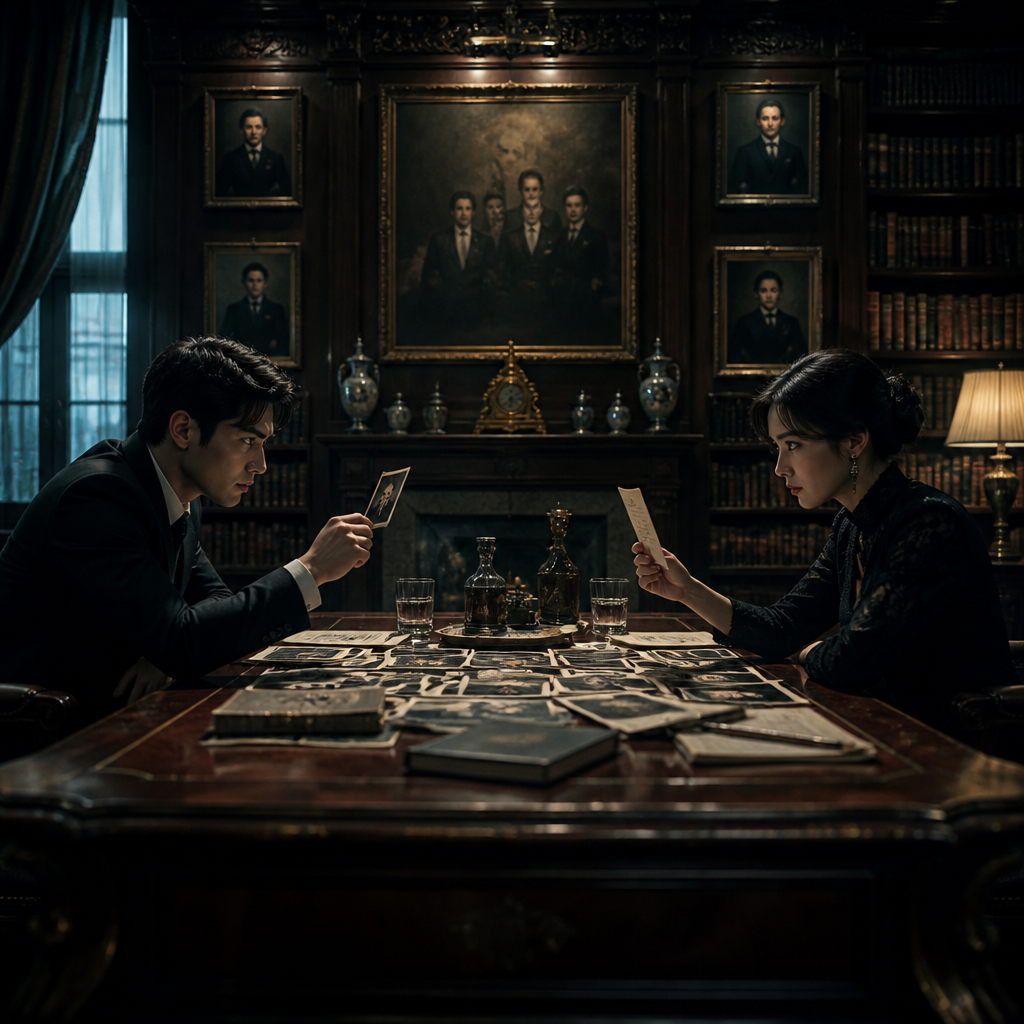
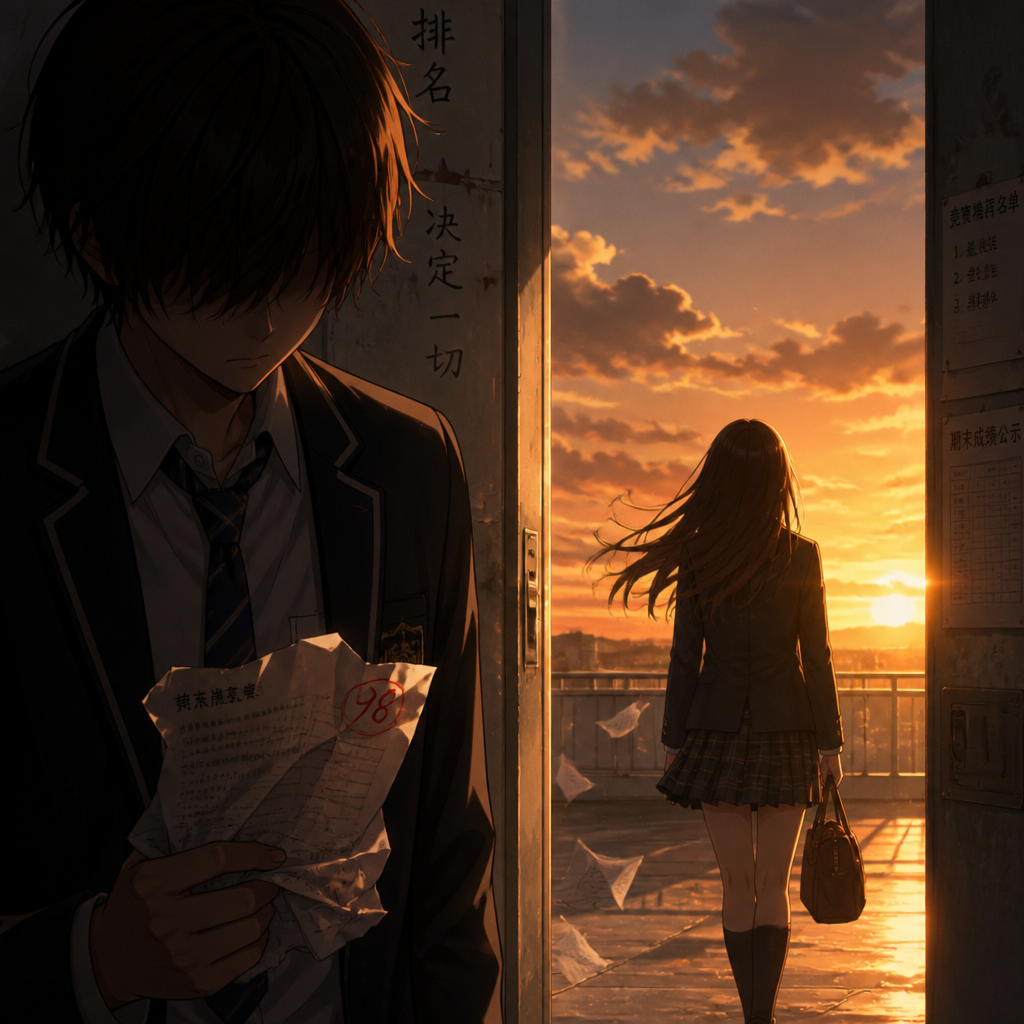
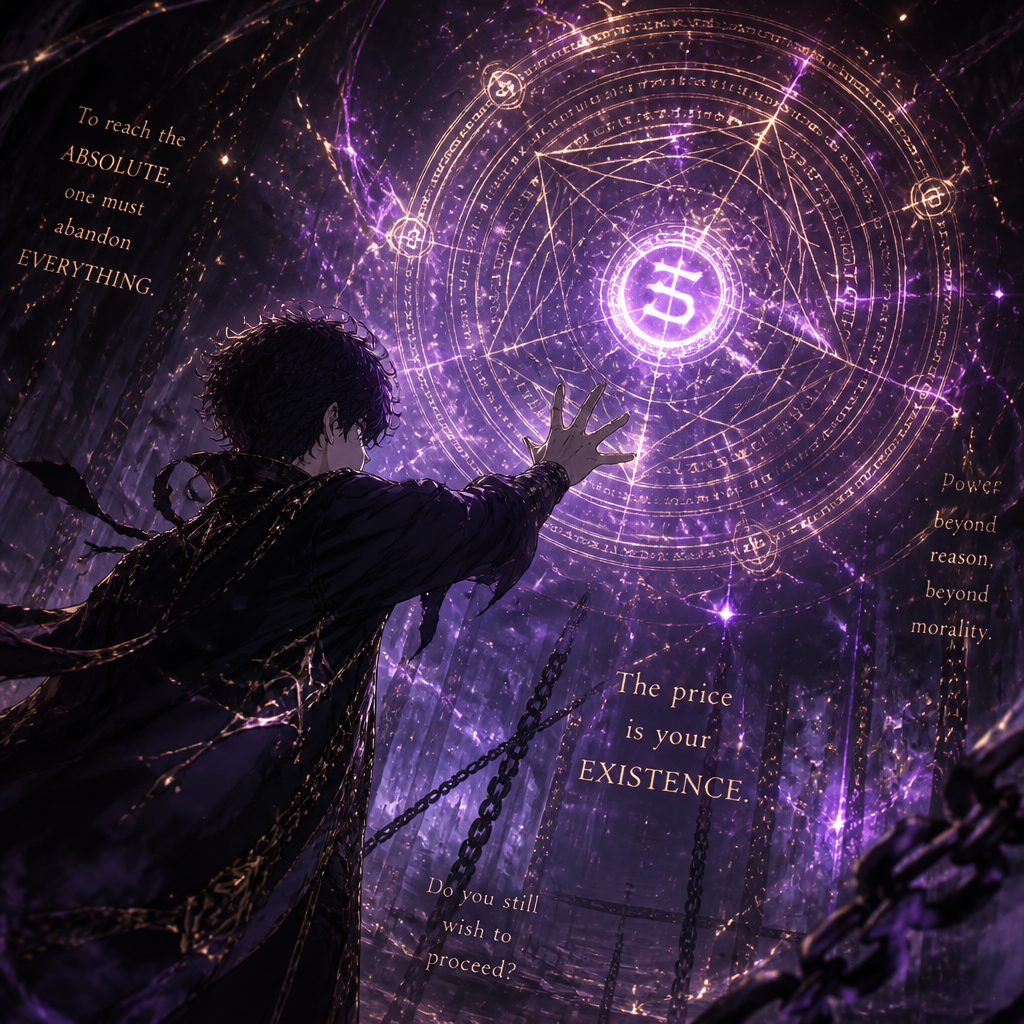
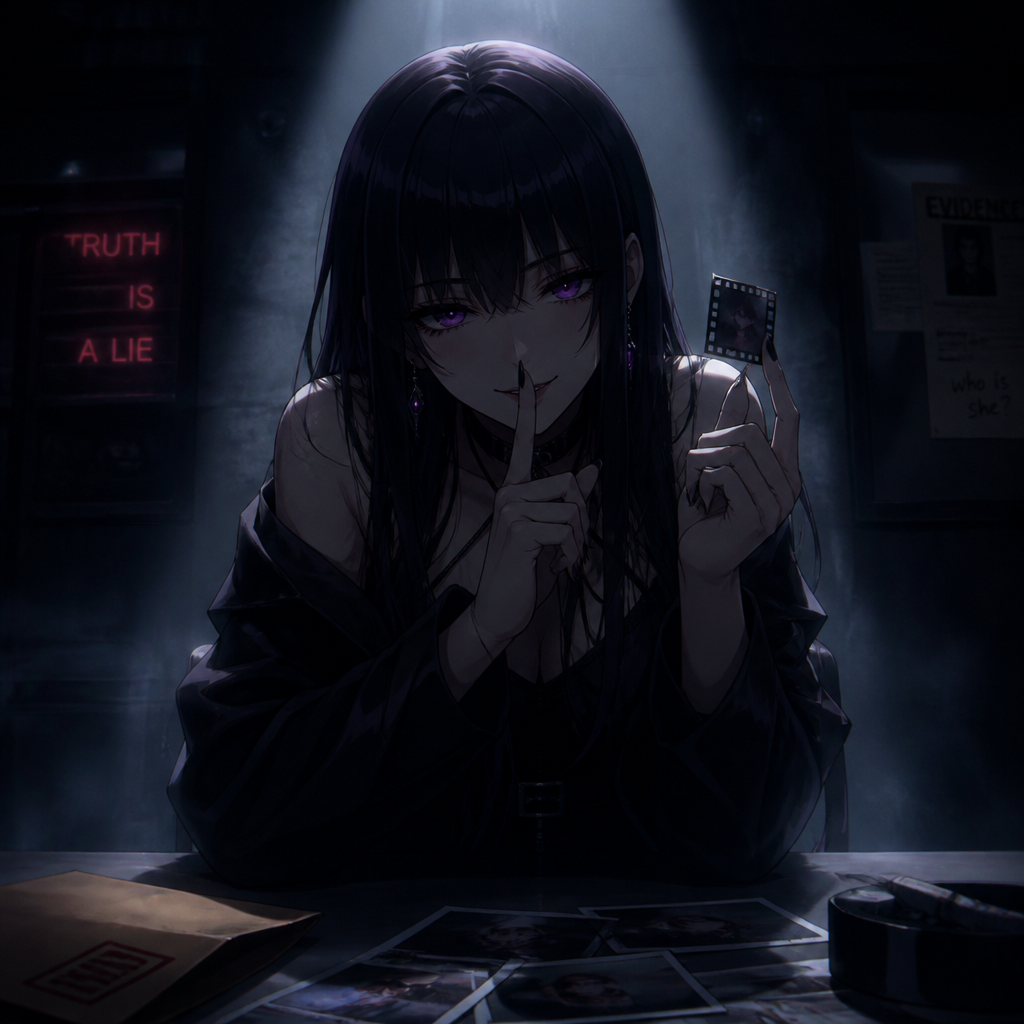
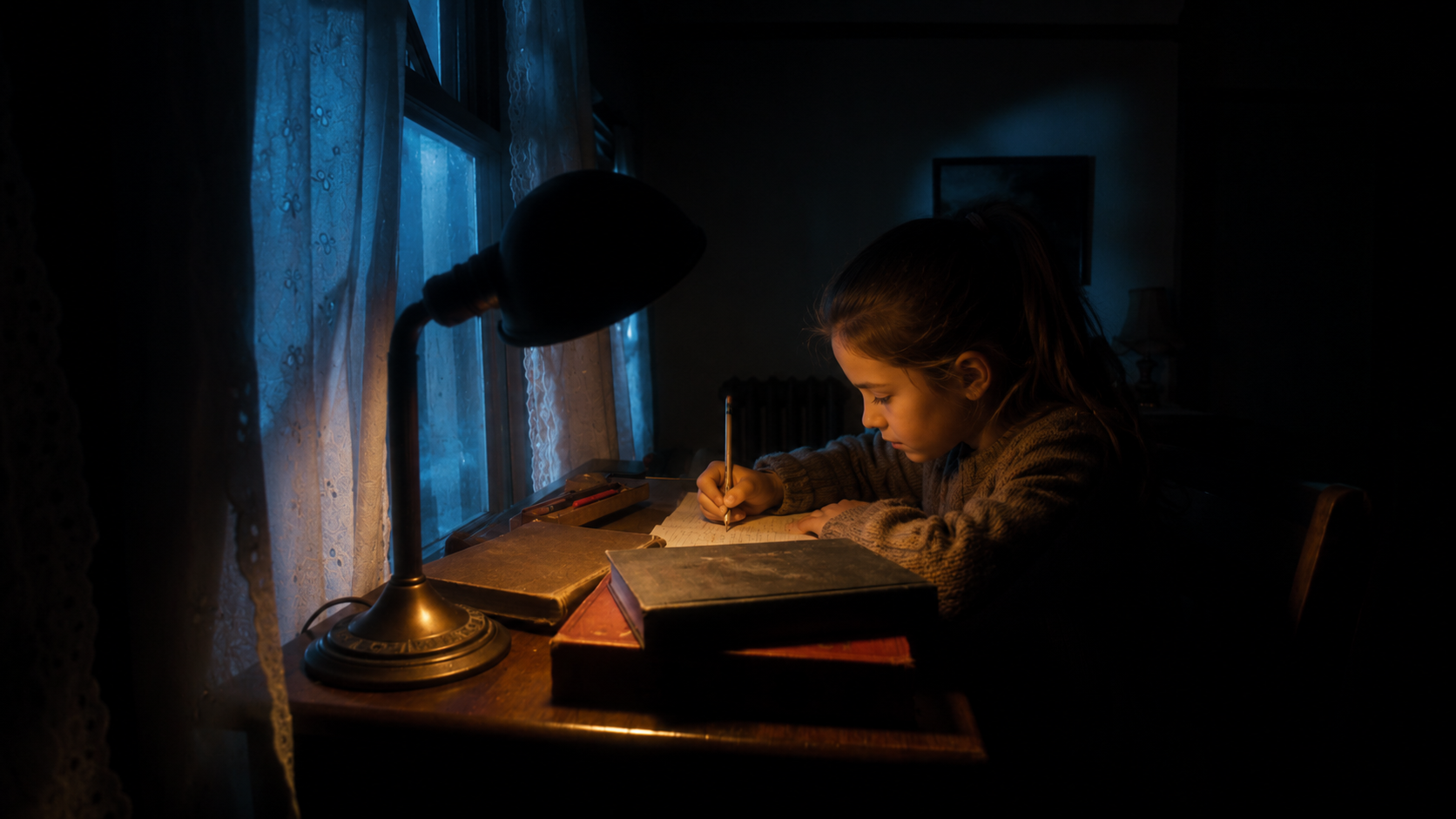
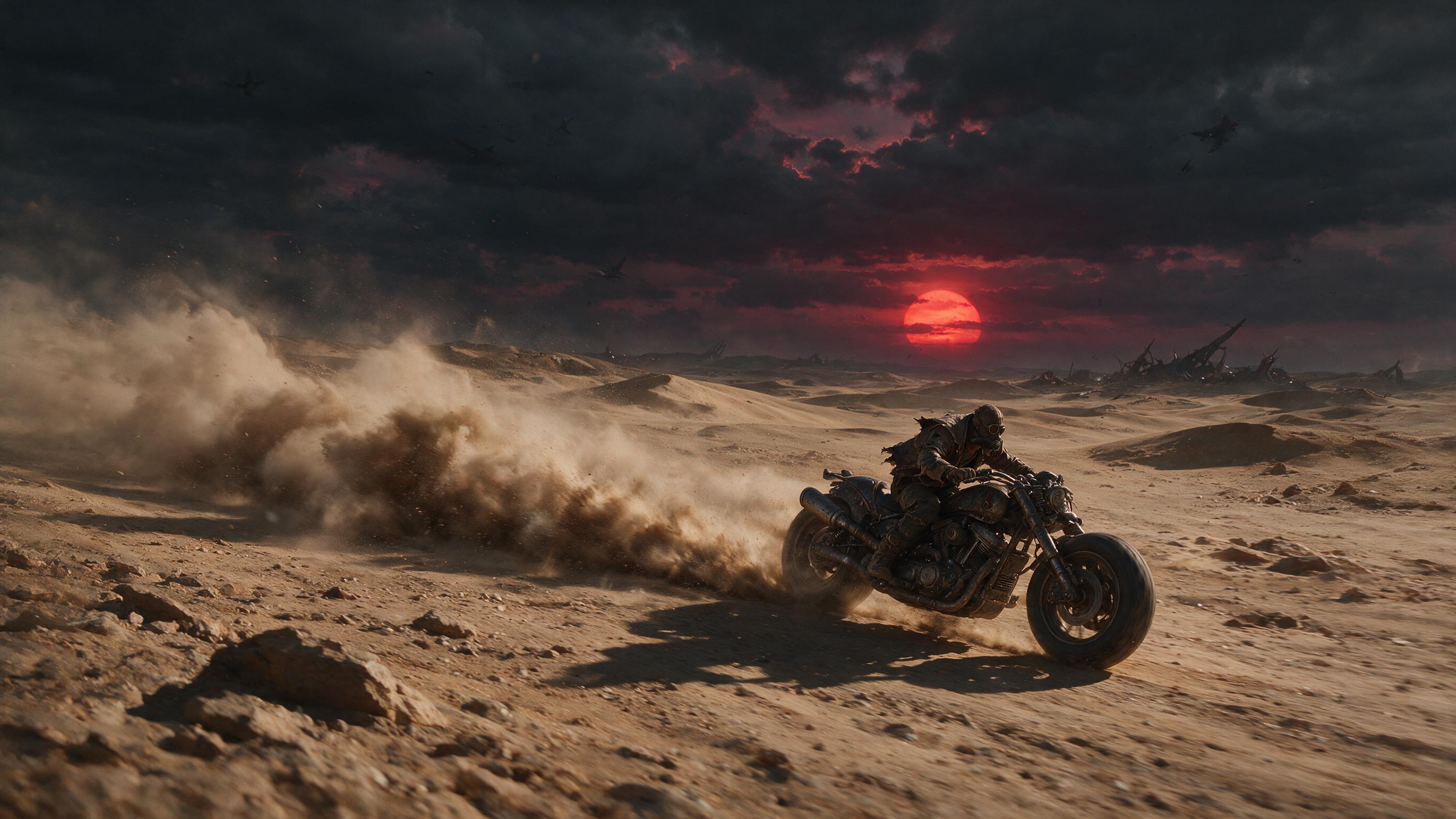

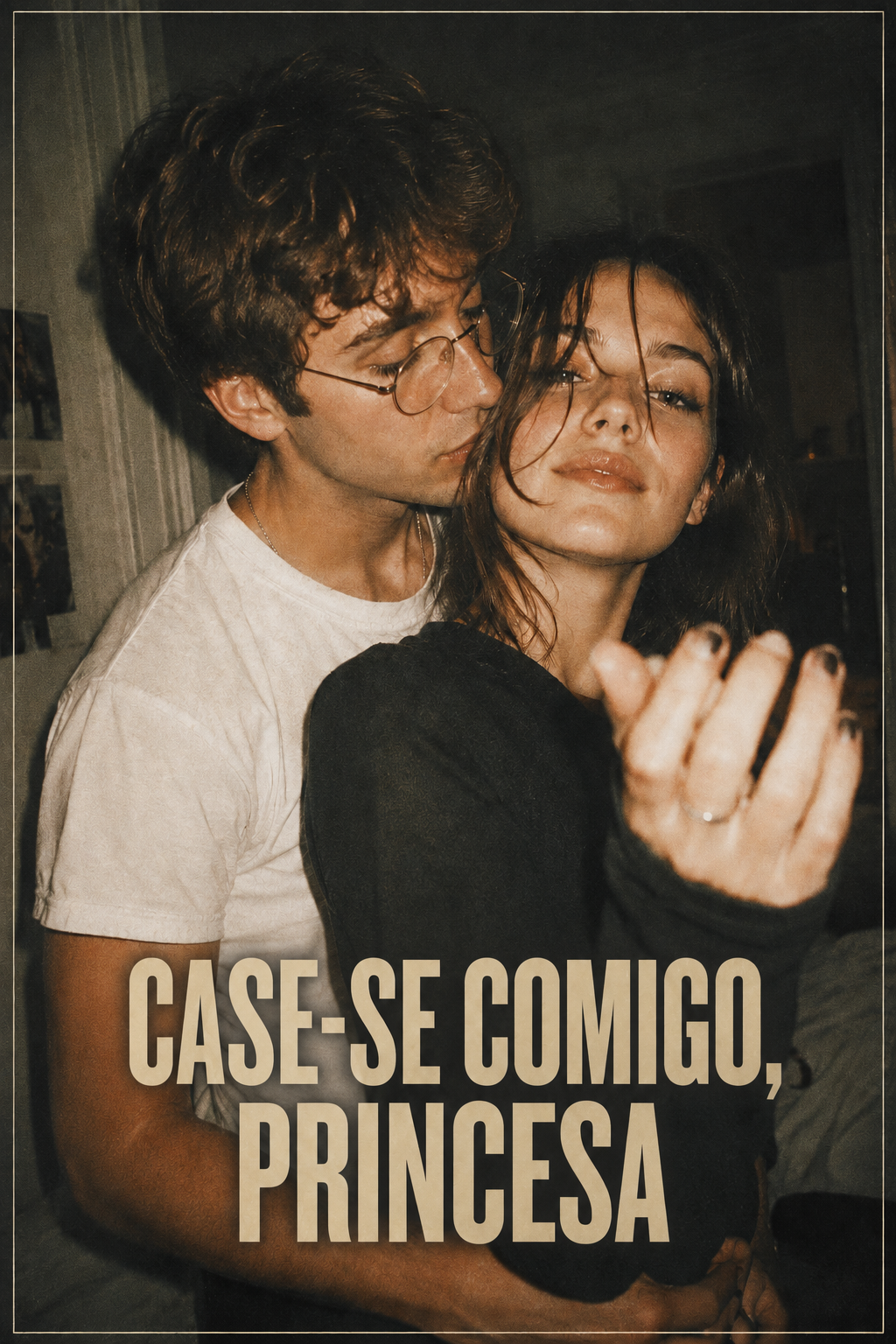
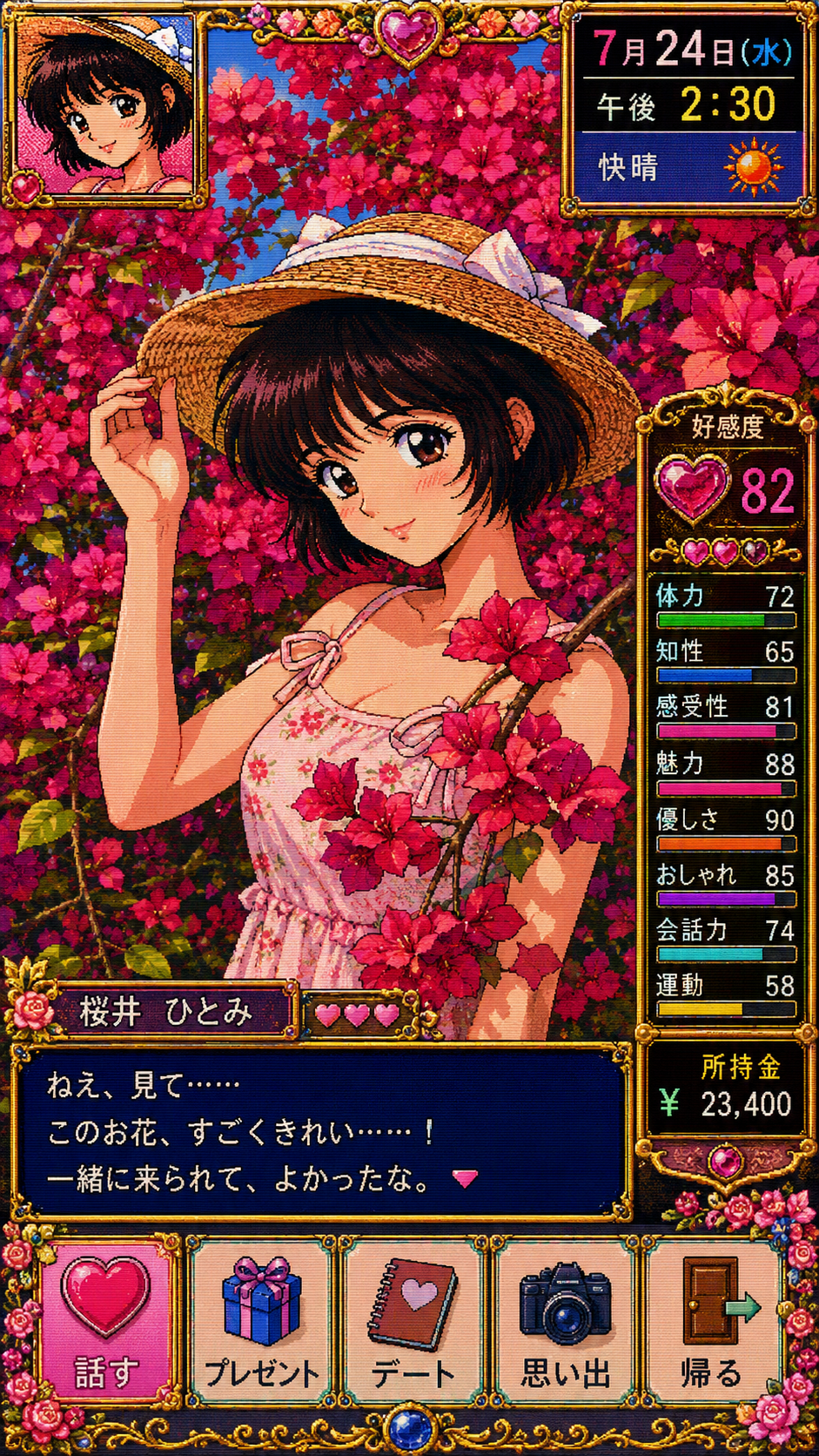

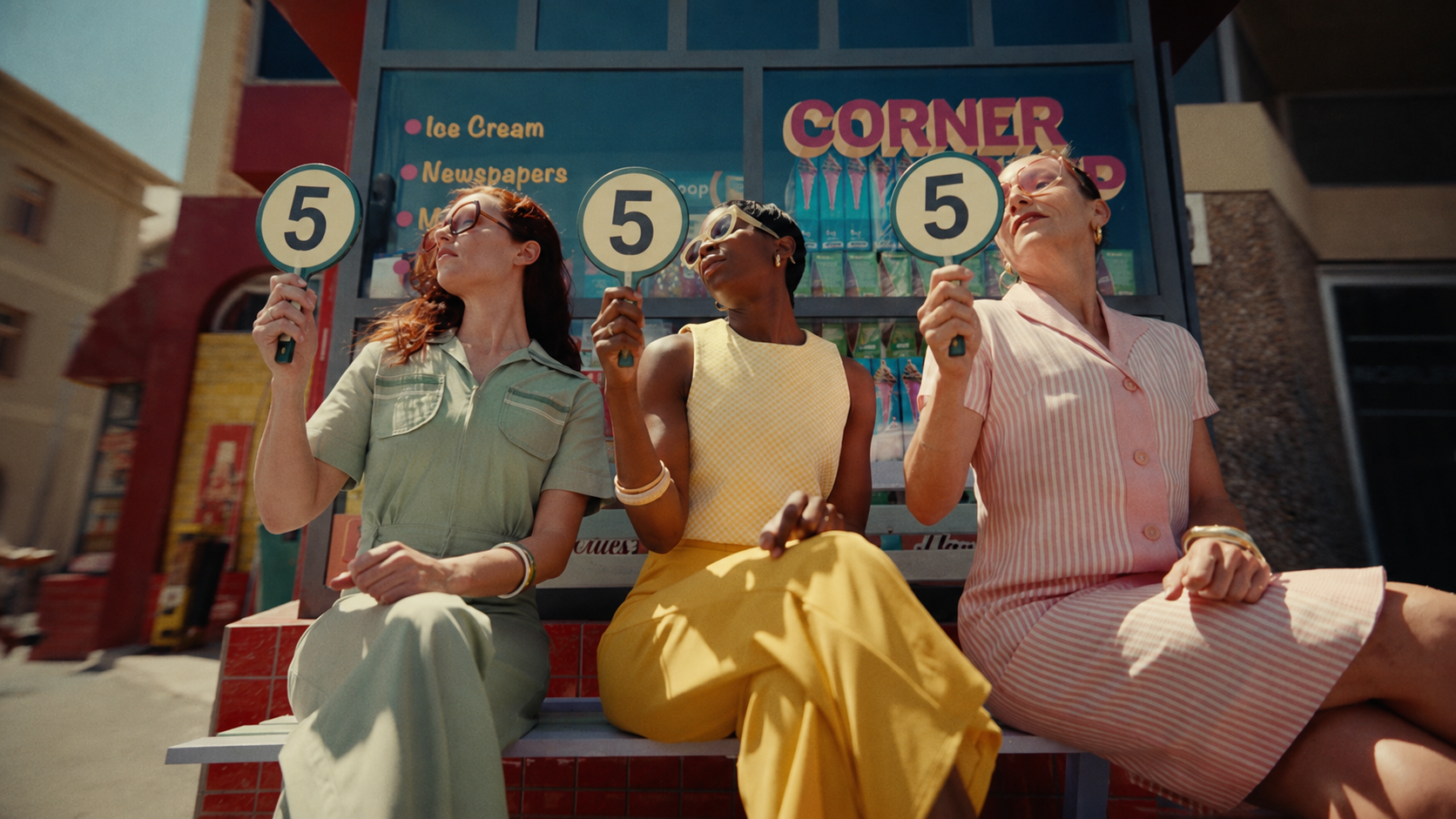

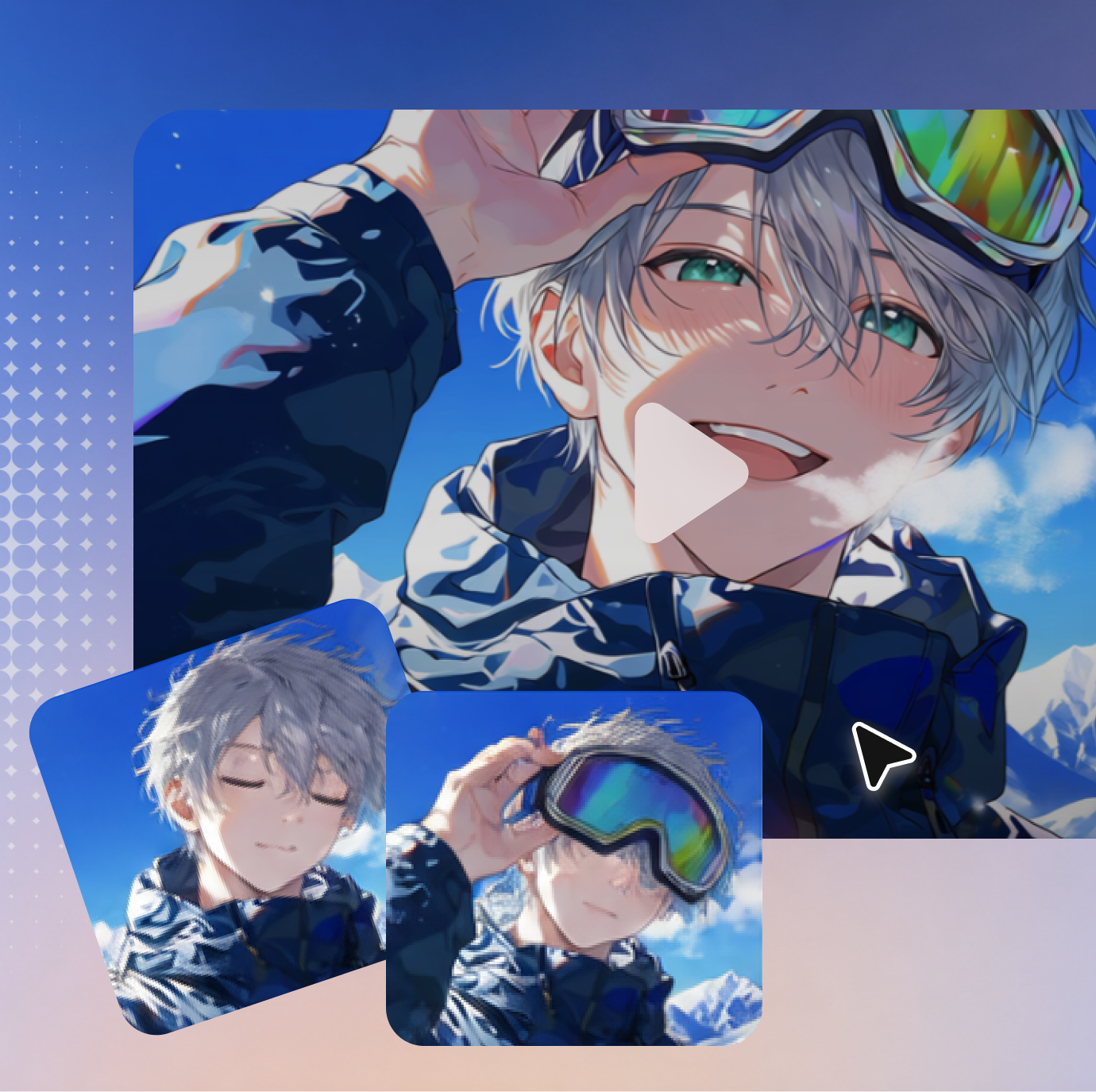
Start with text only, or upload images for the character and setting, a video for motion or camera direction, and audio for dialogue, music, or pacing.
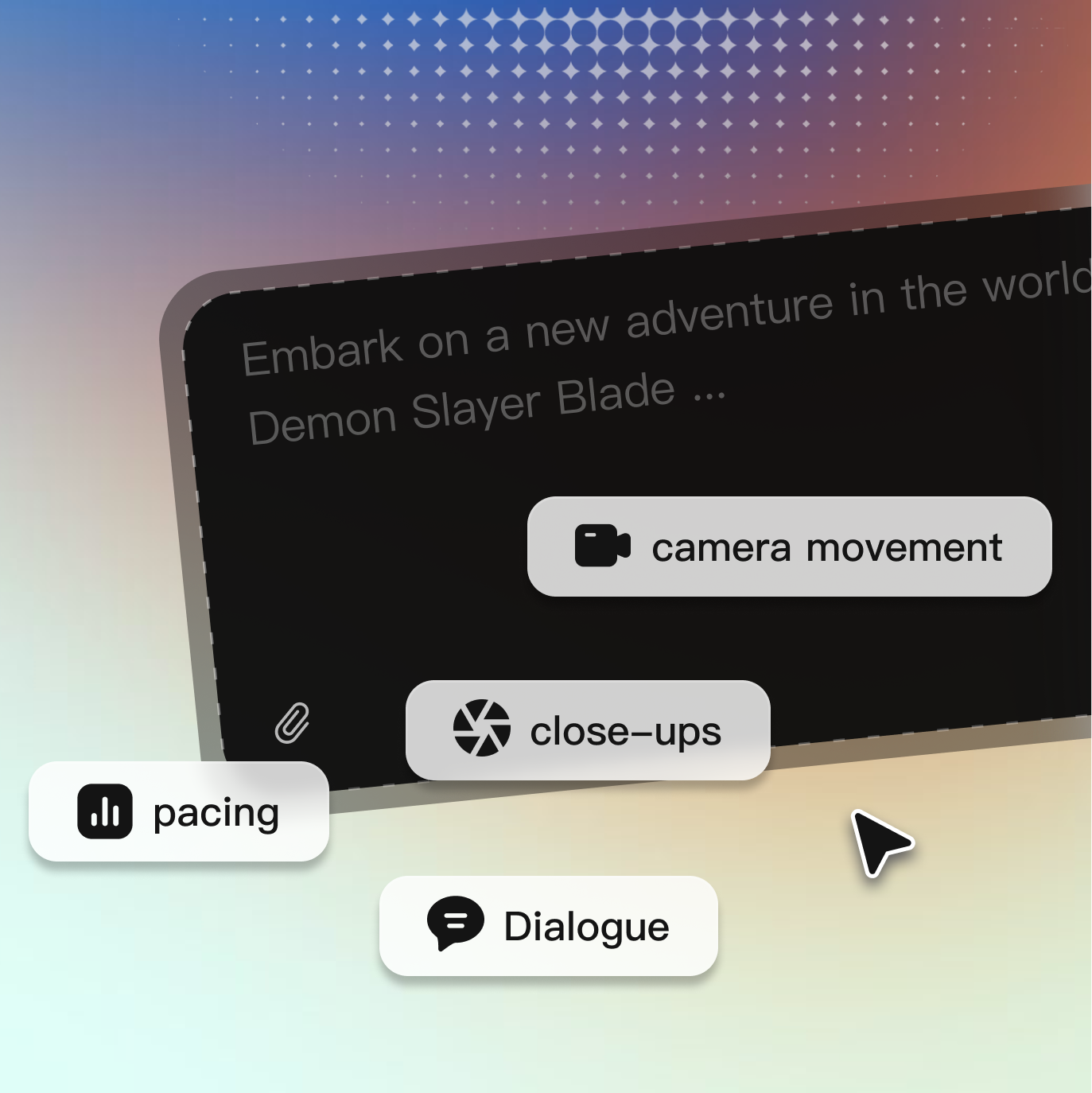
Type @ to mention an uploaded file and explain how Seedance 2.0 should use it. For example: “Use @Image 1 for the character, @Image 2 for the setting, @Video 1 for the camera movement, and @Audio 1 for the pacing.”
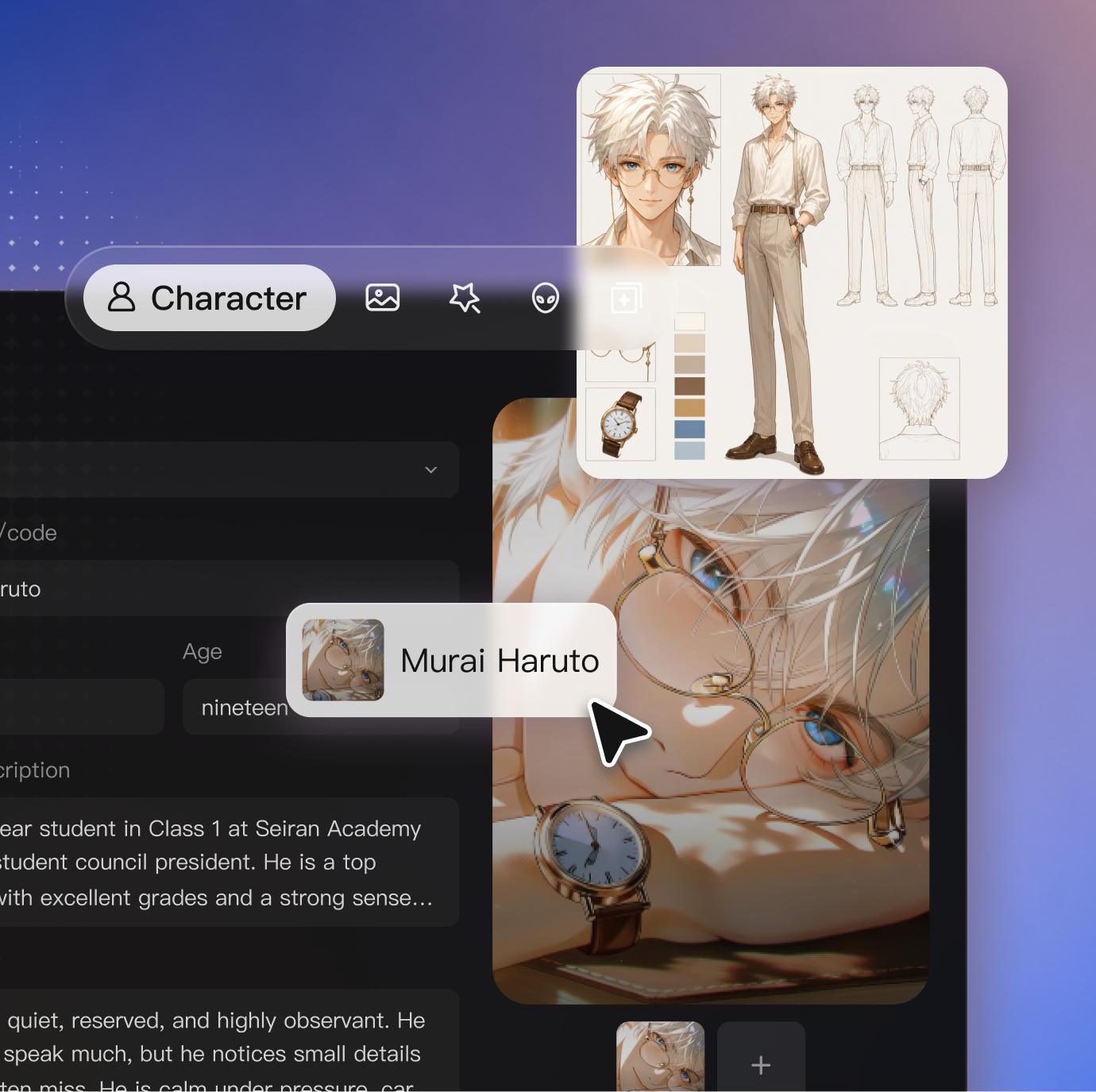
Write the action in chronological order. Specify who does what, how the camera moves, what is said, and which sounds should be heard. Then choose the available aspect ratio, duration, and resolution.
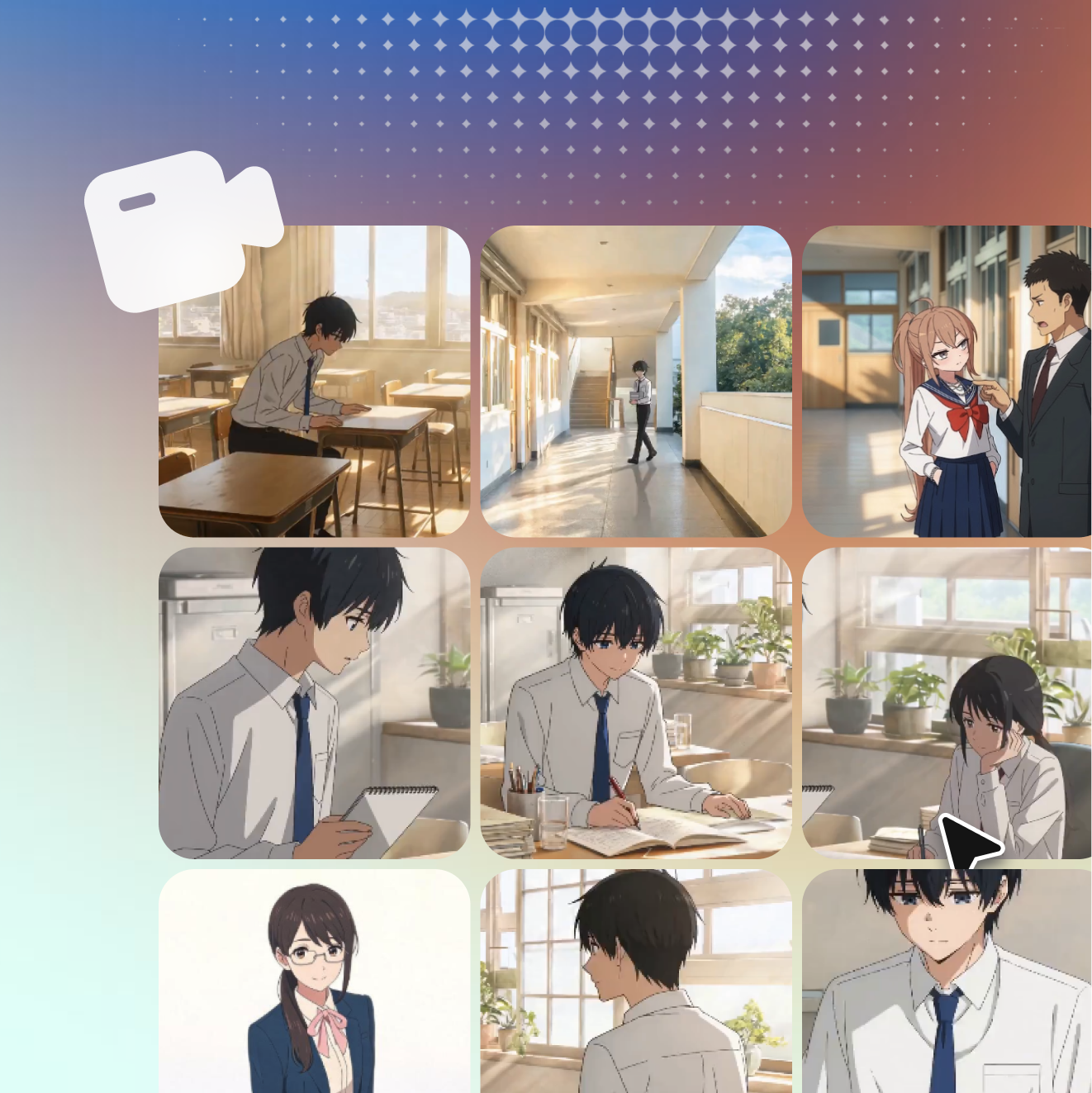
Generate the clip and check whether the character, motion, camera, and audio follow your references. Change one instruction or reference at a time, then regenerate or download the result.
Get the insights you need. Our experts share actionable hacks, break down the hottest topics, and provide essential how-to guides to help you build, optimize, and scale.
Read MoreEnter a prompt to create a video from text, or upload images, video clips, and audio to guide the result. Choose your settings, explain how each reference should be used, and generate directly from the page.
Give each reference a clear role. Use @ in your prompt to reference an uploaded asset, then explain what it should control. For example: use @Character for the subject, @Location for the setting, @Motion Reference for the movement, and @Audio for the pacing. Describe the action in chronological order so the model can follow the sequence.
A reference video can guide the action, timing, performance, or camera movement. Tell the model which parts to follow and what should be replaced. Seedance 2.0 may interpret the reference rather than reproduce the motion frame by frame.
Include enough detail to define the subject, action, camera, timing, and sound, but keep the sequence easy to follow. Write actions in chronological order and avoid giving the same character conflicting instructions. Keep the prompt under 1,500 words.
On Arcloop, Seedance 2.0 supports videos up to 15 seconds and resolutions up to 4K. Available options may vary depending on the generation mode and selected settings.
Seedance 2.0 currently costs around 150–450 credits per second on Arcloop. The estimated cost is shown before generation and may vary by duration, resolution, and generation mode.