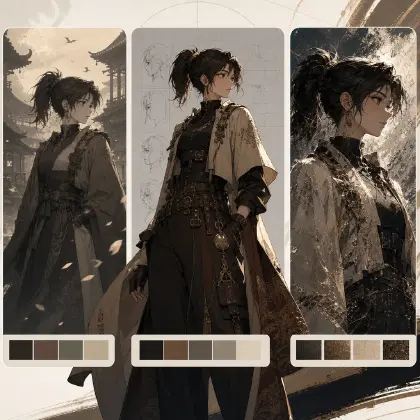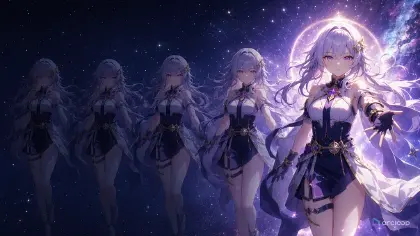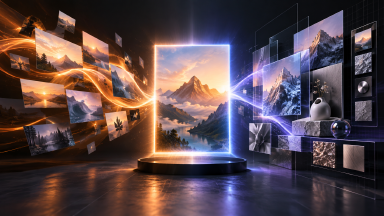
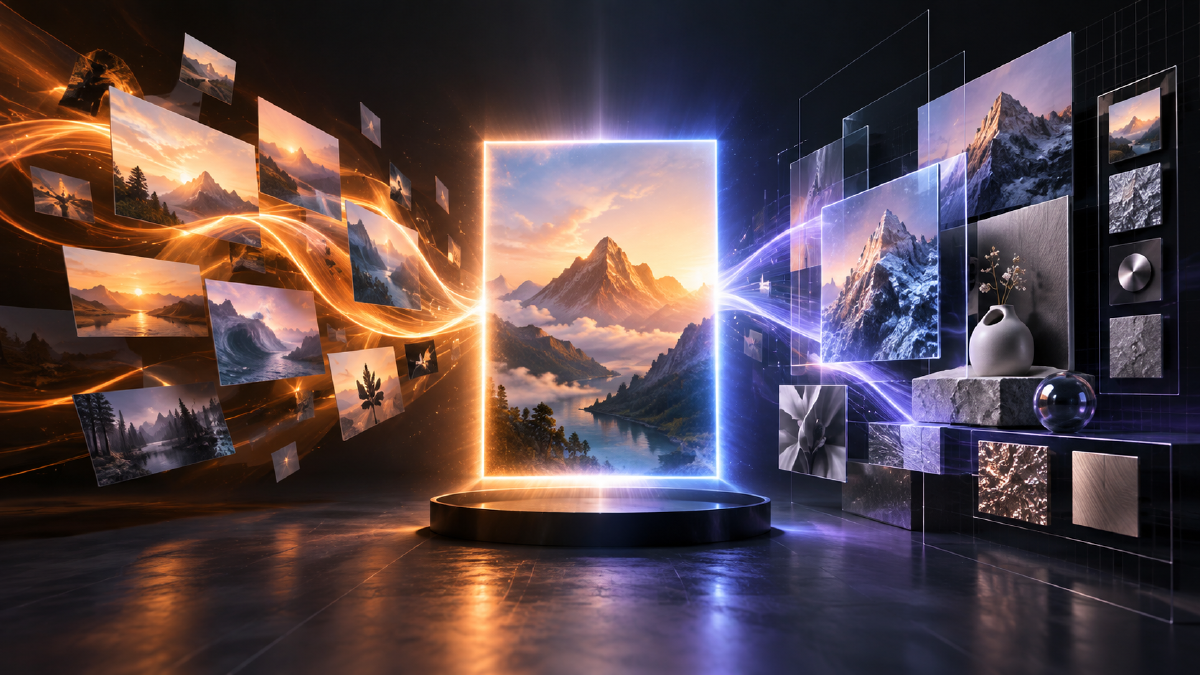
Arcloop brings GPT Image 2.5 into one continuous image workflow. Keep using references, canvas and the asset library while choosing the model tier that fits each stage: Flare for fast exploration and Sunburst for precise production work.
What is GPT Image 2.5?
Flare is designed for everyday creation such as social images, product drafts, covers and frequent iteration. Sunburst is intended for polished assets with complex materials, dense typography and close inspection. Both support text-to-image and reference-image editing.
What improves over Image 2
GPT Image 2.5 produces more natural light, richer texture, stronger subject preservation and more reliable adherence to “change only this” instructions across edits. In Arcloop, use references to lock the product or character, describe one change per edit and keep the approved version beside the new one.
| Stage | Focus in 2.5 |
|---|---|
| References | State what must stay unchanged. |
| Editing | Limit each round to one clear change. |
| Detail | Use Sunburst for texture, structure and small type. |
| Batches | Explore with Flare, finish approved directions with Sunburst. |
Five quality levels
The model offers low, medium, high, xhigh and max. Start at 1K and medium to confirm composition, then raise quality or resolution for delivery.
Prompt example 1: one product, three ecommerce directions
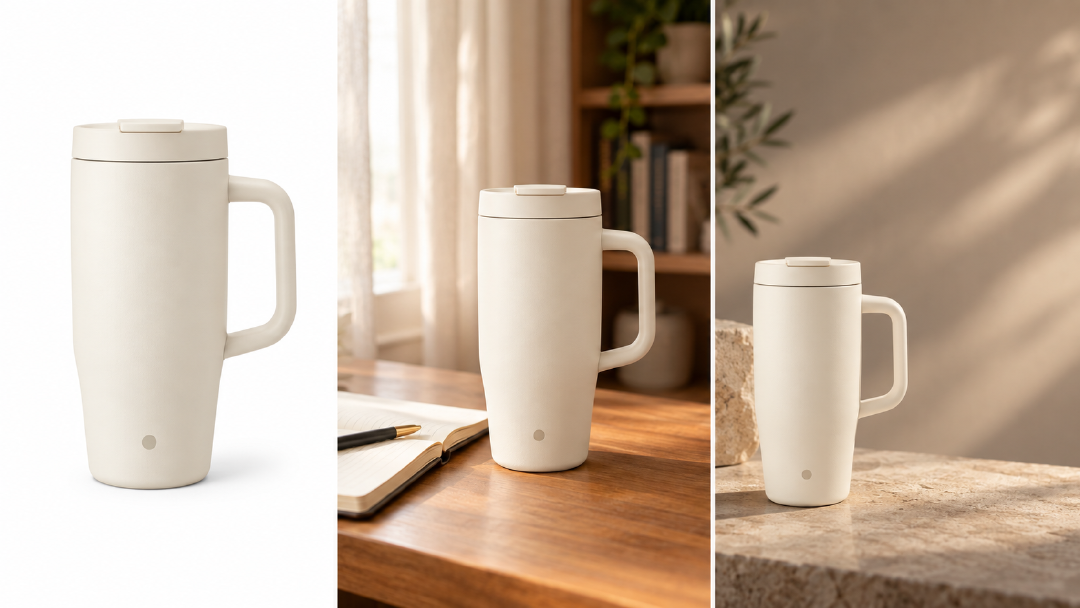
Use GPT Image 2.5 Flare, 1K, medium. Create three ecommerce drafts of the same ivory travel mug: a white-background hero, a window-side lifestyle shot, and an ad background with space on the right. Keep proportions, lid seam, handle and front mark consistent. Add no extra brand text.
Reference editing
Attach the approved image, name the single change and list the elements to preserve. Save a new version and compare it with the original before continuing.
Prompt example 2: replace one object only
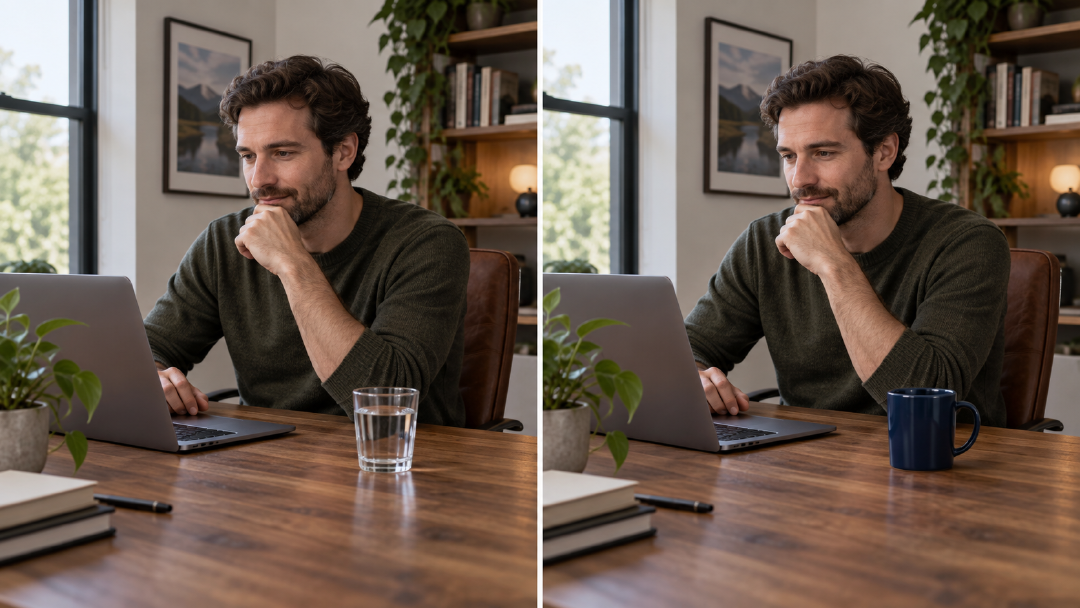
Use the attached scene as the reference. Replace only the clear glass with a plain deep navy ceramic mug in the same position and at a similar height, with the handle pointing right. Keep the person, pose, clothing, hands, face, wood grain, laptop, window, room, camera angle, crop, light direction, color balance and shadow softness unchanged. Add no text and do not redraw the room.
Choosing Flare or Sunburst
Use Flare for scene changes, composition studies, social ratios and cover directions. Use Sunburst for labels, materials, mechanical details, small type and final advertising assets.
Start in Arcloop
- Select GPT Image 2.5, then start with Flare, 1K and medium.
- Describe subject, composition, light, text and exclusions; add references when available.
- Edit one issue at a time and retain the original.
- Save approved work with its model, quality, ratio, references and Prompt.
- Move delivery assets to Sunburst and review text, subject and edges.
Migration from Image 2
Keep validated prompts, references and ratios, then run a Flare comparison. Record the new quality tier and preserve Image 2 history. Move high-value work to Sunburst after the direction passes review.