Why Anime Fights Collapse Into Spark Clouds
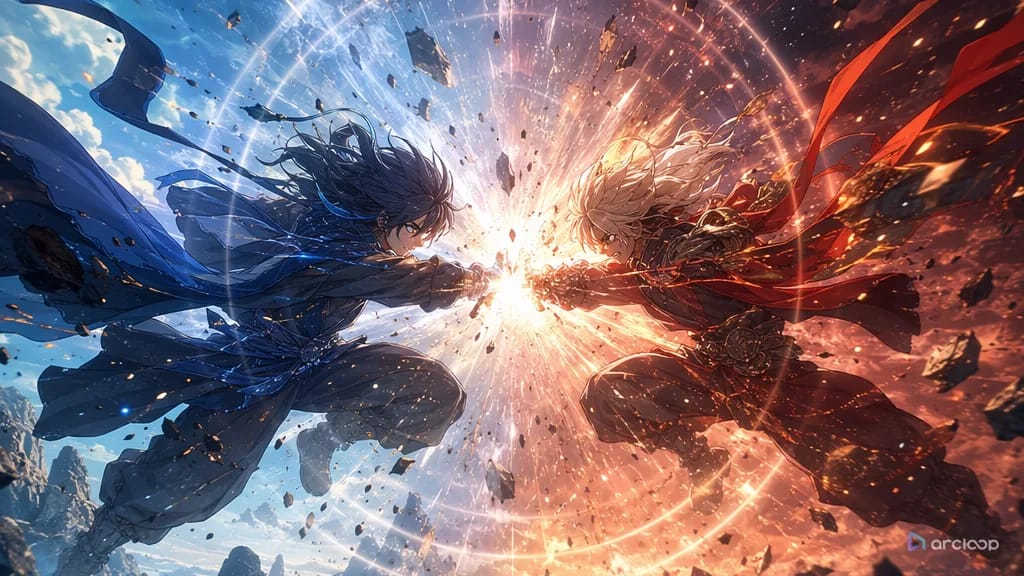
You write a fight prompt that sounds huge: two rivals, burning weapons, shattered stone, storm light, slow motion, a dramatic final blow. The first frame looks promising. Three seconds later the sword has changed hands, the camera is inside the explosion, both fighters point in the same direction, and the impact has no cause. The clip is loud, but nobody can tell who attacked, who defended, or why the strike matters.
That failure is common because a battle scene is not an effects prompt. It is a chain of readable decisions. A good anime fight has setup, distance, anticipation, attack path, contact, reaction, and aftermath. The viewer needs to understand the exchange before admiring the glow around it.
This guide explains how to prompt a short anime battle scene that survives generation and review. It focuses on one decisive exchange instead of a whole episode fight. Use it for duels, monster clashes, mecha hits, magical counters, tournament cuts, trailer moments, and social clips. For a fast starting point, browse 2D Animation AI Templates or open Mecha Impact Clash when the shot needs a strong collision structure.
Principles for Battle Scene Prompts
The first battle scene principle is screen geography. Before the strike, the viewer should know where each fighter stands. Left versus right, near versus far, high versus low, and foreground versus background matter more than another adjective for energy.
The second principle is a visible attack path. Do not only ask for "a powerful slash." Say where the weapon starts, where it travels, and where it stops. Curved slash, straight thrust, downward hammer blow, side kick, shield bash, spell arc, and tackle all create different silhouettes.
The third principle is anticipation before impact. Anime action often works because the body coils before release. A raised heel, twisted shoulder, lowered blade, narrowed eyes, or hand tightening around a staff gives the hit a beginning.
The fourth principle is consequence. A fight without aftermath feels weightless. Show the defender sliding back, a cracked tile line, steam blown sideways, a torn ribbon, or a pause after the hit. The aftermath tells the viewer the attack landed.
The fifth principle is camera discipline. If the fighter moves, the camera can stay stable. If the camera moves, the action should stay simple. Asking for a spinning camera, two lunges, flying debris, and a transformation in one short clip usually hides the combat instead of intensifying it.
The sixth principle is emotional alignment. A desperate parry, a controlled duel, a revenge strike, and a friendly sparring match have different timing. Name the reason for the exchange so the pose and expression support the story.
How to Build a Battle Scene Prompt, Beat by Beat
Start with the combatants. Give each fighter a short identity anchor: silhouette, outfit color, weapon, stance, and one facial or prop detail. If both characters are original, name them. Names make review notes easier.
Define the arena as a combat space, not wallpaper. A glass foundry gives reflections and breakable panels. A rooftop shrine gives elevation and wind. A flooded tunnel gives splashes and footing problems. The arena should pressure the fight.
Write the exchange in beats. For a 5 to 8 second clip, four beats are enough: stance, attack, impact, aftermath. If the clip needs more complexity, split it into multiple ArcLoop shot cards instead of forcing a full fight into one prompt.
Set screen direction. Example: "Kael stays screen left with the shield raised; Brinna enters from screen right with the spear low." This prevents the model from swapping positions halfway through the shot.
Choose the camera after the action. Wide side view works for footwork. Low three-quarter view works for impact. Over-the-shoulder works for a close parry. Locked camera works when readability matters more than spectacle.
Add supporting motion sparingly. Cloth snap, dust burst, sparks, rain, snow, lanterns, blade trails, and smoke can sell force. They should react to the hit, not cover it.
End with constraints. Useful battle constraints include no extra limbs, no weapon morphing, no hidden hands, no random third fighter, no camera cut during contact, no explosion hiding the strike, no copied logos, no photorealism, and no text.
Use Shot Cards to Plan the Fight, Not One Big Paragraph
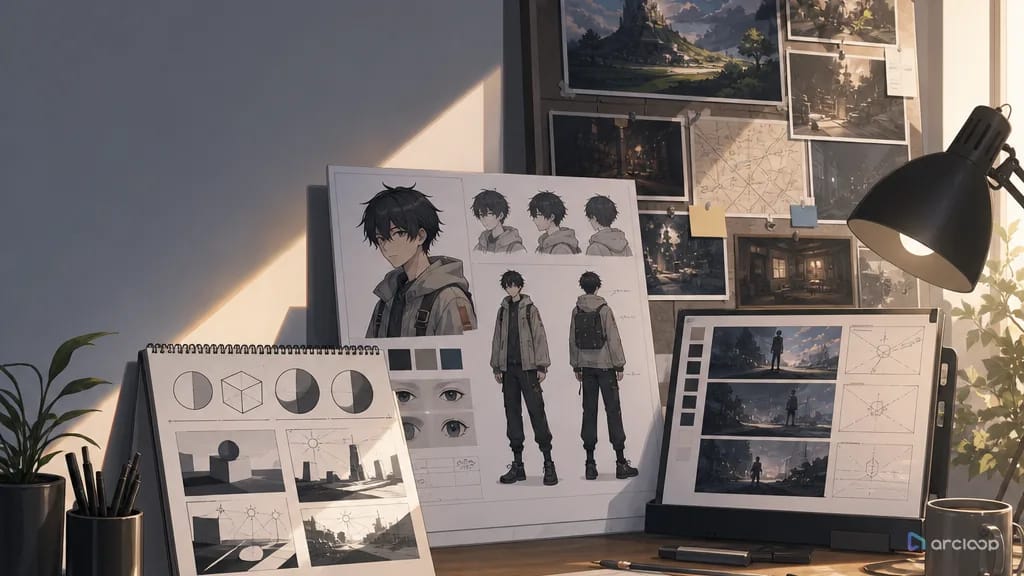
A fight is easier to get right when it's planned as production data instead of one dramatic paragraph. Start inside ArcLoop Worlds or the closest 2D Animation AI template. Build the fighters as character assets first, reference them with @, then create a shot card for the exchange that states the combat goal, screen direction, duration, camera, and what counts as a pass or fail.
Keep the planning inside the project: the story beat in the Story Outline, the fighters as character assets with their reference images bound, and the exchange as a shot card. That matters because battle scenes are expensive to retry when every part changes at once — a cheap rough pass can answer the important question first: can the viewer read the exchange?
Review the draft in this order: identity, geography, attack path, impact, aftermath, polish. If the weapon changed shape, repair the character or prop reference. If the fighters swapped sides, repair the shot card. If the hit is hidden by effects, reduce the effects before improving lighting. For broader prompt craft, the same scene logic appears in How to Write 2D Anime Animation Prompts.
Example 1: Glass Foundry Duel
Create a 6-second 2D anime battle scene in an abandoned glass foundry at dawn. Combatants: Lysa, an original shield fighter with cropped auburn hair, a soot-gray coat, brass elbow guards, and a round blue enamel shield; Varek, an original duelist with white gloves, a black waistcoat, narrow red scarf, and a thin rapier. Screen direction: Lysa holds screen left, feet planted near a cracked furnace tile; Varek advances from screen right. Beat 1: Lysa lowers her shield and braces. Beat 2: Varek lunges in a straight rapier thrust. Beat 3: the shield catches the point, creating a sharp spark and a spiderweb crack in a hanging glass sheet behind them. Beat 4: Varek slides back one step while Lysa keeps the shield raised. Camera: locked wide side view, both full bodies visible, no cut during contact. Use clean cel shading, orange furnace glow, pale morning light, and readable silhouettes. No extra fighters, no weapon morphing, no explosion hiding the impact, no text, no watermark, no 3D render.
This prompt gives the fight a line of travel. The rapier moves from right to left, the shield stops it, and the cracked glass proves the impact.
Example 2: Rooftop Water Garden Battle
Generate a 7-second 2D anime magic counterattack on a rooftop water garden above a night city. Characters: Orin, an original rain mage with teal undercut hair, black sleeveless coat, silver ankle bells, and a crescent staff; Selka, an original blade runner with dark violet braid, amber jacket, knee guards, and two short curved knives. Start with a low three-quarter view from behind Orin's left shoulder. Selka enters across the reflecting pool in a fast diagonal dash, knives low. Orin plants the crescent staff into the shallow water, pulling a circular ripple shield upward. Selka's first knife strike hits the water shield and breaks into scattered droplets; her second knife stops inches from Orin's cheek. Final frame: Orin calm in the foreground, Selka frozen in the ripple reflection behind him. Camera makes one small push-in during the second strike. Keep both hands visible, preserve outfits, show the attack path clearly, no random lightning storm, no extra arms, no face drift, no unreadable blur.
This version uses a closer camera, but the action still has clean stages: dash, shield, contact, halt.
Example 3: Snow Bridge Aftermath
Create an 8-second 2D anime duel ending on a narrow wooden bridge over a frozen gorge. Fighters: Toma, an original academy guard with short chestnut hair, green scarf, square shoulder cape, and a blunt training sword; Edris, an original frost lancer with pale blond hair, navy cloak, ivory spear, and cracked round glasses. Camera: medium over-the-shoulder from behind Toma, with Edris visible ahead on the bridge. Beat 1: Edris thrusts the spear toward Toma's shoulder. Beat 2: Toma pivots left, catches the spear shaft with the flat of his training sword, and redirects it downward. Beat 3: the spear tip bites into the snowy plank, sending a clean puff of snow across the frame. Beat 4: both characters hold still, breathing visible, the bridge ropes swaying once from the force. Style: crisp winter anime line art, pale blue shadows, restrained soundless intensity. Do not add blood, do not break the bridge, do not change weapons, do not crop the hands, no text.
The focus is not maximum violence. It is a readable disarm, a clear final hold, and a consequence the viewer can understand at mobile size.
The Most Common Battle Scene Failures
The biggest battle mistake is starting at the impact. If the clip begins with a blast, the viewer has no memory of who caused it. Give the body or weapon one beat of preparation.
Another mistake is letting effects become the fighter. Fire, smoke, particles, and speed lines should point toward the exchange. If they cover the faces, hands, or weapon contact, the fight becomes decorative noise.
Creators also forget screen direction. When both fighters drift toward the center with no left-right rule, the exchange can look like two poses pasted together. Anchor each side before describing motion.
A fourth mistake is asking the camera to perform the fight. A dramatic orbit can work for a victory pose, but contact usually needs a stable view. Let the strike carry the force.
Finally, avoid rewriting the entire battle after one bad take. If the arena, faces, and screen direction worked, keep them. Repair only the failed layer, such as weapon path, impact timing, or aftermath.
FAQ
How long should an anime battle scene prompt be?
For one short exchange, 130 to 220 words is usually enough. The prompt should name the fighters, arena, beats, camera, style, and constraints. Longer prompts are fine only when the extra detail changes something visible.
Should I prompt one fighter or two fighters?
Use two fighters when the relationship matters or the contact must be shown. Use one fighter against an offscreen threat when you need a cleaner trailer shot. Multi-character combat needs stronger screen direction.
How do I make impact frames more readable?
Name the contact point and the consequence. "The shield catches the spear, snow jumps from the plank, both characters hold for one beat" is clearer than "huge powerful impact."
How do I plan a fight before I start rendering?
Put the story beat in the Story Outline, build the fighters as character assets, and write the exchange as a shot card with the combat goal, screen direction, and camera notes. Because it's all in the same project, a rough pass tells you fast whether the exchange reads before you spend on a final render.
When should I split a battle into multiple shots?
Split it when the prompt needs more than one decisive exchange. Approach, first clash, reversal, final hit, and aftermath usually work better as separate shot cards than as one overloaded clip.