A finished script tells you what happens. Before generating video, turn it into a plan that names the characters, locations, important props, dialogue, and visible changes in each scene. This makes it easier to catch a missing reaction or a misplaced clue while the work is still editable text.
This guide focuses on preparing an existing script. If you are starting with an idea, use the first episode guide. For the full generation and editing workflow, continue with Turn a Script Into an AI Short Drama.
1. Clean up the source before asking for a breakdown
Keep scene headings, character names, dialogue, and action lines distinguishable. Give a recurring character one consistent name. Mark changes of place or story time rather than leaving the reader to infer them.
You do not need to add camera instructions to every paragraph. First resolve story ambiguity: who has the key, when another character notices it, and what the discovery causes. Formatting cannot repair a missing cause or an unclear decision.
Here is a small fictional excerpt to prepare:
INT. FLOWER SHOP. NIGHT.
Ari counts the day's receipts behind the counter.
Noel places a returned bouquet beside her.
A hospital bracelet hangs from the ribbon.
Ari stops counting.
ARI: You said the bride never arrived.
Noel looks toward the closed door.
The important facts are the bouquet's arrival, the bracelet, Ari's recognition, and Noel's response. Keep those facts intact when simplifying the scene.
2. Review a scene breakdown against the original
Use the script as the source in your Arcloop project, then compare the proposed story outline with the original. Check scene order, speaker names, entrances, exits, and the information revealed in each scene.
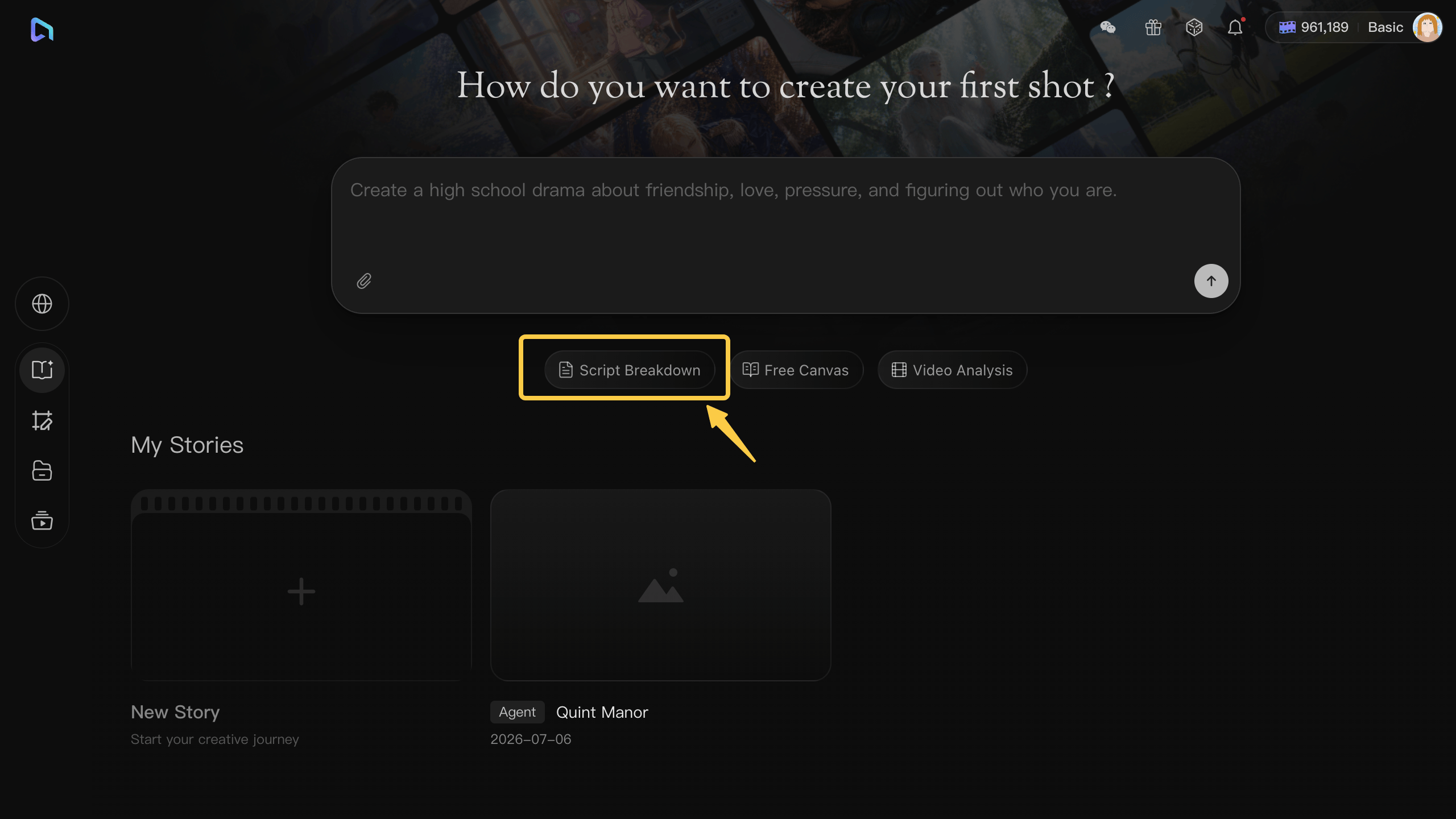
Ask for a planning table rather than a finished video:
Break the supplied scene into production notes.
For each beat, identify the visible action, active characters, important prop, dialogue, and what the audience learns.
Preserve the supplied story order and speaker names.
List unclear details as questions instead of inventing an answer.
Check the result yourself. A fluent summary can still move the bracelet reveal before the bouquet arrives or assign Ari's line to Noel.
3. Separate reusable assets from changing shot details
Create recurring characters, locations, and plot props as assets. Bind suitable reference images in My Assets so later shots can refer to the same source.
The character asset holds identity references. The current shot still needs its own action, framing, emotion, and relevant costume state. A reference helps guide generation; it does not guarantee that the result will match every detail.
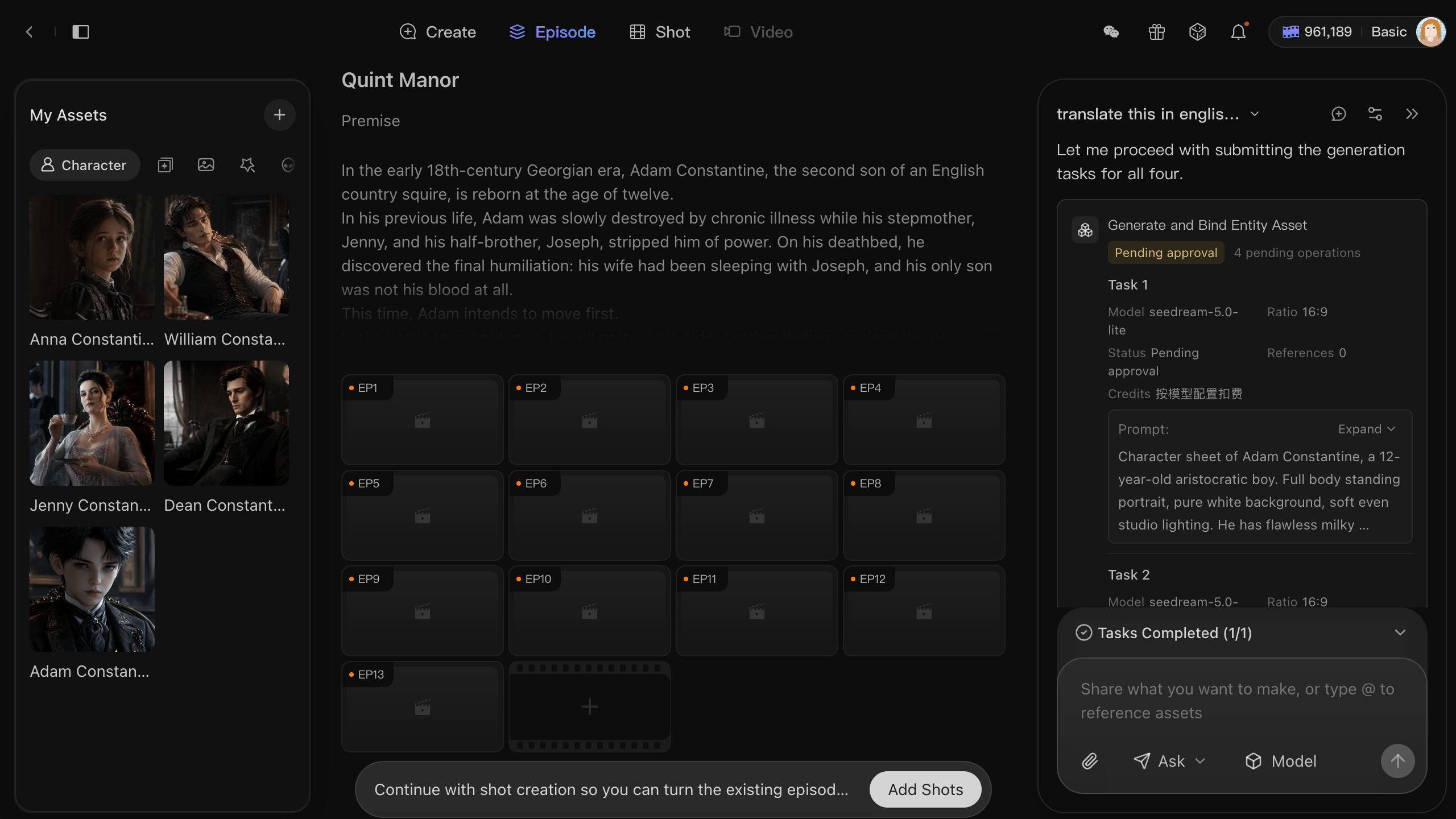
For the flower shop example, keep Ari and Noel as separate characters, the shop as a scene, and the bouquet with its bracelet as a prop. Decide whether the bracelet must be readable or only recognizable. If exact text matters, plan to add and check it during editing rather than depending on generated lettering.
4. Give each shot a clear information goal
Turn the approved beats into shot cards. Start with the fewest shots that make the scene understandable:
| Shot | Purpose | Detail to review |
|---|---|---|
| Bouquet placement | Establish where the evidence comes from | Noel places it beside Ari |
| Bracelet insert | Show what changes Ari's understanding | The bracelet stays attached to the ribbon |
| Ari's reaction and line | Connect the clue to the accusation | Her gaze and dialogue refer to the bouquet |
| Noel's response | Leave the scene with a consequence | His response follows the accusation |
Use a scratch reading to estimate dialogue time. A planning duration is not proof that the generated performance will fit it.
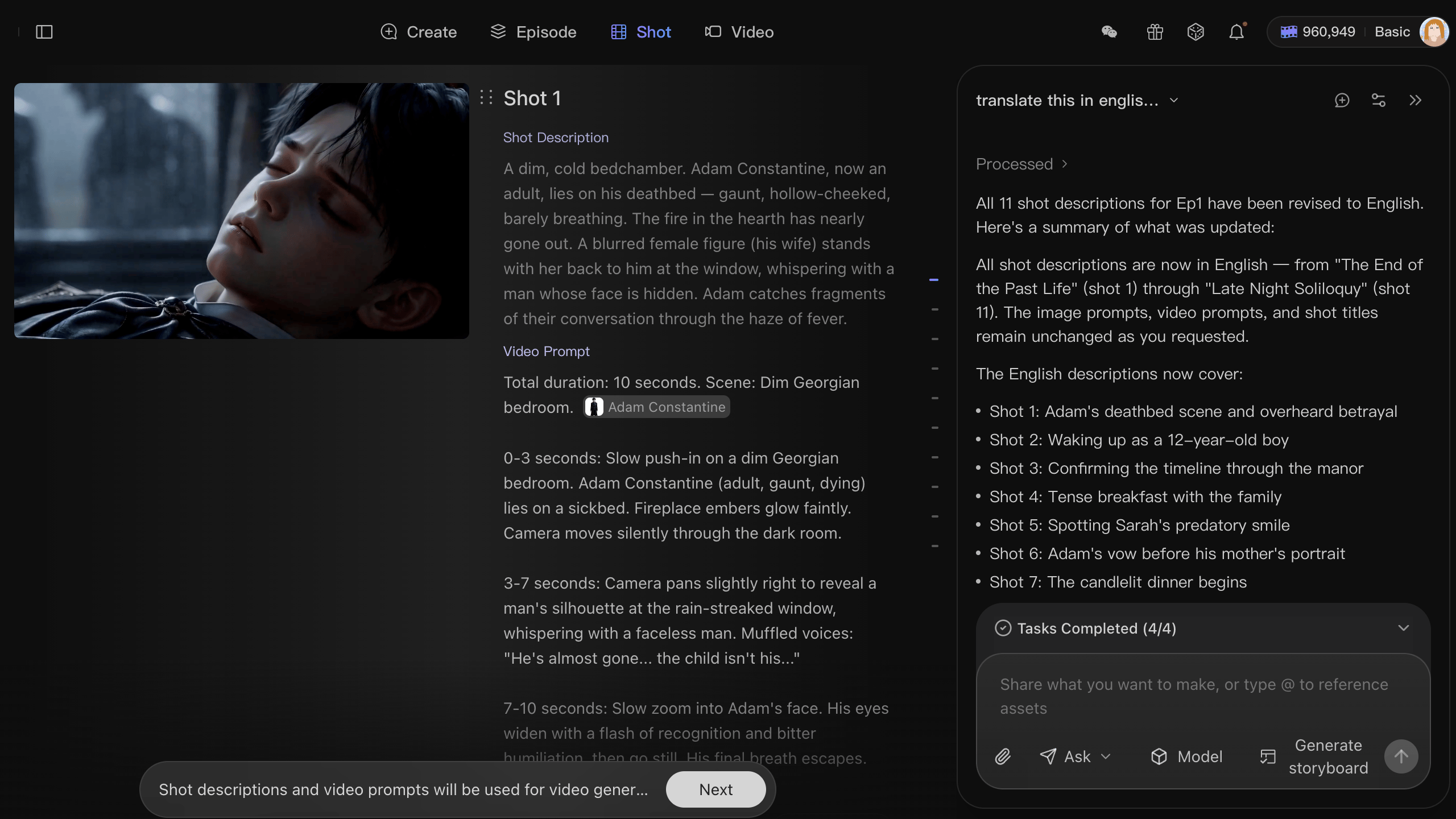
Check the plan before generating video
Read the shot cards in order without returning to the script. Can another person understand who brought the bouquet, what Ari noticed, and why she asks the question? If a fact exists only in your memory, add the necessary visible beat.
Generate stills to inspect framing, references, prop placement, and eyelines. Then move approved cards into video generation and review their motion, dialogue timing, and continuity. Assemble a rough cut before spending more on final versions.
Keep the original script, corrected outline, asset references, and approved shot plan together. When a revision arrives, you can trace it to the affected scenes instead of rebuilding the whole episode.
Before you commit to a full production, this startup launch video cost guide shows what each approach costs, from AI tools to a studio.