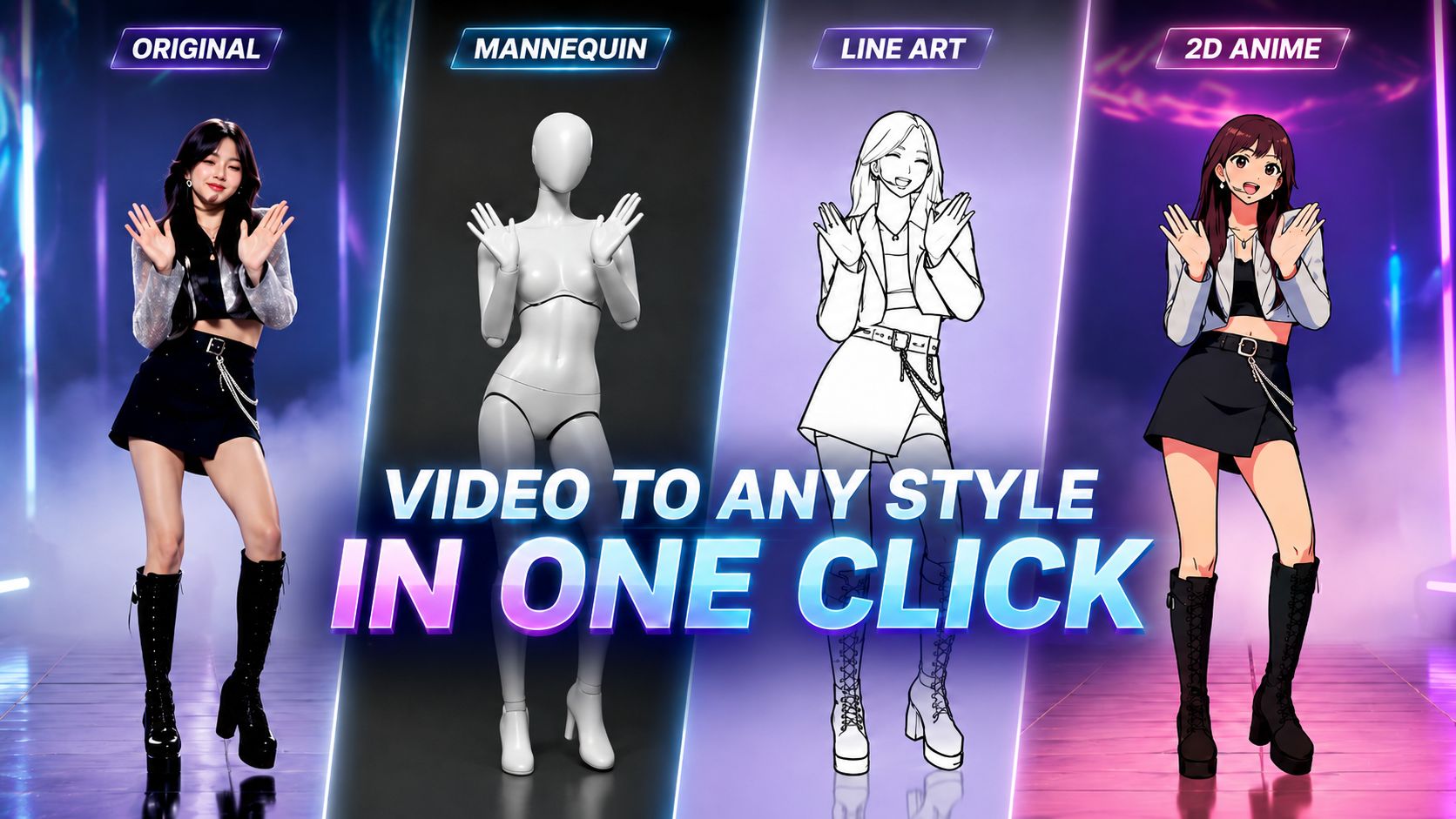
How Does AI Make Rotoscoping Faster?
Traditional rotoscoping can be pretty time-consuming since you have to trace or redraw every movement frame by frame.
With AI, things get a lot easier.
Just upload a real motion video, like a dance clip, sports footage, acting reference, or any performance. Then use Arcloop AI’s Rotoscope Presets to keep the original movement, rhythm, and camera framing while turning the video into a new visual style.
How Do You Rotoscope with AI: Step by Step
1. Upload a Motion Clip
Start with a short video that has clear body movement. Dance, sports, acting, posing, or performance videos all work great.
2. Choose a Model and Set Your Parameters
Pick a video model that fits the style you're going for. For this workflow, we recommend the Seedance 2.0 and Kling Omini 3 series.
Before generating, set your key parameters, such as aspect ratio, resolution, and video length. Getting these dialed in early helps you get cleaner results.
3. Select a Rotoscope Video Preset
Arcloop AI supports multiple preset styles for turning real motion into stylized animation:
3D Mannequin
Turns the original movement into a simplified mannequin-style animation. It works well for motion reference, pose studies, animation planning, or rebuilding a scene with a clean body-motion base.
Line Art
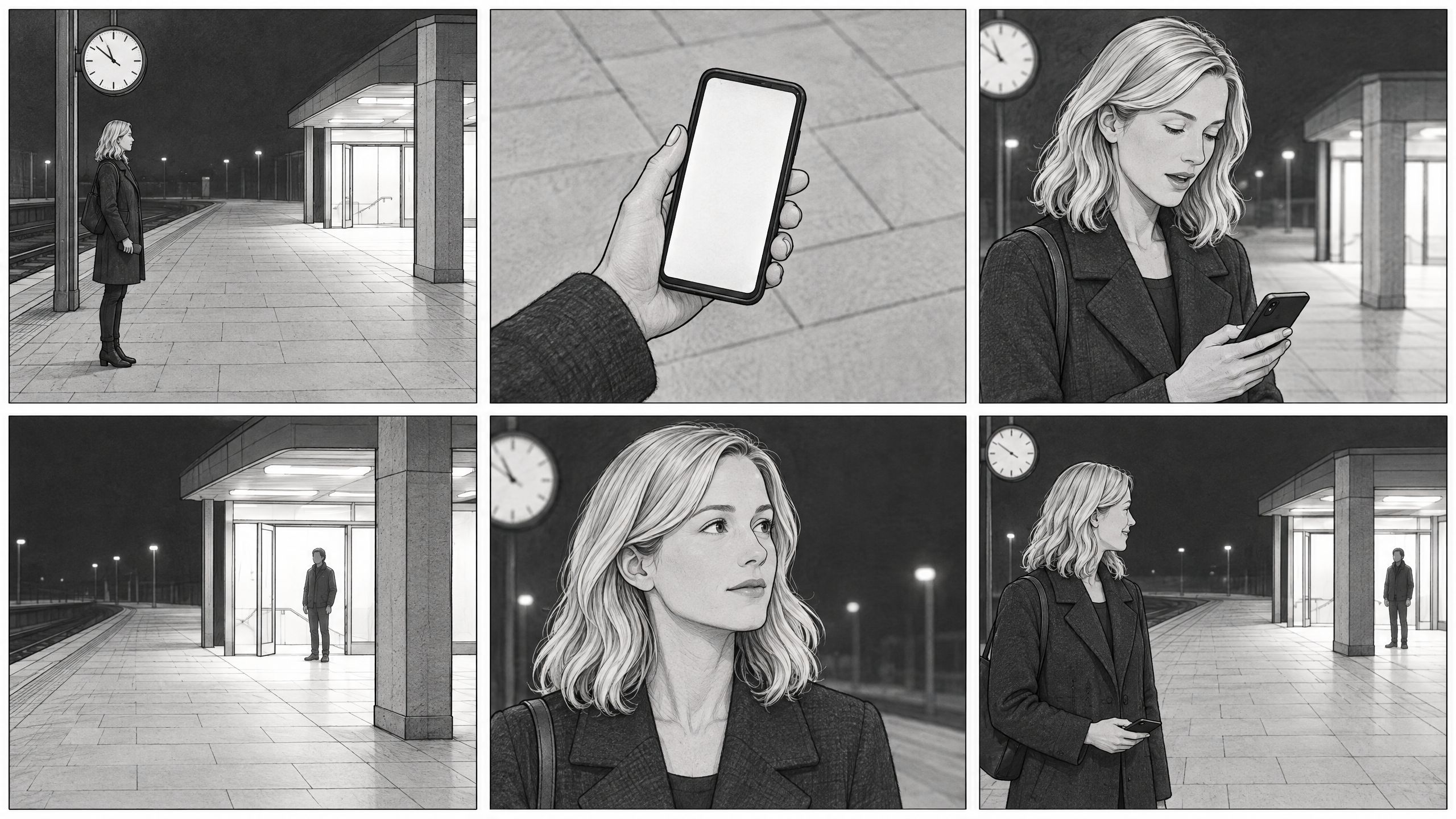
Converts your video into a clean black-and-white rotoscope look, giving the footage a hand-drawn animation feel.
2D Anime
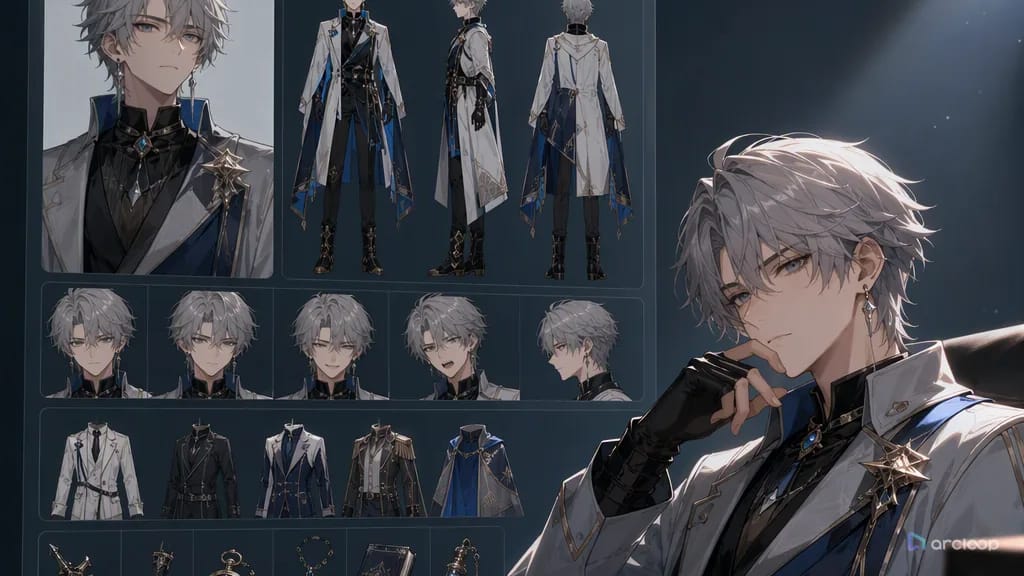
Transforms real motion into anime-style character animation while keeping the original pose, rhythm, and camera movement.
Just pick a preset that fits the look you're going for, upload your video clip, and let the system do the rest.
4. Download or Keep Editing
When it's ready, you can download your video or keep fine-tuning things.
Adjust the style, character look, motion feel, or visual direction until the output fits your project. You can use the final video for animation tests, short-form content, character motion references, or AI-generated rotoscope edits.