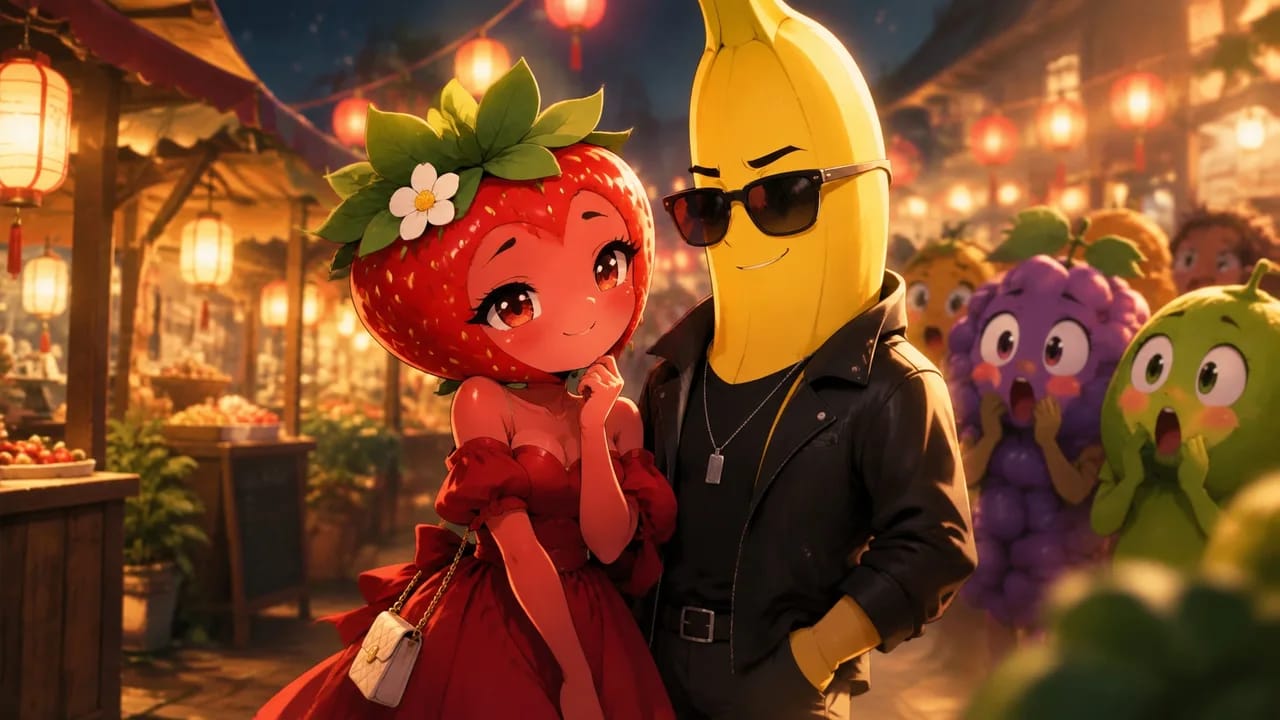
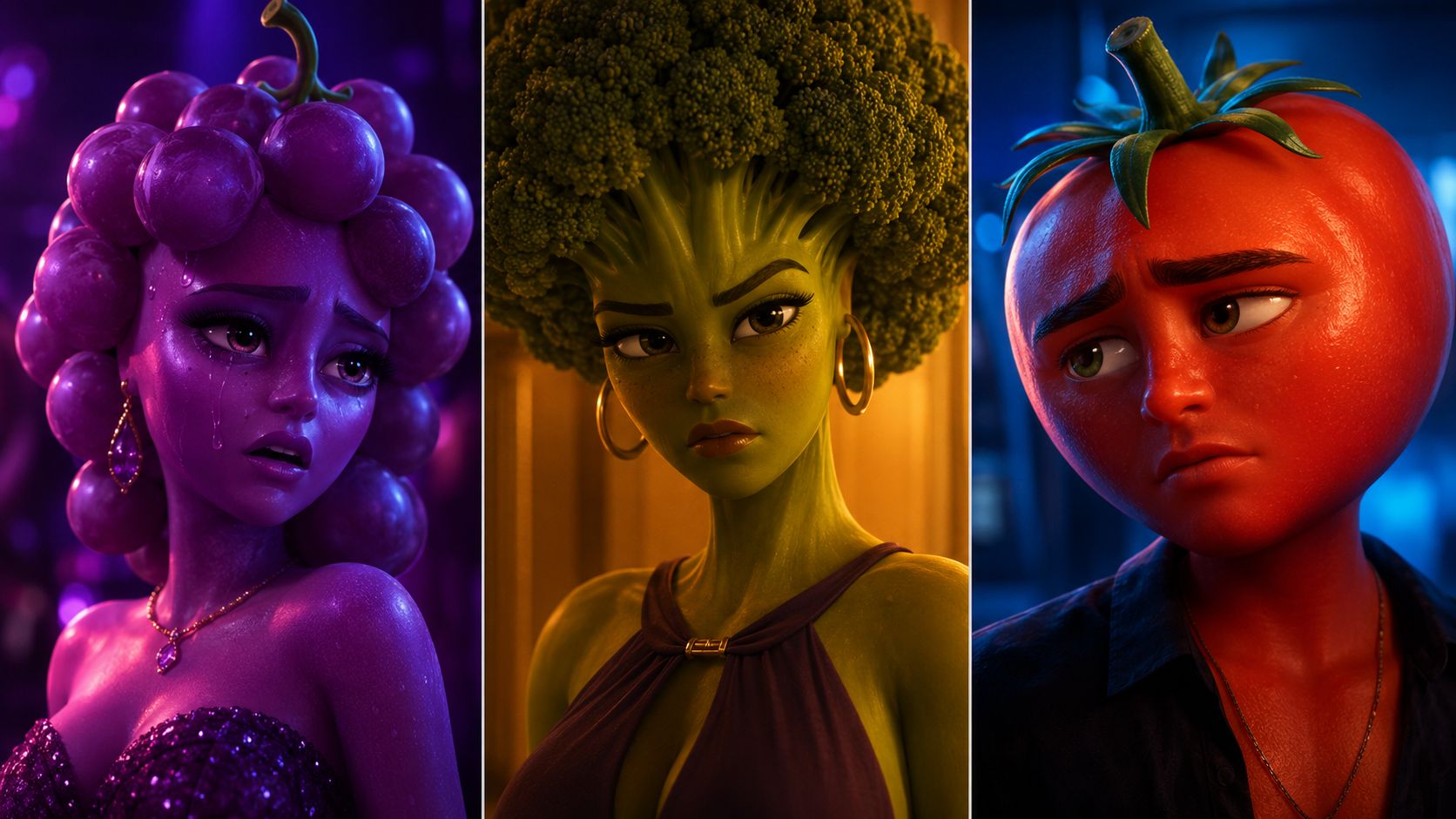
An AI fruit drama turns a strawberry, banana, or other fruit into a character with something to want, hide, or lose. The premise can be playful, but the story still needs a clear conflict—and characters the audience recognizes from one shot to the next.
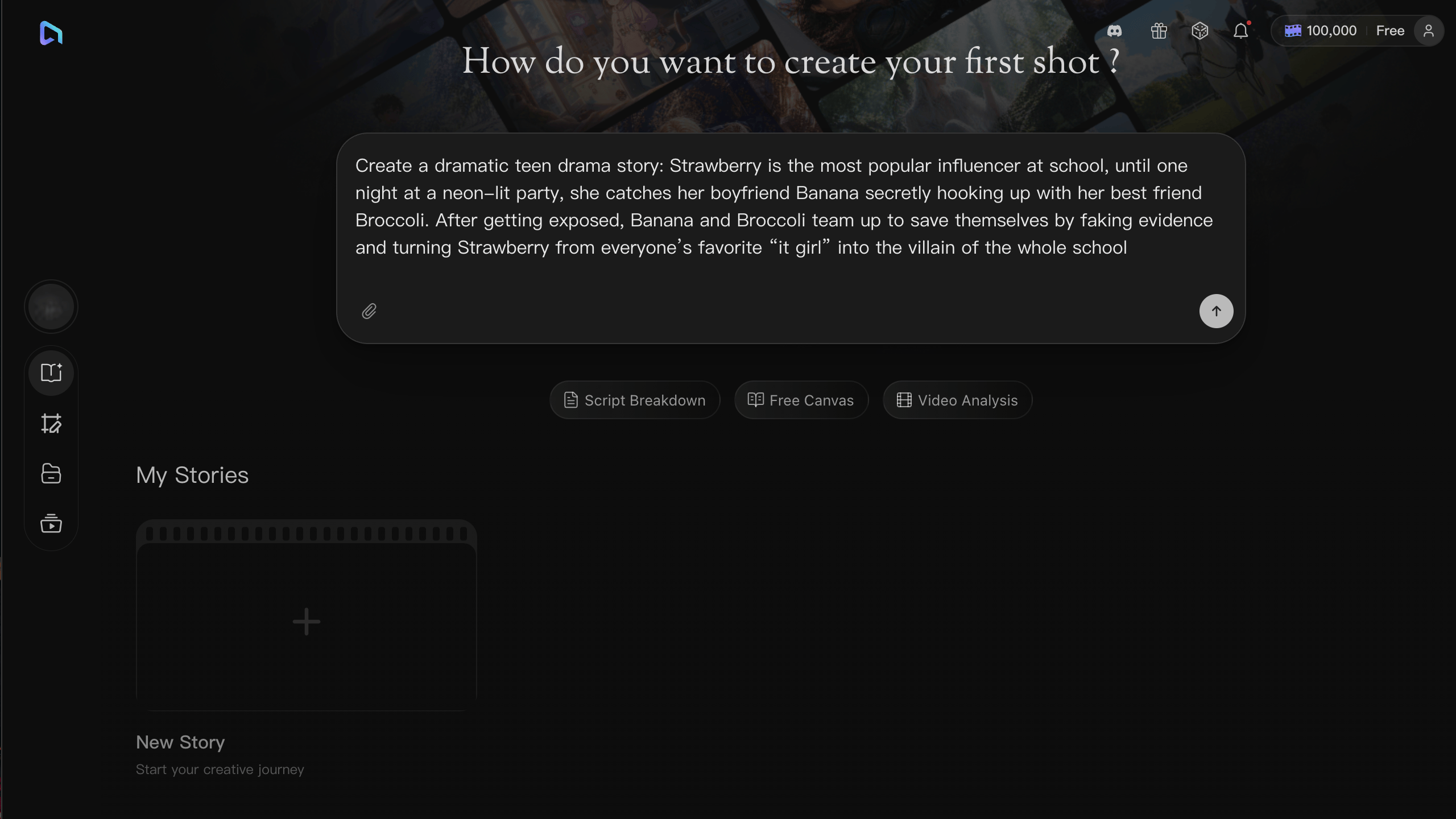
This guide follows Strawberry and Banana through one short confrontation in Arcloop. You will plan the scene, save character references, build the shots, and assemble the dialogue. Start with one scene you can finish and review before expanding it into a series.
1. Start with one clear conflict
Strawberry discovers that Banana has been hiding a relationship and wants an explanation. Keep the first scene in one room with two speaking characters. Open with the evidence, show Banana's response, and end with Strawberry making a decision.
Use this brief in your Arcloop project:
Plan one short scene for an original fruit drama.
Strawberry confronts Banana after discovering a concealed relationship.
Begin with the evidence, give Banana one response, and end on Strawberry's decision.
Keep the setting in one room and the speaking cast to two characters.
Describe visible actions and short dialogue before proposing individual shots.
Read the proposed scene before generating visuals. It should be clear what Strawberry wants, what Banana is withholding, and what changes by the end. Replace long explanations with an action or a short exchange wherever possible.
2. Save a reference for each character
Create each recurring character in My Assets and attach an approved reference image. Record the features that should stay the same: fruit silhouette, seed or peel pattern, leaf shape, eye placement, costume, and accessories.
Keep those design details separate from the performance. Strawberry can look suspicious or disappointed without changing her leaf crown. Banana can turn toward the door without changing the shape of his peel.
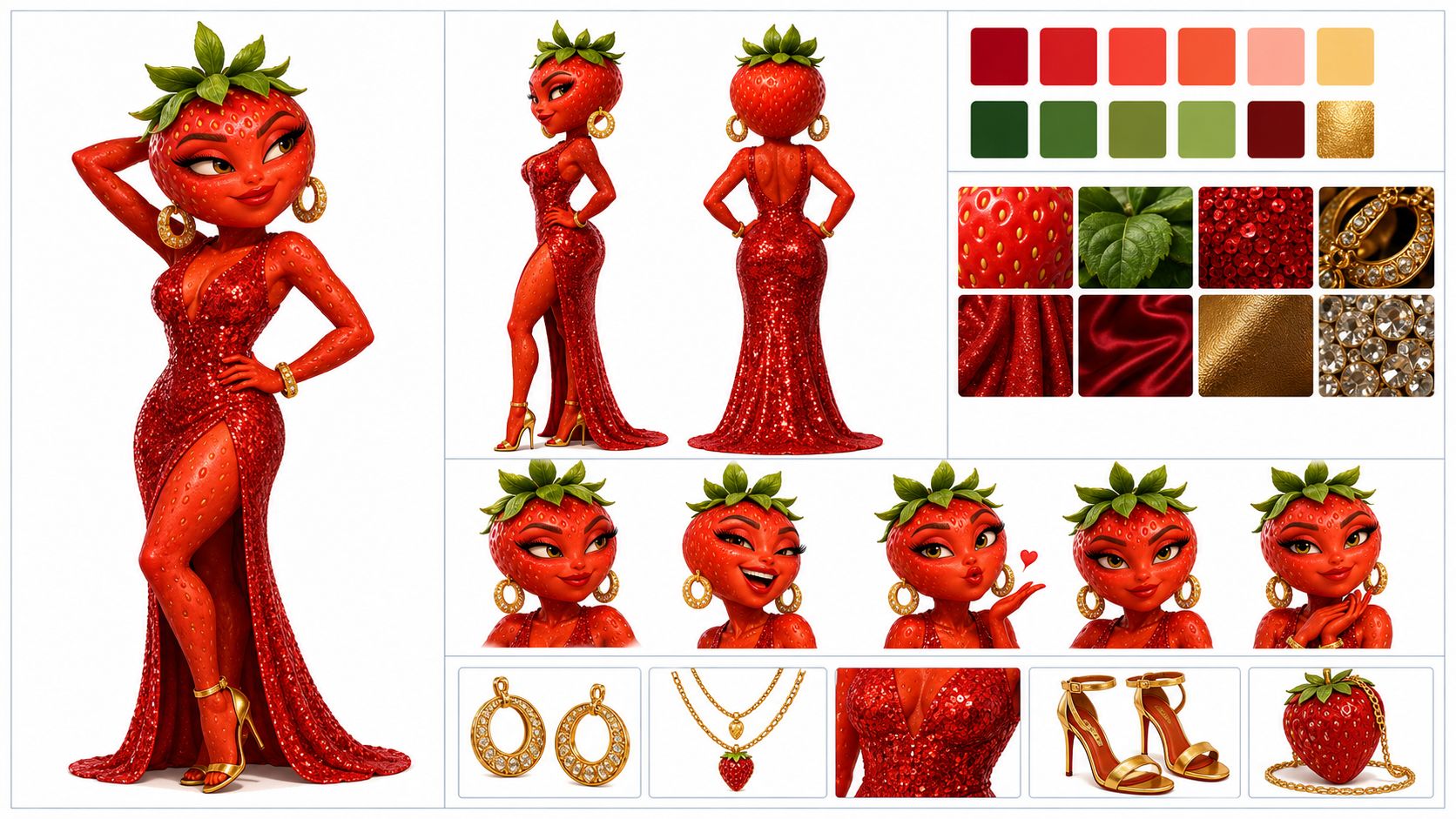
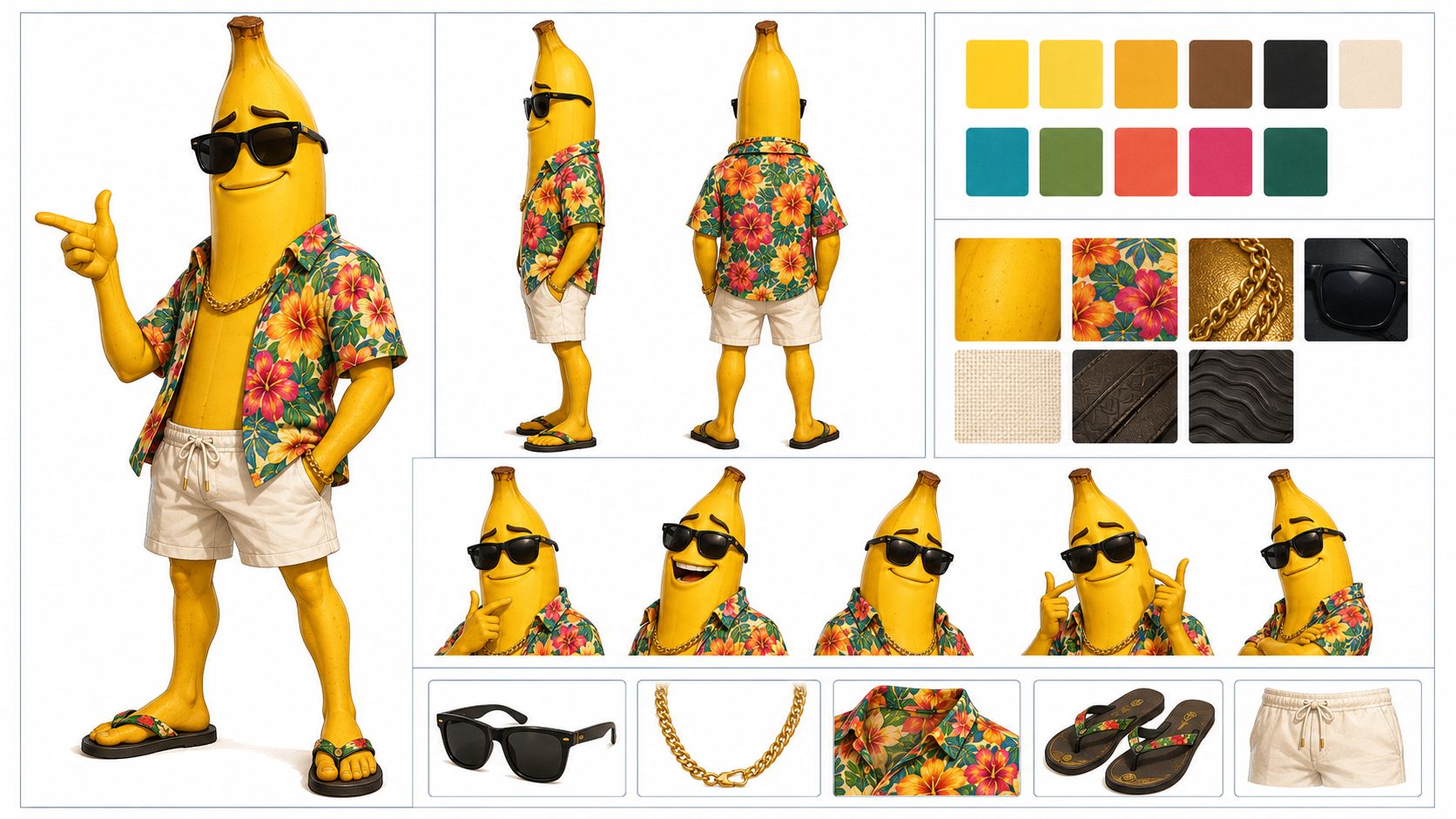
Compare the references side by side. Both characters should belong to the same visual world, with compatible proportions, materials, and styling. Resolve any mismatch before generating more shots.
3. Give each shot one job
Review the episode and generate its shot cards. Build the confrontation around four simple beats:
| Shot | What the viewer needs to see | Continuity check |
|---|---|---|
| Evidence | Strawberry notices the item that starts the confrontation | The item is visible and stays in the same place |
| Question | Strawberry asks Banana for an explanation | Her appearance and position match the established scene |
| Response | Banana hesitates before answering | His gaze connects to Strawberry |
| Decision | Strawberry chooses whether to stay or leave | Her action follows from the exchange |
These beats do not require fixed clip lengths. Read the dialogue aloud to estimate the timing, then work with the duration options available for your selected model.
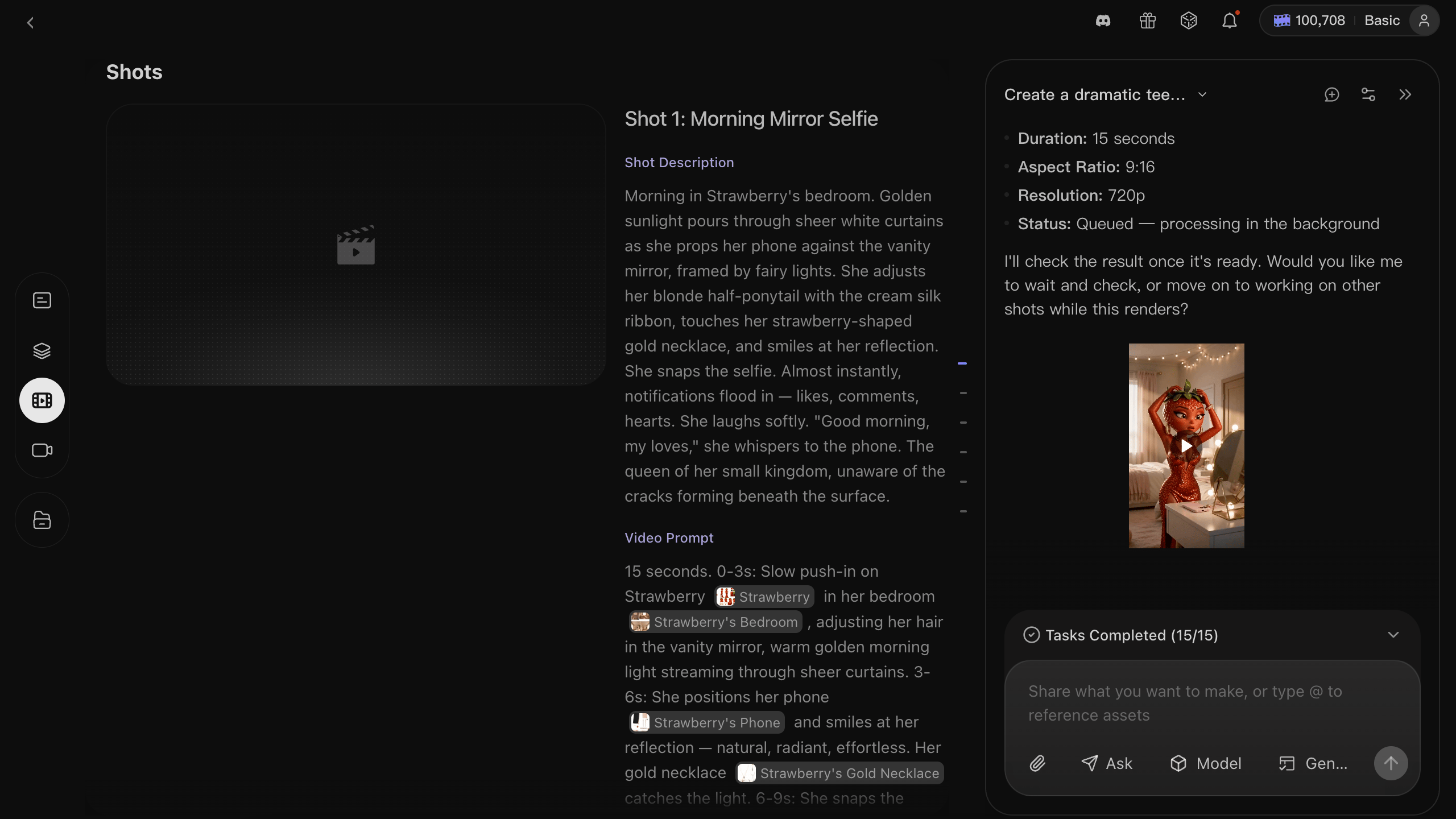
For a reaction shot, reference the saved character and describe the action:
Medium close-up of @Strawberry in the established room.
She listens to the reply, lowers her eyes toward the evidence, and holds the pause.
Keep the camera still at eye level and use the established room lighting.
Preserve her fruit silhouette, leaf crown, costume, and visible accessories from the approved reference.
Replace @Strawberry with your saved character's name. Review the still images before generating video, comparing faces, silhouettes, costumes, props, and eyelines across adjacent shots.
4. Review the motion and assemble the scene
Generate the approved shots and watch every clip from beginning to end. Look for extra limbs, changes in body shape, disappearing accessories, and moving props. Revise the affected shot and compare it with the surrounding clips.
In Edit, arrange the clips in story order and assign each line to the correct speaker. Check that voices remain recognizable and pauses feel natural. You can let a line play over the other character's reaction; every line does not need its own speaking close-up.
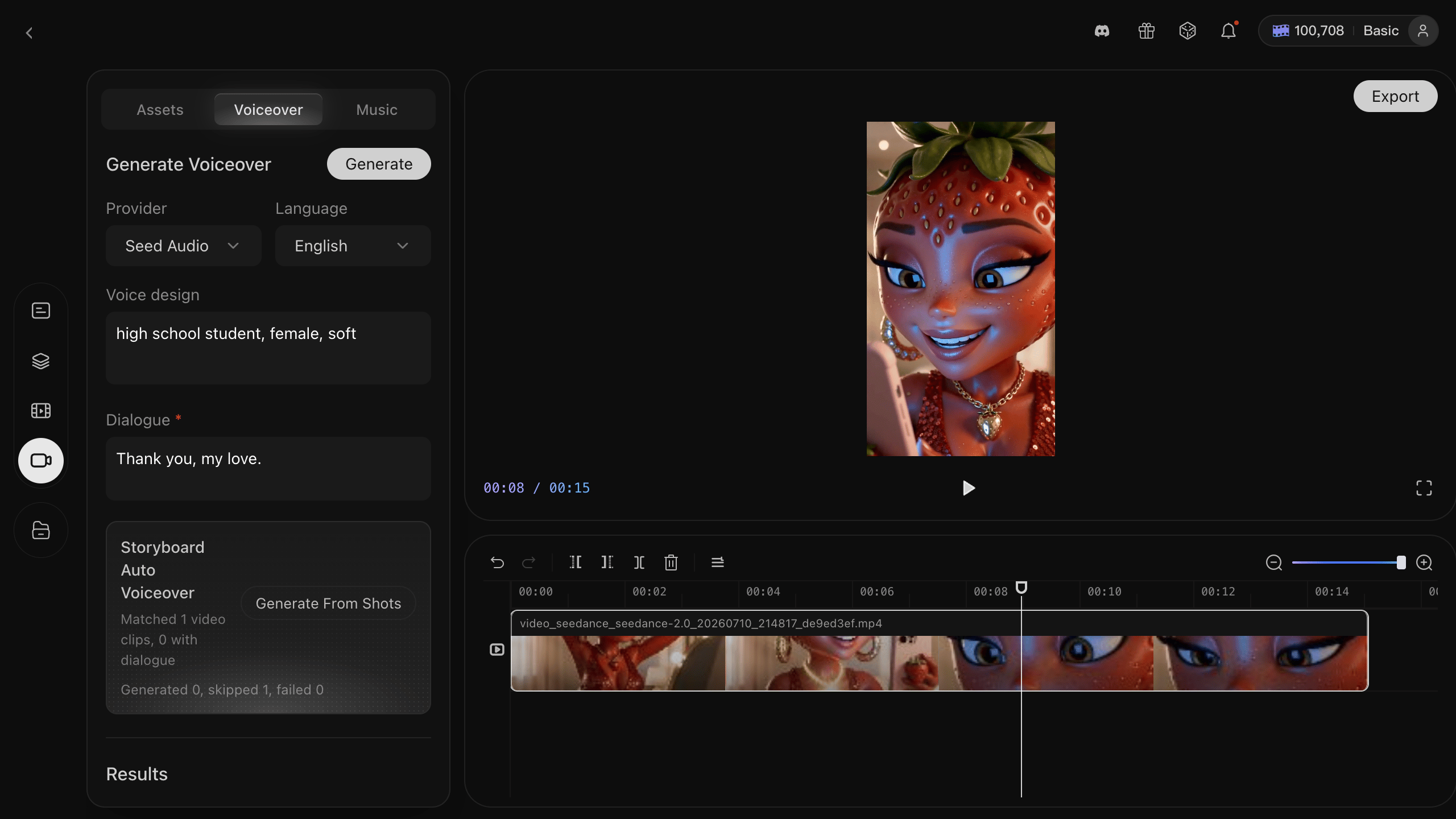
Watch the cut without sound to see whether the conflict is clear. Then listen with sound to check dialogue order and pacing. Add captions in your delivery editor, keeping them clear of faces and platform controls. If you add music, keep the dialogue easy to hear.
The example below brings the character designs, shots, and dialogue together:
Before you publish
- Check that the opening shows a clear reason to keep watching.
- Confirm that character designs, props, and positions remain consistent across cuts.
- Preview the final crop and captions on a phone-sized screen.
- Save the approved references, shot descriptions, and selected clips for the next episode.
For a series, reuse the same character assets and introduce a new situation. A recognizable cast and a clear emotional turn give you a practical foundation for the next story.