Introduction
You picked Seedance 2.5 because you wanted the long take: the whole hallway argument in one shot, two characters, thirty seconds, no cuts. You wrote everything you wanted into one paragraph, attached twenty reference images, and got a clip where the camera does something different every five seconds and the second character changes jackets halfway through. The model did what you asked. You asked for too many things at once.
Seedance 2.5 rewards a specific kind of prompt: a shot list written as timed beats, with the camera stated once and identity handled by references rather than adjectives. This guide shows how to write a Seedance 2.5 prompt for the three jobs it is best at — long single takes, multi-character scenes, and 4K delivery — inside an ArcLoop project where the cast already exists as assets.
What Seedance 2.5 is good at
The capability boundaries shape the prompt:
- Duration. Native 30-second clips, extendable to 50. One take can hold a whole beat of a scene.
- Resolution and ratio. Up to 4K; 16:9, 9:16, 1:1, and 2.39:1. Pick the ratio in Story Settings, not in the prompt.
- References. Up to 50 per generation, but 10–20 is the working range: 3–5 for a character, 2–3 for the set, 2–4 for props. More references add confusion, not control.
- Camera language. It responds well to professional terms — dolly, rack focus, low angle, two-shot — which means you can write the camera like a shot list and expect it to be read.
- Prompt length. Comfortable with 100–300 words in English. The length is for beats, not for adjectives.
For where it beats MiniMax H3 and where it does not, the H3 vs Seedance 2.5 comparison has the shot-type map. This guide assumes you have already chosen Seedance for the shot.
Rules for a Seedance 2.5 prompt
- Write in timed beats. "0–8s: … 8–20s: … 20–30s: …" One action per beat, one camera move at most.
- State the camera once, at the top. Height, distance, lens feel, and the one move it makes. Do not restate it inside beats.
- Identity by reference, not by description.
@Mirawith the asset's Main image and a few references. No hair, eyes, or outfit in the text; the moment you describe them, the text competes with the image. - One paragraph per character in ensembles. Who is where, what each does, in the order it happens. The model reads structure.
- Name the light once, keep it. A long take that changes light mid-shot reads as a cut.
- Reserve the last beat for the exit. Where the take ends is the most important thing about it; write it explicitly.
How to set up and prompt a Seedance 2.5 shot in ArcLoop, step by step
- Set Story Settings: Seedance 2.5 as the video model, the ratio (9:16 or 16:9), and the resolution you will deliver at.
- Confirm the assets. Video generation with Seedance needs the characters as assets. Each has a Main image and 3–5 references; the set is a location asset with a Main image.
- Open the episode and Generate Shots, then pick the shot that should be a long take and merge its beats into one shot card. Delete the cards it replaces.
- Write the card as timed beats. Camera line first, then 0–8s, 8–20s, 20–30s. Reference every character with
@where they act. - Attach the reference set. The assets bring their references; add at most a few shot-specific ones (a pose still, a lighting reference). Stay under 20 total.
- Generate a still for the opening frame first. If the composition and the faces are right, generate the take. If not, fix the card before spending on 30 seconds.
- Review the take against the beats. Each timed beat should be visible where you wrote it. A beat that arrives late is a prompt problem — shorten the beat before it.
- Cut in Edit. Even a good long take usually loses its first second. Trim, place, caption.
Example 1: A 30-second single take, one character
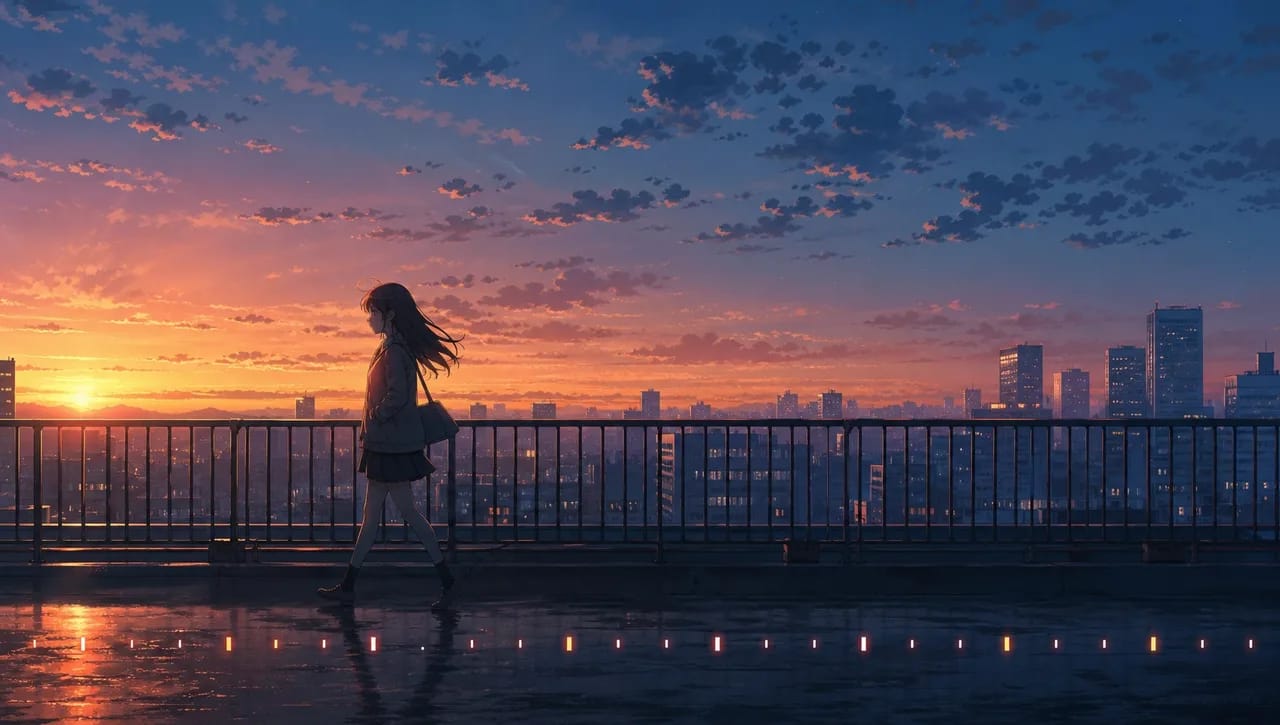
Camera: handheld feel, chest height, medium shot, slow drift forward through the whole take, no cuts. Set: @Rooftop Garden at dusk, warm rim light from the west, city haze behind. 0–8s: @Mira walks along the railing, one hand trailing the rail, looking at the city, not at camera. 8–20s: she stops at the corner, takes the letter from her jacket, reads without opening it fully. 20–30s: she folds it, looks up, and for the first time turns toward camera; the drift stops as she does. End on her held gaze.
Example 2: An ensemble scene, three characters
Camera: static two-shot at eye level, slightly wide, the doorway on frame right. Set: @Sorting Room before sunrise, cool overhead work lights. @Nell at the sorting table, center, stacking parcels, does not look up for the first ten seconds. @Bram enters through the doorway at 4s, stops, waits. @Ines at the far left desk, watching both. 10–20s: Nell finally looks at Bram; Ines looks down. 20–28s: Bram takes one step in and puts the envelope on the table; nobody speaks. End on Nell's hand not reaching for it.
Example 3: A 4K delivery shot with a camera move
Camera: crane, starts low behind @Kaito at the shrine steps, rises and pulls back over 25 seconds to a high wide of the whole @Mountain Shrine in dawn mist. One continuous move, no pan. 0–10s: Kaito climbs the last steps into frame, camera at his back. 10–20s: camera rises past his shoulder; the shrine gate and the valley open below. 20–25s: wide, Kaito small at the gate, mist moving. Light: single dawn source from frame left, constant. End on the wide, hold.
The most common ways Seedance 2.5 prompts break
- One dense paragraph. No beats, so the model paces it. Split into timed beats.
- Camera restated per beat. Three camera sentences, three camera ideas. One line at the top.
- Faces described in text. The words fight the references and the character drifts. Delete the description, keep the
@. - Fifty references. Confusion, not control. Ten to twenty.
- Light changes mid-take. Reads as a cut. Name it once.
- No exit written. The take trails off. Write where it ends.
FAQ
Should I always use the full 30 seconds? No. Use the duration the beat needs. A 12-second take with three beats is better than a 30-second take with a 15-second idle.
Does Seedance 2.5 need the prompt in English? It handles English cinematic vocabulary best. Write the camera and beats in English; the character's dialogue can be in the story's language.
Can I mix Seedance 2.5 and MiniMax H3 in one episode? Yes; each shot card picks its model and both land on the same Edit timeline. Use Seedance for the long takes and ensembles, H3 for short reference-exact shots.
What ratio for a short drama? 9:16, set in Story Settings. Do not write the ratio into the prompt; the setting controls it.
Next step
Take the scene you have been cutting into six shots and write it as one Seedance 2.5 take: camera line, three timed beats, @ references, an explicit end. Pick Seedance 2.5 in Story Settings in ArcLoop, generate the opening still, then the take, and check each beat lands where you wrote it.